An HTML nested collapsible is a <details> element placed inside another <details> element. It needs no script, no library and no class names.
The browser tracks each open state on its own, handles the keyboard, and announces the sections correctly. What the browser cannot do is stop you from burying the content so deep that nobody finds it.
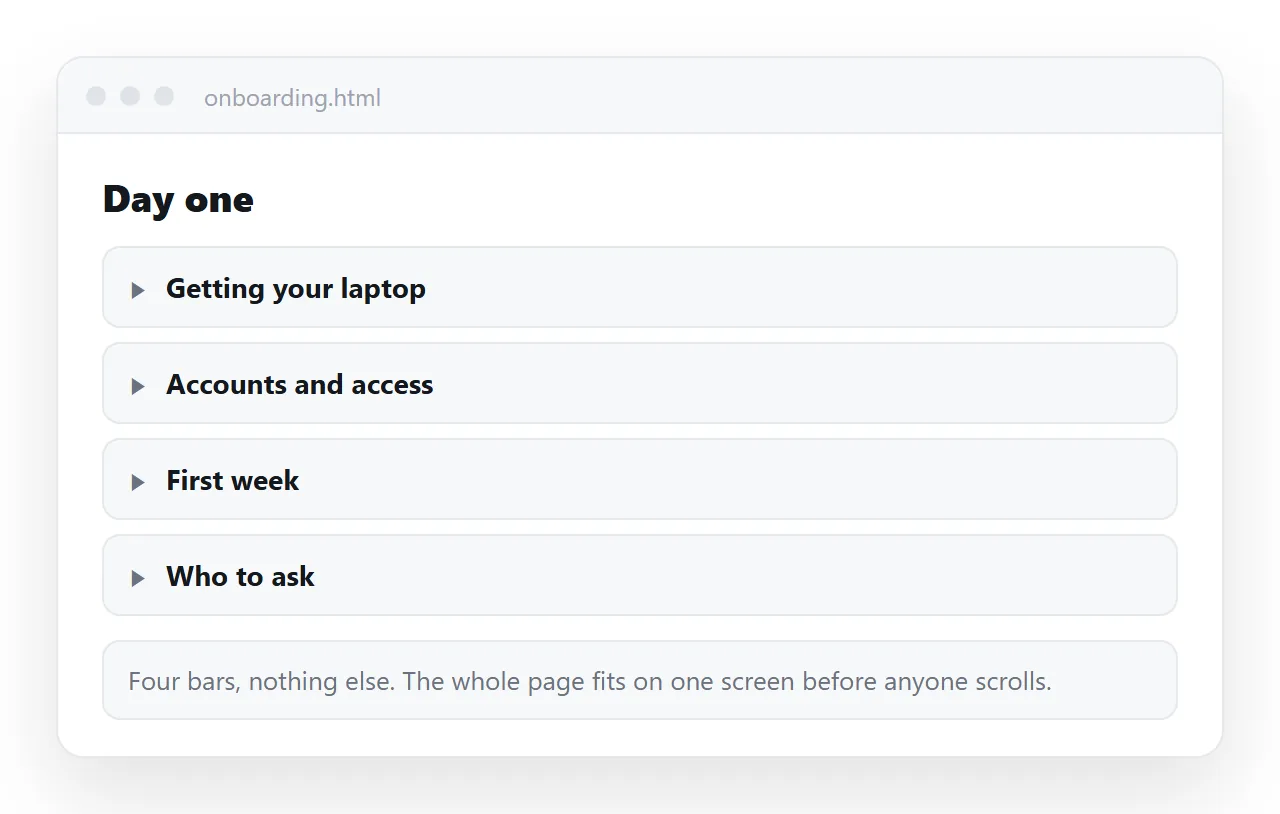
HTML nested collapsible markup
<details open>
  <summary>Onboarding</summary>

  <details>
    <summary>Week one</summary>
    <p>Accounts, access requests, the security briefing.</p>
  </details>

  <details>
    <summary>Week two</summary>
    <p>Shadowing, first ticket, the review call.</p>
  </details>
</details>
The open attribute on the outer element is doing real work. Without it the reader sees one closed bar and has to guess that anything is inside it.
How deep to nest
| Levels | What the reader sees | Use for |
|---|---|---|
| One | A list of sections, any of which opens | FAQ, appendices, terms |
| Two | Sections with sub-sections | Handbooks, policy documents |
| Three | A tree | Reference tables, API style listings |
| Four or more | A puzzle | Nothing |
Two levels covers almost every document. Past three the reader cannot hold the structure in their head, and the page stops being scannable because almost none of it is on screen.
There is a second cost people underrate. Collapsed content is invisible to a reader skimming for a word, and in-page search is the main way anyone navigates a long reference document.
So every level of nesting trades away a little findability for a little tidiness. That trade is worth making once, sometimes twice, and rarely three times.
If you need four levels, the real answer is usually that the page should be several pages.
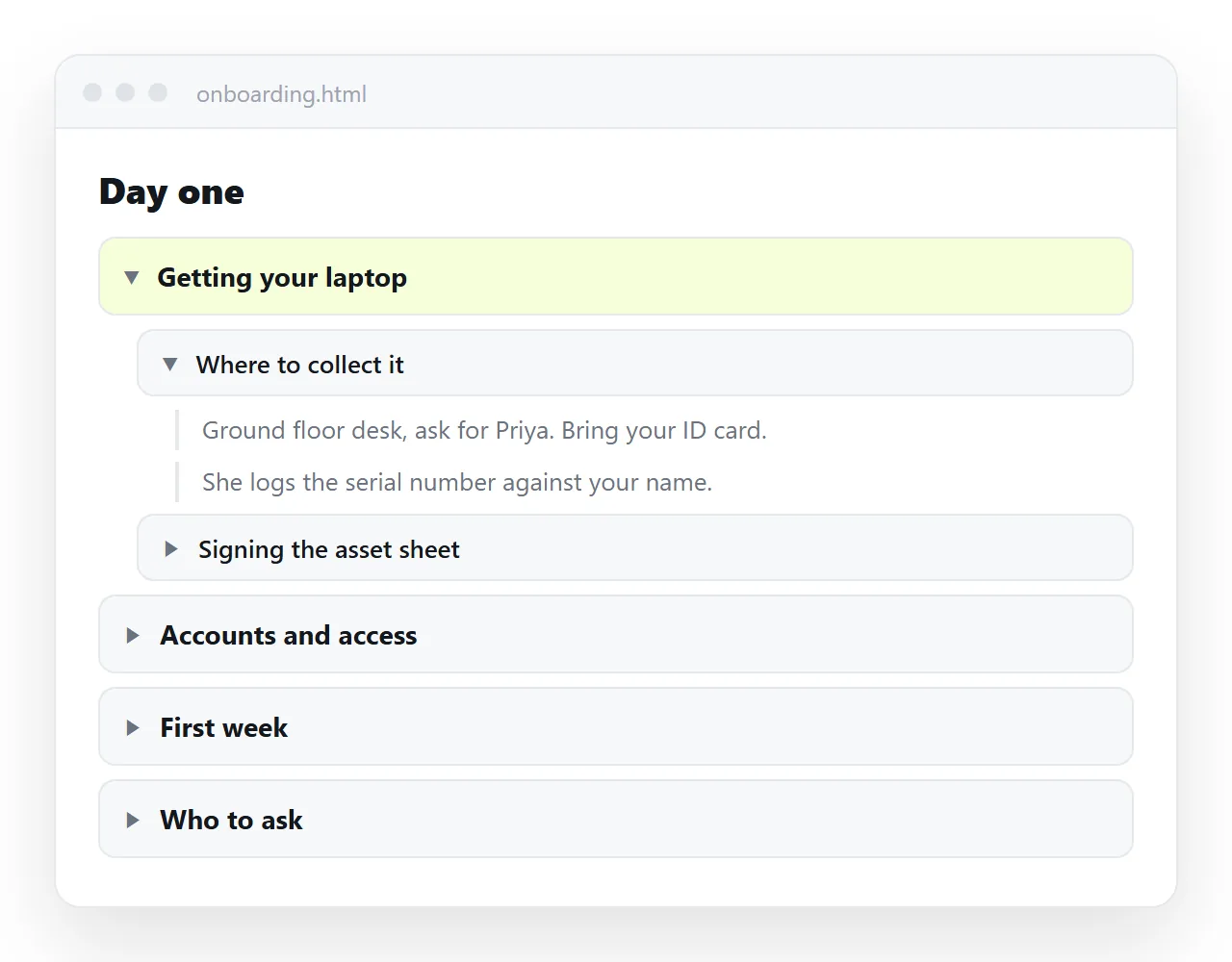
Only one open at a time
The name attribute groups details elements into an exclusive accordion. Siblings that share a name close each other.
<details name="chapter"><summary>Scope</summary>...</details>
<details name="chapter"><summary>Pricing</summary>...</details>
<details name="chapter"><summary>Support</summary>...</details>
Support for this is recent. Where it is not implemented the sections behave as ordinary independent toggles, which is a reasonable outcome rather than a broken one.
Be careful about using it at more than one level. An exclusive outer group plus exclusive inner groups means opening anything closes something else, and the page feels like it is fighting the reader.
Styling the summary line
The default triangle marker is inconsistent across browsers. Replace it rather than fighting it.
summary { cursor: pointer; list-style: none; font-weight: 600; }
summary::-webkit-details-marker { display: none; }
summary::before { content: "+"; display: inline-block; width: 1.2em; }
details[open] > summary::before { content: "-"; }
details details { margin-left: 1.25rem; border-left: 1px solid #333; padding-left: .75rem; }
That last rule is the one that makes nesting readable. A left border at each level gives the reader a visual thread back to the parent, which indentation alone does not.
The four things that go wrong
Everything closed on arrival. A page of closed bars tells the reader nothing about what is in it. Open the first level, or at minimum the first section.
Printing loses the content. A collapsed section prints collapsed. Force it open:
@media print { details { display: block; } details > *:not(summary) { display: block !important; } }
More cases in print stylesheets.
Anchor links land on a closed section. If someone links to #pricing and that heading is inside a collapsed parent, the browser may scroll to nothing. Open ancestors on load:
if (location.hash) {
  var t = document.querySelector(location.hash);
  while (t) { if (t.tagName === 'DETAILS') t.open = true; t = t.parentElement; }
}
The summary contains a link. A link inside a summary is both a toggle and a link, and the reader cannot tell which they are about to get. Keep summaries as plain text.
Expand all and collapse all
Once there are more than a handful of sections, readers want a way out of clicking.
<button type="button" id="all">Expand all</button>
var b = document.getElementById('all');
b.addEventListener('click', function () {
  var open = b.textContent === 'Expand all';
  document.querySelectorAll('details').forEach(function (d) { d.open = open; });
  b.textContent = open ? 'Collapse all' : 'Expand all';
});
Note that this touches every details on the page, including nested ones, which is usually what the reader wants.
If the sections are grouped with the exclusive name attribute, expand all cannot work, because the browser closes the siblings as fast as you open them. Pick one behaviour or the other.
Counting what is inside
A closed section gives no hint of its size. Putting the count in the summary costs nothing and saves clicks.
<summary>Open tickets <span class="count">12</span></summary>
For long reference documents, this is the difference between a reader opening three sections and opening all of them looking for the big one.
Headings inside summaries
Put the heading inside the summary, not around the details.
<details>
  <summary><h3>Refund policy</h3></summary>
  ...
</details>
That keeps the document outline intact so a screen reader's heading list still shows the structure, even while the sections are closed. Semantic HTML covers why that list matters.
Keep summary text short. It is the only thing visible when the section is closed, so it has to say what is inside without the reader opening it.
Checking it before you send it
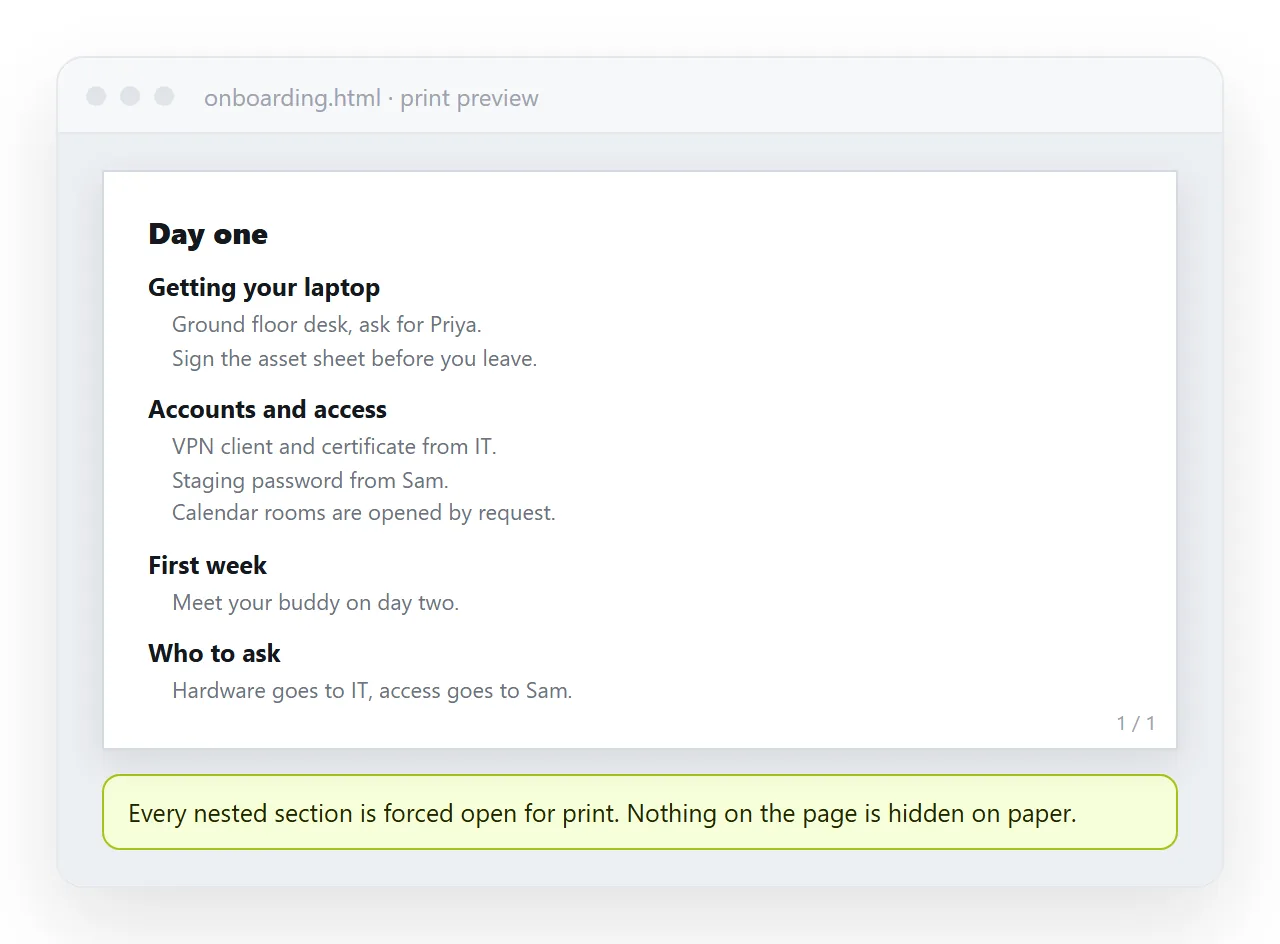
Run four checks. Tab through the page using only the keyboard and confirm every summary receives focus. Use find in page for a word that only exists inside a closed section. Open the print preview. Then reload with a hash in the address.
Open the file in the HTML file opener for all four, because that window has never seen your project folder and will fail the same way a reader's browser would.
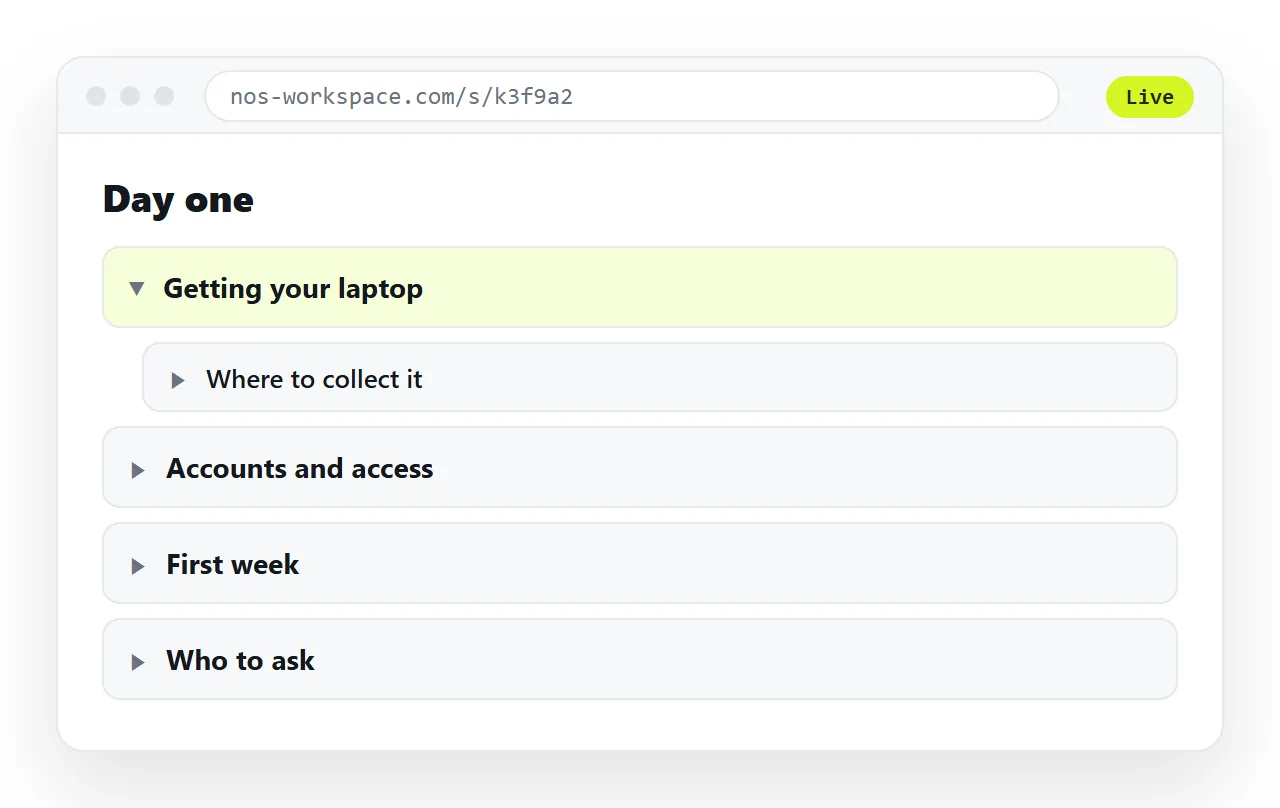
Once it behaves, paste the HTML into a NOS document. The nesting renders as written, the text inside stays clickable for corrections, and the document has its own address so you send a link rather than a file.
That matters most for the documents that tend to use nesting: handbooks, policies and onboarding documents are read repeatedly by people who were sent the link months ago. Editing the page does not move the address, so the old link is still the current version.