An ebook link is a book delivered as an address rather than a file, so the reader opens it in one tap and starts reading in the browser they already have.
The format choice, the download, and the app are three steps between your book and the person who wanted it.
This guide covers what the file delivery costs you, keeping chapters navigable, offering formats for people who want them, and why corrections matter more than they sound.
What each step costs
Every stage of file delivery loses some of the people who asked for the book.
| Step | What can go wrong |
|---|---|
| Choosing a format | The reader does not know which one they need |
| Downloading | Goes to a folder they will not find on a phone |
| Opening | No reader app installed |
| Transferring to a device | Email to yourself, cables, or giving up |
| Later | Cannot remember where the file went |
None of these is hard. All of them are friction, and friction applied to something free is fatal.
A link skips all five. The reader taps and is in chapter one.
Chapters need addresses
A book on one page is a scroll bar. Readers stop and come back, and they need to land where they were.
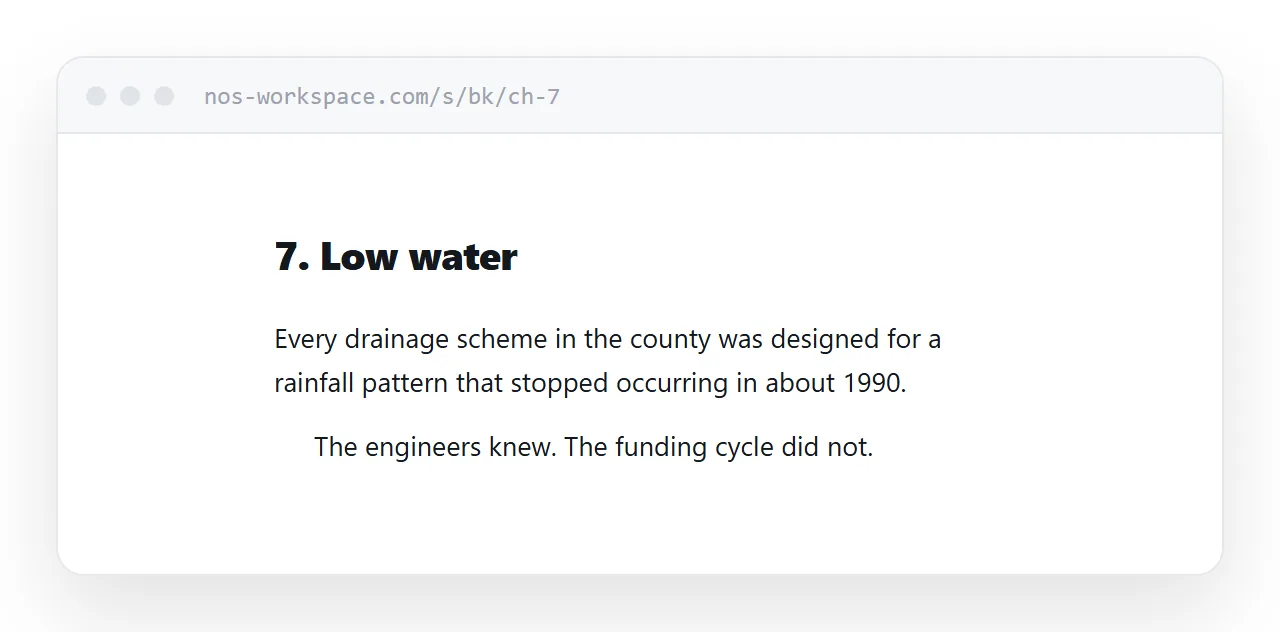
One page per chapter, a contents page, and next and previous links at the foot of each chapter. That is the whole navigation model and it is what an e-reader gives you.
<nav class="chapter-nav">
<a href="/book/ch-6" rel="prev">← 6. The crossing</a>
<a href="/book/contents">Contents</a>
<a href="/book/ch-8" rel="next">8. Low water →</a>
</nav>
Put that navigation at the foot, not the head. At the head it competes with the text; at the foot it appears exactly when the reader needs it.
The contents page pattern is in an HTML table of contents.
Keep the files available
Offering the link does not mean withholding the formats.
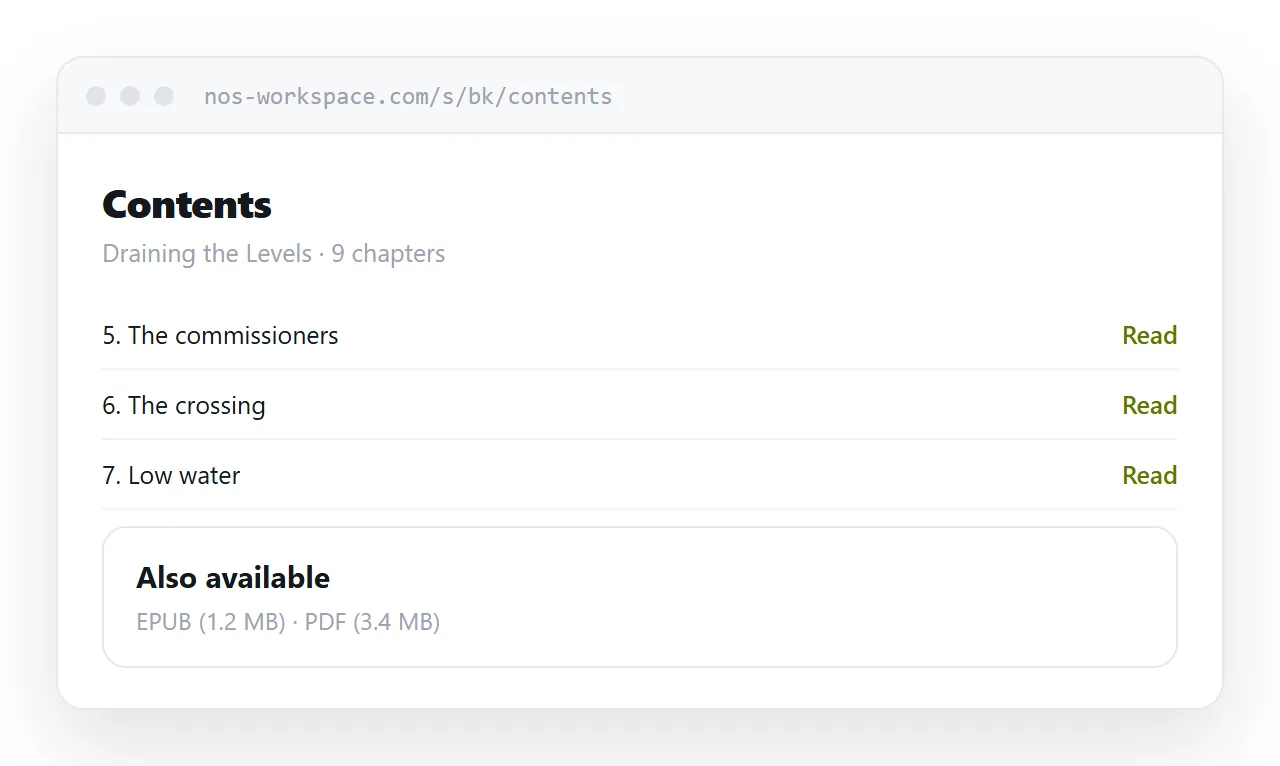
Readers with a dedicated e-reader want EPUB and know what to do with it. Readers who want the book offline need a file. Put both on the contents page as plain downloads.
What changes is the default. The link is what you send; the file is what someone chooses if they want it. Previously the file was the only route, and the reader had to want it before they had read a word.
Set it for hours
A book is read in long sessions, so the typography has to be comfortable rather than merely acceptable.
.chapter {
  max-width: 33rem;
  margin: 0 auto;
  padding: 0 1.3rem 3rem;
  font-size: 1.1rem;
  line-height: 1.8;
}
.chapter p { margin: 0; text-indent: 1.4em; }
.chapter p:first-of-type { text-indent: 0; }
Let the reader's own settings work. Do not disable zoom, do not fix the font size in pixels so it cannot scale, and do not fight the phone's reader mode. People who read a lot have their preferences set already.
Dark mode is worth supporting for the same reason. Guidance in dark mode CSS.
Corrections reach everybody
A typo in a distributed EPUB is permanent in every copy already downloaded. Fixing it means publishing a new version and hoping readers update, which they mostly do not.
A page is fixed once. Every reader from that moment on, including someone who has been reading for a week, gets the corrected text.
That extends past typos. A factual correction in a non-fiction book, an updated appendix, a broken link in the references: all of those become maintenance rather than a new edition.
If a change is substantial, note it on the contents page with a date. Readers who care about editions will want to know.
What a link cannot do
Be honest about the limits.
It needs a connection unless you go to some trouble, which is why the EPUB download stays. It offers no way to stop redistribution, so it does not suit work where controlled entitlement matters. And it does not put your book in a store where people browse, which for many authors is the actual distribution problem.
For a lead magnet, a self-published title sold direct, or a book given to a mailing list, none of those limits bite.
Put it at an address
Write the chapters as pages, add a contents page with the files offered alongside, and create a share link.
The reader taps once and starts reading, which is the only outcome that matters.