An HTML table zebra stripe is one selector: tint every second row with tbody tr:nth-child(even) and leave the rest alone.
tbody tr:nth-child(even) {
  background: rgba(0, 0, 0, 0.03);
}
That is the whole effect. The reason it is worth a page is that the default values people reach for are too dark, break in dark mode, and collide with sticky columns.
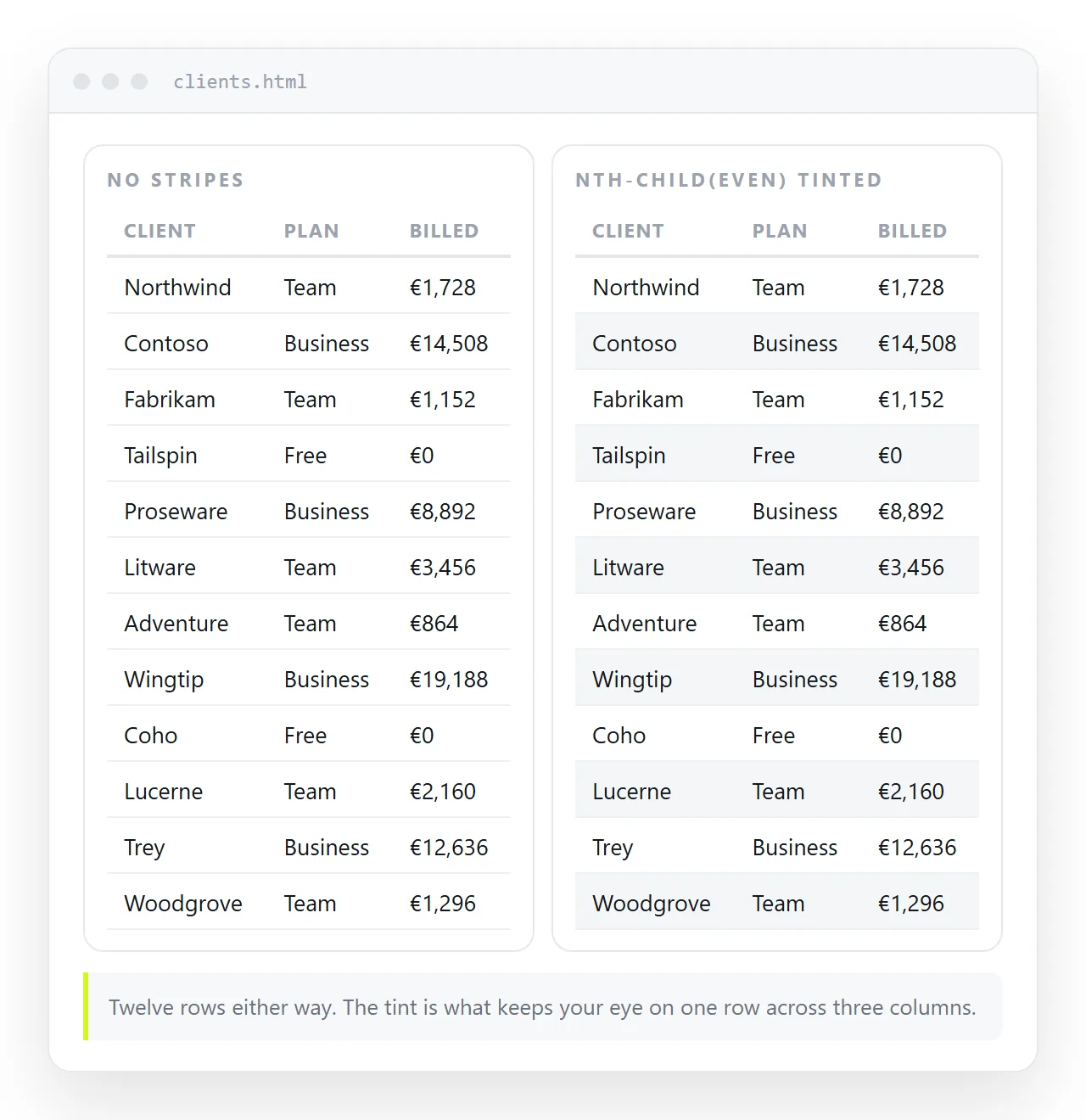
What striping is actually for
A wide table asks the eye to travel a long way from the row label to the value. Somewhere in that journey the eye drops a line, and you read the wrong number.
An alternating tint gives each row a boundary that needs no borders. It is a reading aid, not decoration, which is why faint works better than strong.
If your table is four columns wide and eight rows deep, striping adds nothing. Save it for tables where the trip across is long.
Odd or even, and why it matters
nth-child(odd) tints the first body row, so the table starts with a band of colour directly under the header. The header then has to work harder to look like a header.
nth-child(even) leaves the first row matching the page, and the table reads as text with a rhythm rather than a coloured block. That is the default worth keeping.
Scope the rule to tbody. Without it, a <thead> row counts in the sequence and the parity flips.
How faint is faint enough
| Tint | Against white | Reads as |
|---|---|---|
rgba(0,0,0,0.02) |
Near invisible | Works on large screens, lost on dim laptop panels |
rgba(0,0,0,0.03) |
Just perceptible | The usual right answer |
rgba(0,0,0,0.05) |
Clearly visible | Fine for dense financial tables |
#f2f2f2 or darker |
A grey band | Competes with the text, dates it |
Using rgba rather than a fixed grey matters. A translucent black tints whatever is behind it, so the same rule survives a change of page background and keeps working in a dark theme.
Dark mode
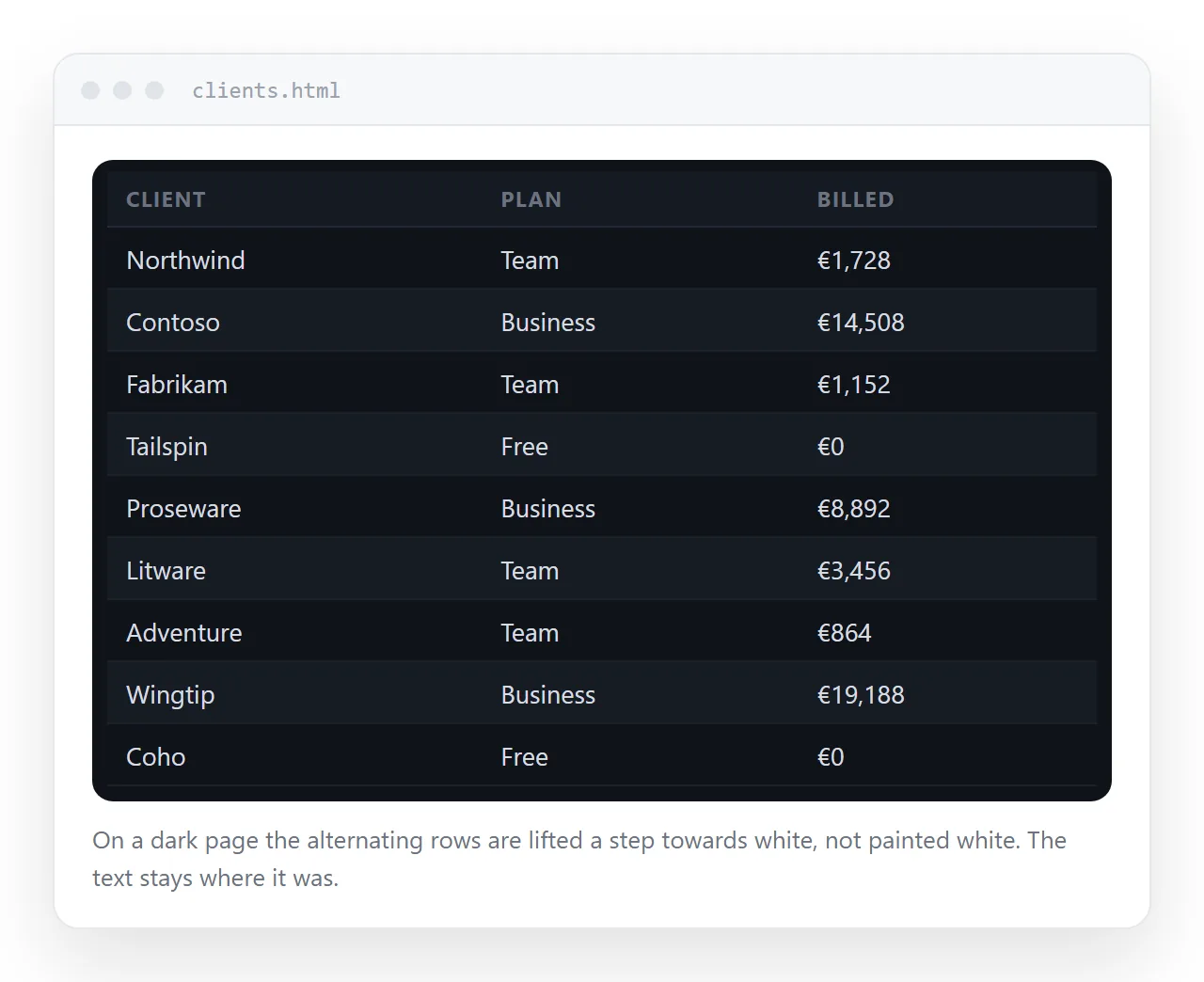
A hard-coded #f9f9f9 on a dark page produces a white stripe across black text. Two ways out.
The translucent route works with no extra code, because rgba(0,0,0,0.03) on a dark background is a slightly darker dark.
The explicit route gives you more control:
@media (prefers-color-scheme: dark) {
  tbody tr:nth-child(even) { background: rgba(255, 255, 255, 0.04); }
}
White at low alpha lifts the row rather than sinking it, which reads better on very dark backgrounds. Dark mode CSS covers the wider pattern.
Striping plus hover
A hover tint on top of a stripe needs to be distinguishable from the stripe itself, or the pointer appears to do nothing on plain rows.
tbody tr:hover { background: rgba(0, 90, 200, 0.06); }
A tinted hue rather than more grey solves it. The hover colour then reads as a different thing, not as a slightly wrong stripe. Skip hover entirely on a table that will be read on a phone, where there is no pointer.
Where striping collides with other table CSS
Three interactions to know about.
- Sticky columns. A pinned cell needs an opaque background, and a flat one wipes the stripe. Set the pinned background inside the same parity rule. See sticky first column.
- Borders. Stripes and full horizontal rules do the same job twice. If you stripe, drop the row borders and keep only a rule under the header. Border collapse covers the mechanics.
- Printing. Browsers drop background colours in print by default, so stripes vanish on paper. Add
-webkit-print-color-adjust: exact;if they matter, or rely on borders for the printed version. Print stylesheets go through it.
Grouped striping for tables with repeated keys
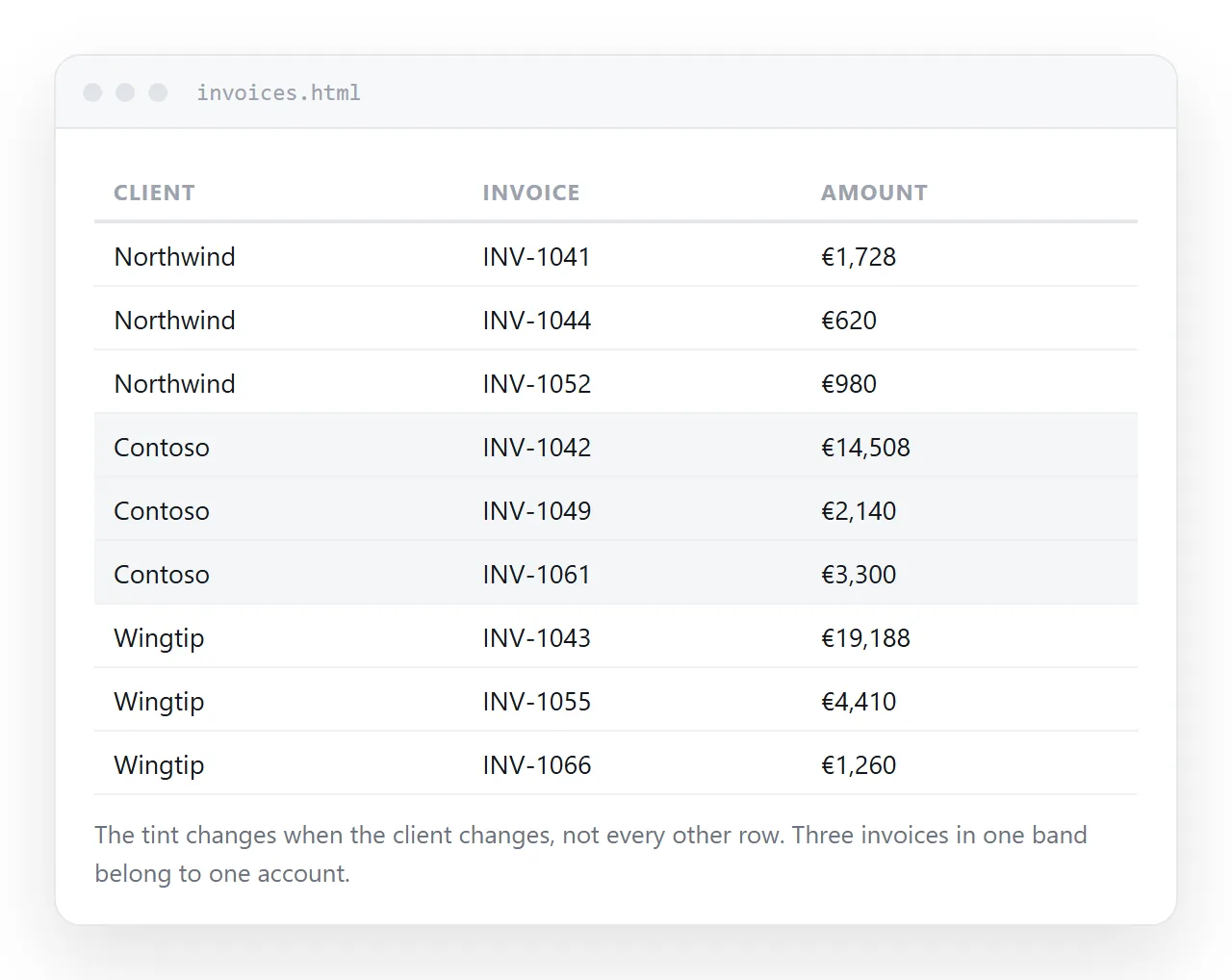
Some tables have several rows per subject: three invoices for one client, four months for one region. Alternating every row then cuts across the groups and works against the reader.
The fix is to stripe the group rather than the row. Put a class on the first row of each group in the markup and alternate that class as you generate the table.
tbody tr.group-b { background: rgba(0, 0, 0, 0.03); }
The tint then marks a subject instead of a line, which is what the reader is tracking. Keep a rule above each group as well if the groups are more than four rows deep.
Column striping for very wide tables
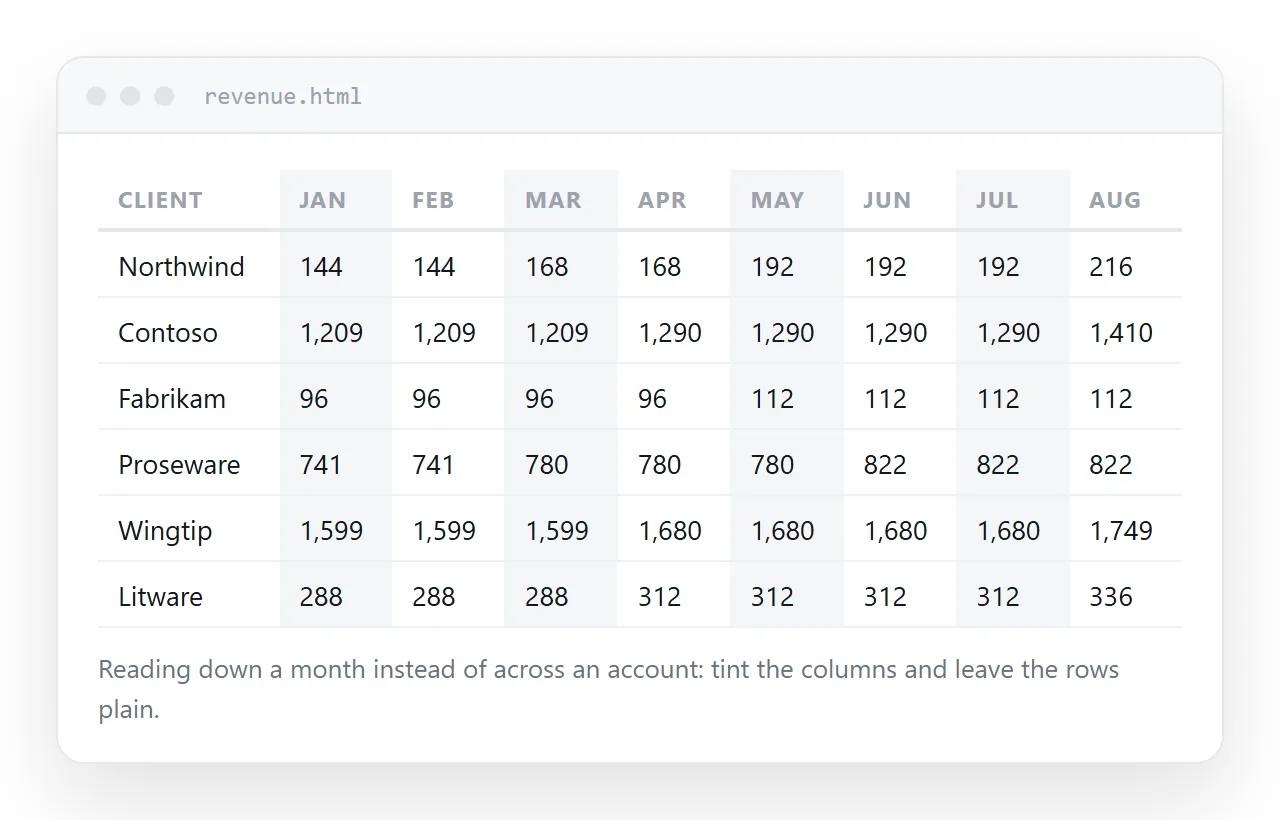
Sometimes the harder job is tracking a column downwards, not a row across. The same selector works on cells.
tbody td:nth-child(even) { background: rgba(0, 0, 0, 0.02); }
Do not use both at once. Row and column tints multiply at the intersections and produce a chequerboard that is worse than either alone.
Checking it, and getting it to a reader
Stripes are the first thing to disappear when the table is copied into another page, because the receiving CSS may already set a row background.
Open the file on its own before you decide it works. The HTML file opener renders it with nothing inherited from your project.
To hand the table to someone, paste the HTML into a NOS document. It renders as written, striping and dark theme included, at an address of its own. Share, then Share link, then Create link produces a link that opens in one click.
Values can be corrected later by clicking the text in the document. The address stays the same, so the link you sent still points at the current table.
If you want to type into the cells directly, the editable HTML table tool does that without touching the markup.