A favicon in HTML is the icon a browser shows next to the page title: in the tab, in bookmarks, in history, and on a phone's home screen when the page is saved there.
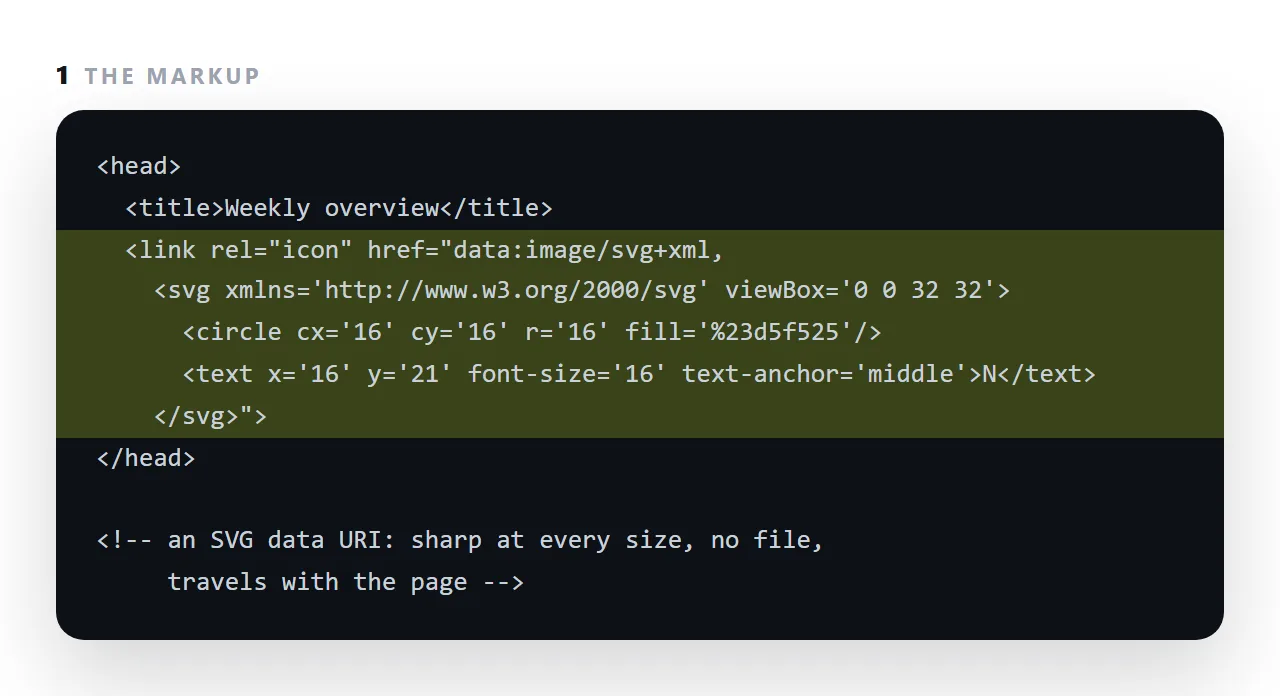
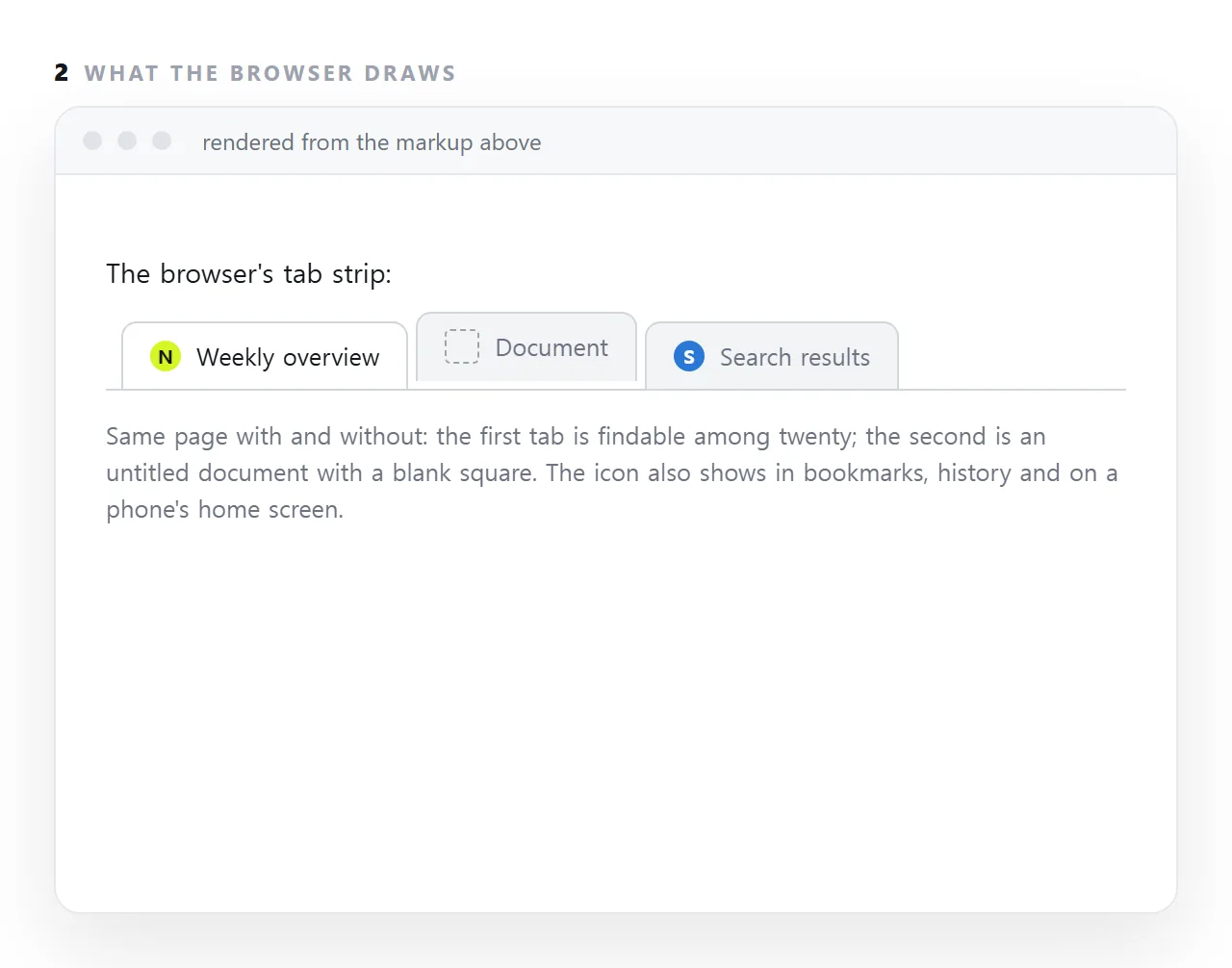
A page without one is a blank square in a row of twenty tabs, and it is the first visible sign that a page was never finished.
The minimum is one <link rel="icon"> in the head; the modern way to do it with no separate file is an SVG data URI, which is sharp at every size and travels with the page.
This guide covers the minimum, the two tags that cover everything, and a favicon that follows dark mode.
<link rel="icon" href="/icon.svg" type="image/svg+xml">
<link rel="apple-touch-icon" href="/icon-180.png">
Two lines. That is the whole modern requirement.
Why those two favicon tags
The SVG scales to any size the browser asks for and can adapt to dark mode. One file for every context.
The 180px PNG covers devices that do not accept SVG icons, notably when a page is saved to a phone home screen.
Older guidance lists eight or ten sizes. That was for browsers that are no longer in use, and maintaining ten files of the same mark is work with no return.
A favicon that follows dark mode
<svg xmlns="http://www.w3.org/2000/svg" viewBox="0 0 32 32">
  <style>
    .mark { fill: #202600 }
    @media (prefers-color-scheme: dark) { .mark { fill: #d5f525 } }
  </style>
  <rect width="32" height="32" rx="7" fill="#d5f525"/>
  <path class="mark" d="M13 9 L7 16 L13 23"/>
</svg>
A media query inside the SVG file. The icon then works against both a light and a dark tab bar — something a PNG cannot do, and a genuine reason to prefer SVG.
Embedding it in a single-file page
<link rel="icon" href="data:image/svg+xml,%3Csvg xmlns='http://www.w3.org/2000/svg' viewBox='0 0 32 32'%3E%3Crect width='32' height='32' rx='7' fill='%23d5f525'/%3E%3C/svg%3E">
URL-encoded rather than base64, because SVG is text and encoding it as base64 adds a third to its size for no reason. Note %23 for the # in a colour — unescaped, it terminates the URI and the icon silently disappears. See data URIs.
For a self-contained page this is the only way to have an icon without shipping a separate file.
The caching problem
Favicons are cached more aggressively than almost anything else, sometimes surviving a hard reload. When you replace one and the old one persists:
<link rel="icon" href="/icon.svg?v=2" type="image/svg+xml">
A version query forces a refetch. See cache busting.
The automatic root request
Browsers request /favicon.ico from the site root whether or not you reference it. If nothing is there you get a 404 in your logs on most page loads — harmless, and noisy enough that it is worth putting a small .ico there just to silence it.
Designing one that works at 16px
The icon will usually be drawn at about 16 pixels. That is a severe constraint and most logos do not survive it.
| Works at 16px | Does not |
|---|---|
| One letter or one simple mark | Wordmarks |
| Two colours with strong contrast | Gradients |
| Thick strokes | Fine detail or thin lines |
| A filled background shape | Transparent with light strokes |
That last row is the one people get wrong. A pale mark on a transparent background disappears against a light tab bar. Fill the whole square with a colour and cut the mark out of it, and the icon is visible on any background.
Related but different
A favicon is the tab icon. The image that appears when the link is shared in a chat app is a separate thing — see Open Graph tags. They are often confused, and the sharing image matters more for whether anybody clicks.
Three favicon mistakes that cost the most
Relying on favicon.ico in the root. Browsers do look there by default, but a single page sent as a file, or a page at an address that is not a site root, has no root to look in. The link tag in the head is the one that travels.
A detailed logo. At 16 pixels, a wordmark is a smudge. Use one letter or one shape in one colour, and check it at tab size.
Forgetting the page title. The icon sits beside the title; a page called "Document" with a good icon is still a page nobody can find in twenty tabs.
The home-screen case
When a page is saved to a phone's home screen, the phone wants a larger icon, 180 pixels, in a <link rel="apple-touch-icon">, and it will otherwise take a screenshot of the page.
For a dashboard or a report that people open every week, the proper icon is what makes the saved page look like an app rather than a bookmark.
Android reads the same tag as a fallback and prefers a web app manifest, which is more than a single page needs.
Giving a page a favicon: 4 steps
- Add one
<link rel="icon">with an SVG data URI. An SVG with aviewBox, escaped for the attribute. Sharp at every size, no file. - Add a PNG fallback if old browsers matter. A 32px PNG at an address, in a second link tag.
- Add an
apple-touch-iconfor phones. A 180px PNG, so the page gets a proper icon when saved to a home screen. - Give the page a title to go with it. The icon and the
<title>are what the reader sees in the tab; a page needs both.