An HTML progress bar is one tag: <progress value="40" max="100"></progress> draws a filled bar with no CSS and no script.
<label for="upload">Upload</label>
<progress id="upload" value="40" max="100">40%</progress>
The text between the tags is the fallback for anything that cannot draw the element. Browsers ignore it, so put the number there rather than leaving it empty.
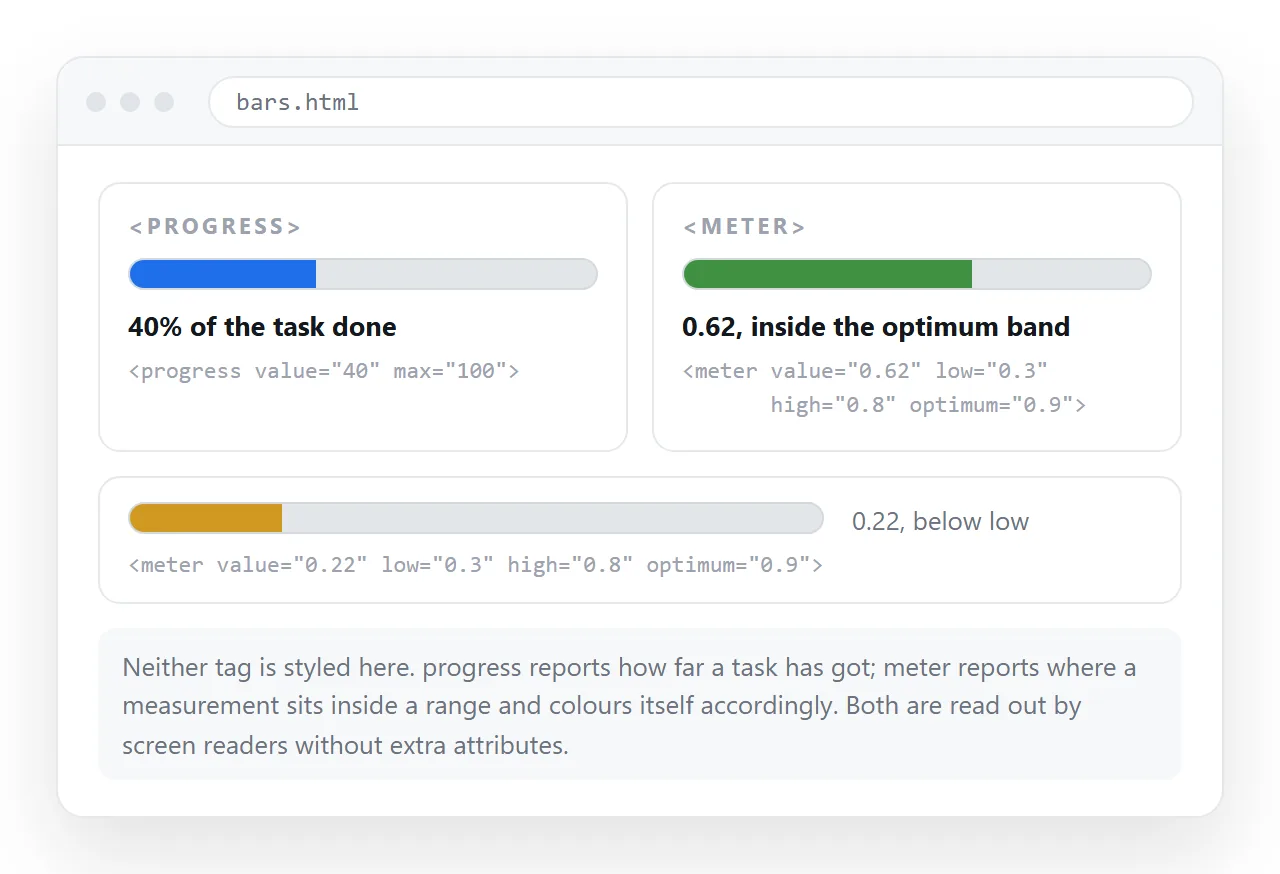
progress or meter
These two get mixed up constantly, and the wrong one reads oddly to anyone using a screen reader.
| Tag | What it means | Typical use |
|---|---|---|
<progress> |
A task is this far toward finished | Upload, import, onboarding steps done |
<meter> |
A measurement sits at this level in a range | Disk used, budget spent, score out of 10 |
| Two divs and a width | Whatever you decide it means | Styled bars in a report or dashboard |
The test is whether the number is expected to reach the end. An upload is going to 100. Disk usage is not going anywhere in particular.
<meter> also takes low, high and optimum, and browsers colour the bar green, amber or red based on where the value falls. That is free conditional formatting, and it is the reason to reach for meter in a status page.
<meter value="0.82" low="0.5" high="0.8" optimum="0.3">82%</meter>
Styling the native element
The native bar is drawn by the browser, which is why a plain background on progress often does nothing useful. You style the track and the fill separately, through vendor pseudo-elements.
<style>
  progress { appearance: none; width: 220px; height: 10px; border: 0; }
  progress::-webkit-progress-bar { background: #e6e8ec; border-radius: 999px; }
  progress::-webkit-progress-value { background: #3b6cf0; border-radius: 999px; }
  progress::-moz-progress-bar { background: #3b6cf0; border-radius: 999px; }
</style>
Three lines of that block are not optional. appearance: none turns off the platform look. The WebKit rules need both the bar and the value. Firefox needs its own rule, and it has no separate track selector, so the track colour goes on progress itself.
The two-div bar, when you want full control
When the bar has to match a design exactly, or carry a label inside it, skip the native element.
<div class="bar" role="progressbar" aria-valuenow="62"
     aria-valuemin="0" aria-valuemax="100" aria-label="Migration">
  <span style="width:62%"></span>
</div>

<style>
  .bar { background:#e6e8ec; border-radius:999px; height:10px; overflow:hidden; }
  .bar > span { display:block; height:100%; background:#3b6cf0; }
</style>
The role and aria-value attributes are what make this equivalent to the native tag rather than a coloured rectangle. Leave them off and a screen reader reads nothing at all.
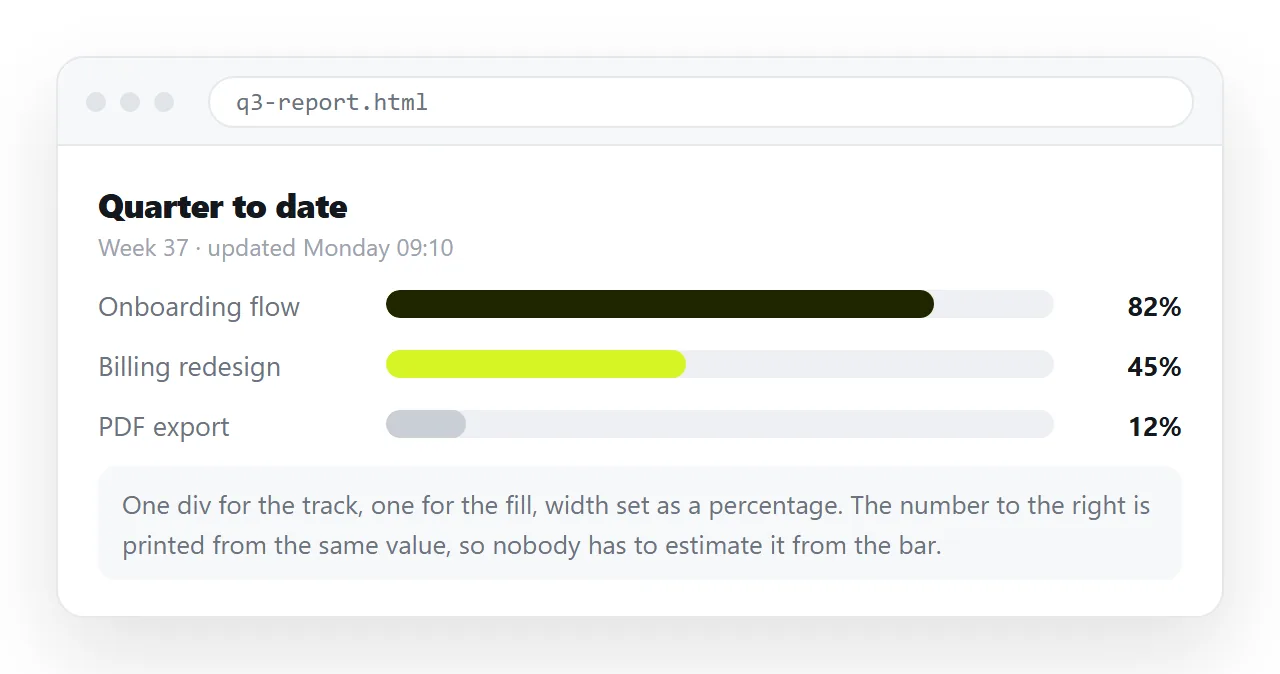
Bars in a report, not in an app
Most progress bars that end up in a shared document are not animating. They are a snapshot: six workstreams, each at some percentage, as of this morning.
For that job the rules are different from a loading spinner:
- Print the number as text next to the bar. A bar alone cannot be read precisely, cannot be copied, and disappears if colours fail.
- Keep the scale identical across rows. Different maximums in the same column make the column meaningless.
- Do not rely on colour alone for good and bad. Add a word, or a threshold marker.
- Say what date the numbers are from. A bar with no timestamp gets quoted a month later.
A table of rows with an inline bar in one cell reads better than a wall of separate widgets, and it stays sortable.
Bar width also deserves a decision rather than a default. A bar 60 pixels wide cannot distinguish 40 percent from 45 percent, so it becomes decoration beside the number.
Give it at least 150 pixels if the reader is meant to compare rows visually. Below that, drop the bar and keep the figure.
Animating a bar that is actually moving
For an upload or an import, the value changes from script. Set the attribute and let CSS handle the movement.
<style>
  .bar > span { transition: width .3s ease; }
</style>
<script>
  document.querySelector('.bar > span').style.width = pct + '%';
</script>
The transition is what stops the bar jumping in visible steps. Keep it short, since a slow transition makes the bar lag behind the real state.
For the native element, set el.value = n and update aria-valuenow alongside it if you are using the div version. The two have to stay in step, otherwise a screen reader reports a number nobody can see.
Sharing the page with the bars intact
A progress bar is a rendered thing. Screenshot it and the numbers stop updating. Export to PDF and the layout usually survives, but the page stops being correctable.
Paste the HTML into a NOS document instead. It renders exactly as written, bars, colours and all, at an address of its own.
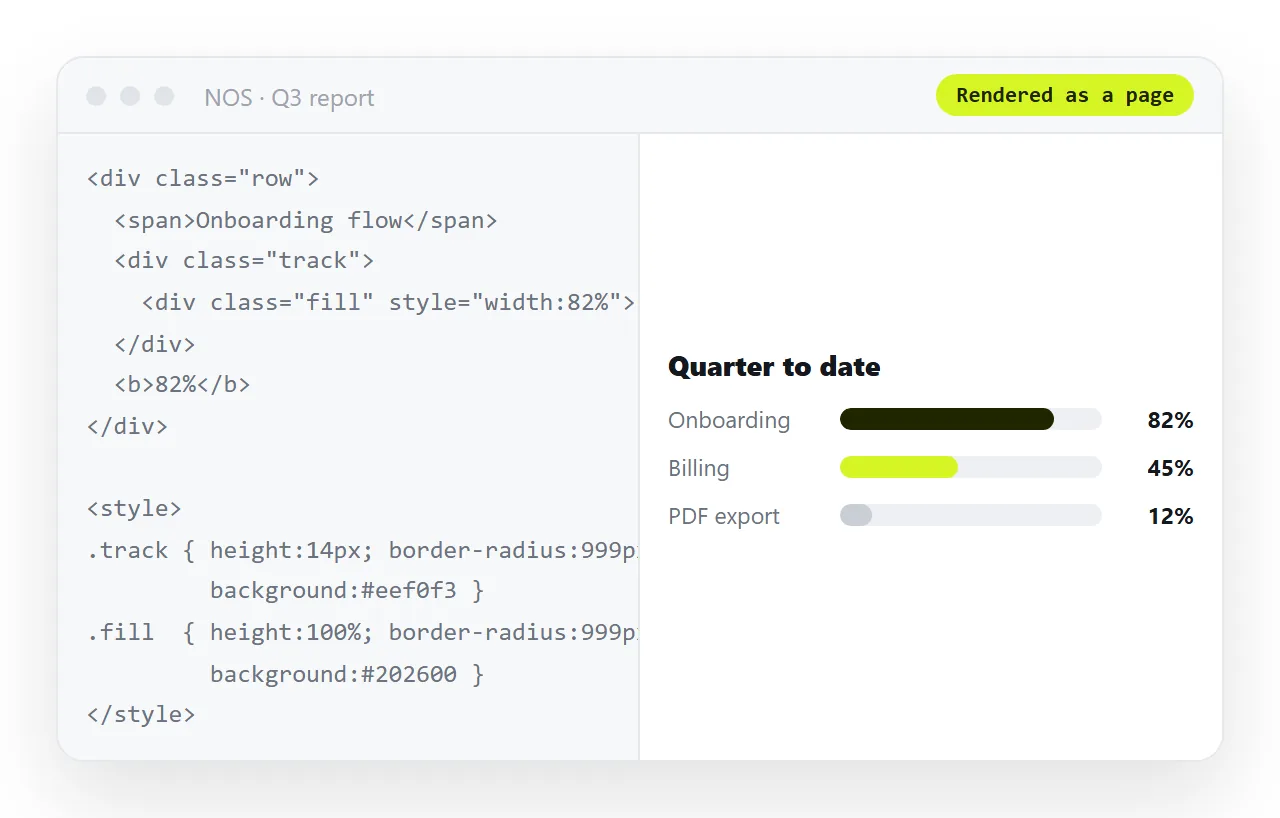
Then Share, Share link, Create link. Next week, when three of the six numbers have moved, you click the text in the document and change them. The link you already sent points at the new figures.
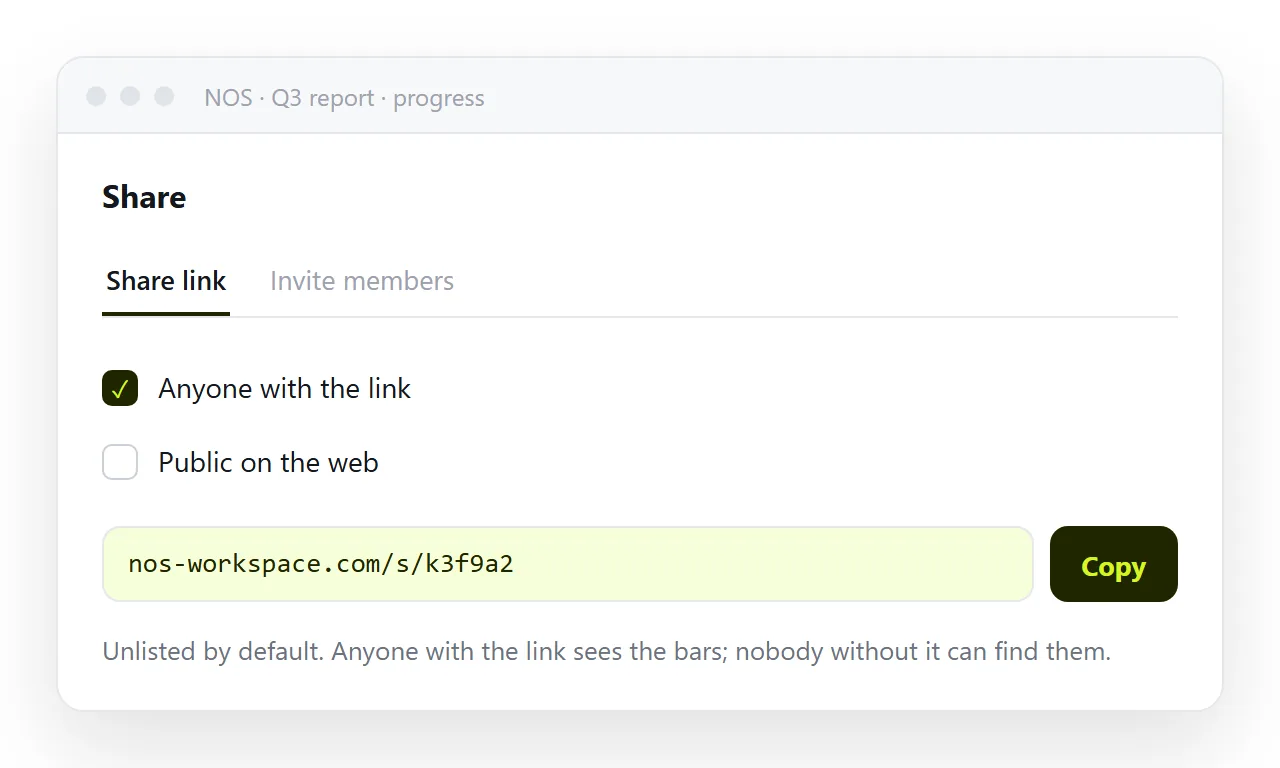
Turning HTML into a link is that step by itself, and putting a dashboard behind a link covers the case where the bars are part of something larger.
Checks before it goes out
- Is the number printed as text, not only drawn as a bar?
- Is
maxset explicitly, since it defaults to 1? - For an indeterminate state, is
valueabsent rather than zero? - Does the bar have a label a screen reader can read?
- Is the CSS inside the file so it travels with the page?
If you are unsure about the last one, open the file in the HTML file opener. A bar that renders as a plain grey line there is reaching for a stylesheet that will not follow it.