An HTML QR code scanner is two parts: a camera stream from getUserMedia and a decoder that reads codes out of the video frames.
Both live in the browser. Nothing is installed and nothing is uploaded, because the decoding happens on the reader's device.
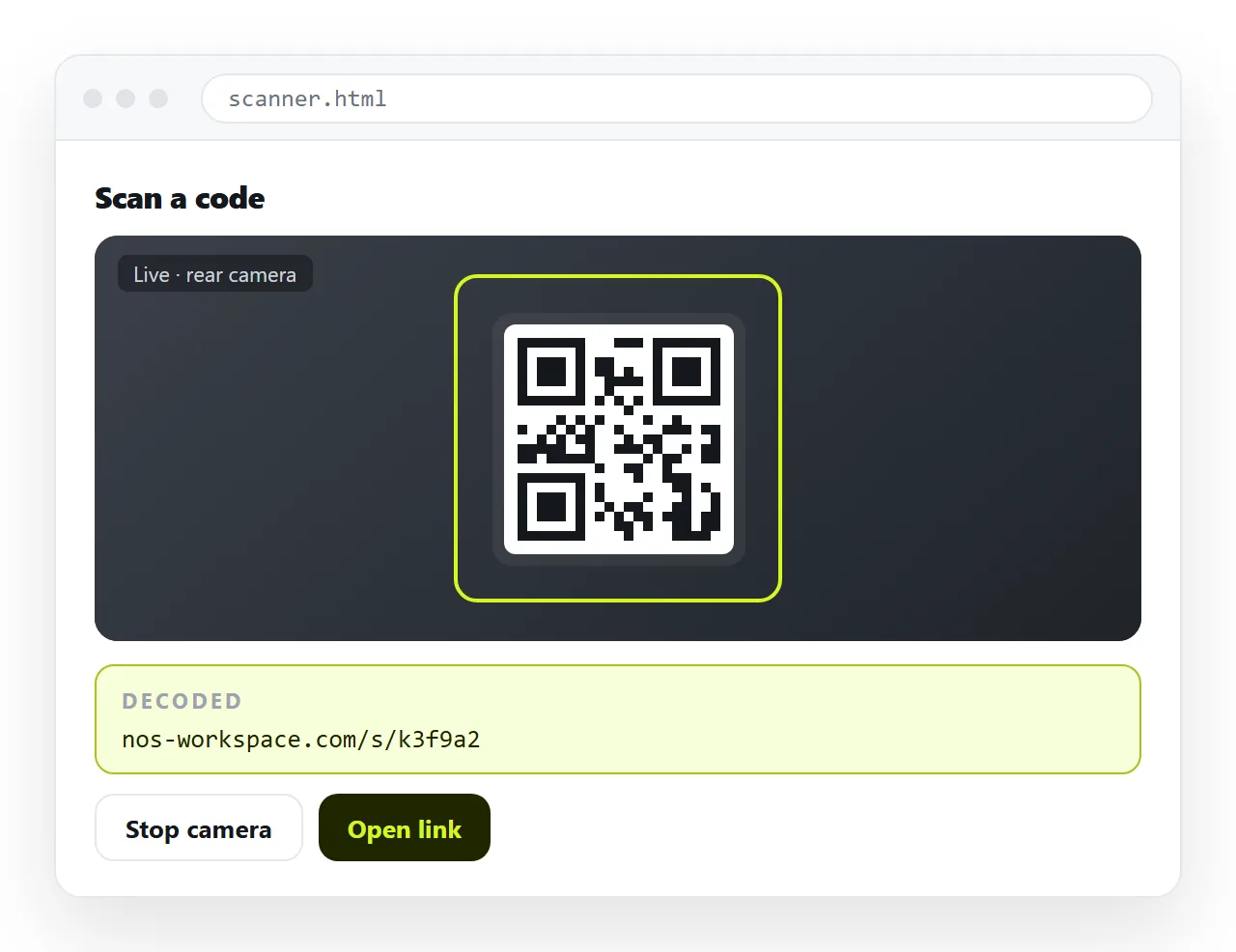
The part that stops most attempts is not the code. It is that the camera refuses to start when the page is opened as a local file.
The camera needs an address
getUserMedia is only available in a secure context: HTTPS, or localhost. A page opened by double-clicking the file is neither.
| How the page is opened | Camera |
|---|---|
https:// address |
Works, after the permission prompt |
http://localhost |
Works |
file:///C:/... |
Refused, usually with no prompt |
Plain http:// on a network address |
Refused in current browsers |
| Inside an iframe | Needs allow="camera" on the frame |
The refusal is silent enough to look like a bug in your own code. Check window.isSecureContext before anything else.
The reasoning is the same as for any other powerful capability. A page that can turn on a camera without the reader being certain where the page came from is a page worth being strict about, and an origin is what certainty means here.
There is one consequence worth planning for early. A scanner cannot be delivered as a file at all.
Handing someone an .html file produces a page that never gets past the permission check, however the code is written. The same applies to opening it on a phone, which is where scanners are actually used.
if (!window.isSecureContext) {
  status.textContent = 'Open this page over https. The camera is blocked otherwise.';
}
The markup. Small. A video element, a canvas used for frame grabs, and somewhere to put the result.
<video id="cam" playsinline muted></video>
<canvas id="frame" hidden></canvas>
<p id="out">Point the camera at a code.</p>
<button id="start">Start camera</button>
playsinline matters on iOS. Without it the video tries to go fullscreen, which takes the page away from the reader.
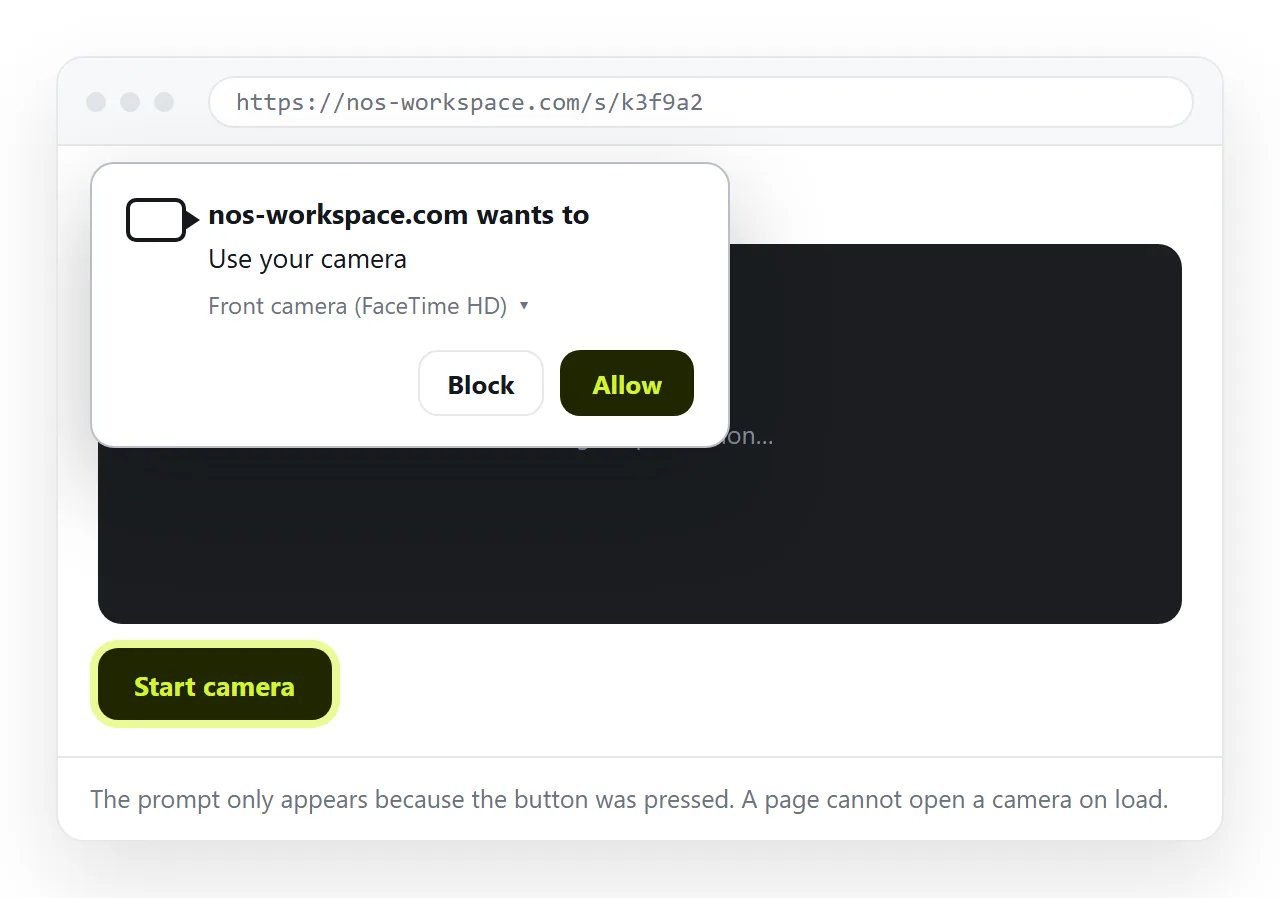
Starting the stream on a button click rather than on load is deliberate. Browsers treat an unprompted camera request poorly, and readers treat it worse.
Starting the stream
const video = document.getElementById('cam');

document.getElementById('start').addEventListener('click', async () => {
  try {
    const stream = await navigator.mediaDevices.getUserMedia({
      video: { facingMode: { ideal: 'environment' } },
      audio: false
    });
    video.srcObject = stream;
    await video.play();
    scan();
  } catch (err) {
    document.getElementById('out').textContent = 'Camera unavailable: ' + err.name;
  }
});
Reporting err.name is worth the line. NotAllowedError means the reader declined, NotFoundError means there is no camera, and NotReadableError usually means another application has it open.
Decoding
Where it is available, the browser decodes for you.
async function scan() {
  if (!('BarcodeDetector' in window)) return scanWithLibrary();
  const detector = new BarcodeDetector({ formats: ['qr_code'] });

  const tick = async () => {
    try {
      const codes = await detector.detect(video);
      if (codes.length) handle(codes[0].rawValue);
    } catch (e) { /* frame not ready */ }
    requestAnimationFrame(tick);
  };
  tick();
}
Where it is not, pull frames onto a canvas and hand the pixel data to a decoding library:
const canvas = document.getElementById('frame');
const ctx = canvas.getContext('2d', { willReadFrequently: true });
canvas.width = video.videoWidth;
canvas.height = video.videoHeight;
ctx.drawImage(video, 0, 0, canvas.width, canvas.height);
const img = ctx.getImageData(0, 0, canvas.width, canvas.height);
// pass img.data, img.width, img.height to the decoder
Feature-detect rather than sniffing the browser name. Support for BarcodeDetector differs by browser and platform and moves between releases.
The no-camera fallback
Not every reader can or will grant camera access. A file input covers them in four lines and costs nothing to include.
<input type="file" accept="image/*" capture="environment" id="pick">
On a phone, capture offers the camera app directly, which sidesteps the permission flow entirely because the reader is choosing the photo themselves. On a laptop it opens the file picker.
Draw the chosen image onto the same canvas and run the same decoder. One decoding path, two ways in.
This fallback is also the practical answer for a code that arrives as a screenshot or inside a PDF, which happens more often than anyone expects with tickets and invoices.
Why an HTML QR code scanner fails to read
When a code is not being read, the cause is almost always physical rather than in the code.
| Symptom | Usual cause |
|---|---|
| Nothing decodes, video is fine | Camera focused past the code, move further away |
| Works on a screen, fails on paper | Glare, or a matte print with weak contrast |
| Works close up only | Low camera resolution, request a higher one |
| Decodes intermittently | Motion blur, hold still or raise the frame rate |
| Never decodes any code | Detector not supported, fallback not wired |
Request a usable resolution rather than accepting the default, and give the reader a visible frame to aim at. Both raise the hit rate more than any change to the decoder.
Things to handle before it is usable
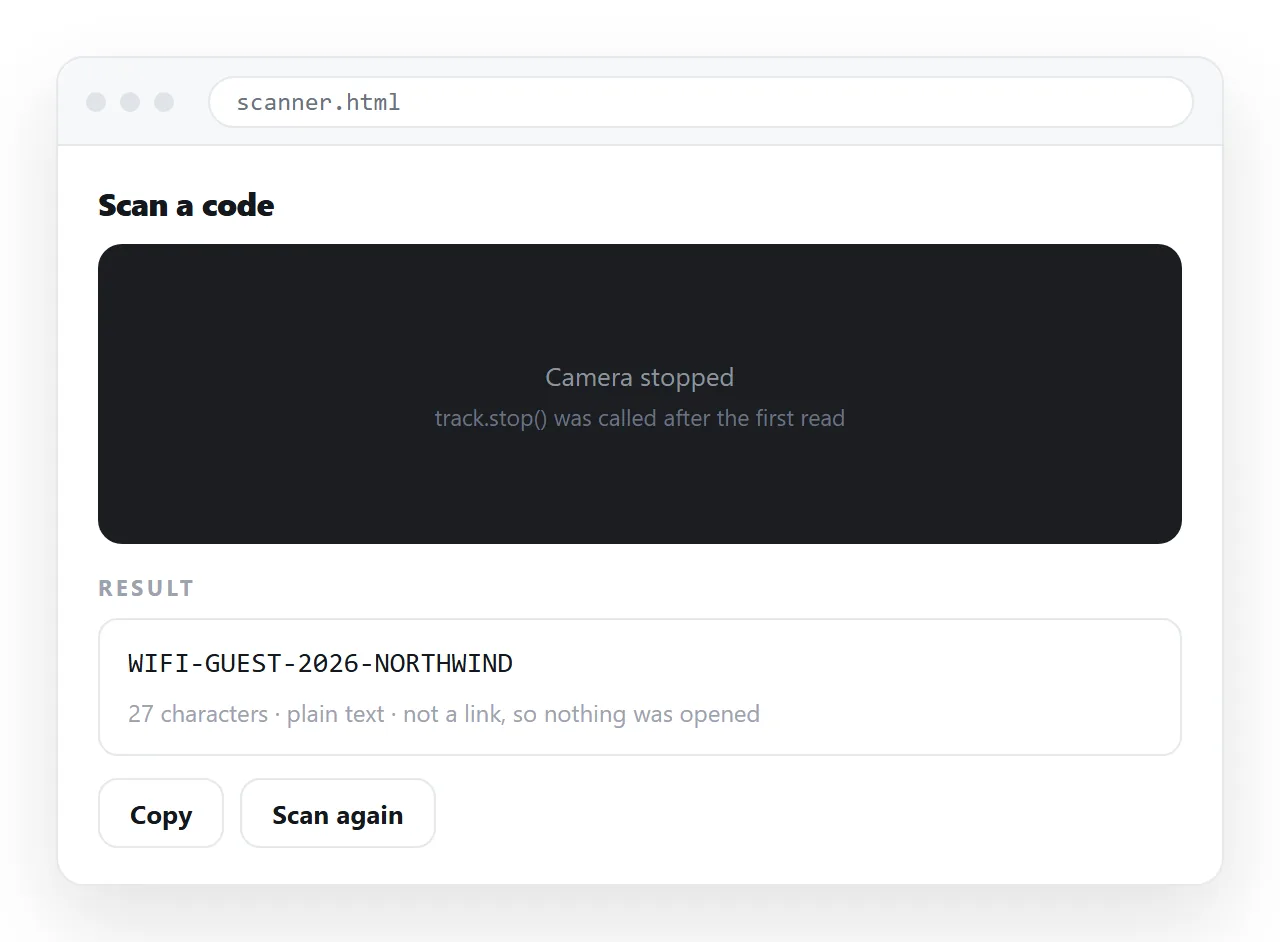
- Stop on a hit. Otherwise the same code fires sixty times a second.
- Stop the tracks when you are done. Call
stop()on each track or the camera light stays on. - Throttle the loop. Ten frames a second is plenty and saves a phone battery.
- Show what was read. Print the value before acting on it, so a misread is visible.
- Treat the value as untrusted. A QR code is a string a stranger chose. Never put it straight into
innerHTMLor navigate to it without a check.
function handle(value) {
  video.srcObject.getTracks().forEach(t => t.stop());
  document.getElementById('out').textContent = value;
}
Point five is the one that gets skipped. Codes routinely carry URLs, and a scanner that follows them automatically is a click-free way to send someone anywhere.
Getting the page onto an address
The scanner cannot be delivered as an .html attachment, because a local file cannot reach the camera at all. It has to be served, over HTTPS, from somewhere.
Paste the HTML into a NOS document. It renders as written, script included, at its own address, which is what the camera permission model requires. Share, then Share link, then Create link, and send the link.
On a phone the reader taps the link, allows the camera, and scans. Keep the page self-contained so nothing depends on files sitting next to it, and correct the page in place later without the address changing.