In Tailwind, dark mode is the dark: variant: a prefix that makes a utility apply only when the page is in dark mode.
<div class="bg-white text-slate-900 dark:bg-slate-900 dark:text-slate-100">
  Readable in both themes.
</div>
Two sets of utilities on one element. The prefixed ones win when dark mode is on.
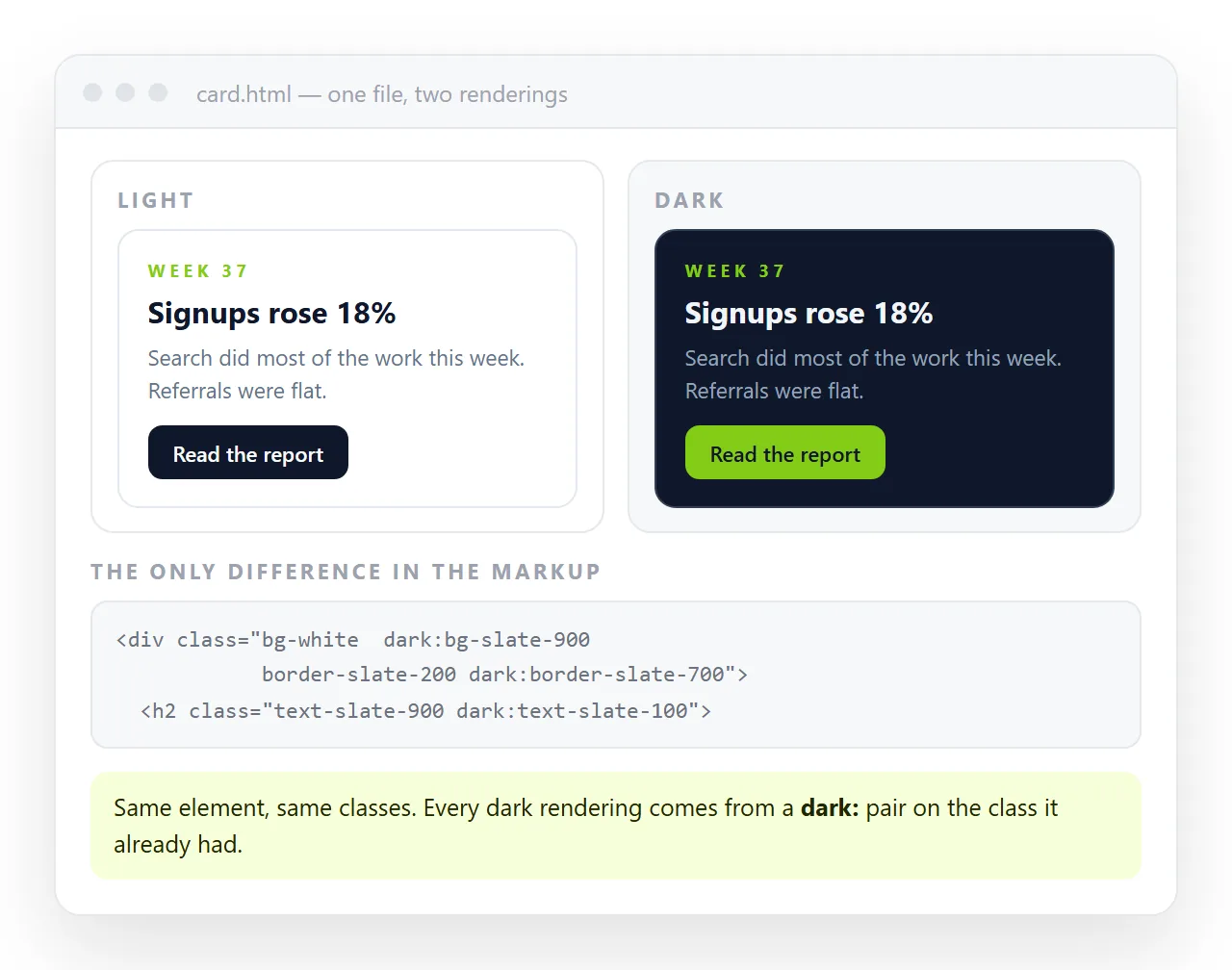
What counts as "on" is the whole subject, and it is a configuration choice rather than a fact about the browser.
The two Tailwind dark mode strategies
| Strategy | Dark mode turns on when | Toggle possible |
|---|---|---|
| Media | The operating system asks for dark | No |
| Class or selector | A dark class is on the html element |
Yes |
The media strategy is the default in Tailwind 3. It maps directly onto the prefers-color-scheme media query and needs no script at all.
It also cannot be overridden by the reader, which is why a toggle button built against it appears to be broken.
The class strategy hands the decision to you. Adding dark to <html> switches the page, whatever the system is set to.
Turning on the class strategy
In a Tailwind 3 build, one line of config:
// tailwind.config.js
module.exports = {
  darkMode: 'class',
  content: ['./**/*.html'],
};
In Tailwind 4, configuration moved into CSS and the equivalent is a custom variant:
@import "tailwindcss";
@custom-variant dark (&:where(.dark, .dark *));
Check which version you are on before copying either. Pasting the v3 config into a v4 project does nothing, and the symptom is a toggle that has no effect, which sends people looking in the wrong place.
The toggle, written so it does not flash
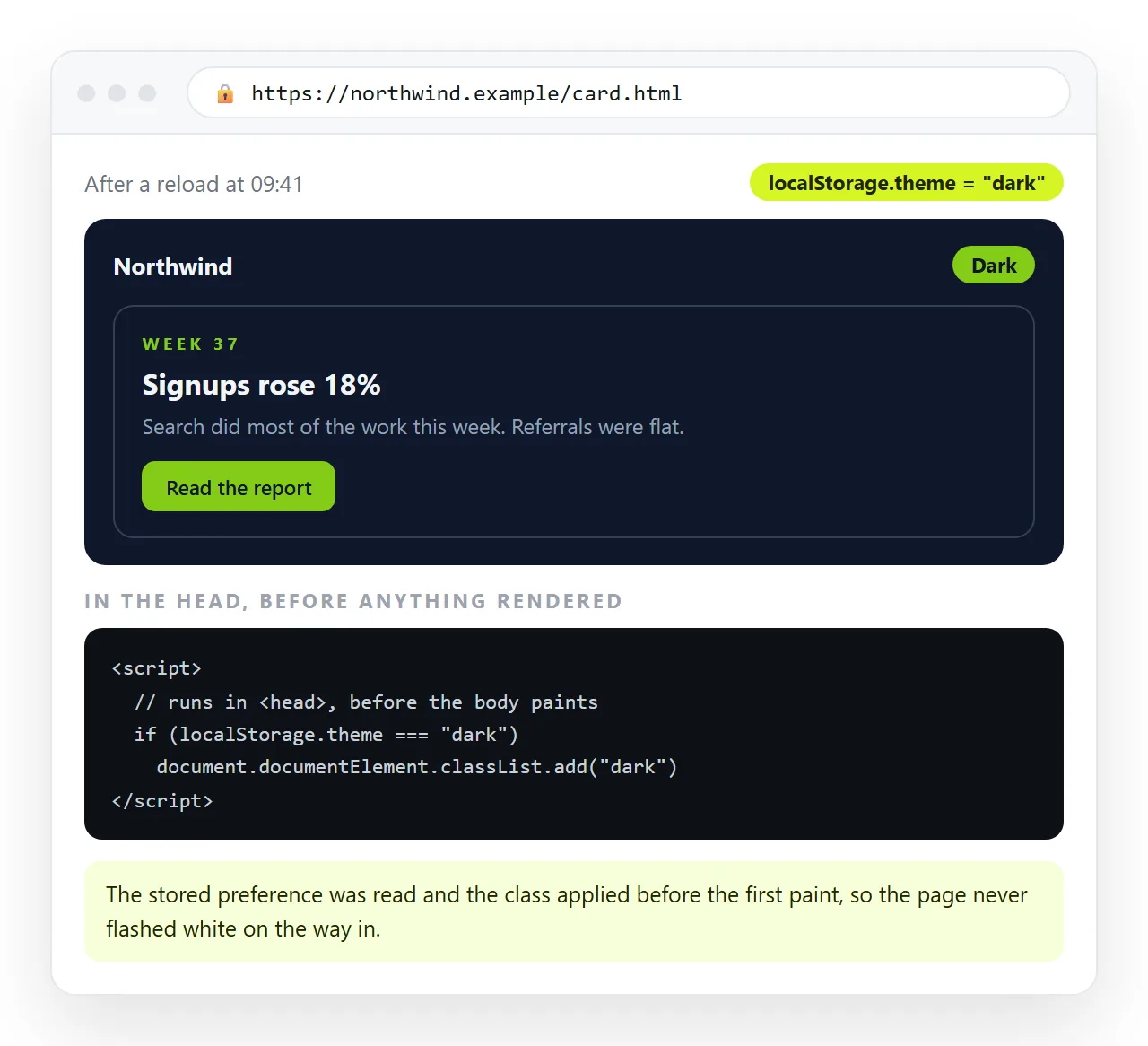
Two parts. A blocking script in the <head> that sets the class before the first paint, and a button that changes it afterwards.
<script>
  (function () {
    const saved = localStorage.getItem('theme');
    const dark = saved ? saved === 'dark'
      : matchMedia('(prefers-color-scheme: dark)').matches;
    document.documentElement.classList.toggle('dark', dark);
  })();
</script>
That script has to run in the head, not at the end of the body. Running it after the content has rendered is exactly what produces a white flash on a dark page.
document.getElementById('theme').addEventListener('click', () => {
  const dark = document.documentElement.classList.toggle('dark');
  localStorage.setItem('theme', dark ? 'dark' : 'light');
});
Note the target: document.documentElement, which is <html>. Adding the class to <body> is the second most common reason a toggle silently fails.
Choosing colours that survive both themes
Inverting a palette is not a matter of swapping white for black. A few habits that hold up:
- Do not use pure black.
slate-900orzinc-900reads better than#000and keeps shadows visible. - Lower the contrast of body text in dark mode. Pure white on near-black is harsh over a long page.
- Borders need to go lighter, not darker.
border-slate-200becomesdark:border-slate-700. - Shadows mostly stop working. Replace them with a ring or a border in dark mode.
- Images with white backgrounds stand out. Give them a container background or use a transparent asset.
<article class="rounded-lg border border-slate-200 bg-white p-6 shadow-sm
                dark:border-slate-700 dark:bg-slate-800 dark:shadow-none">
The pattern is repetitive on purpose. Every colour utility that matters gets a dark: counterpart, and anything without one keeps its light value in both themes.
That repetition is also where the bugs come from. A single element with a background that switches and text that does not produces white on white, and it will not be the element you were looking at when you tested.
The reliable check is to switch the theme and scroll the whole page, rather than to reason about which utilities you remembered. Anything that disappears was missing a counterpart.
Offering three states rather than two
A toggle with two positions loses information. Once the reader has pressed it, you no longer know whether they want dark everywhere or dark only here.
The better shape is three: light, dark, and follow the system. The third is the default, and it is the one most people leave alone.
function apply(pref) {              // 'light' | 'dark' | 'system'
  const dark = pref === 'dark' ||
    (pref === 'system' && matchMedia('(prefers-color-scheme: dark)').matches);
  document.documentElement.classList.toggle('dark', dark);
  pref === 'system' ? localStorage.removeItem('theme')
                    : localStorage.setItem('theme', pref);
}
Removing the stored value rather than storing the string "system" keeps the head script simple. Nothing stored means follow the system, which is the same condition it already checks.
One more listener makes the system option live, so the page follows a laptop switching at sunset without a reload:
matchMedia('(prefers-color-scheme: dark)')
  .addEventListener('change', () => {
    if (!localStorage.getItem('theme')) apply('system');
  });
Single-file pages and the browser build
Much of the Tailwind HTML people need to share is a single file, often produced by an assistant, loading Tailwind from a CDN script rather than from a build.
That works, and the dark: variants work with it. Two things to verify before you send the page anywhere:
- The strategy is set in whatever form the loaded version expects, or the toggle is inert.
- The page is self-contained, so the stylesheet is not a file sitting next to the HTML on your machine.
If the utilities are being ignored entirely rather than only in dark mode, the cause is usually the stylesheet not arriving at all, which missing styles in AI-generated HTML goes through.
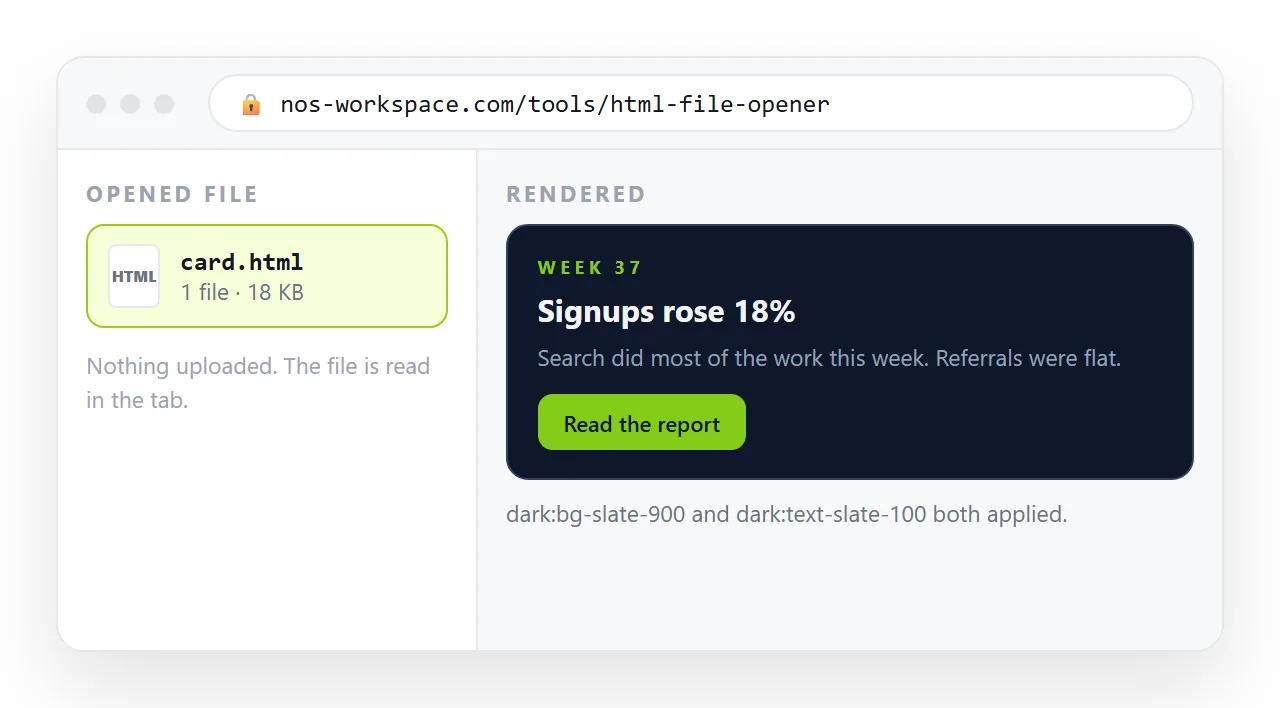
Open it in the HTML file opener and press the toggle. That window has never seen your project, so whatever survives there will survive for the reader.
Sending the page on
A themed page sent as an .html attachment tends not to arrive. Gateways strip it, desktops open it in whatever owns the extension, and a phone puts it in storage.
Paste the HTML into a NOS document. It renders as written, dark theme and scripts included, at its own address. Share, then Share link, then Create link.
The reader taps one link and sees the page in the theme you built. Corrections happen by clicking the text, and the address does not move, so the link you sent stays current. Dark mode in plain CSS covers the same ground without Tailwind.