A biodata link is a biodata published at an address, so it can be sent on WhatsApp as a link that stays sharp no matter how many times it is forwarded.
The usual alternative is a photograph of a printed sheet. It works once and degrades with every pass.
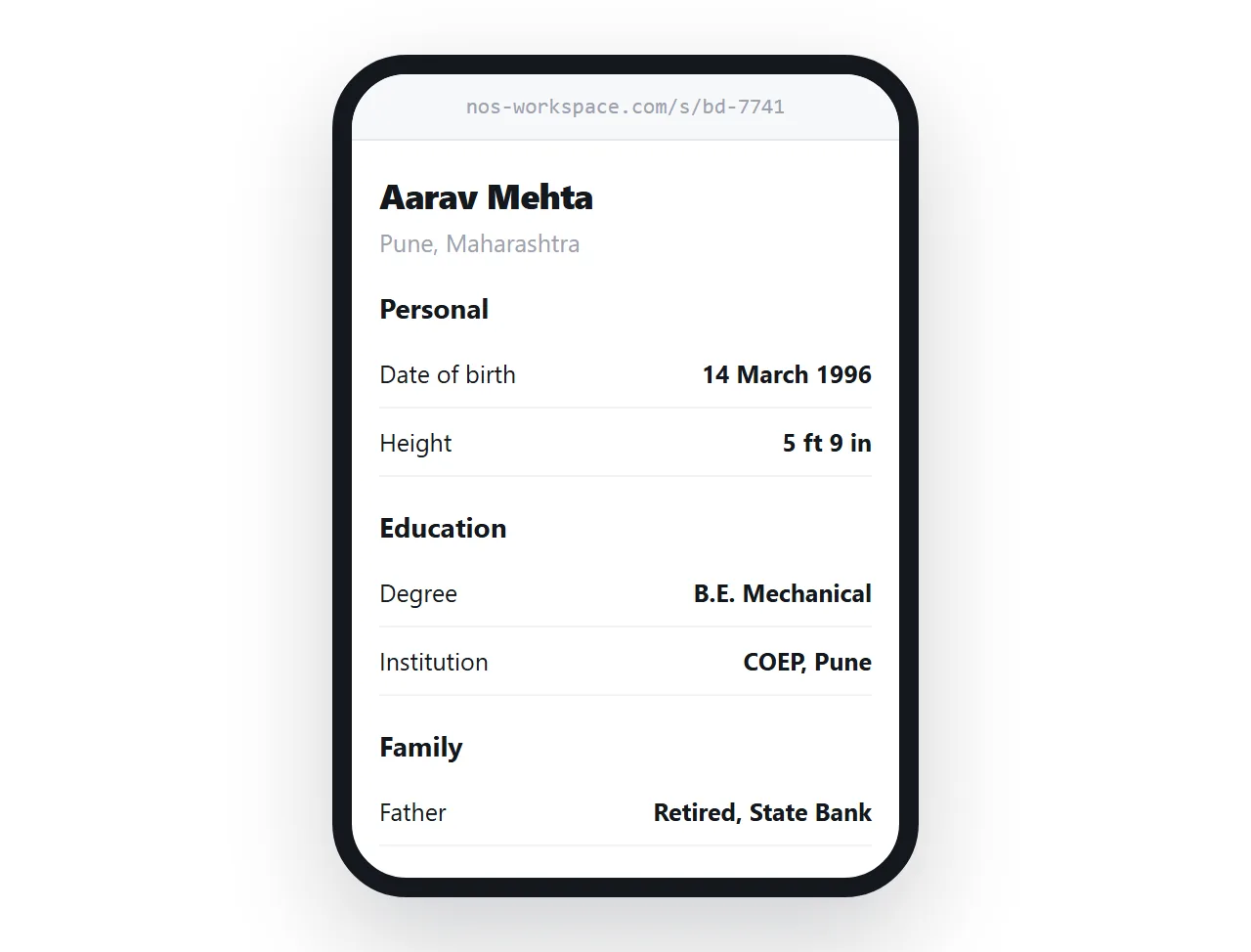
This guide covers why images fail when forwarded, how to structure the sections, what to hold back, and why being able to correct a detail matters here more than almost anywhere else.
What forwarding does to a picture
Messaging apps recompress images to save bandwidth. A photograph of a document that has been forwarded five times has been compressed five times.
Text is the first casualty. Dates become approximate, a phone number loses a digit, and the person reading it either guesses or asks, which means going back through a chain of people.
| Photographed sheet | A link | |
|---|---|---|
| After ten forwards | Soft, sometimes unreadable | Identical |
| Reading on a small screen | Pinch and zoom | Fits the screen |
| Searching for a detail | Not possible | Find on page |
| Correcting a mistake | Impossible once sent | Edit the page |
| Printing for a relative | Poor quality | Clean print |
Structure by section, not as one table
Biodata is conventionally laid out as a table because it was designed for paper. On a phone, a two-column table becomes cramped or scrolls sideways.
Sections read better and carry the same information.
<section>
  <h2>Personal</h2>
  <dl>
    <dt>Date of birth</dt><dd>14 March 1996</dd>
    <dt>Height</dt><dd>5 ft 7 in</dd>
    <dt>Place</dt><dd>Pune, Maharashtra</dd>
  </dl>
</section>
A description list is the correct structure for label and value pairs. It reads properly when styles fail, and it stacks naturally on a narrow screen without any layout work.
Keep the headings conventional: personal, family, education, work. People scan biodata for particular fields, and unfamiliar headings slow that down.
Write it as text, not as an image of text
Even when the page is the delivery method, there is a temptation to paste in a designed image of the biodata.
Do not. Text can be enlarged by anyone with weaker eyesight, read aloud, translated into another language by the phone, and searched. An image does none of those, and a biodata is precisely the document where someone will want to check one specific field.
Hold contact details back
A link goes further than a message. It gets forwarded between families, into groups, and occasionally to people nobody intended.
Plan for that. Include what is needed to evaluate a match and leave out what only matters once one is progressing.
- Include. Date of birth, education, occupation in general terms, family background, city.
- Hold back. Full residential address, exact employer and office location, phone numbers, income figures.
- Decide case by case. Photograph, exact salary band, and anything about extended family.
Keep the page out of search engines. A biodata should be reachable by the address and by nothing else.
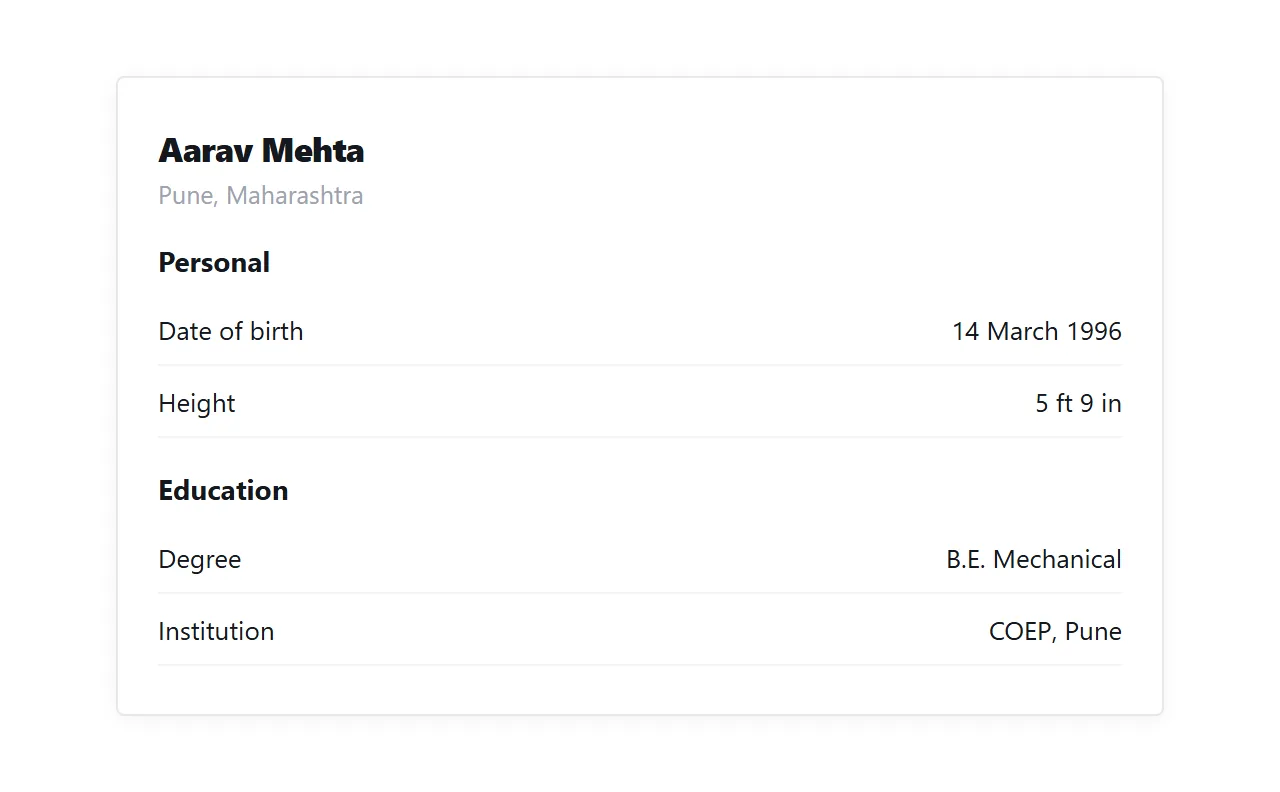
Correction is the practical win
A biodata circulates for months. In that time a job changes, a family member's details are wrong, or a date was typed incorrectly at the start.
With a photograph, the wrong version is in forty chats and stays there. With a page, you fix it once. The next person who opens the link, wherever they got it from, reads the corrected version.
That is worth more than it sounds, because the mistakes people find most often are exactly the kind that cause an awkward conversation later.
Keep something printable
Not everyone wants a phone. A printable version matters here more than in most documents, because a biodata often ends up in a folder that a family keeps.
Print rules turn the same page into a clean sheet.
@media print {
  nav { display: none; }
  @page { size: A4; margin: 18mm; }
  section { break-inside: avoid; }
}
More on what carries across in export HTML to PDF.
Put it at an address
Write the biodata as a page, paste it into a document, create a share link, and send the link rather than a photograph.
It stays readable however far it travels, and when something needs correcting, everyone holding it gets the correction.