In short
Give every preparation row the same nine fields: stage, task, owner, due date, evidence, blocker, sign-off, status, and finish rule.
A task stays Not complete until the finish rule is true, the evidence can be found, the blocker is cleared, and the named role signs off.
Keep the internal readiness control separate from the public visitor page.
Download the complete template, replace the fictional details, and check the final reader view before the opening handoff.
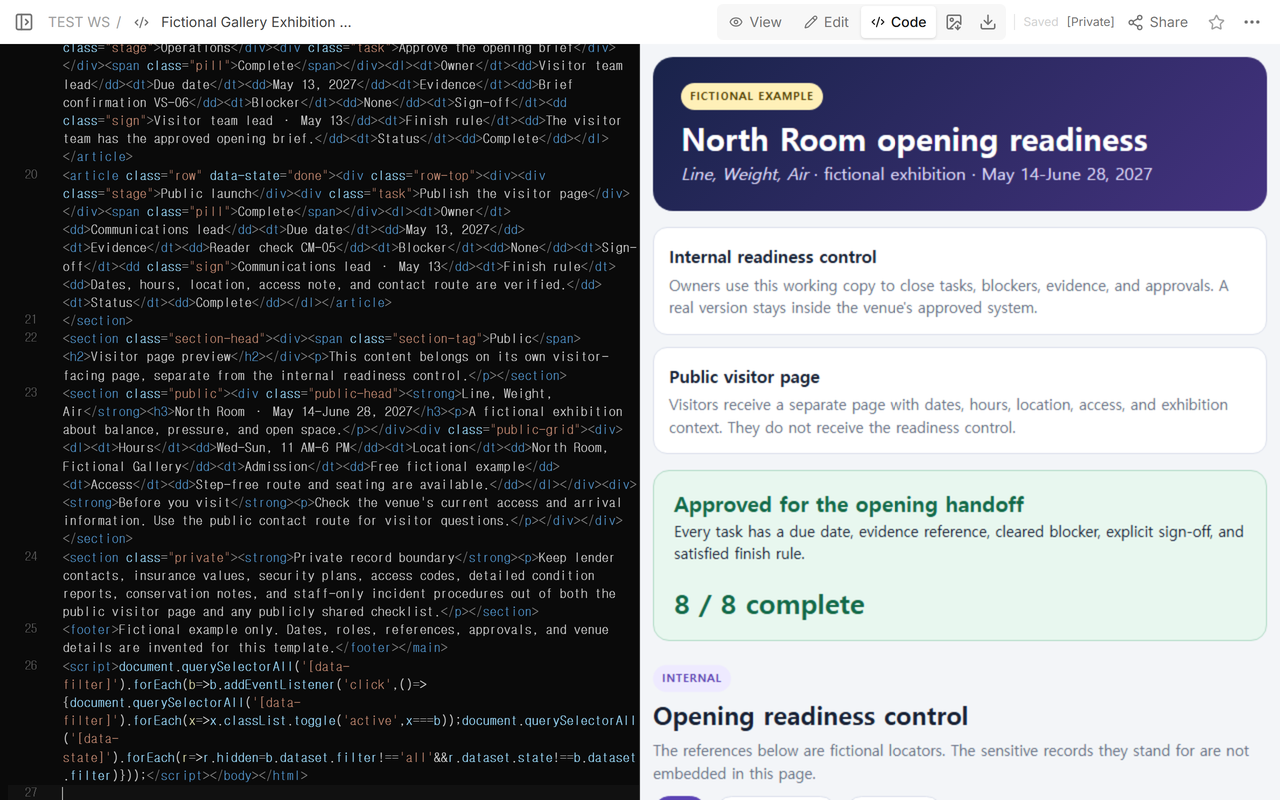
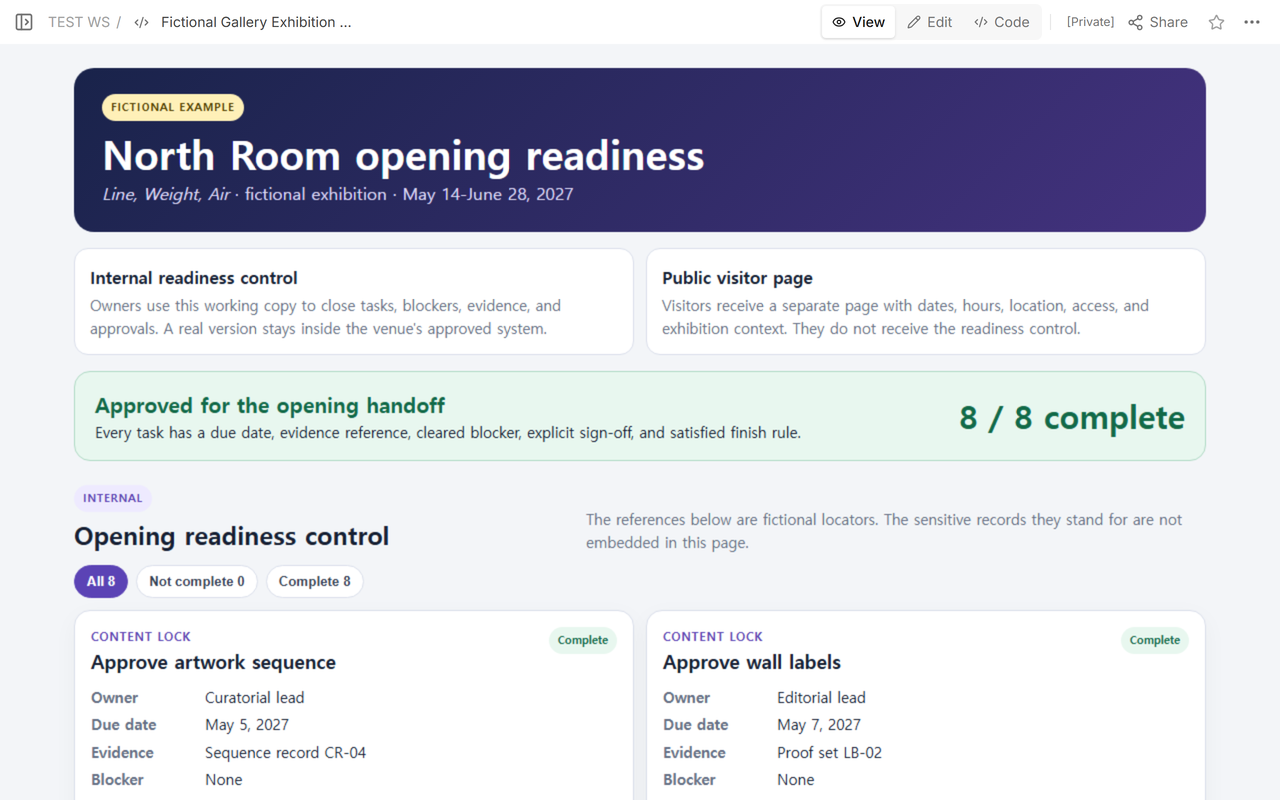
We rebuilt a fictional North Room checklist for Line, Weight, Air. The earlier version named owners, evidence, finish rules, and states, but it did not control dates, blockers, or approvals. The revised version has eight preparation tasks. Every row now shows all nine fields, and the page separates the internal readiness control from a visitor-facing page preview.
This is an opening gate, not a catalog and not a public exhibition page. The internal control answers whether work may move into the opening handoff. The visitor page answers what the public needs to know: dates, hours, location, access information, and a short description of the exhibition.
Can I download a complete gallery exhibition checklist?
Yes. Start with the full eight-row HTML file below. It includes seven reusable preparation cards, one public-launch card, a separate visitor-page block, and a private-record boundary.
Download the complete gallery exhibition checklist
HTML file · fictional placeholders · works on desktop and mobile
Save a copy before editing it. Replace every bracketed value; do not leave a fictional role, date, reference, or approval in a real opening decision.
What fields should every exhibition preparation row include?
Use one row per task so its nine entries stay together during the final check. In this template, they record the stage, action, responsible role, deadline, evidence locator, current blocker, approval, status, and the condition that must be true before completion.
- Stage: the part of the opening sequence, such as content lock, installation, visitor readiness, records, operations, or public launch.
- Task: one action that can be finished and checked.
- Owner: the role responsible for moving that task, not a vague label such as “team.”
- Due date: the date by which the finish rule must be true.
- Evidence: a safe reference that tells an authorized reviewer where the maintained record lives.
- Blocker: the specific condition preventing completion, or “None” after it is cleared.
- Sign-off: the approving role and date, or an explicit Pending state.
- Status: Complete or Not complete.
- Finish rule: the observable condition that must be true before status changes.
How do I customize the checklist for my exhibition?
Work from the top of the downloaded file to the bottom. Change the decision logic as well as the display text.
- Replace the exhibition identity. Enter the exhibition name, room or venue, opening date, closing date, and the final handoff decision.
- Replace the stages and tasks. Keep only the preparation work your opening actually requires. Split a row if it contains two actions with different owners or approvals.
- Replace each owner. Use a role that can take the next action, such as curatorial lead, install lead, registrar, gallery manager, visitor team lead, or communications lead.
- Replace every due date. Set dates in opening order. A public-page check due after opening is not a useful gate.
- Replace evidence references. Point to the approved proof, inspection, reconciliation, or reader check. Use a locator that authorized colleagues understand; do not paste the private record into a public copy.
- Write the current blocker. Name the missing input, unresolved review, or failed condition. Change it to “None” only after it is cleared.
- Replace sign-offs. Record the approving role and date. “Seen,” “reviewed,” or a person’s name without a decision is not an explicit approval.
- Rewrite the finish rule and status together. Mark Complete only when that row’s observable rule is true and its evidence, blocker, and sign-off agree.
How do blockers and sign-offs control the opening decision?
A due date tells you when a task should close; it does not close the task. An evidence reference tells a reviewer where to look; it does not prove that the review passed. The row becomes Complete only when its finish rule is satisfied, its blocker says None, and an authorized role records the approval.
For the fictional lighting task, the finish rule is “Final focus is recorded for zones A-D.” The row points to Zone focus record LT-08, shows no remaining blocker, and records the lighting lead’s dated sign-off. Those parts agree, so Complete is defensible. If the record were missing or the approval were Pending, the row would remain Not complete.
How do I separate readiness records from the public visitor page?
Make them two publishing surfaces. The internal readiness control contains owners, deadlines, blockers, evidence locators, approvals, and operational status. The public visitor page contains the exhibition name, public dates and hours, visitor location, access information, approved context, and a public contact route.
The downloadable template puts both structures in one file so you can see the boundary before adapting it. In real use, move the visitor block to its own public page and keep the readiness control in the approved internal system. Do not send visitors a link to the operational control.
Some records should appear in neither surface. Keep lender contacts, insurance values, security plans, access codes, detailed condition reports, conservation notes, and staff-only incident procedures in their controlled systems. The checklist should use a safe reference when an authorized reviewer needs to locate one of those records.
How do I check the finished opening gate?
- Read every row across and confirm that all nine fields belong to the same task.
- Open the Not complete filter. Resolve each blocker or leave the overall decision as Not ready.
- Compare every Complete state with its finish rule, evidence reference, and explicit sign-off.
- Open the visitor page separately and verify its dates, hours, location, access information, approved context, and public contact route.
- Reopen the reader address after the final edit and check the visible decision again.
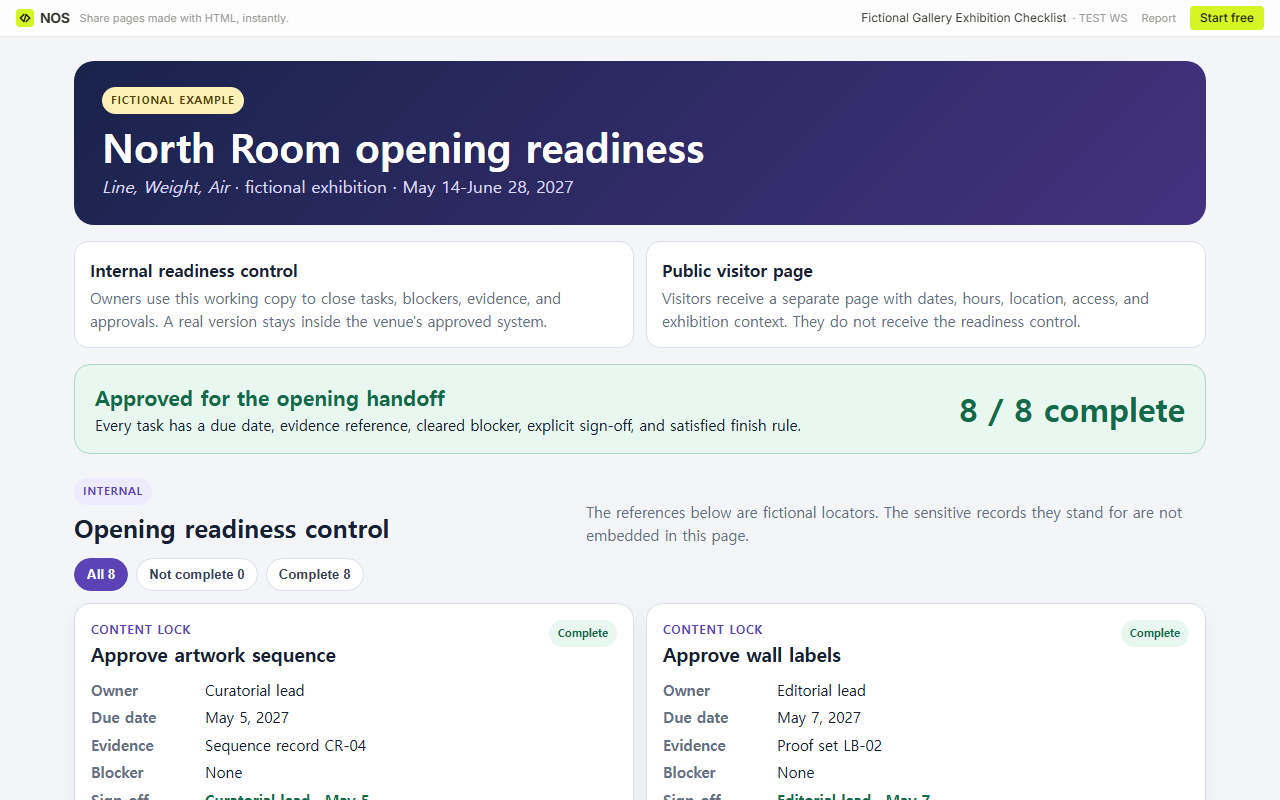
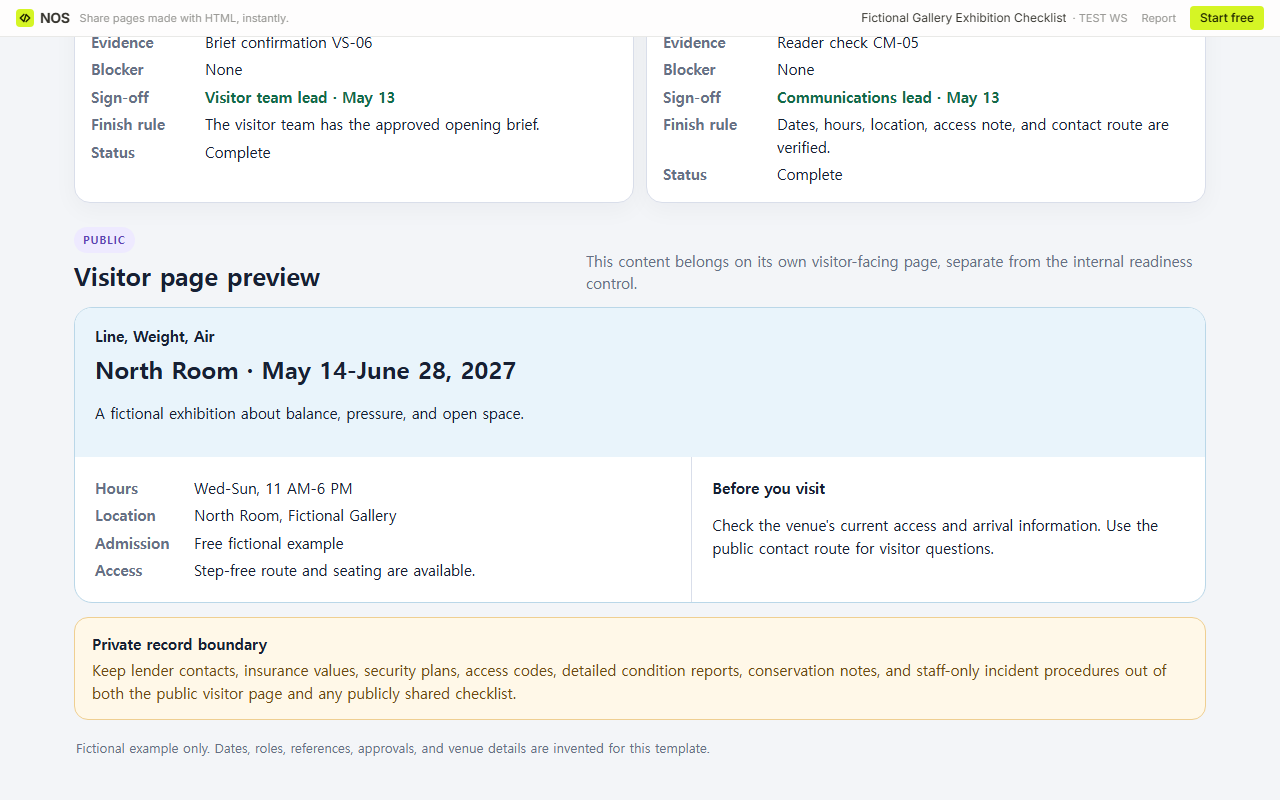
Result: the revised fictional gate has eight of eight Complete rows, nine fields on every row, a separate visitor-page structure, and a visible private-record boundary.
What is the difference between this checklist and an exhibition catalog?
This checklist controls opening readiness. The art gallery catalog guide organizes works, creators, materials, dimensions, notes, and viewing order. Use the project closure checklist when the task is a broader handoff, or the rental inventory checklist when item condition and supporting files are the core problem.
When not to do this
- Do not replace the venue’s required safety review, collection system, sign-off authority, or incident process with this general template.
- Do not publish an internal readiness control merely because all data in the fictional example is safe.
- Do not mark a row Complete because its due date passed, an owner was named, or work started.
- Do not copy controlled records into a checklist when a safe reference is enough.
Using NOS for the opening gate
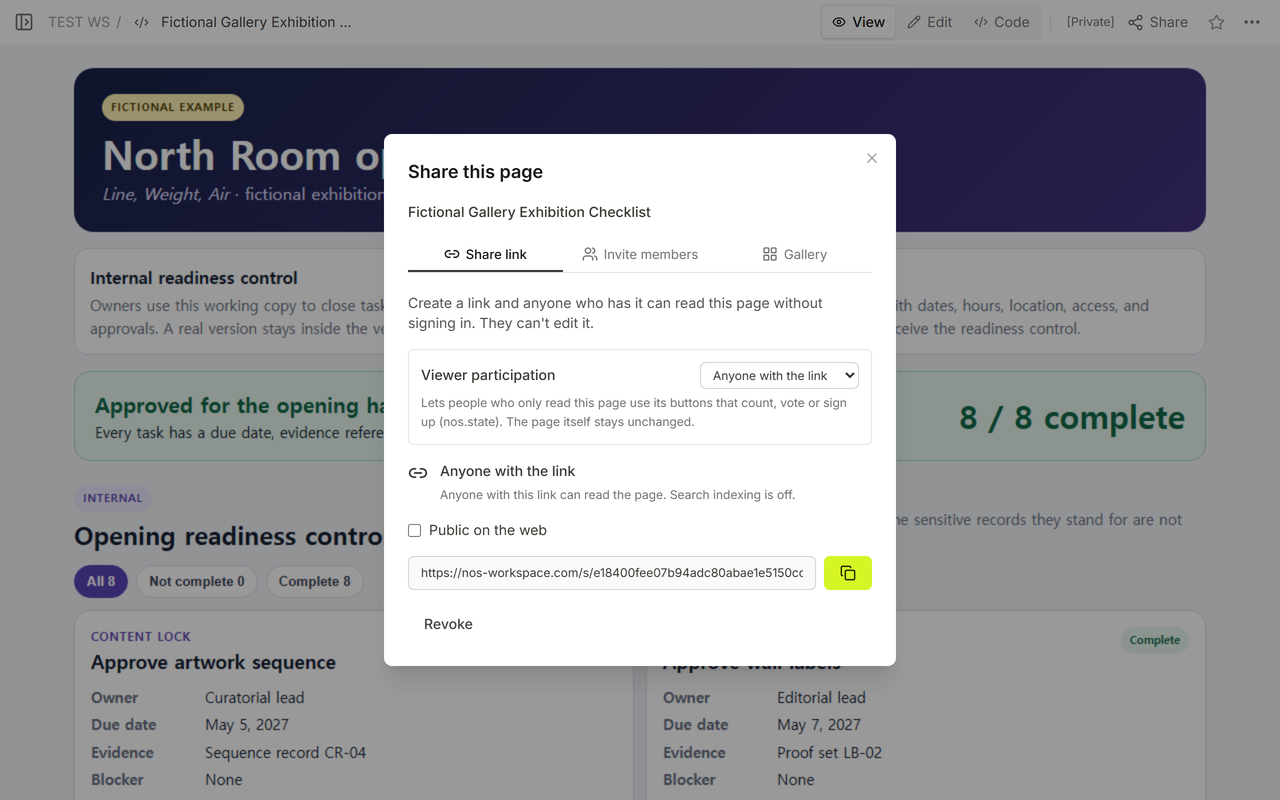
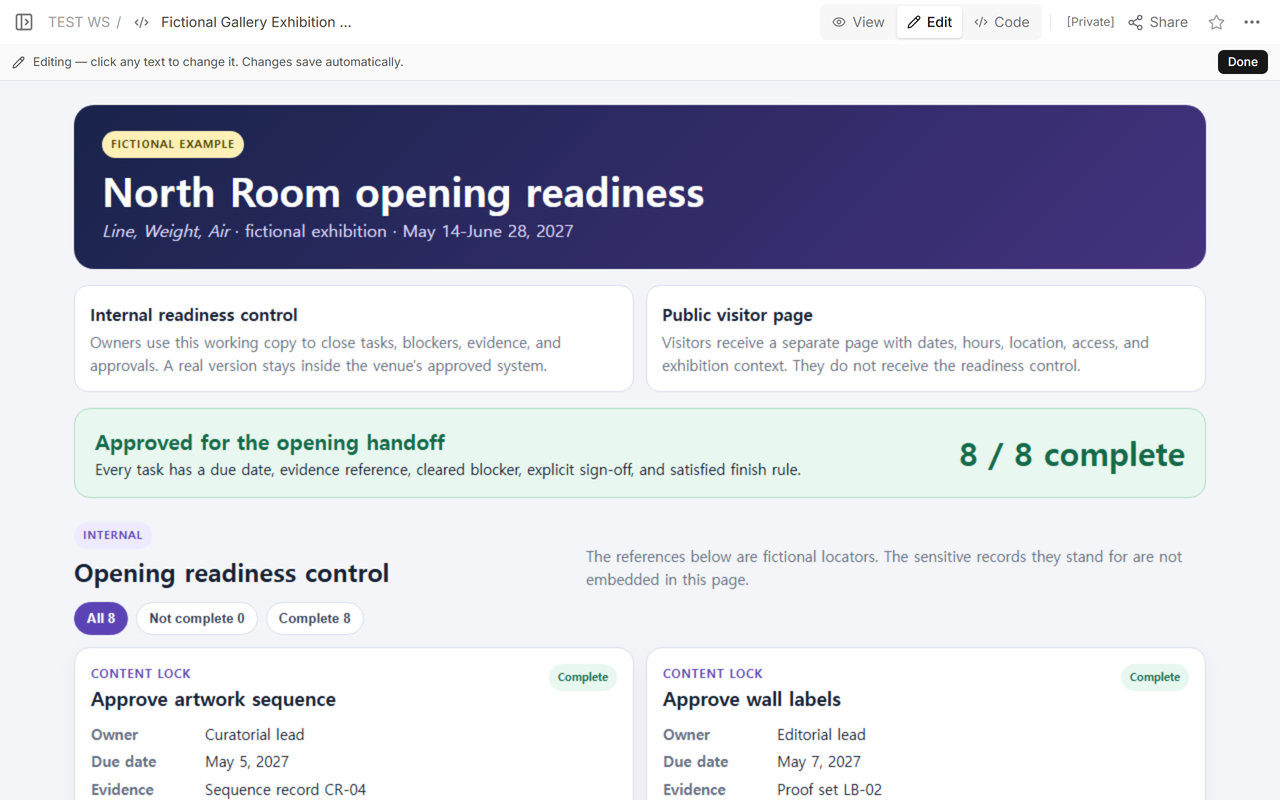
In the tested NOS page, we replaced the existing fictional checklist, read the revised result in View, opened Edit, checked Share, and reopened the original reader address. The same address displayed the new opening gate after the update. If you plan to keep or share your own page, check the current options on the NOS pricing page.