In short
Give every artwork a number and repeat the same factual fields in the same order.
Arrange the catalog in the order a visitor meets the works, then add separate views for the route and artist notes.
Mark the page as fictional while testing it, share the finished catalog, and open the public address on a phone.
When a detail changes, edit the existing page and check the same public address again.
The NOS Team built a fictional catalog for an exhibition called Borrowed Light. It contains six invented works by three invented artists. We organized the works, added an exhibition route and short artist biographies, shared the page, and corrected its edition label on the existing page. The same reader link then opened with the corrected label.
This is a catalog, not a sales list and not a portfolio. Its job is to help a visitor identify a work and understand where it belongs in the exhibition. A buyer catalog gives priority to codes, stock, and prices. An artist portfolio gives priority to the strongest selection of one person's work. The exhibition catalog keeps the show itself intact.
What should an art gallery catalog include?
Start with the facts that let someone identify a work without guessing:
- Catalog number. Use a short sequence such as 01, 02, and 03. The number connects the page to labels and the exhibition route.
- Title and artist. Keep the work title visually separate from the artist name.
- Material, dimensions, and year. Use one field order throughout the catalog so readers learn where to look.
- Exhibition note. Add one concrete sentence about what the visitor can notice. Do not turn it into an invented quotation or review.
- Display order. Record the route when sequence or sight lines are part of the show.
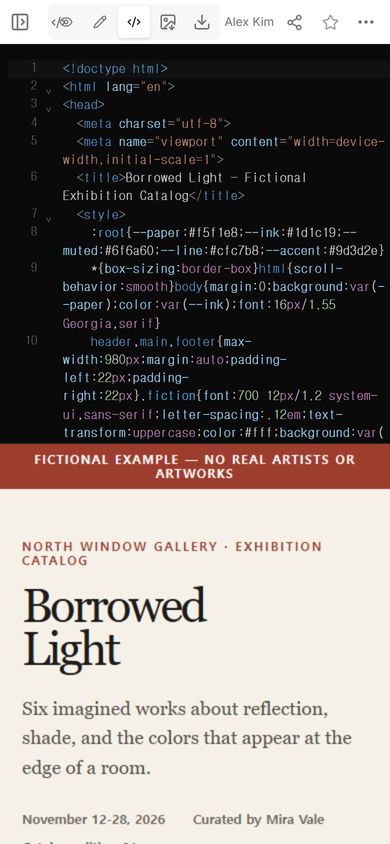
Our example begins with those fields, then adds a section for artists and another for the route through the room. The source is one complete HTML file, so the display rules and the catalog content travel together.
How do you organize an exhibition catalog?
Number the works after the room order is settled. The first screen should name the exhibition, identify it as a catalog, and state the exhibition dates. Below that, list works in the same sequence a visitor encounters them. The route section can then refer to the same numbers without repeating every material and dimension.
We used 01-06 for the works in Borrowed Light. Each entry follows the same pattern: image, number, title, artist, material, dimensions, year, and note. That repetition makes differences between works easier to spot.
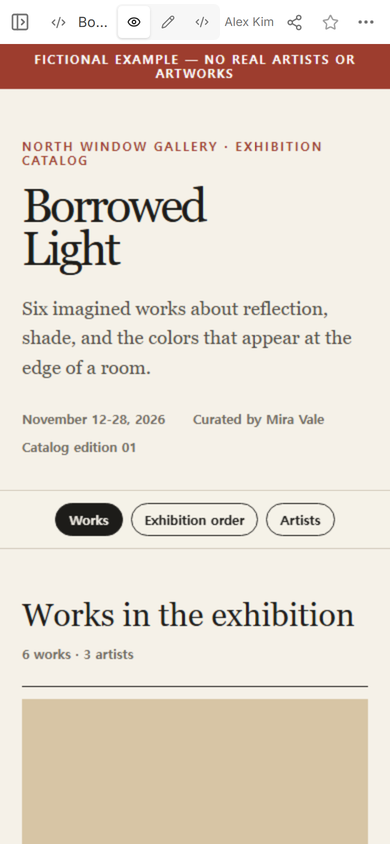
The fictional marker stays at the top of the page. It prevents a test title, artist, or date from being mistaken for a real exhibition. The same marker is visible in the editor and on the public page.
How do you share an art catalog online?
Open Share after the catalog reads correctly in View. In the panel we used, the link permission says that anyone with the link can read the page without signing in and cannot edit it. The catalog itself remains separate from the editing controls.
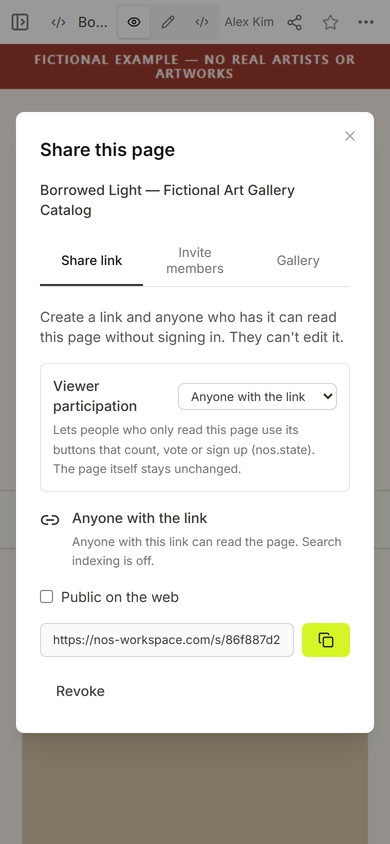
Open the reader address yourself before sending it. Check the title, the first artwork, and the section controls at phone width. A catalog can be factually complete and still fail if its labels wrap into each other or its artwork cards require sideways scrolling.
Should the catalog follow the exhibition layout?
Yes when the route changes how the works are read. A wall-by-wall list can explain where to turn and which works share a sight line. It should stay short enough to use while standing in the room.
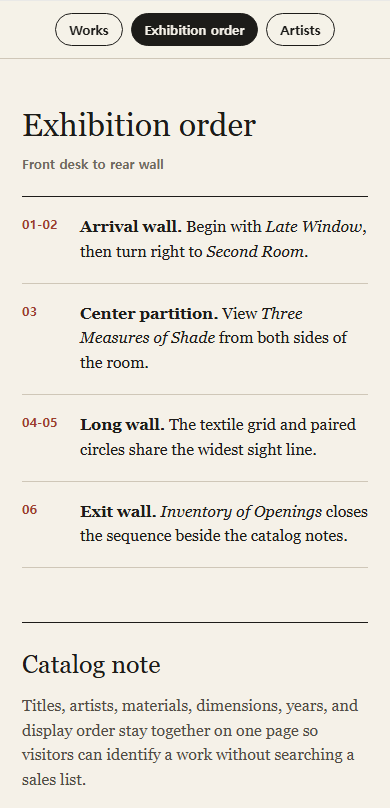
For this example, the route has four stops: arrival wall, center partition, long wall, and exit wall. Each stop points back to the catalog numbers. The visitor can switch to that view without losing the shared address.
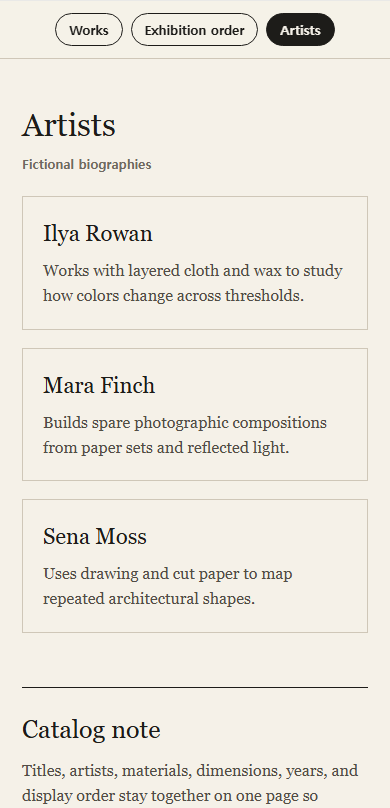
Artist notes belong in their own view when several artists appear more than once. That keeps the work entries compact while leaving room for a short explanation of each practice.
How do you update a gallery catalog after sharing it?
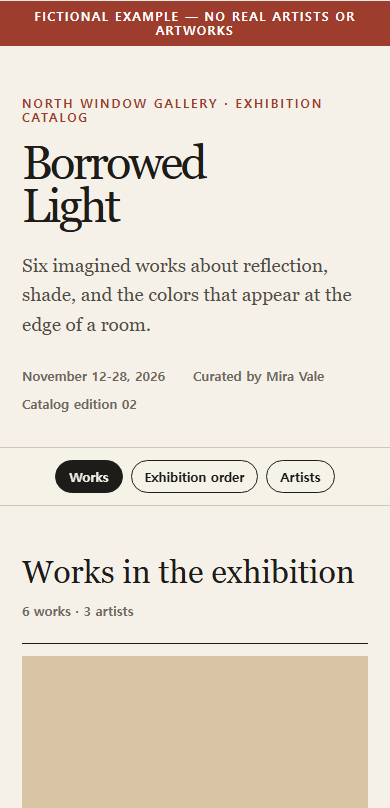
Edit the existing page, then reopen the reader address you already shared. We changed the cover label from “Catalog edition 01” to “Catalog edition 02.” The first input landed inside the old label instead of replacing it, so we selected the whole line, replaced it, and checked the result in View before trusting the update.
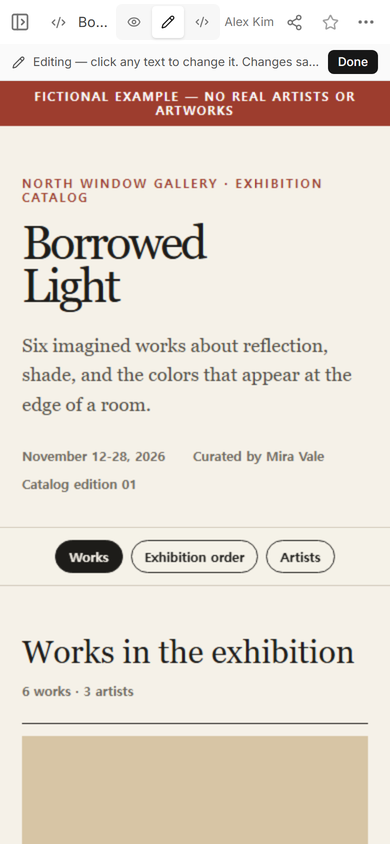
The normal editor kept its original browser isolation while the text was changed. After choosing Done, View showed one clean “Catalog edition 02” line. The same public address also showed edition 02.
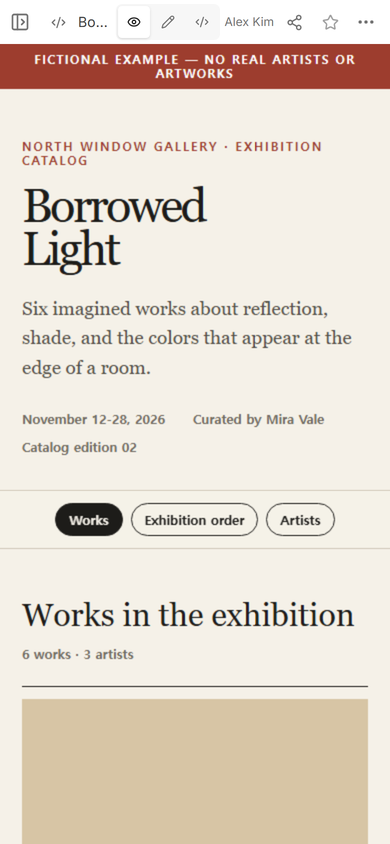
Result: one page now holds the exhibition cover, six work records, three artist notes, and a four-stop viewing route. The correction appears at the existing public address, so the catalog does not need another reader link.
What is the difference between an art catalog and a portfolio?
A catalog preserves the logic of a particular exhibition. A portfolio presents an artist's selected work beyond one show. If you need a portfolio instead, continue with the digital art portfolio guide. If the page only needs a set of photographs and captions, the photo gallery link guide is the narrower option.
If visitors need stock status, product codes, or prices, use the structure in the digital catalog guide instead. Mixing sales fields into every exhibition note makes the catalog harder to scan and changes its purpose.
When not to do this
- Do not use a static catalog as an inventory system when stock or availability must update from several people.
- Do not publish private collector details, loan values, personal contact information, or conservation records on a reader link.
- Do not force a route onto a show that is meant to be explored in any order.
- Do not use invented artwork facts outside a clearly marked fictional example.
Build the page in NOS
NOS Workspace can hold the complete catalog HTML, show the result in View, create a reader link, and let the author revise the existing page. In this example, the Works, Exhibition order, and Artists controls all worked at the reader address. The visitor saw the catalog without the editing controls, while the author used the original page to correct the edition label.