In short
A useful subject guide gives one course or research area a clear starting route.
Lead with the research question, then point to selected databases, starter terms, citation help, and a named way to ask for help.
Explain why each resource belongs instead of presenting a long alphabetical link list.
Test the finished page at phone width and keep the fictional parts unmistakable.
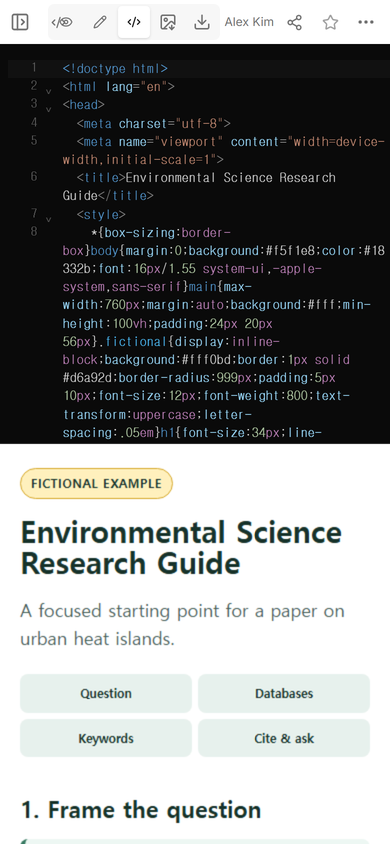
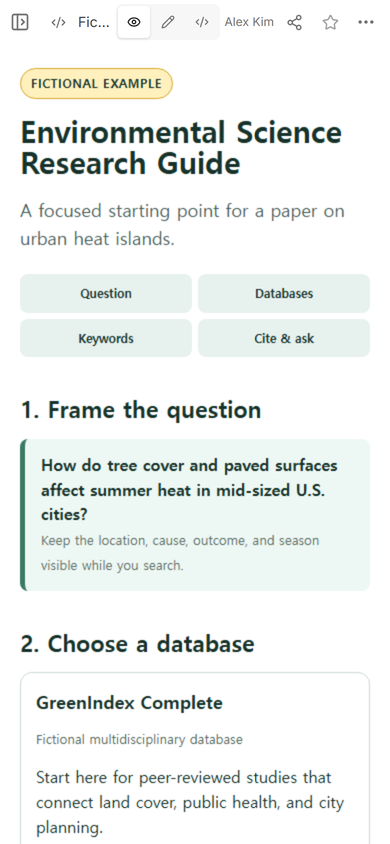
A library subject guide should help a researcher make the next decision. For this guide, the NOS Team built a fictional environmental science page around one question about urban heat. We connected that question to three made-up research collections, a search-term builder, a citation checklist, and a fictional librarian contact.
The example does not search real databases or send messages. Its job is to show the route and the amount of explanation each stop needs. Open the complete fictional subject guide to try its concept buttons.
Start with the research path, not the page design
We began with one bounded question: how tree cover and paved surfaces affect summer heat in mid-sized U.S. cities. That wording gave us four concepts to carry through the page: heat, trees, pavement, and cities.
Only then did we arrange the guide as four stops: frame the question, choose a database, build the first search, and save enough information to cite the source. A reader can use the guide from top to bottom without guessing whether the database list or the citation notes come first.
What should a library subject guide include?
This example uses five pieces, each with one job:
- A scoped question: a model that shows how narrow the first search should be.
- A small database set: three resources with a sentence explaining the evidence each one is meant to find.
- Starter search terms: related words grouped by concept, not a single sentence to paste blindly.
- Citation help: the source details to save before closing a result and a reminder to check the required style.
- A route to a librarian: what to bring when the first search needs another pair of eyes.
A general answers page serves a different purpose. It collects recurring questions and short checked answers. If that is the page you need, use the knowledge base template. A subject guide instead moves one researcher from a topic toward suitable evidence.
How do you choose databases for a subject guide?
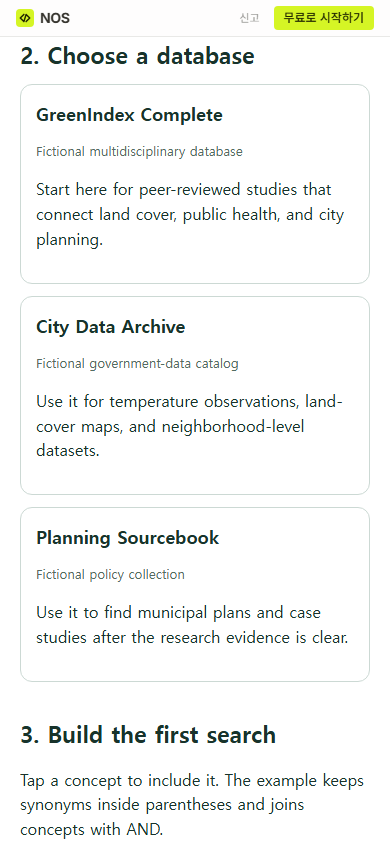
Choose by evidence type, not by the number of links available. The fictional guide assigns peer-reviewed studies to GreenIndex Complete, datasets and maps to City Data Archive, and plans and policy cases to Planning Sourcebook. Those descriptions let a reader choose a destination based on what the paper still needs.
Keep the set selective. If two resources offer the same kind of evidence, say how their subject coverage, dates, formats, or access conditions differ. If you cannot explain why a link belongs, it is not yet helping the reader choose.
How do you build search terms for a subject guide?
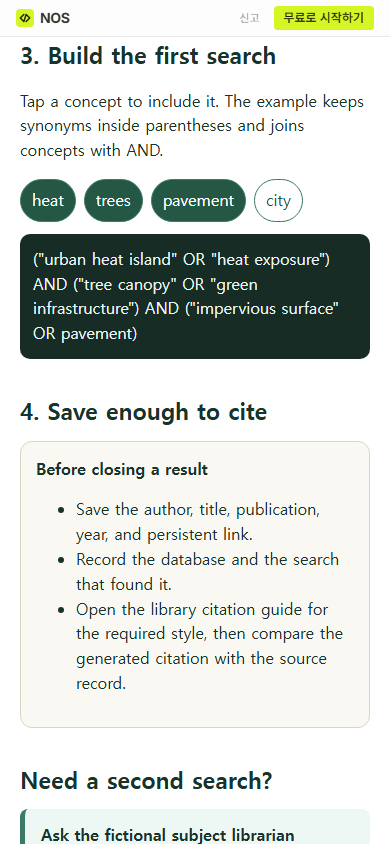
Break the question into concepts. For each concept, add the phrases a source might use in place of the researcher’s first wording. The example pairs “urban heat island” with “heat exposure,” “tree canopy” with “green infrastructure,” and “impervious surface” with “pavement.”
Terms within a concept are alternatives, while separate concepts narrow the search together. The buttons make that structure visible. They are a teaching aid, not a claim that every database uses identical search rules. A real guide should link to the database’s own search help when its operators or field controls differ.
Where does citation help belong?
Put citation help after discovery, close to the moment when a reader opens a useful result. In the example, the checklist asks for the author, title, publication, year, persistent link, database, and search used. It then points the reader to the library’s required citation style.
That order avoids pretending that a generated citation is automatically correct. The researcher still compares it with the source record and the assigned style. For a separate exercise in deciding what a source can support, continue with the source evaluation worksheet.
Make the help route specific
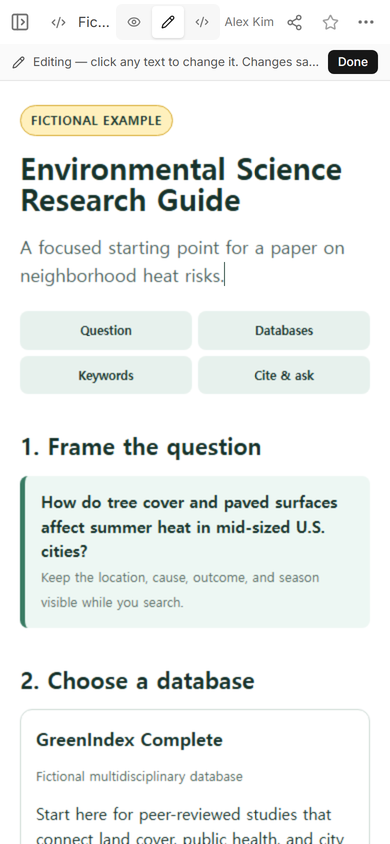
“Ask a librarian” is more useful when the guide says what to bring. Our first version asked for a research question and an attempted search. While checking the page in ordinary Edit, we also tightened the opening line from “a paper on urban heat islands” to “a paper on neighborhood heat risks.” The revised wording appeared on the existing reader page after saving.
What should you check before sharing a subject guide?
Open every resource as the intended reader. Check whether access requires a campus login, whether the description still matches the destination, and whether a persistent link goes to the promised record or collection. Read the page at phone width and make sure the route still makes sense without a wide navigation menu.
Review the guide again when a database changes its name, access terms, or search interface. The HTML link checker guide explains how automated link checking and a human destination check cover different failures.
When not to do this
- Do not publish licensed database credentials, private student records, or restricted course material on a page available to anyone with its link.
- Do not use one static guide when readers need a personalized search service, saved accounts, appointment booking, or live database availability.
- Do not describe a resource from memory. Confirm its current scope, access route, and maintained destination before adding it.
- Do not turn a subject guide into an exhaustive catalog. Link to the catalog and keep this page focused on a research route.
Build and share the guide in NOS
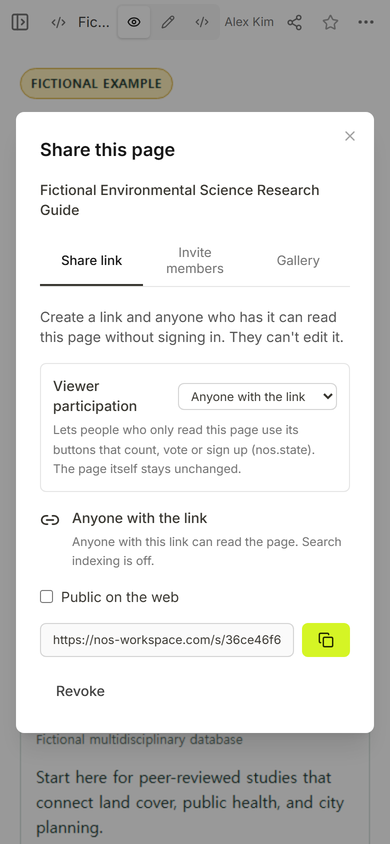
For this example, we added one complete HTML page to NOS, checked its route in View, created a reader address in Share, and revised the introduction in Edit. The same reader address showed the saved wording. The current pricing page lists the available plans; this guide does not rely on a quoted price.