Download the completed museum trap log
Download the blank museum trap log
Both are HTML files you can open locally and print. The completed log includes a fictional map and two rounds. The blank worksheet has room for your own map, trap entries, and nearby signs.
In short
Give each point one number and carry it from the map into each dated round. Enter 0 when a checked trap is empty. Leave the count blank when a point was missed. If you can count a finding but cannot identify it, keep the number and mark the finding Unidentified.
What goes on the point map?
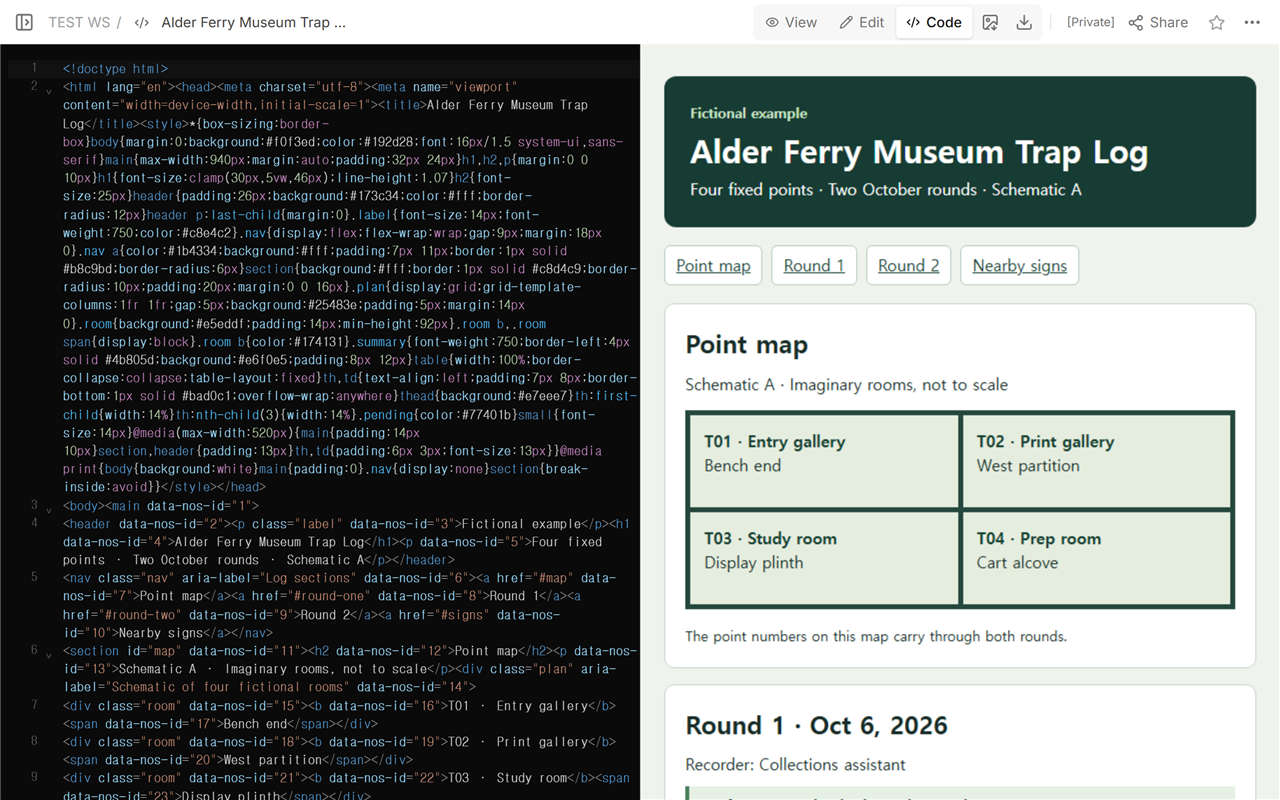
Start with a room name and a landmark somebody can find again. In the fictional Alder Ferry Museum, T02 is at the west partition in the Print gallery. T01 is at the bench end in the Entry gallery, T03 is beside the Study room plinth, and T04 is at the Prep room cart alcove. The map supplies the locations. The dated tables supply the observations.
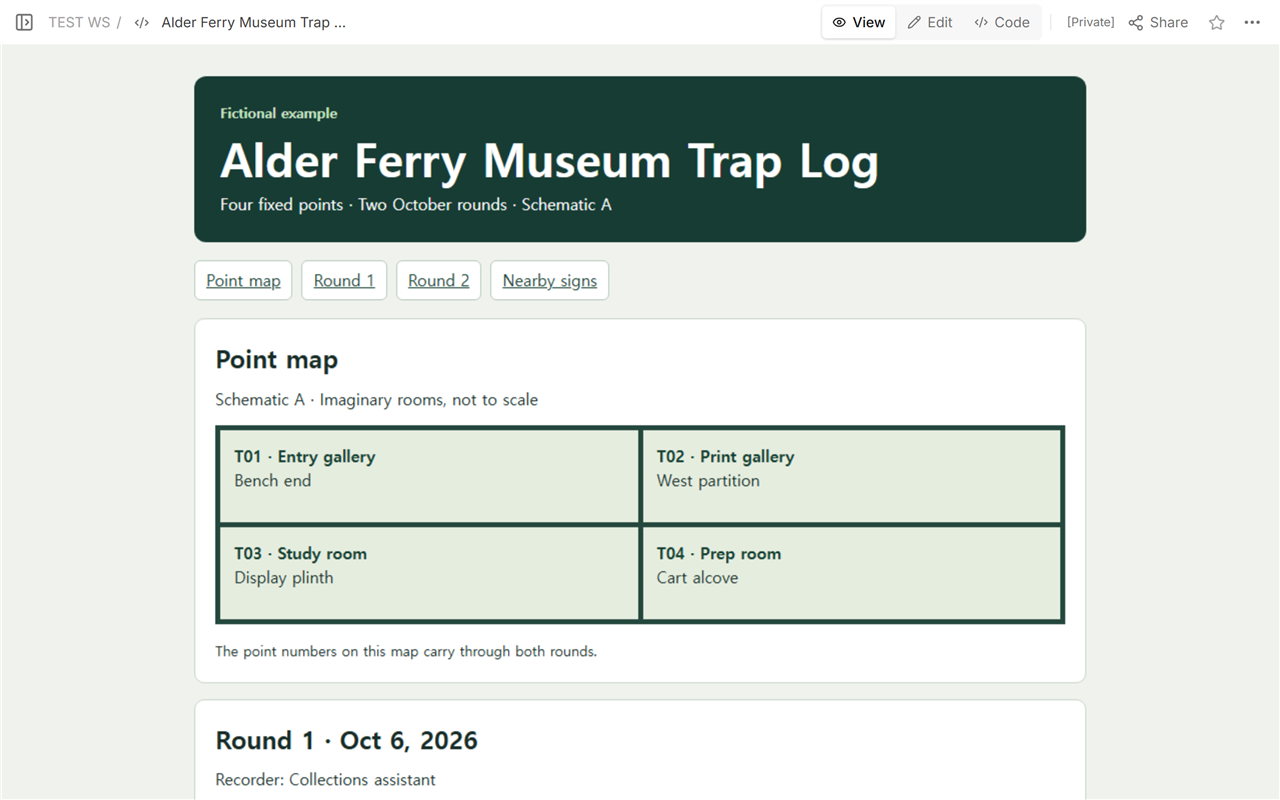
Write the map reference on each round sheet. Both October rounds use Schematic A. If a point moves to a different spot, give the new spot its own number and date the map revision. Someone looking back can then tell which location the earlier row describes.
The Western Australian Museum’s collection care guide records numbered traps on a floor plan. The National Park Service’s worked example gives nearby evidence its own space. This worksheet uses a dated table for each round so the coverage and the counts can be read together.
What do you enter when a trap was empty, missed, or unidentified?
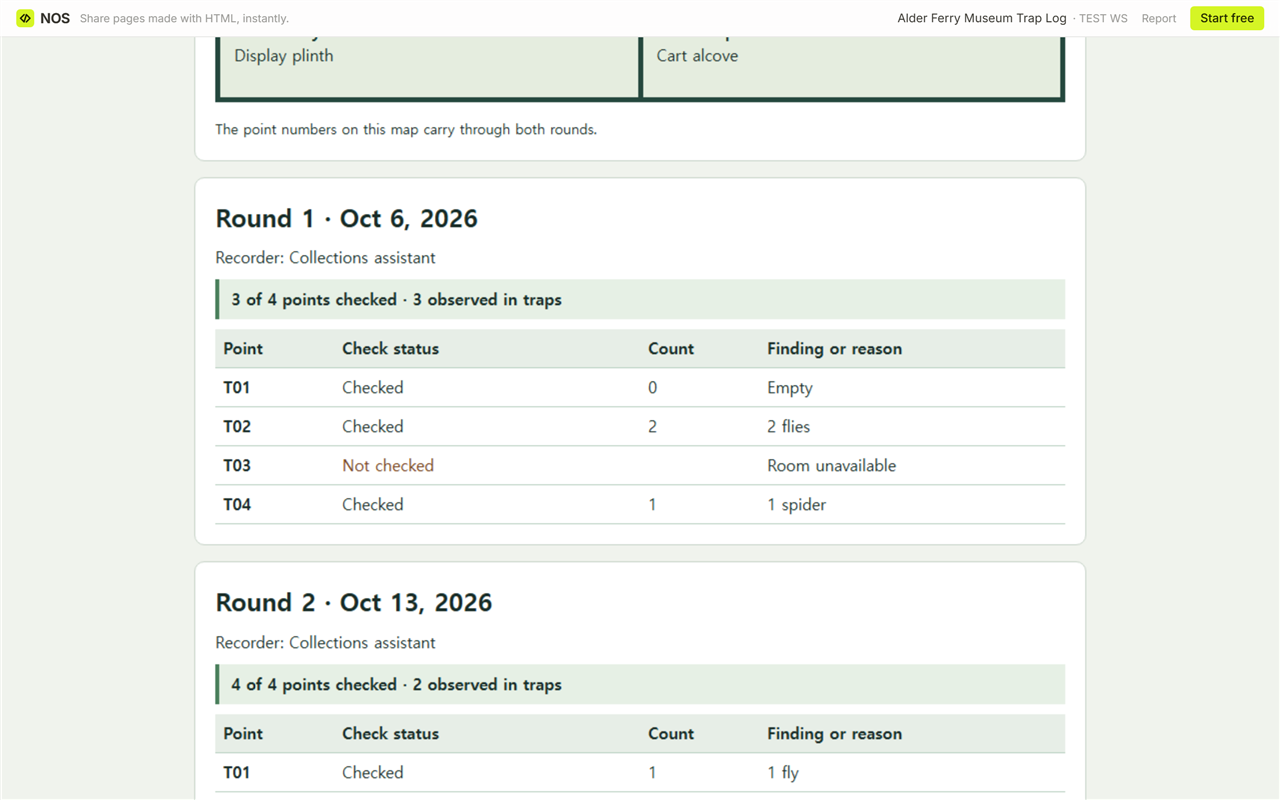
- Checked, empty. In Round 1, T01 has status Checked and count 0. A reader can tell it was visited.
- Not checked. T03 was unavailable on October 6. Leave the count blank and record the reason. Keep it in the list of scheduled points.
- Checked, identification open. T03 has a count of 1 on October 13. Write Unidentified in the finding column. If the identification is resolved later, date the amendment and keep the original observation traceable.
What can you say about the two October rounds?
On October 6, 3 of 4 scheduled points were checked. The checked traps held 3 observations: 0 at T01, 2 at T02, and 1 at T04. On October 13, all 4 points were checked. The count was 2: 1 at T01 and 1 at T03, with 0 at T02 and T04.
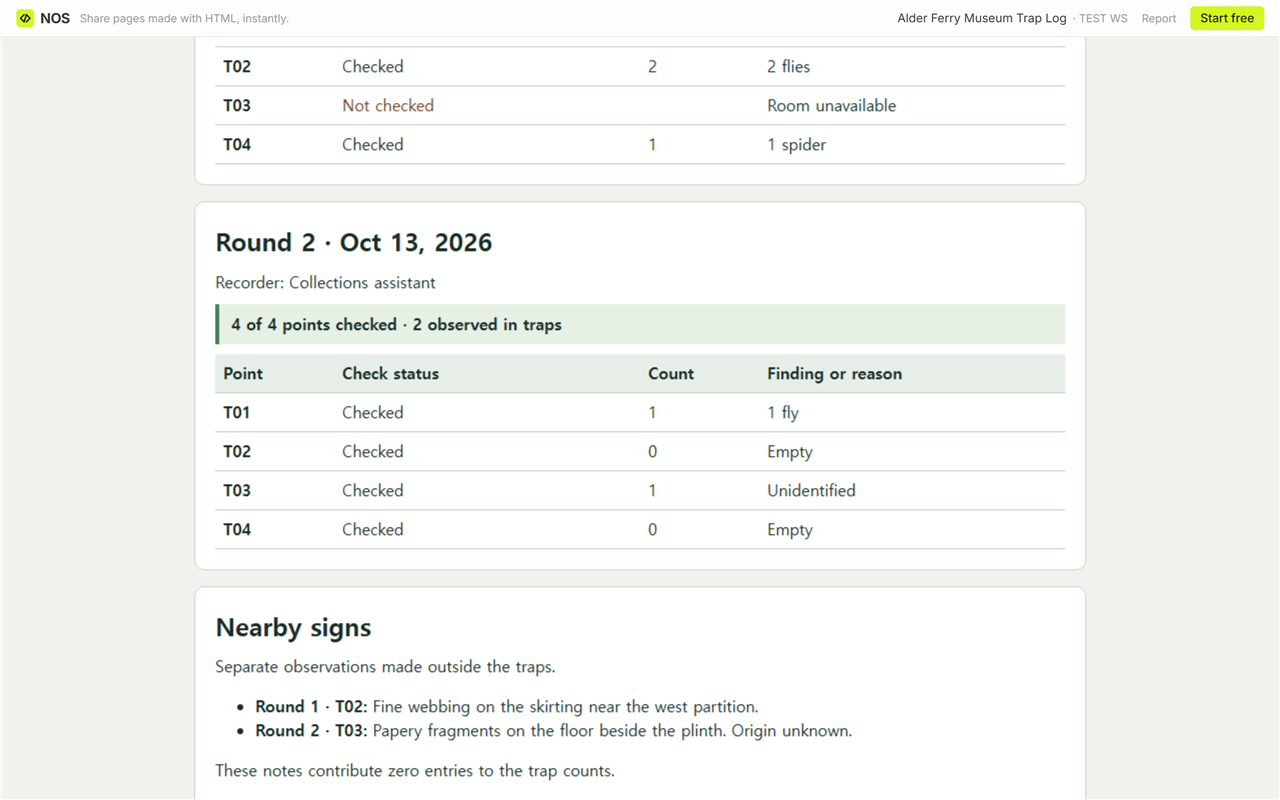
Put each total beside its coverage. A handoff can say, “Round 1: 3 of 4 checked, 3 observed. Round 2: 4 of 4 checked, 2 observed.” The first visit missed the point that accounts for one of the two captures on October 13. These two totals describe what was recorded on each date. Leave the direction of any change open.
Where do you put signs found beside a trap?
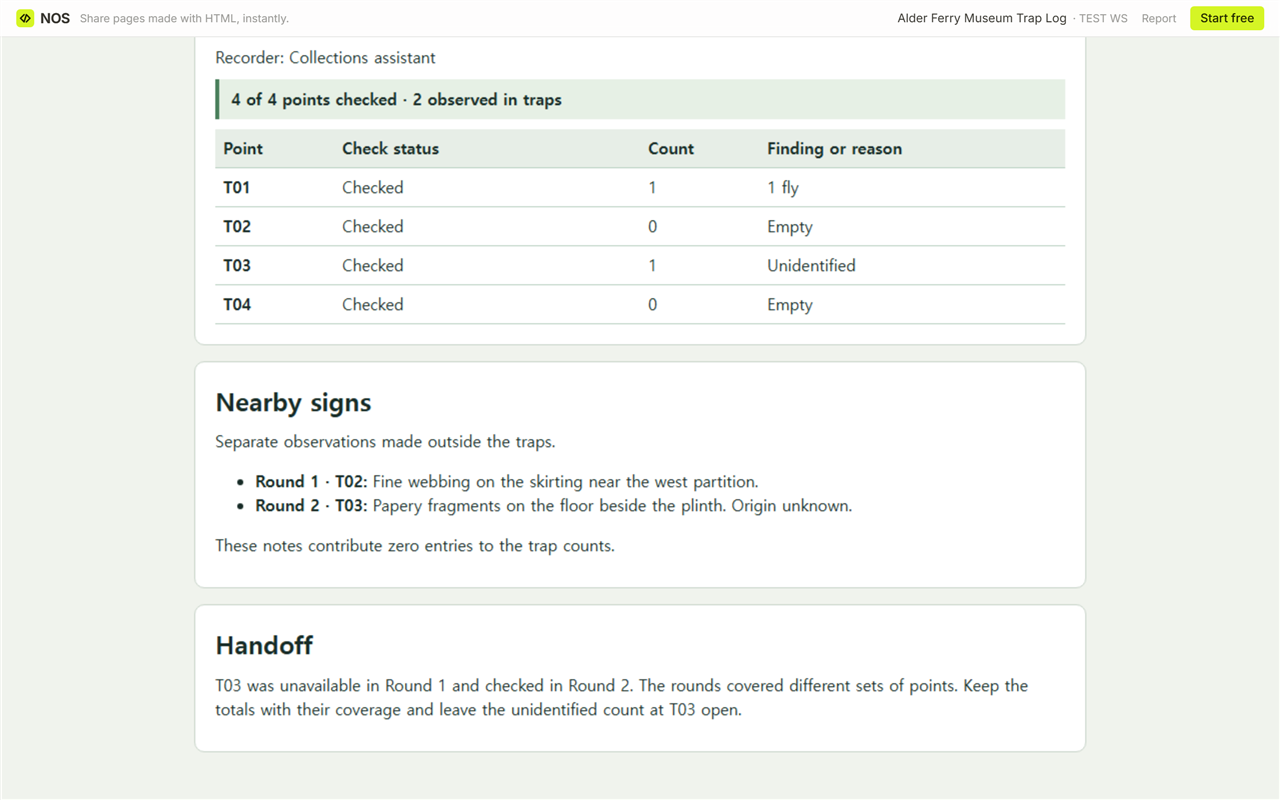
Give nearby signs their own entry with the round, point number, exact spot, and plain description. The example puts fine webbing beside T02 in Round 1 and papery fragments beside T03 in Round 2. The fragments’ origin is unknown. Both belong in the nearby-signs section, outside the trap totals.
When not to do this
Use this worksheet for reading and recording observations. Keep real collection locations, detailed floor plans, and staff information in the records your institution has approved for them. For identification or a decision about how to respond, bring the dated observation to the responsible team.
Reading the fictional log in NOS
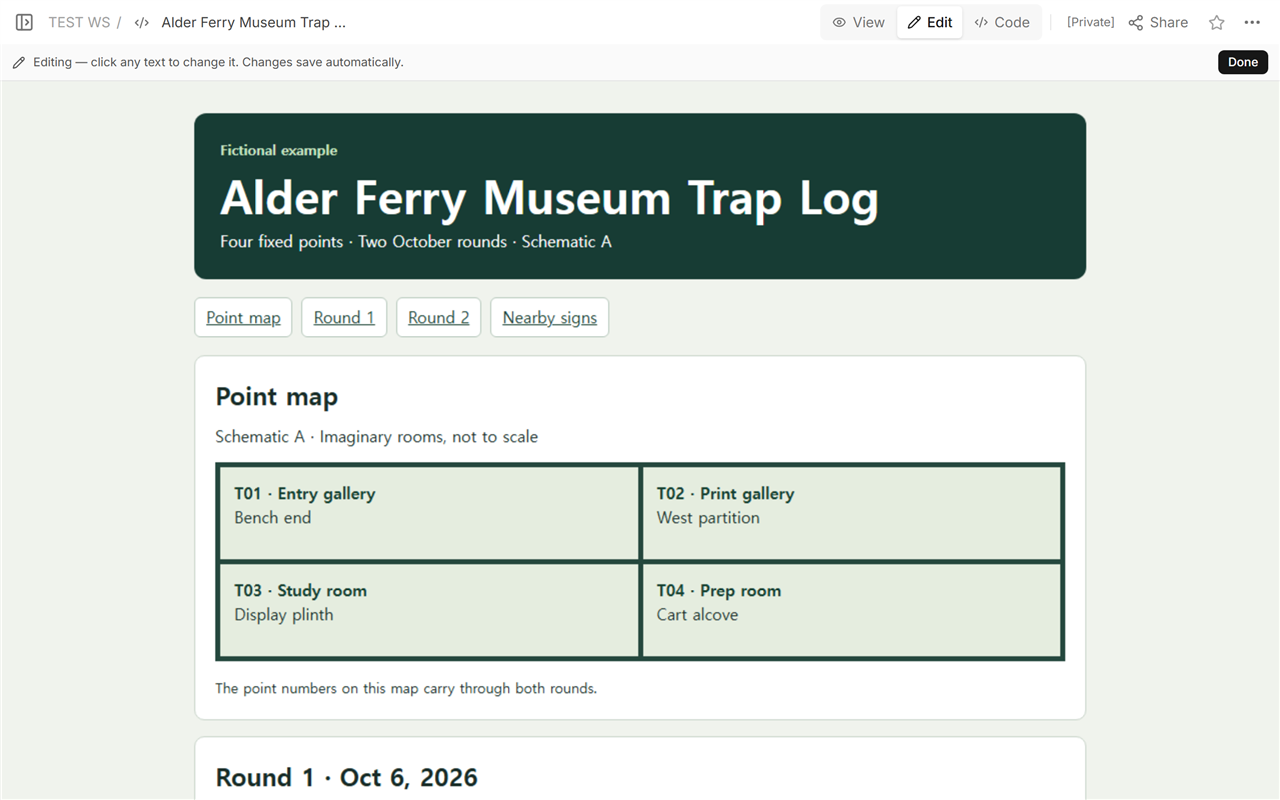
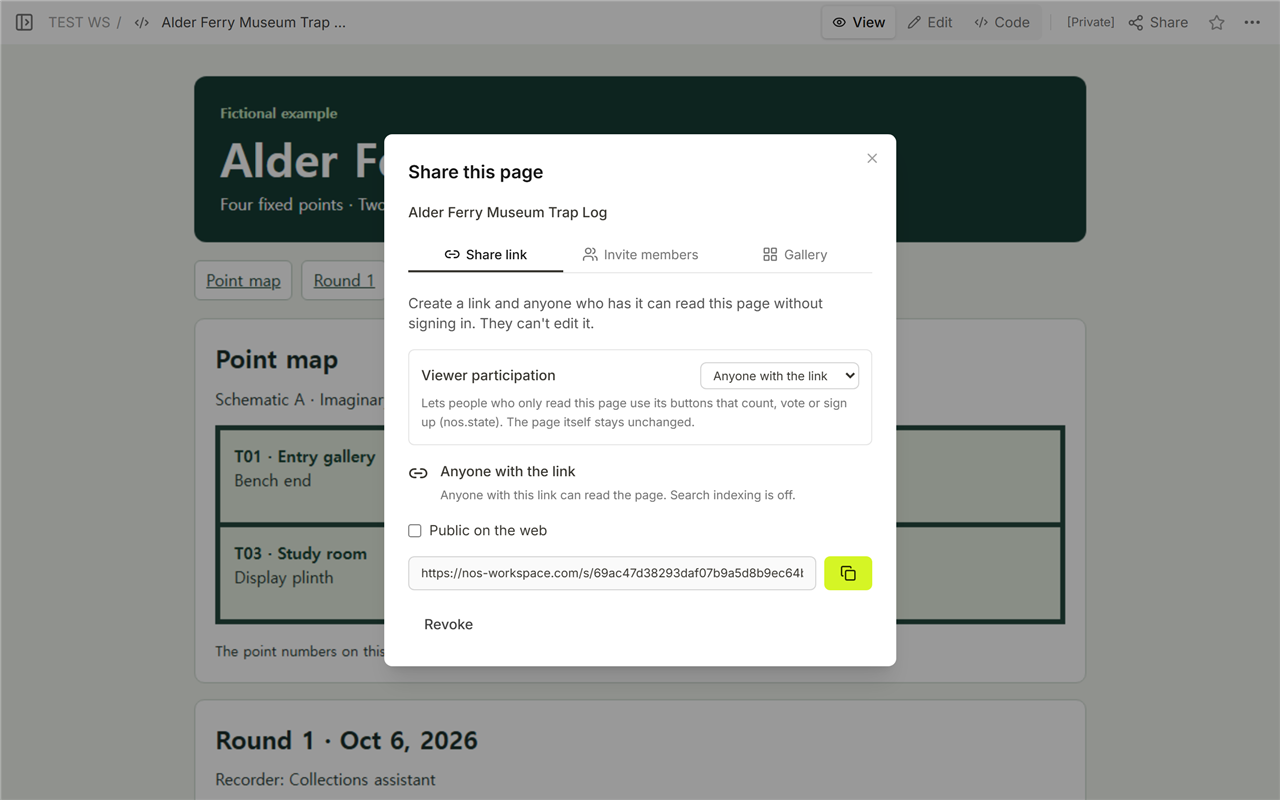
Open the Alder Ferry Museum trap log and use its section links to move from the point map to either round. In the workspace, Code shows the source, View shows the layout, and Edit opens the same document. The Share panel gives the reader address. We reopened that address and checked that Round 2 still showed 4 of 4 points checked and 2 observed in traps.
Related records
- Use the floor plan guide when the labels on an approved diagram need to remain readable at narrow widths.
- Use the maintenance SOP template when a separate work order needs a record of assignment, verification, and closure.