Write down the recording version and runtime before you mark topics. Give each topic a start, an end and a short phrase that helps someone recognize the passage. Check the boundaries against the same cut before handing off the log.
Download the blank interview log CSV
Download the filled Switchyard Club log
Open the corrected example
What goes in an oral history interview time log?
Start with the recording ID, the exact filename or approved reference, the version and the runtime. Use elapsed time from the beginning of that file. At each topic change, mark the start and end, give the section a short title, and write down a cue that helps the next listener recognize the passage. Put a question that still needs an answer in the follow-up column.
The UC Irvine Libraries oral history toolkit describes a time log as a way to pair topics with timestamps. Skyline College’s example shows a start and end for each topic alongside an editing note.
Which moment belongs to the first public show?
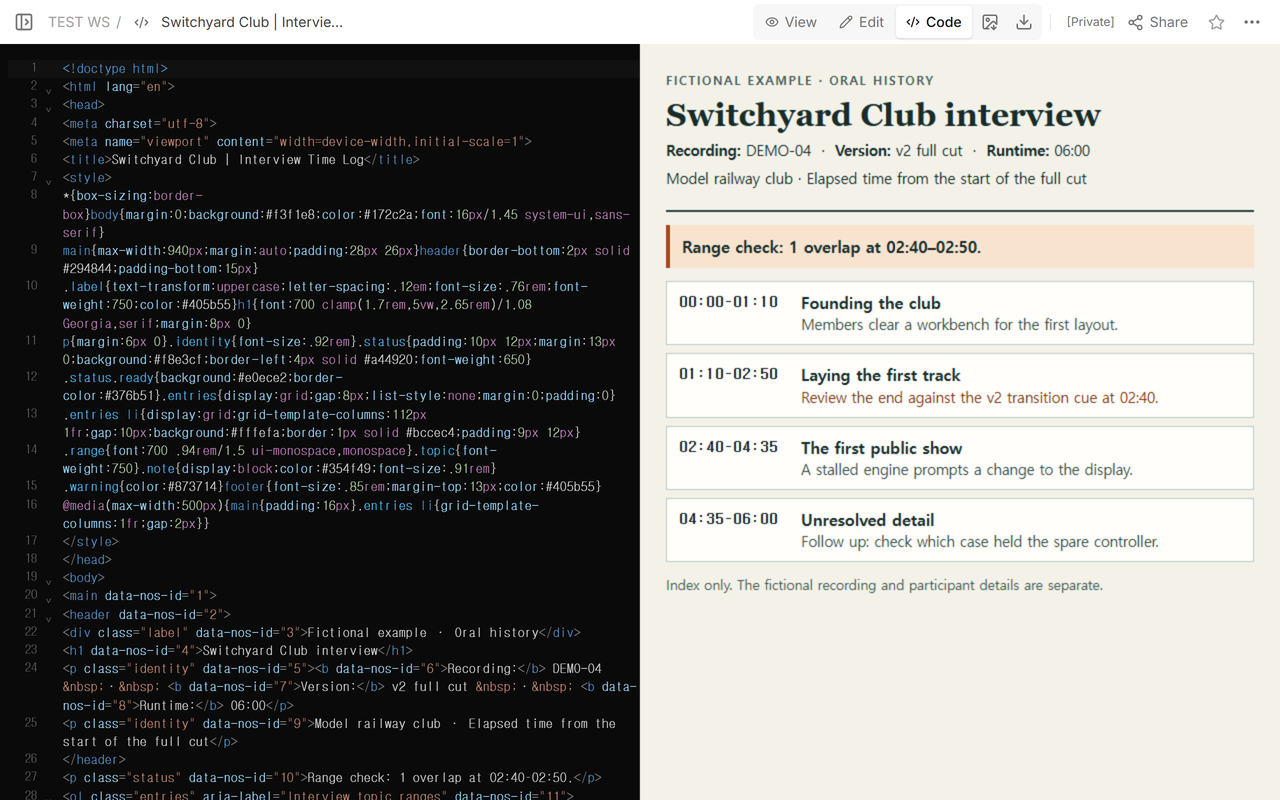
We used a fictional six-minute interview about a model railway club. The four topics are the club’s founding, the first track, the first public show and a detail left to check. The draft said the track discussion ended at 02:50 and the show started at 02:40. The start of the show appeared under both topics.
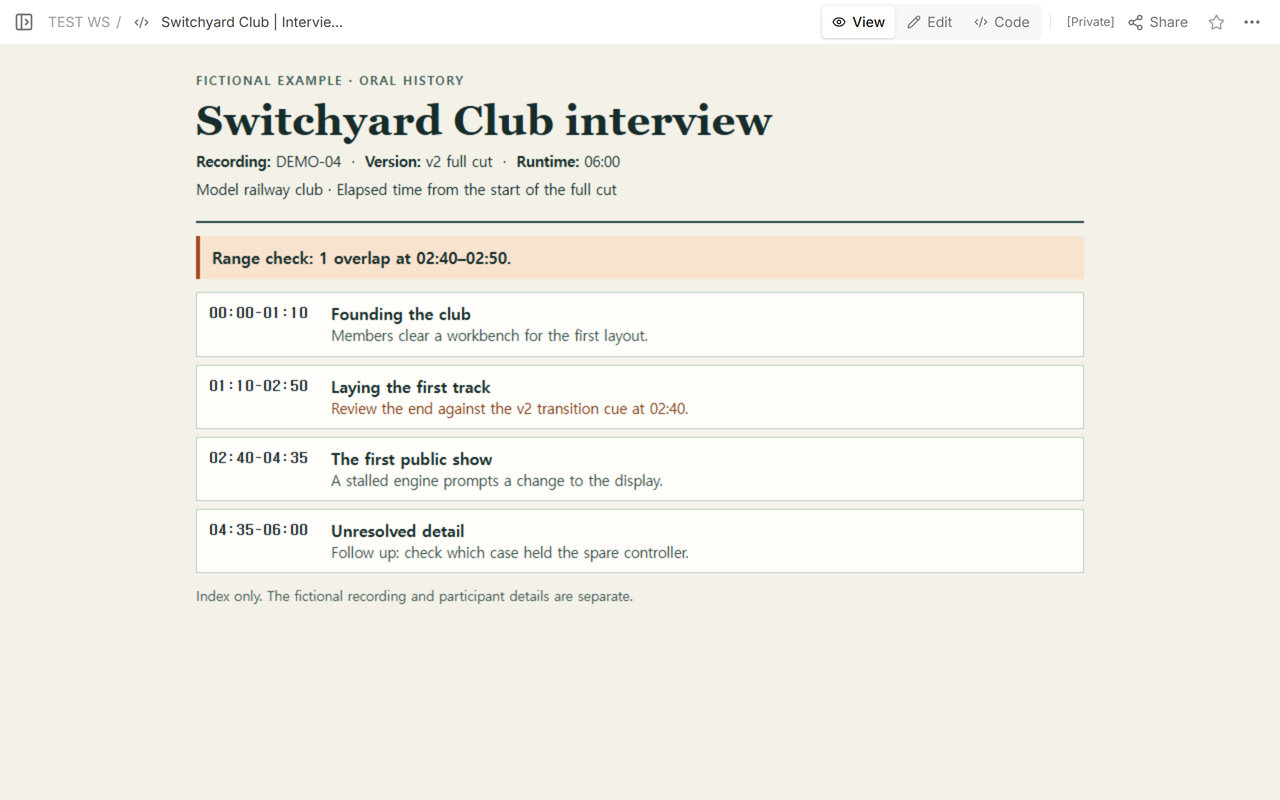
Before changing either time, we checked DEMO-04, the v2 full cut, and its 06:00 runtime. The fictional audio cue for the show starts at 02:40 in that cut. If someone sent you a shorter cut with the same recording ID, ask which version the reviewer will play and check the boundary there before sending your log.
What does the reviewer see after you fix the range?
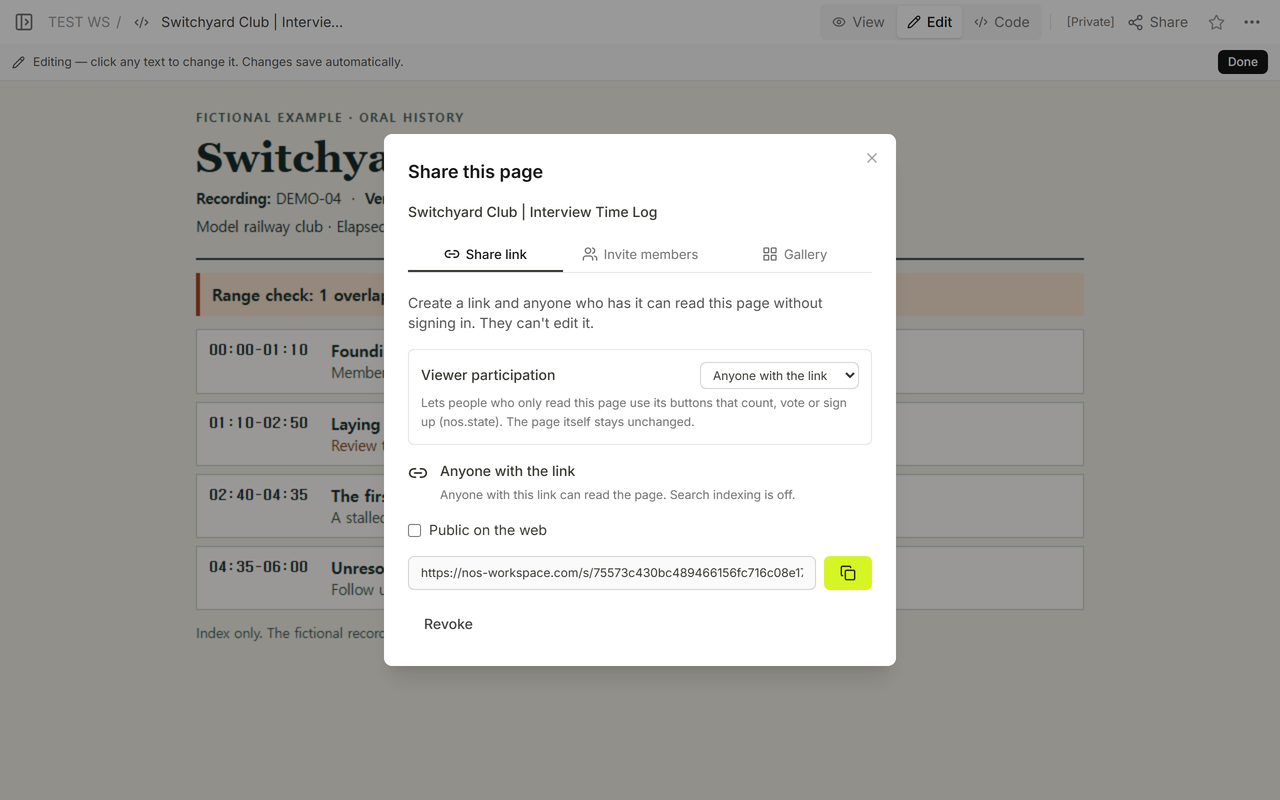
We opened the reader link shown in Share. While signed out, we could read the overlap and the old time without opening the editor.
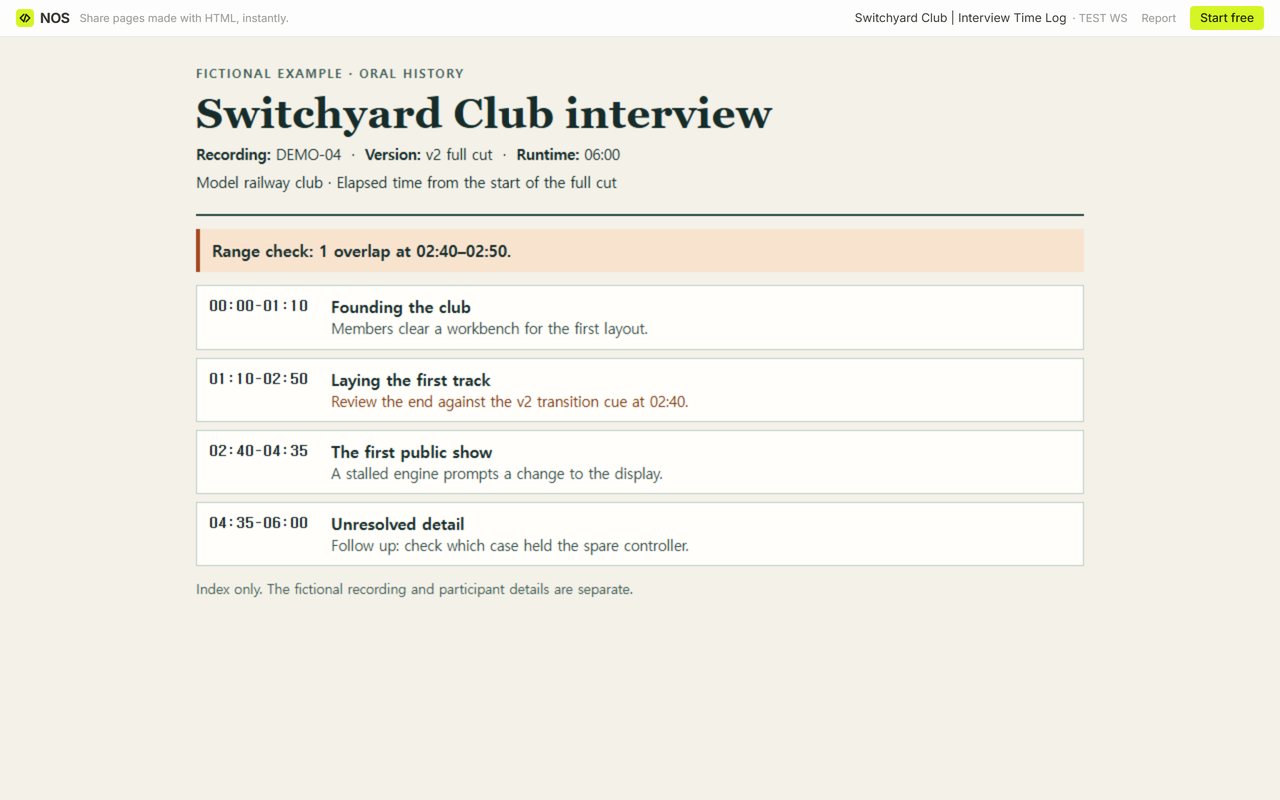
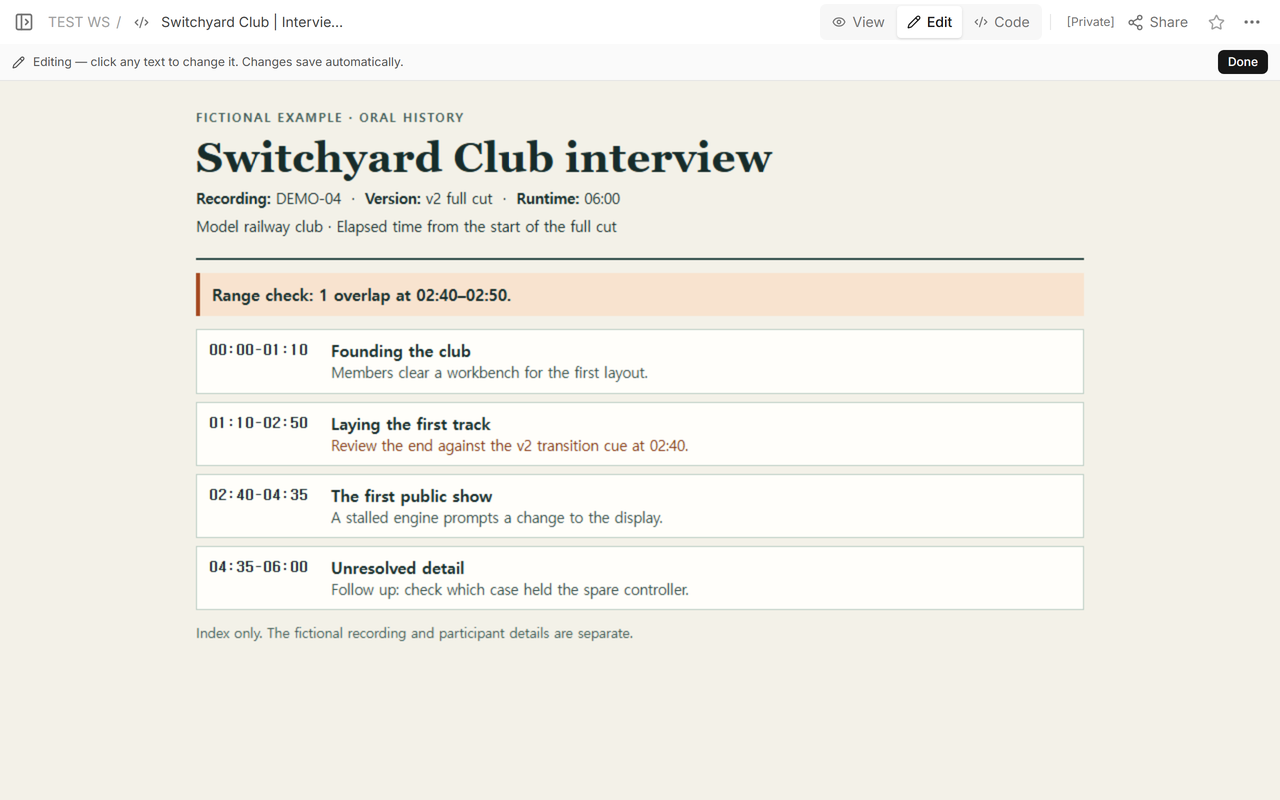
We changed the track end to 02:40 on the existing page. The show still starts at 02:40, and the fourth range still ends at 06:00. The question about the spare controller stays open after the range check.
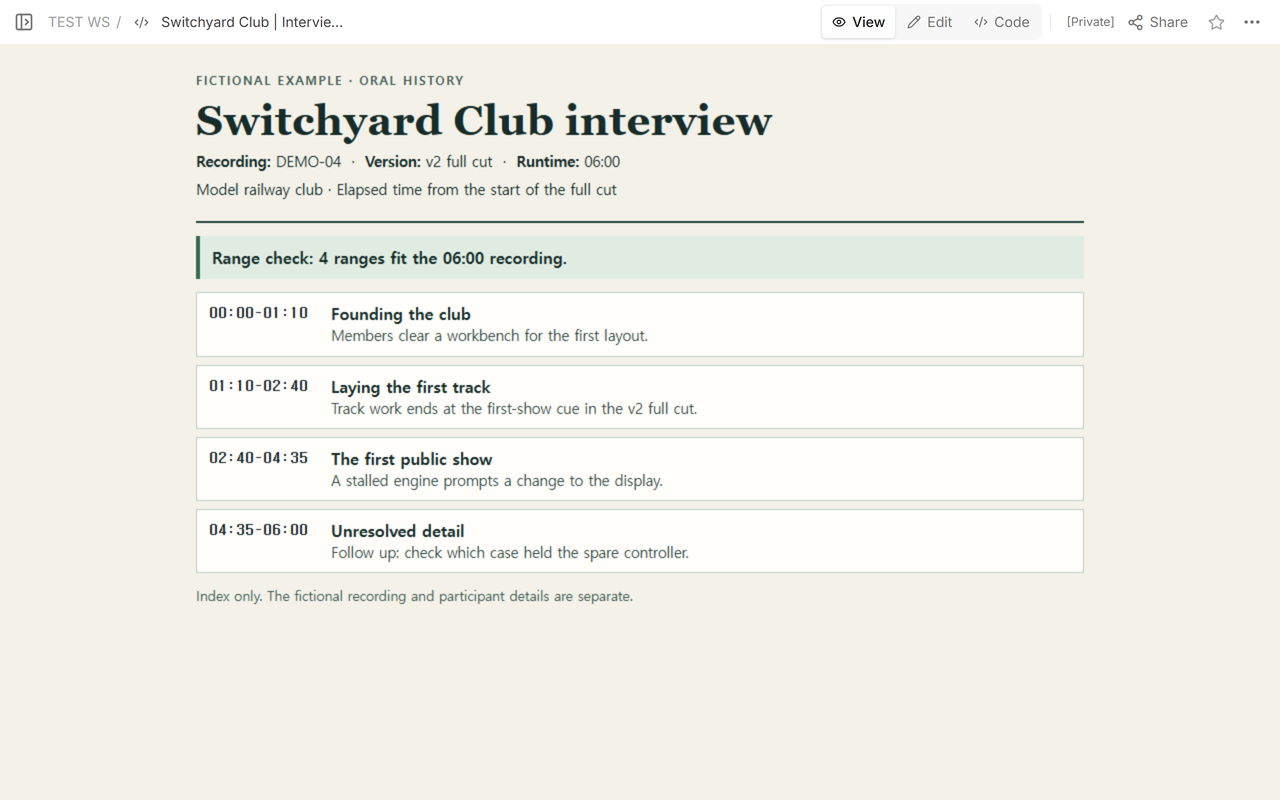
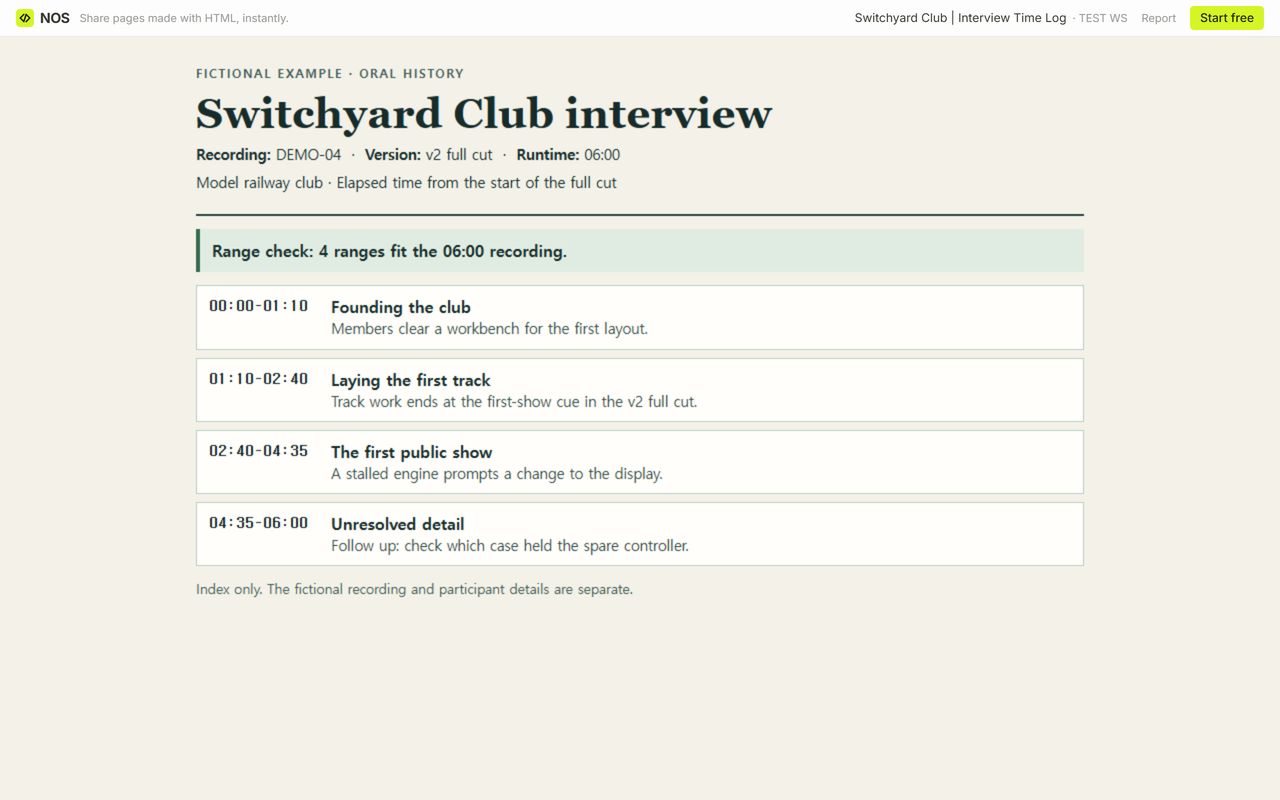
We reopened the same reader link while signed out. It showed the corrected row and the four ranges within the six-minute runtime.
How do you check your own log before handoff?
Open the blank CSV and fill one row per topic. Record the version and runtime on every row if the rows will be sorted or moved out of the file. Read down the start column in playback order. Check that each end comes after its start, that no end exceeds the recorded runtime, and that adjacent ranges don’t claim the same time. With this log’s convention, 02:40 can end one row and start the next.
Mark a deliberate gap, such as a break, so the next listener can tell you meant to skip it. If you can hear that the topic changes but can’t place the boundary, leave the row marked for review and add a cue to listen for. Ask your reviewer to find one passage using the log and the named cut.
When not to do this
Use a searchable transcript if readers need to find an exact line. For a workflow that produces and checks text from a recording, see the transcription guide. For restricted interviews, check your project’s sharing rules before sending either the index or the audio. Use the archive’s required forms if you’re preparing a deposit.
Where does NOS fit?
For this example, NOS held the time log. The audio stayed separate. Use the reader link for the index once you’re ready to share its contents, and tell the reviewer how to reach the approved recording separately.