In short
Record the usable width and height of each offcut in the same unit as the request. Check both dimensions in the intended orientation. Try a 90° turn only if the project permits it.
In the fictional Maple Room tray, P2 fits W1 after a quarter turn. P3 fits W2 as measured. P1 goes back in the tray.
Download the blank paper offcut worksheet (HTML)
Download the completed Maple Room example (HTML)
Two art classes are sharing a paper tray. One needs a backing rectangle for a collage and the other needs a label panel. We made a fictional worksheet with two requests and three measured pieces, then checked which pieces the classes could reserve. The tempting first choice was the largest piece by area.
What size should you write on each row?
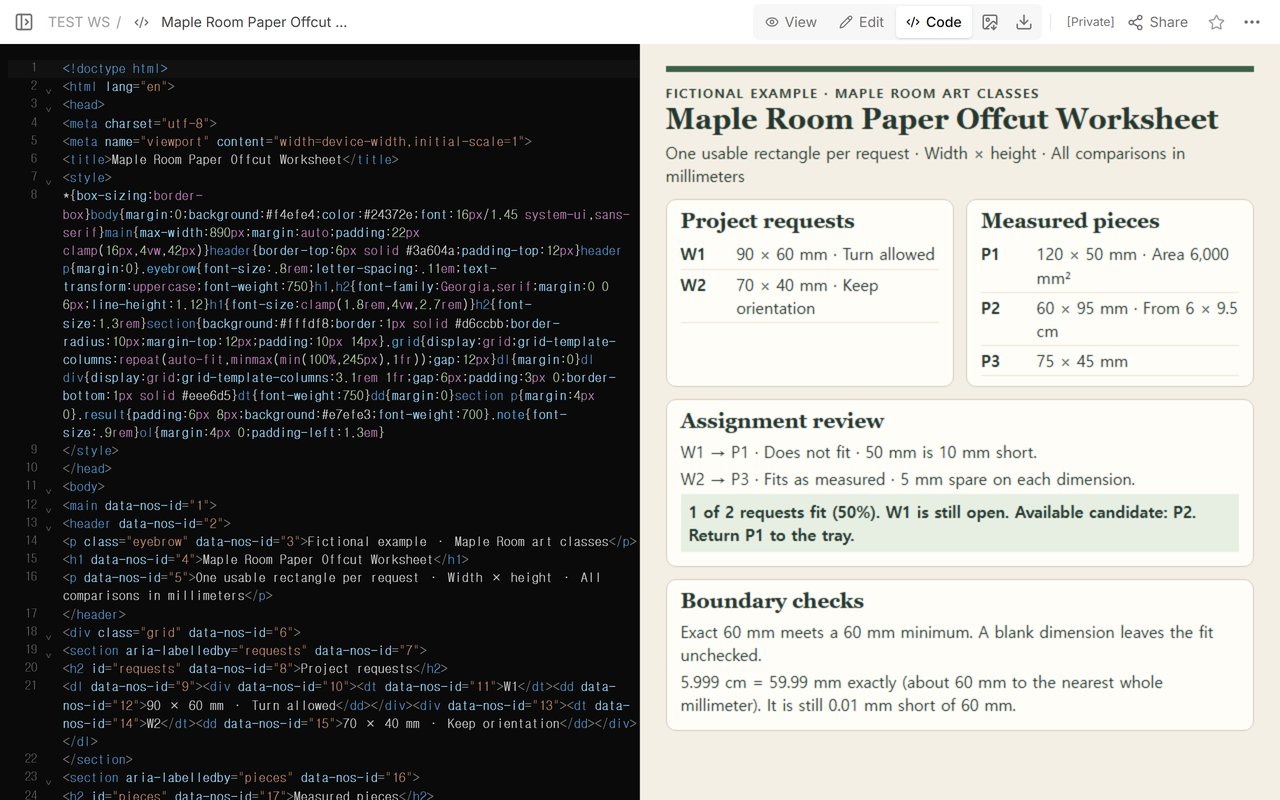
Give every request and piece its own ID so you can find the same rectangle again. Write width before height. For a piece with a missing corner, record a usable rectangle that avoids the missing part. Note any fixed direction, such as the way stripes should run on a label.
W1 needs 90 × 60 mm and allows a turn. W2 needs 70 × 40 mm with its orientation fixed. P1 measures 120 × 50 mm and P3 measures 75 × 45 mm. P2 was recorded as 6 × 9.5 cm. Since 1 cm = 10 mm, multiply both readings by 10 to get 60 × 95 mm.
Can a larger offcut still be too narrow?
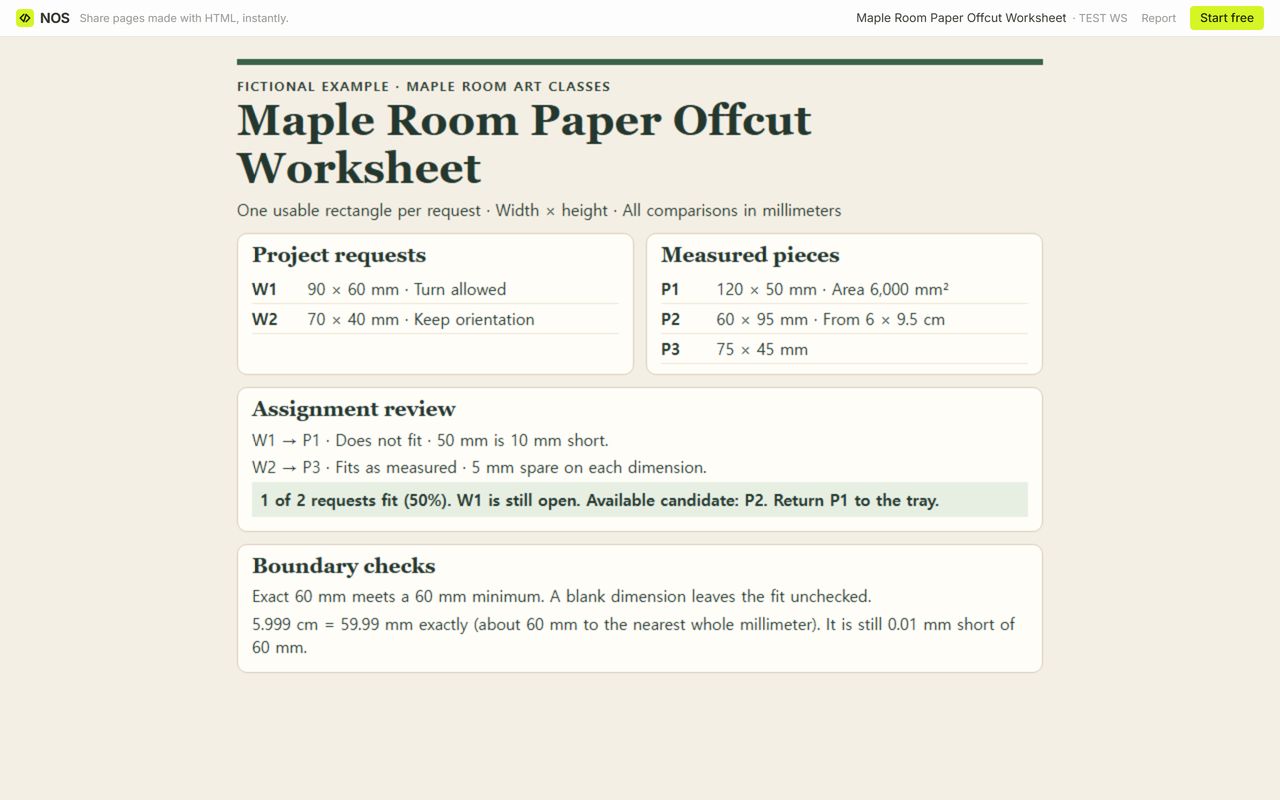
P1 has an area of 120 × 50 = 6,000 mm². W1 needs 90 × 60 = 5,400 mm². P1 passes the width check at 120 mm but its 50 mm side is 10 mm short of the 60 mm height. Turn P1 and the width becomes 50 mm, which is 40 mm short of 90 mm.
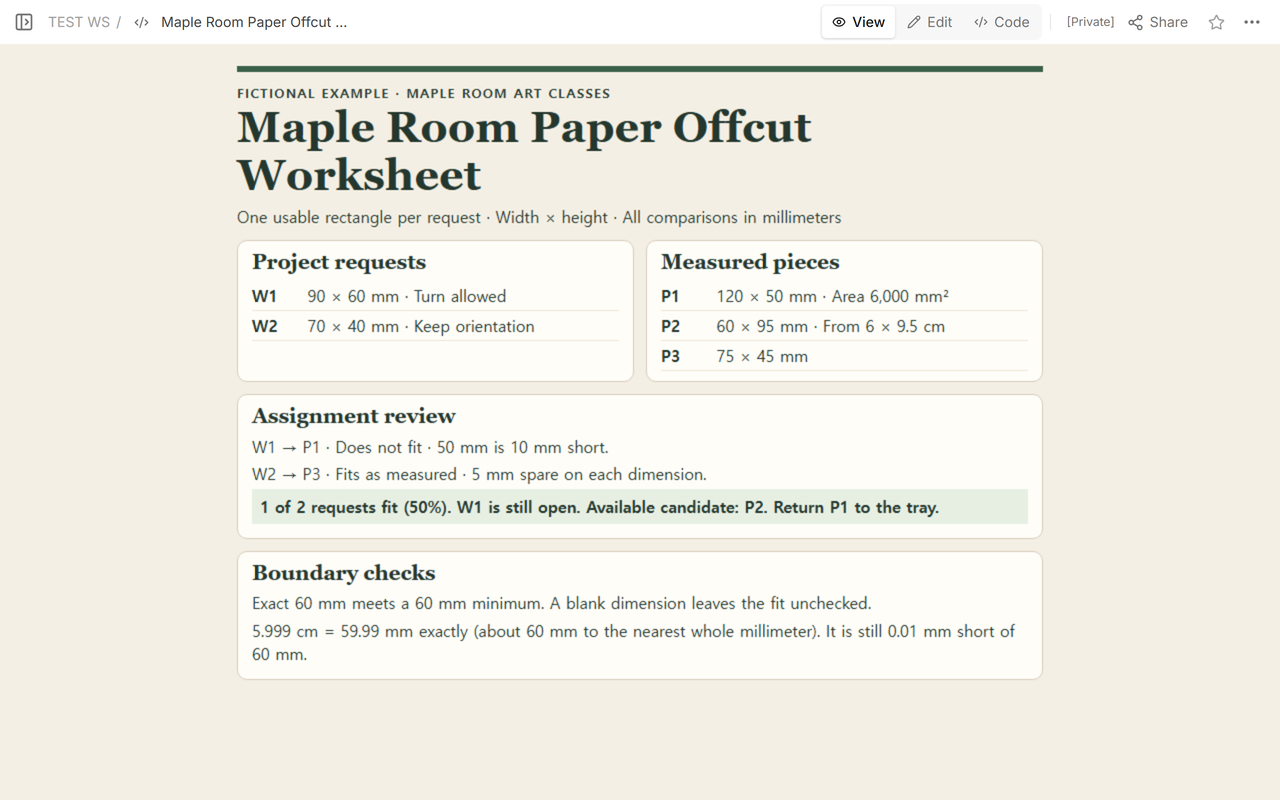
The draft paired P1 with W1. Only W2 passed, since P3 clears 70 × 40 mm by 5 mm on both dimensions. The pass rate was 1 ÷ 2 × 100 = 50% of the two requests.
When does a quarter turn solve the fit?
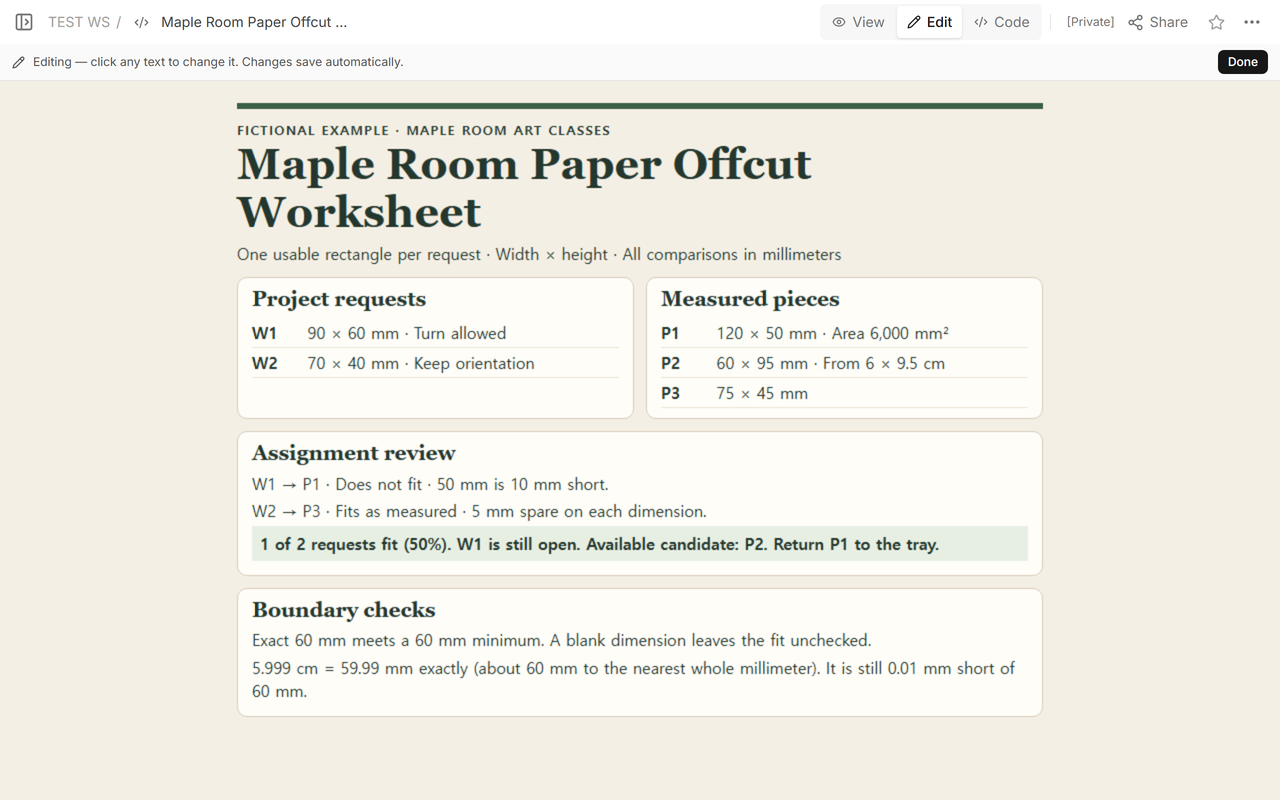
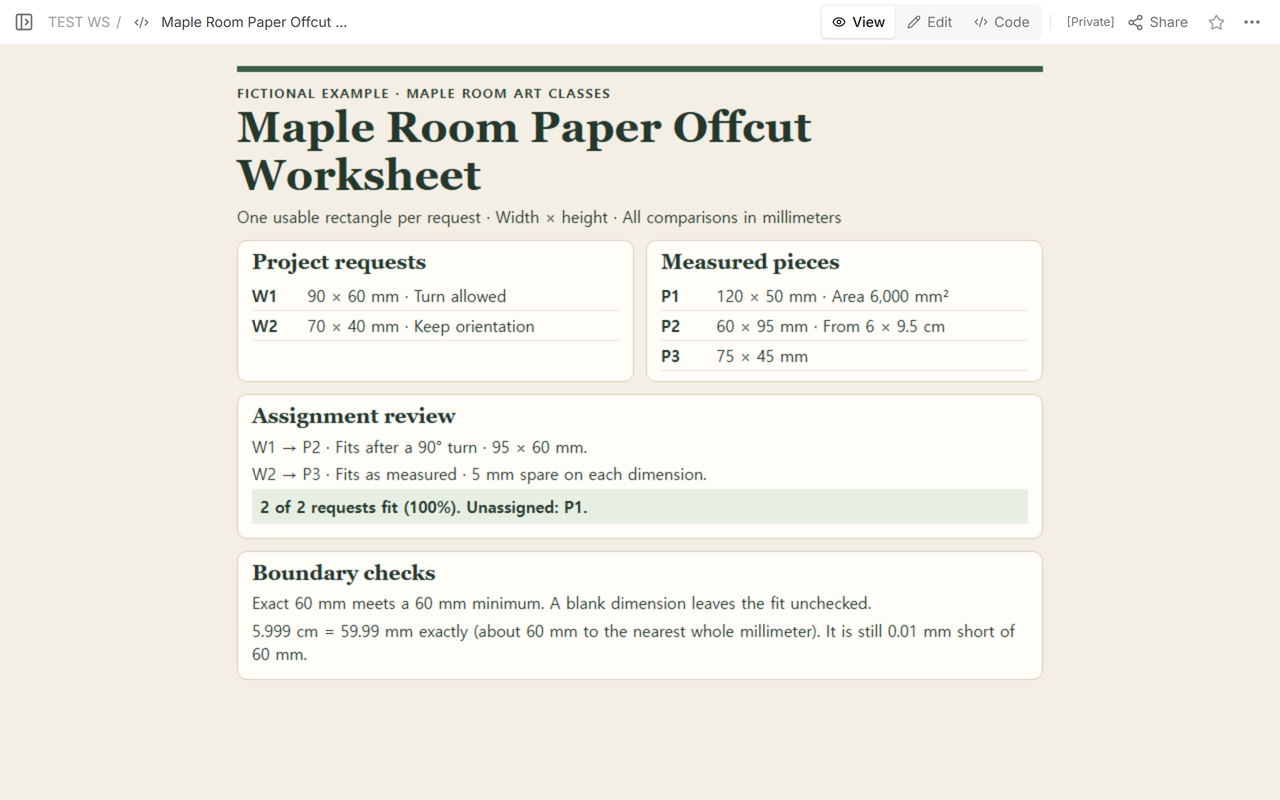
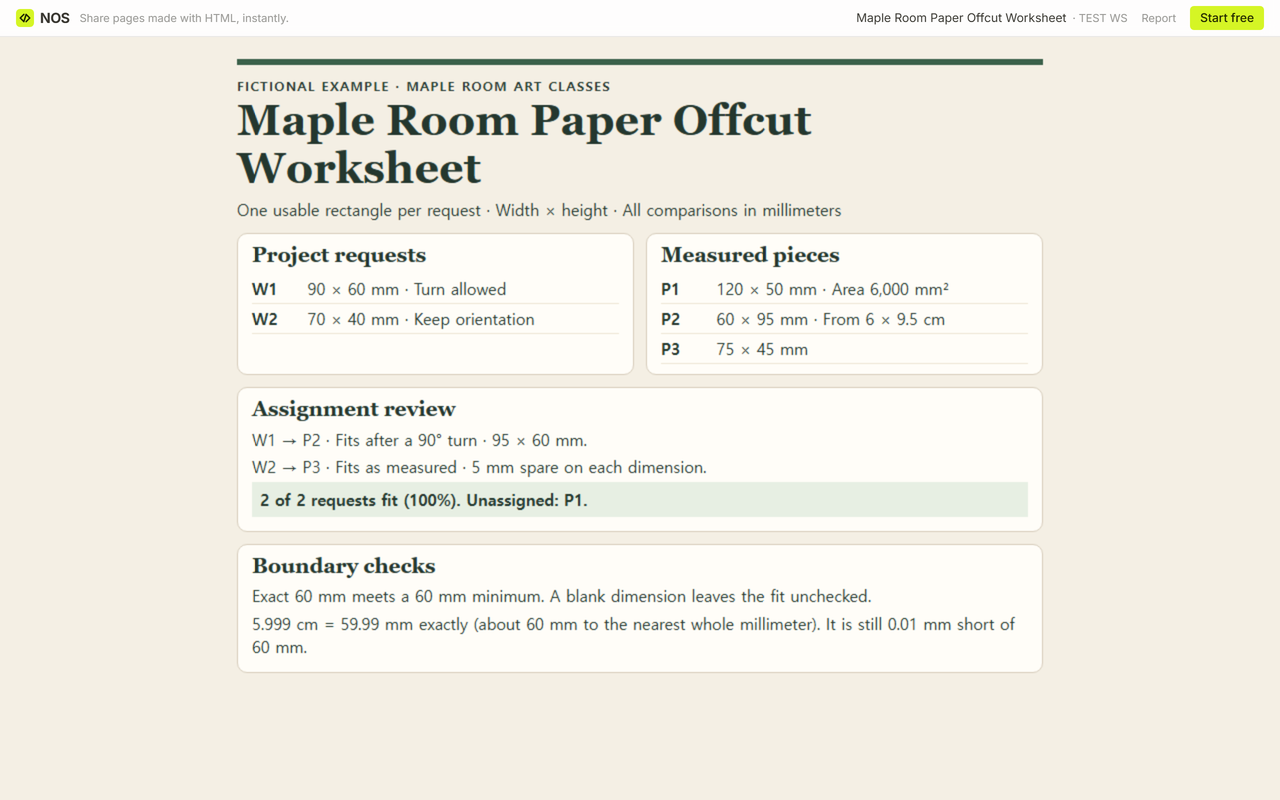
P2 starts at 60 × 95 mm. W1 allows a quarter turn, so compare 95 × 60 mm with 90 × 60 mm. There are 5 mm to spare across the width, and the height meets the 60 mm minimum exactly. Put P2 beside W1 and reserve P3 for W2. Two requests now fit, so 2 ÷ 2 × 100 = 100%. Leave P1 on the remaining-pieces list for the next request.
How do blanks and rounded sizes affect a match?
A blank dimension leaves the pair unchecked. Enter both dimensions and a unit for each side of the comparison. For a narrow miss, compare the exact converted value: 5.999 cm × 10 = 59.99 mm. That is about 60 mm to the nearest whole millimeter, but it still falls short of a 60 mm minimum by 0.01 mm. The blank worksheet shows the approximate reading separately and uses 59.99 mm to decide the fit.
Open the blank file, list the requests and pieces in the assignment record, and check one proposed pair at a time. Mark each confirmed piece as reserved before checking the next request. Copy the completed notes into your class record before closing the file.
What does the next teacher see?
We kept the fictional worksheet on one NOS page. We opened its Share address signed out while W1 was still open. After replacing the W1 pairing and updating the assignment summary, we reopened the same Maple Room reader link signed out. It showed both requests filled and P1 left over.
When not to do this
Use this sheet for one usable rectangle per request. If a project can use irregular shapes or several scraps for one panel, record those pieces separately and plan the composition on its own. For example, the Eric Carle Museum of Picture Book Art saves collage scraps by size and uses irregular scraps for art activities.
For unopened reams or other supply counts, use the inventory dashboard template. The tile layout calculator is for laying out a rectangular field with repeated tiles and joints.