In short
Send the guide after the booking is confirmed, not while the client is still comparing packages.
Put the session time, arrival point, clothing choices, packing list, late-arrival rule, and weather backup on one phone-friendly page.
Write the next action beside each possible change. A rain note should name the indoor meeting point.
Update the existing page and check its viewer address after every important correction.
A photography session guide is the practical note a client uses after booking and before arriving. It is different from a photography proposal, which helps someone compare packages, coverage, delivery timing, and terms before choosing.
The NOS Team built a fictional portrait-session page for this guide. It gives the client a date, arrival time, street address, entrance, parking note, clothing plan, packing list, late-arrival instruction, and indoor weather backup. We first shared it with an outdoor meeting point. We then changed the weather message on the existing page and checked the original public address again.
Download the fictional session-guide example
What should a photography session guide include?
Start with decisions that can delay the session if they remain unclear. A useful guide answers these questions in the order a client is likely to need them:
- When: the session date, start time, and requested arrival time.
- Where: the full address, the correct entrance, and a parking or transit note.
- What to wear: the main outfit, an optional layer, footwear, and anything to avoid.
- What to bring: only the items that support this specific session.
- What changes: the indoor location or rescheduling route for weather.
- What if someone is late: how to contact the photographer and whether the listed finish time remains fixed.
The fictional example keeps every item on one page and labels itself as fictional. It contains no client name, photographer name, email address, payment information, or real location.
How do I prepare clients for a photo session?
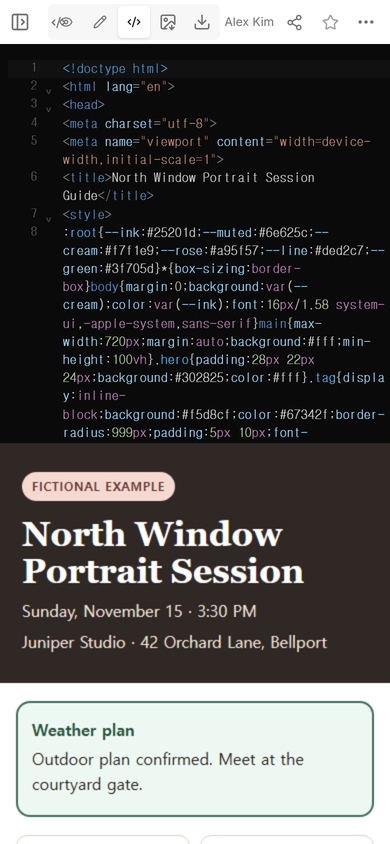
Lead with the appointment facts. The example shows the session at 3:30 PM and asks the client to arrive at 3:15 PM. The entrance is described as the courtyard gate beside a blue awning, so the address is not doing all the work.
After the appointment block, give the reader quick routes to arrival, clothing, packing, and weather details. The first phone screen should answer “Am I in the right place?” before it asks the client to read styling advice.
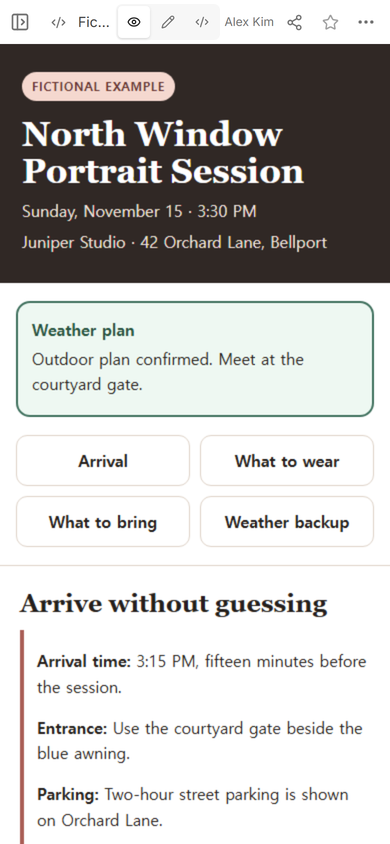
Keep clothing guidance concrete enough to act on but broad enough to fit the photographer’s style. The example suggests a solid color or small pattern, an optional jacket or cardigan, the shoes intended for the photographs, and no large logos or narrow stripes. Those are fictional editorial choices, not universal photography rules. Replace them with the instructions for your own session.
What should clients bring to a photography session?
A short packing list is easier to check at the door than a paragraph. Include the main outfit, any agreed layer, grooming item, closed water bottle, touch-up item, and a planned prop only when they belong to the shoot. Do not pad the list with equipment the photographer already supplies.
The guide is an information page, not a collection form. Ask the client to reply through the booking conversation if they need to confirm an outfit or prop. Do not ask them to enter private details into a static shared page.
How do you send session details to a photography client?
Create a viewer address after the content is complete. Open that address separately from the editing workspace and read it at phone width. Check the title, date, meeting point, entrance, and first checklist item before sending it.
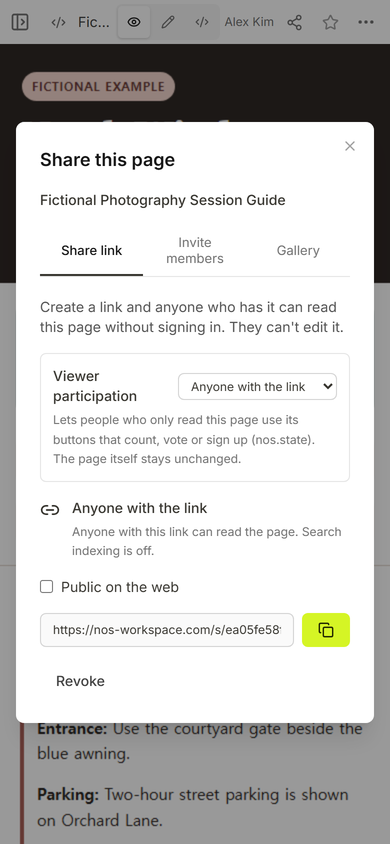
For this example, the Share panel stated that anyone with the link could read the page without signing in and could not edit it. It also showed search indexing as off. Those settings were observed on this example; check the panel on your own page instead of assuming every link has the same settings.
Send the guide in the existing booking thread with one sentence that names it. For example: “Here is your session guide with the arrival point, outfit notes, and weather backup.” The client can return to that address without searching across separate attachments.
What happens if the weather changes before the shoot?
Write the replacement plan, not only the problem. “Rain expected” still leaves the client wondering where to go. The prepared guide names the Glasshouse lobby as the indoor meeting point and tells the client to check the page before leaving.
We attempted to replace the original outdoor sentence in the visual editor. The new words landed in the middle of the old sentence, so that version was not usable. We opened Code on the same page, replaced the damaged sentence once, and left the corrected line selected for review.
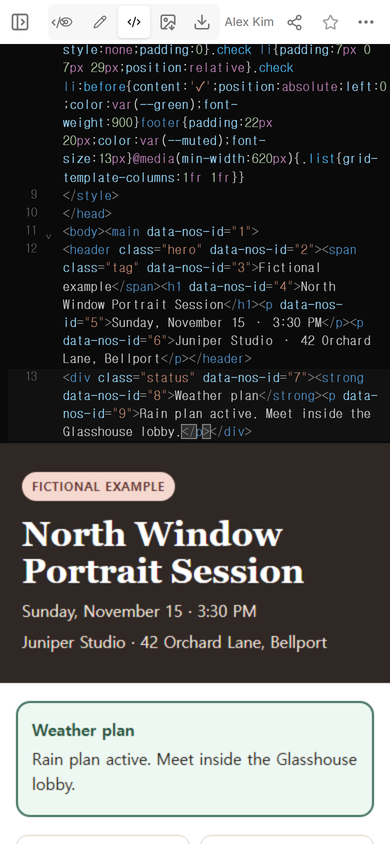
Returning to Edit showed the corrected sentence inside the rendered page. The editing banner and Done control were visible, while the original page and its fictional label remained in place.
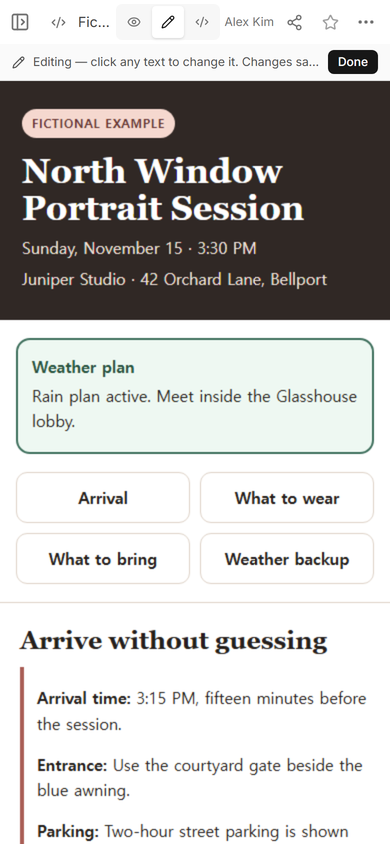
View then showed the same complete sentence without the editing controls.
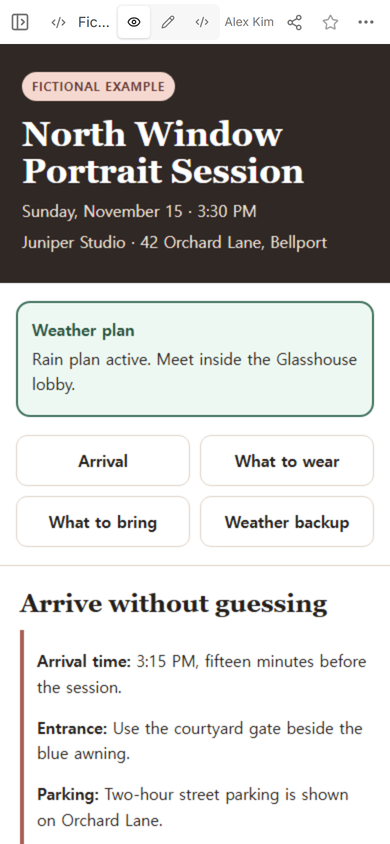
Finally, we opened the original viewer address at phone width. It displayed the revised weather plan and the same session details. No new page or viewer address was created for the correction.
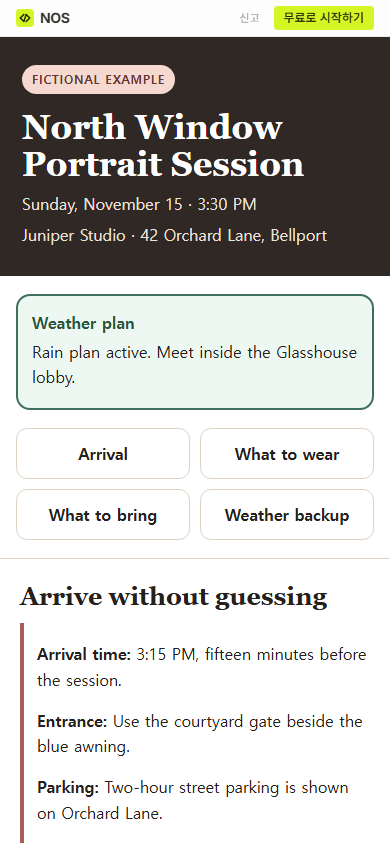
Result: one fictional guide now gives the client the appointment, arrival route, clothing plan, packing list, late-arrival instruction, and a specific indoor weather backup at the same viewer address.
How early should clients arrive for a photography session?
Choose an arrival time that fits the real location and setup, then write it as an exact clock time. The fictional session asks for 3:15 PM before a 3:30 PM start. That is an example value, not a measured industry standard.
Explain what the buffer is for only if the client needs that context. At a large venue, it may cover the walk from parking. At a studio, it may cover the entrance and coat storage. If arriving early would leave the client outside a locked space, do not copy the example’s timing.
What belongs in the late-arrival rule?
State the contact route and the consequence you actually use. The fictional page asks the client to reply in the booking thread and says the session still ends at the listed finish time. Replace that policy if your agreement allows an extension, a different contact method, or a rescheduled start.
Keep contract terms in the contract. The session guide can repeat the immediate action in plain language, but it should not quietly introduce a new cancellation fee, usage right, or rescheduling condition after booking.
When not to do this
- Do not use a public viewer page for private client records, access codes, payment details, or sensitive location notes.
- Do not present a weather message as live unless a verified source actually updates it.
- Do not replace the booking agreement with a preparation guide or add new terms after the client has booked.
- Do not make another page for every correction when the existing session page and viewer address can be updated.
Using NOS for the session guide
NOS Workspace held the fictional HTML guide, showed its rendered View and Edit modes, created the viewer address, and kept that address available after the weather sentence was corrected. The example and article assets in this draft are prepared locally and have not been added to the live Learn site. Check the current pricing page if you need plan information.
Before a client books, use a photography proposal for packages and terms. After the shoot, a photo gallery link covers delivery and viewing. The session guide sits between those two steps: it prepares the client to arrive ready.