In short
Give each recording its own row. Match it to a source, keep the recording and publication dates separate, and record who can hear the audio. Copy only the fields approved for readers into the shared log.
What belongs in a place name recording source log?
Start with a row ID and the place label used in your guide. Add a source reference someone else can find, such as a catalog ID or a field ledger entry. Record the language and the region as the source gives them. If a label is missing, leave the fact open for follow-up. The spelling alone gives you no basis for filling it in.
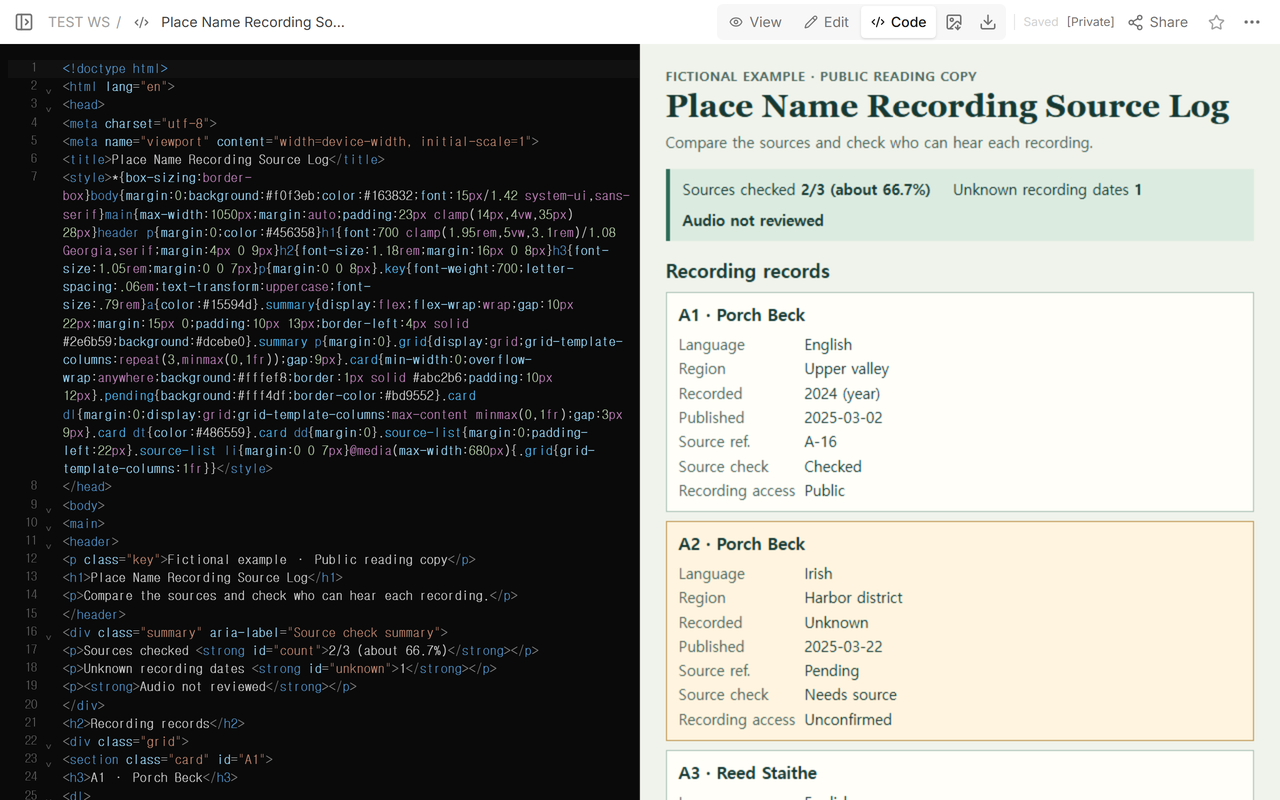
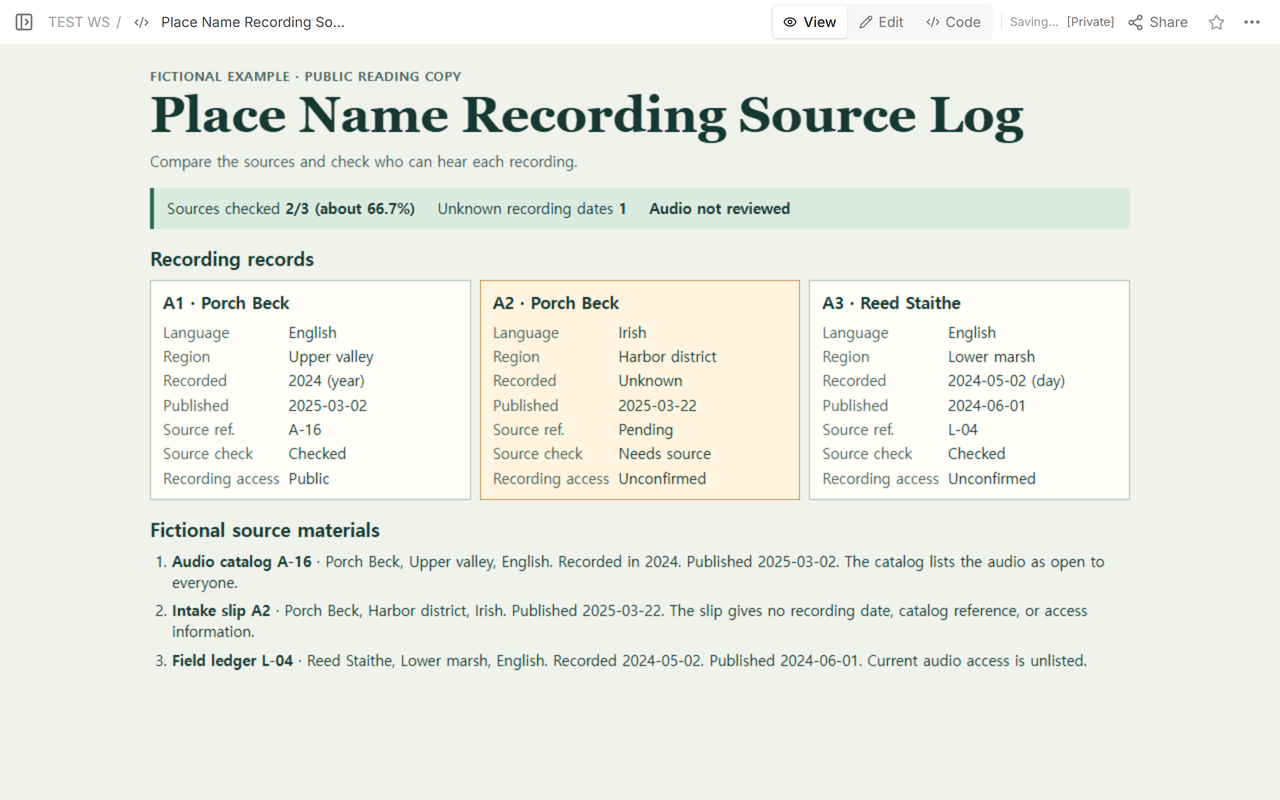
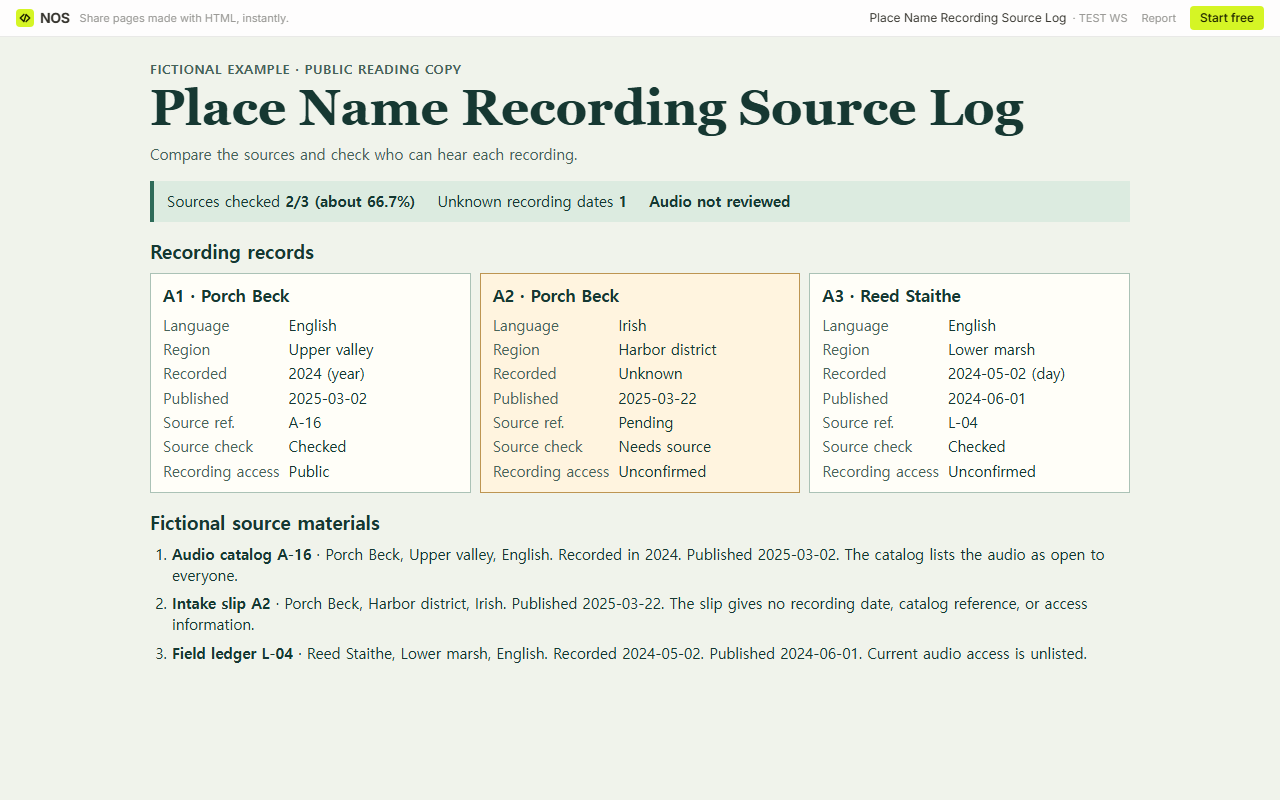
We built a fictional log for two stops, Porch Beck and Reed Staithe. Porch Beck has two entries. A1 is labeled English from the Upper valley, and A2 is labeled Irish from the Harbor district. They belong on separate rows so the next editor can retrieve each source and see what it says.
How precisely should you record the date?
Copy the precision you have. The A-16 catalog gives 2024 for A1, so the CSV says Year. The L-04 field ledger gives 2024-05-02 for A3, so that row says Day. When a source gives no recording date, leave the CSV date cell empty and set its precision to Unknown. A2 has a publication date of 2025-03-22, which belongs in the Published date column.
The Placenames Database of Ireland’s recording notes give the recording year for the Armagh collection and describe the limits of regional coverage. The separate Gaois release notice is dated January 2022. If you work from collection descriptions such as the Scottish Place-Name Survey, look for the individual record before entering a date for a clip.
How do you record who can hear each recording?
Use the source’s item-level access information. Mark Public when anyone can hear the recording, Restricted when only a named group or people with permission can hear it, and Unconfirmed when the source is silent or unclear. Leave the access cell blank in an unused row. For an entry you are keeping, use Unconfirmed when you have no access evidence.
In the fictional sources, A-16 lists A1’s audio as open to everyone. The intake slip gives no access information for A2. B-07 later says only archive staff can hear it, so A2 changes from Unconfirmed to Restricted. L-04 gives a publication date for A3 and says nothing about current access, so A3 stays Unconfirmed. A publication date records when an item was published. The recording’s access field tells readers who can hear it now.
What changes when a missing source turns up?
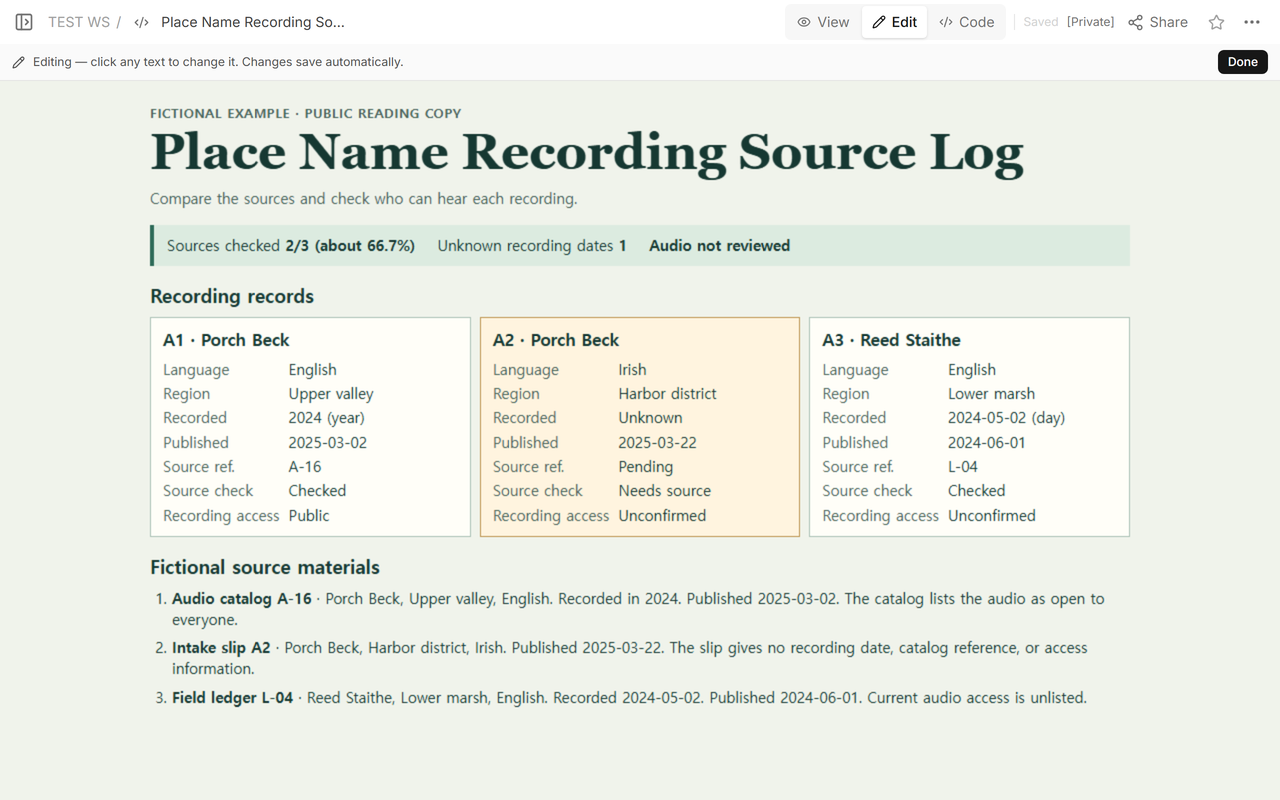
At intake we could match two of the three rows to source references. A2 had an intake slip with a place, language, region, and publication date. It still needed a source reference. We opened the public copy from the reader address to see what a colleague would have to follow up.
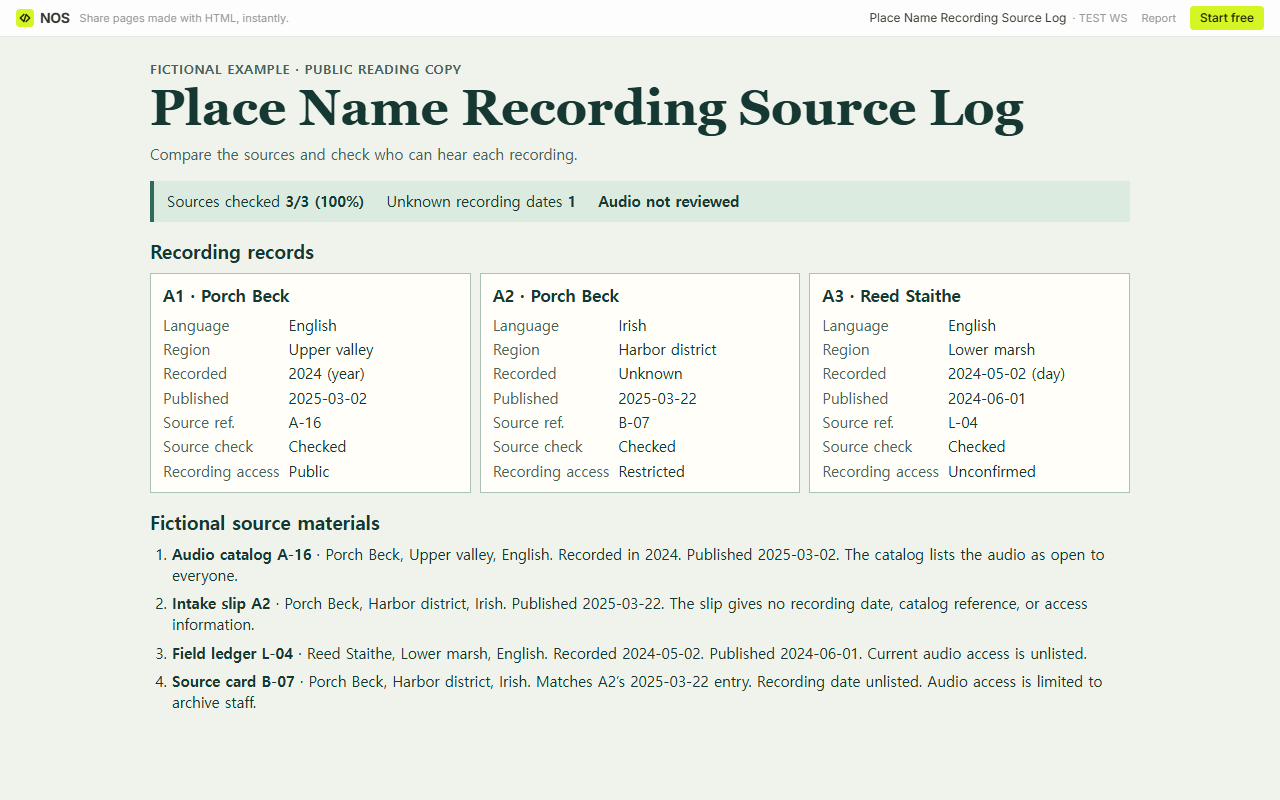
The fictional B-07 card matched A2’s place, language, region, and publication date. We added B-07 to A2 and marked the source checked. Its access rule applies to that recording. The card supplies no recording date, so the log still has one unknown.
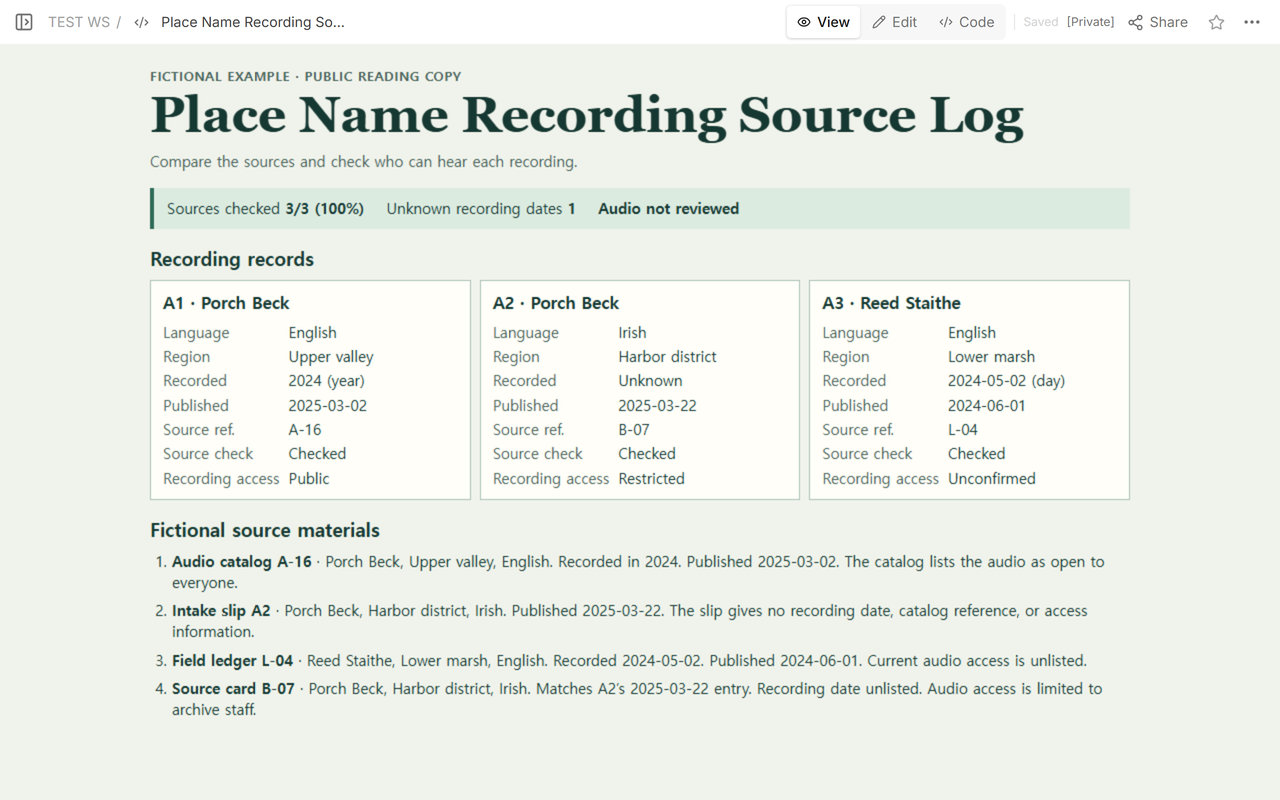
We reopened the same reader address while signed out. It showed 3/3 (100%) sources checked, up from 2/3 (about 66.7%). The example contains fictional records and no audio.
How do you prepare the reader copy?
Open the blank CSV and add a row for each recording. Use Needs source until you can match the entry to a source record. Leave an unused row outside the tally. If you have three recording entries and two matches, the tally is 2/3 even when a checked entry still has an unknown date.
Before handoff, ask the next editor to retrieve one recording’s source and check the language, region, dates, and access rule against the row. Keep narrator directions in your internal ledger. Start the reader copy as a separate file and copy over only the fields cleared for sharing. Open both the shared page and the exported CSV and check what a reader receives.
For work that begins after you have a recording, the oral history interview log helps identify passages within a particular cut. The pronunciation practice guide covers an exercise using reference audio.
When not to do this
If the guide needs a decision on what the narrator should say, first listen to the relevant recording and consult someone who can assess the intended local usage. Keep that decision separate from the source check. If the guide needs permission to reuse a recording, check the terms for that item separately.
How did we share the log in NOS?
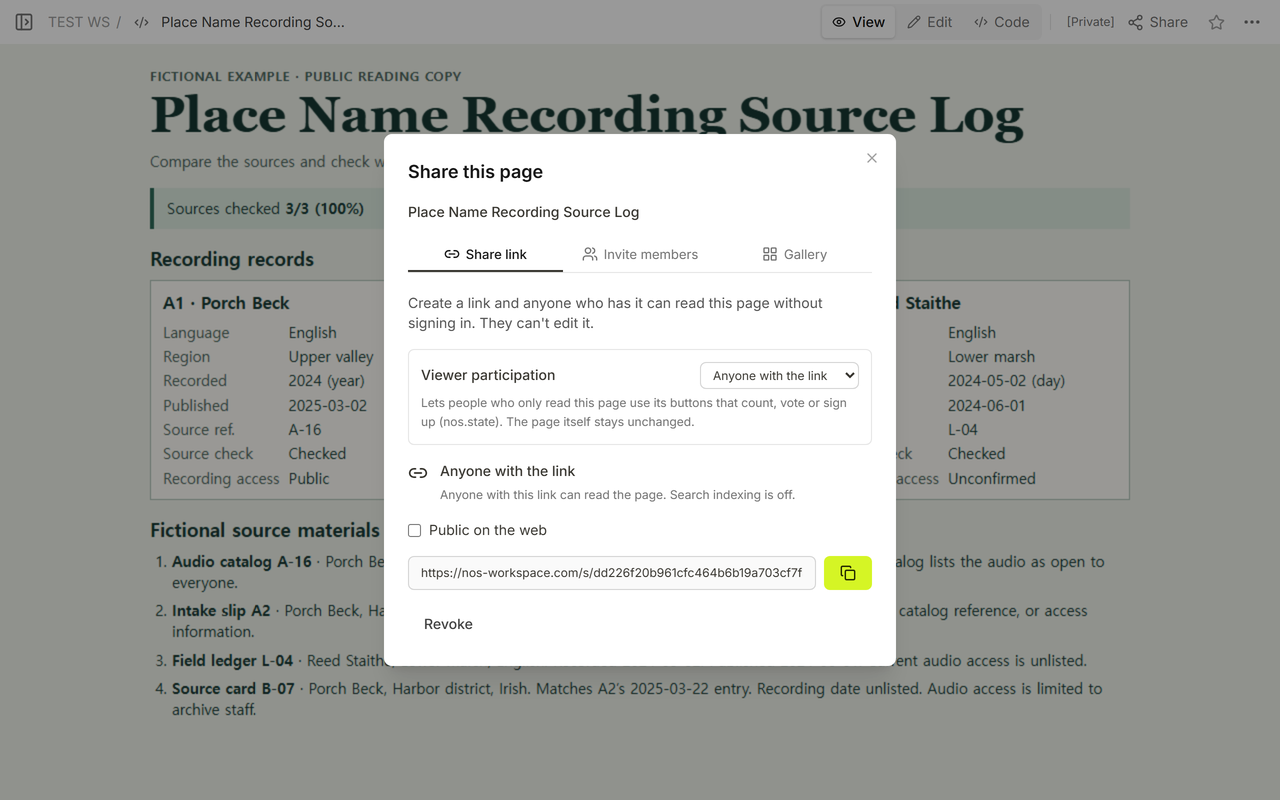
We used View to check the public copy and Share to get its reader address. This page’s link lets anyone holding it read the log without signing in. The access labels in the rows describe the recordings themselves. A reader can see that A2 is Restricted even though they can open the log.