In short
A handover is not a closure checklist. Build one page that lets a new owner continue the work: current state, finished outputs, open items, owners, access routes, decisions, and the next dated check. Keep passwords and personal information out. Download the completed fictional example first, then replace its project details with your own verified information.
Download the completed project handover template
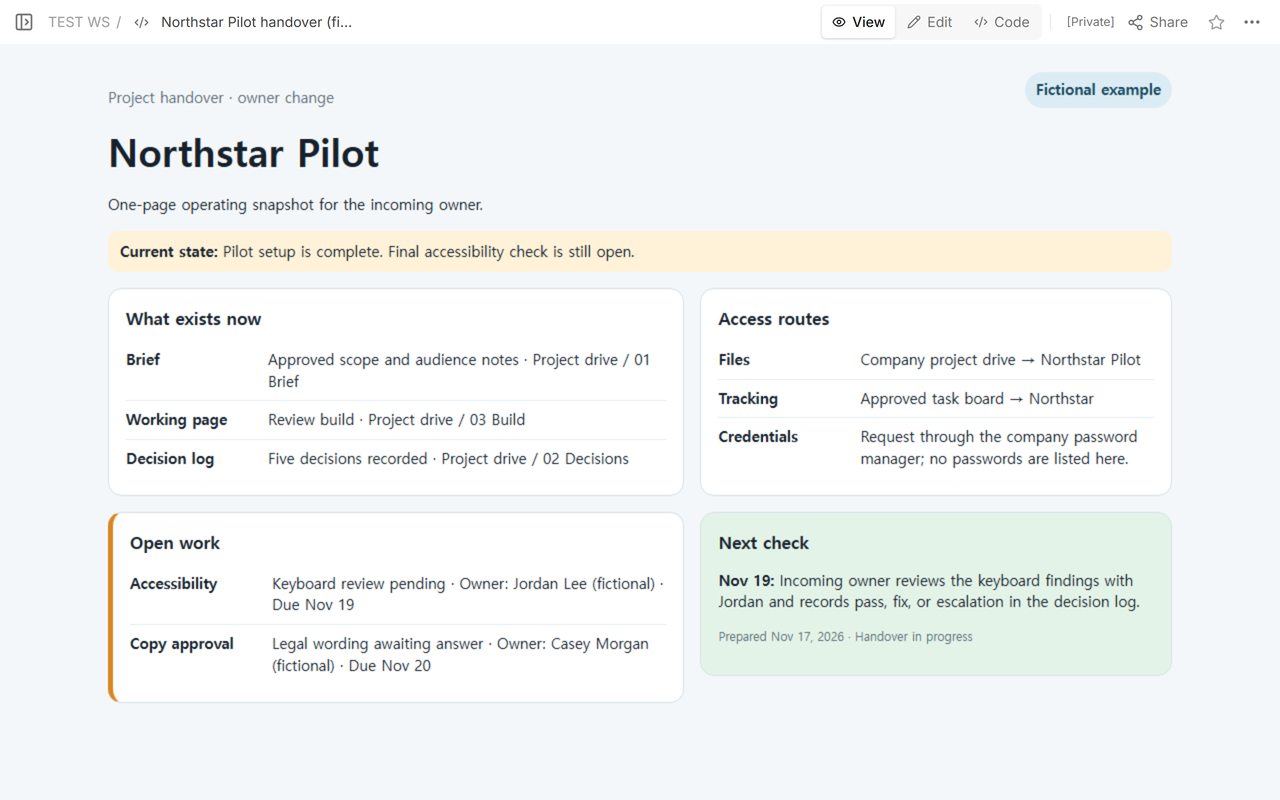
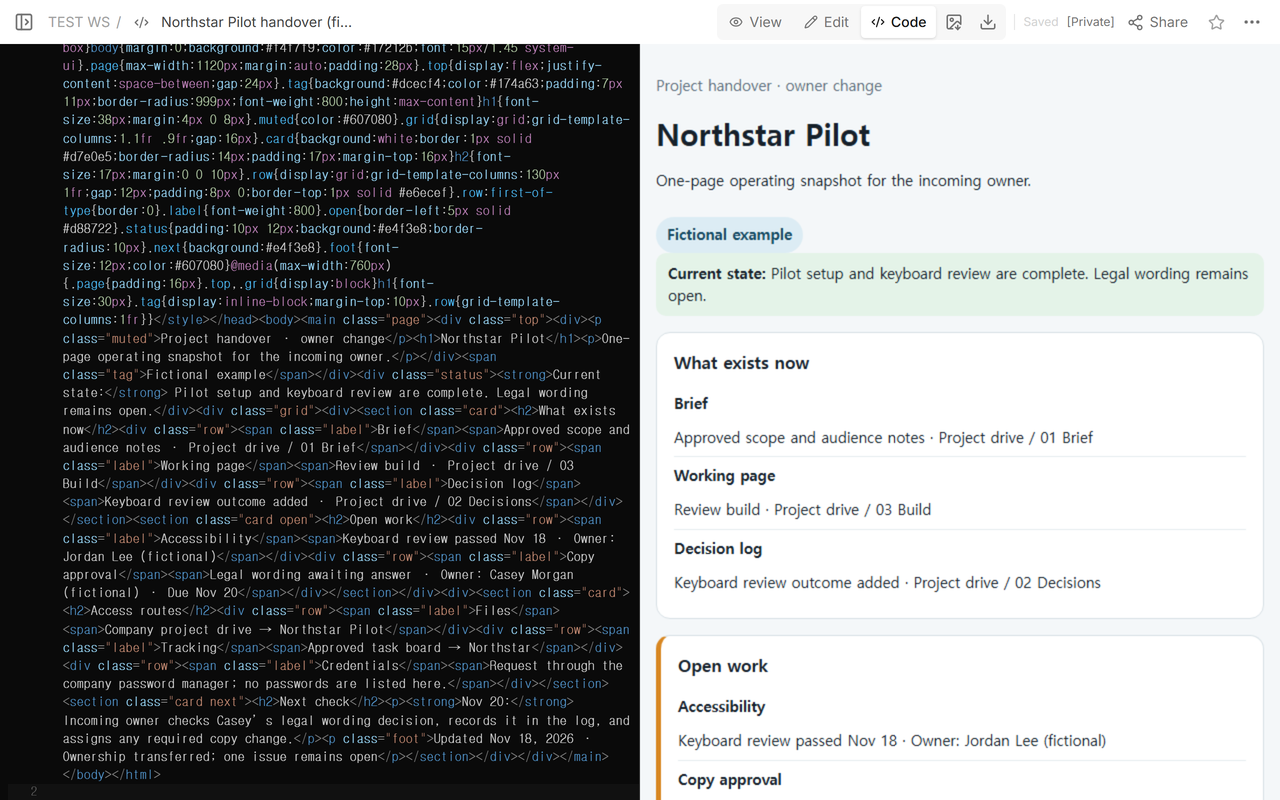
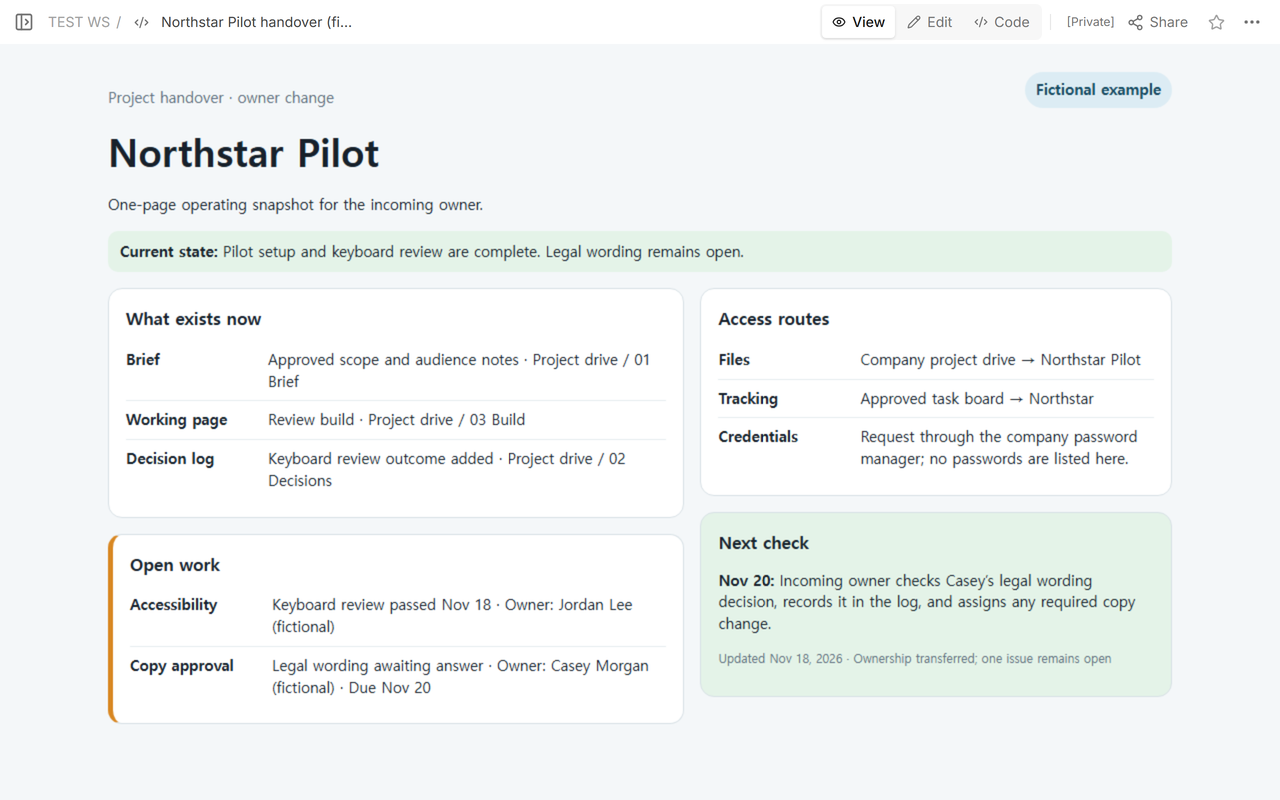
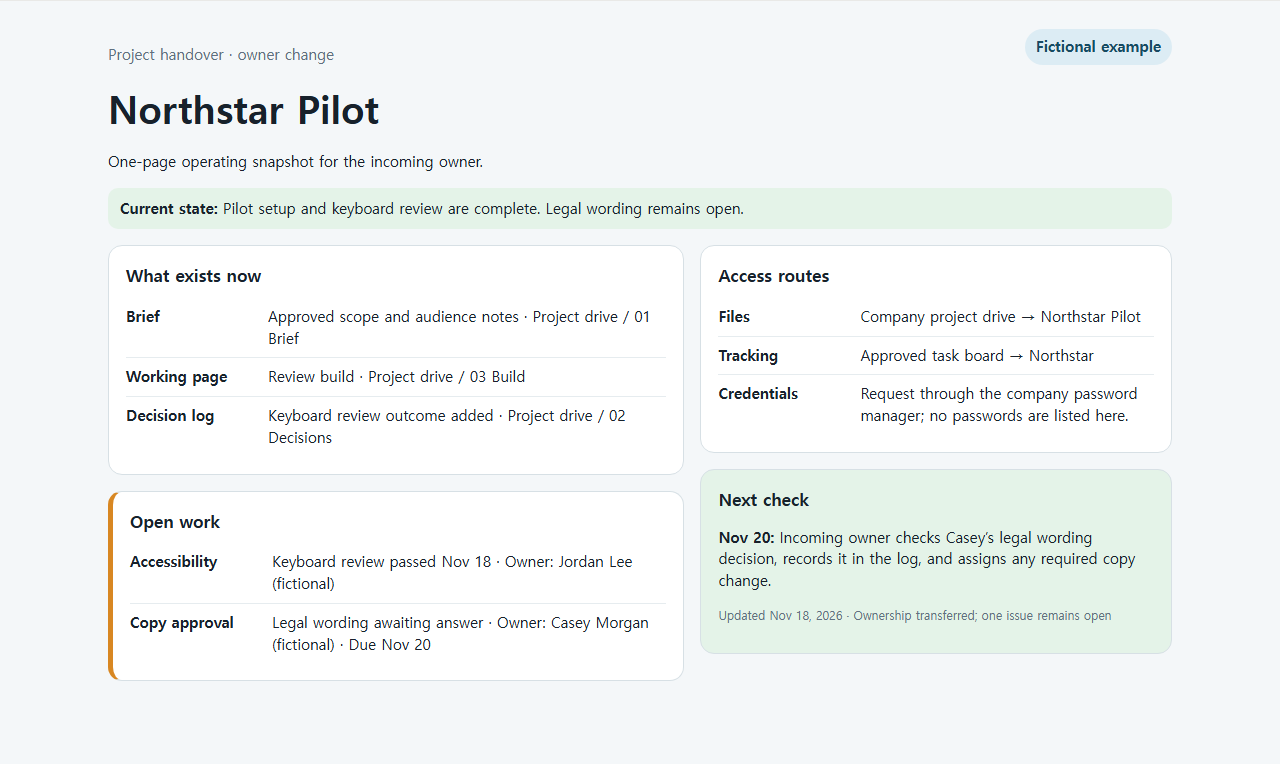
The completed example below is for a fictional project called Northstar Pilot. It starts with an accessibility review still open. The same page is then updated after that review passes, while the legal wording remains assigned and visible. This matters because a handover should not make unfinished work disappear.
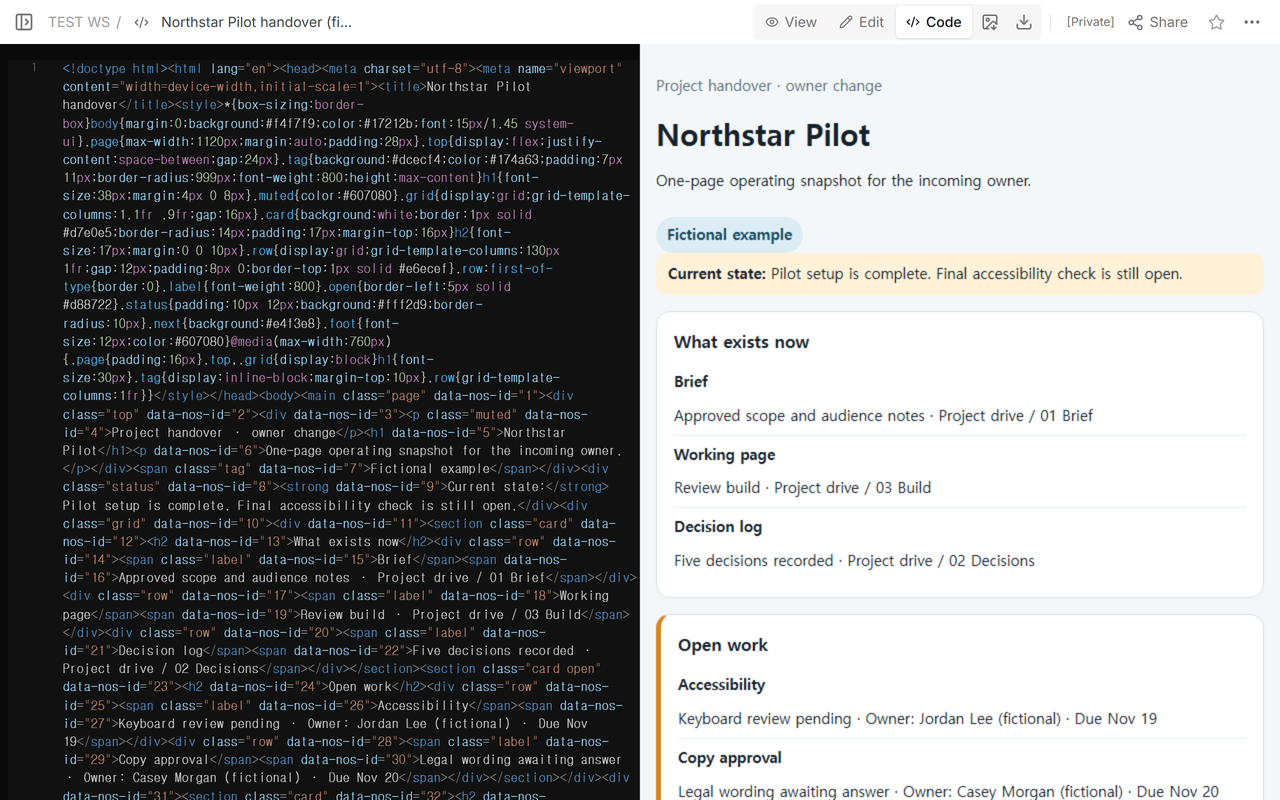
What should a project handover template include?
Start with a one-sentence state, not a history of the whole project. “Pilot setup is complete; final accessibility check is open” tells the next owner what is true now. Follow it with the outputs that already exist and the exact route to each one. A file name without a location is not a usable handover.
Then list every open item with an owner and a next check. Separate ownership from status: an item can have an owner and still be blocked. Include the decision log or another place where the incoming owner can see why the current route was chosen.
How do you write access information without exposing credentials?
Name the approved route, not the secret. The example says that files live in the company project drive and that credentials must be requested through the company password manager. It does not contain a password, recovery code, private email address, or personal account.
If the next owner does not yet have access, make that an open item. Record who grants it and when the owner will verify it. Do not paste a secret into the handover to make the page appear complete.
How is handover different from project closure?
Closure asks whether delivery, acceptance, obligations, and records are complete. Handover asks whether another person can operate the work from its current state. A project may be handed over with an unresolved issue, and an operating service may change owners without closing.
The Association for Project Management describes handover as a process rather than a date. Its guidance also says documentation should be meaningful to end users and information requirements should be agreed early. That supports a living operational page, not a ceremonial final-day note.
How do you update a handover after one item changes?
Change the state sentence, the affected open-work row, the decision log description, and the next check together. In the example, the keyboard review changes from pending to passed. The next check then moves to the legal wording decision. The remaining issue stays visible.
After you update those fields in the existing page, the same reader address shows that the keyboard review passed, the legal wording is still open, and the next check moved to Nov 20.
How do you adapt the completed example?
- Replace the fictional project name and state with a verified current state.
- List only outputs that exist, with routes the new owner can follow.
- Turn every unfinished item into an owner, status, due date, and next check.
- Point to the approved access process; remove passwords and personal data.
- Ask the incoming owner to open every route and restate the next action.
When not to do this
Do not use a one-page handover as the only record for regulated acceptance, legal transfer, safety approval, data retention, or detailed operating procedures. Link to the required controlled records. Do not call the handover complete when the incoming owner cannot open the files or identify the next action.
Where NOS fits
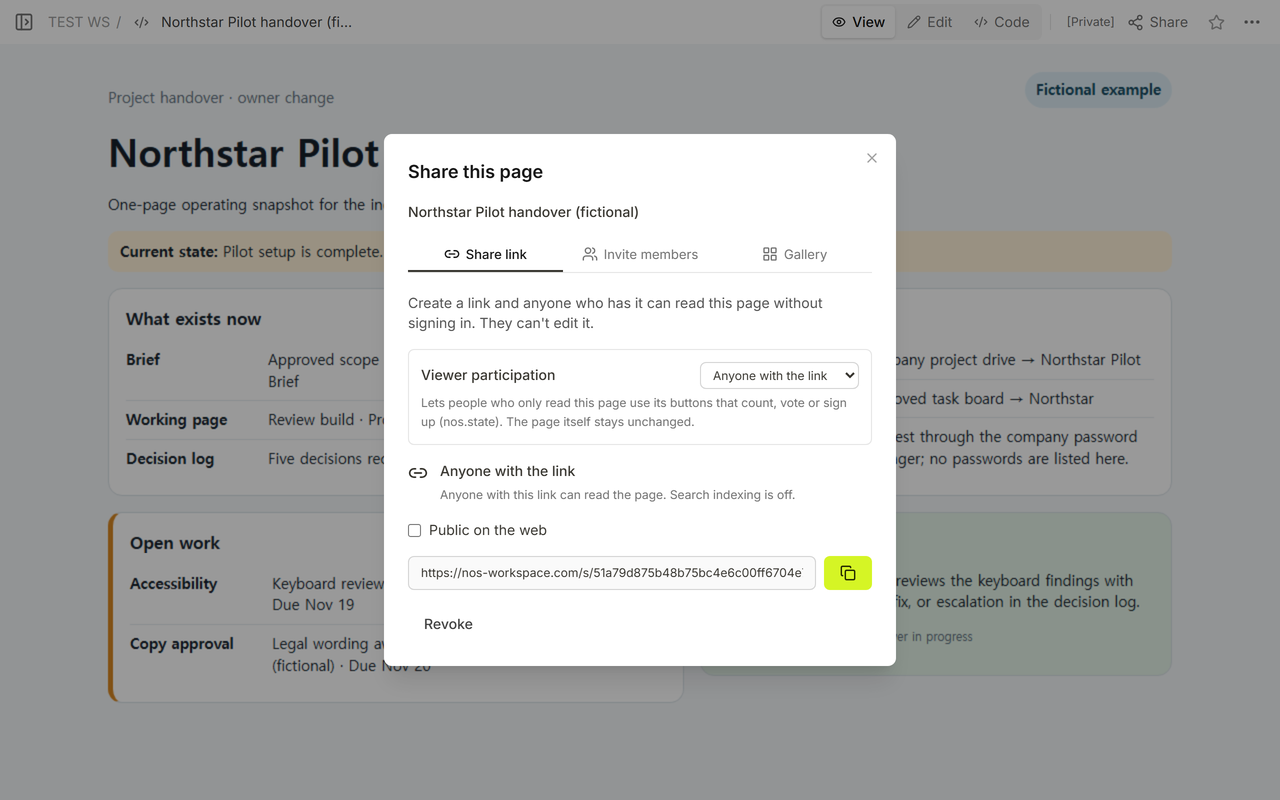
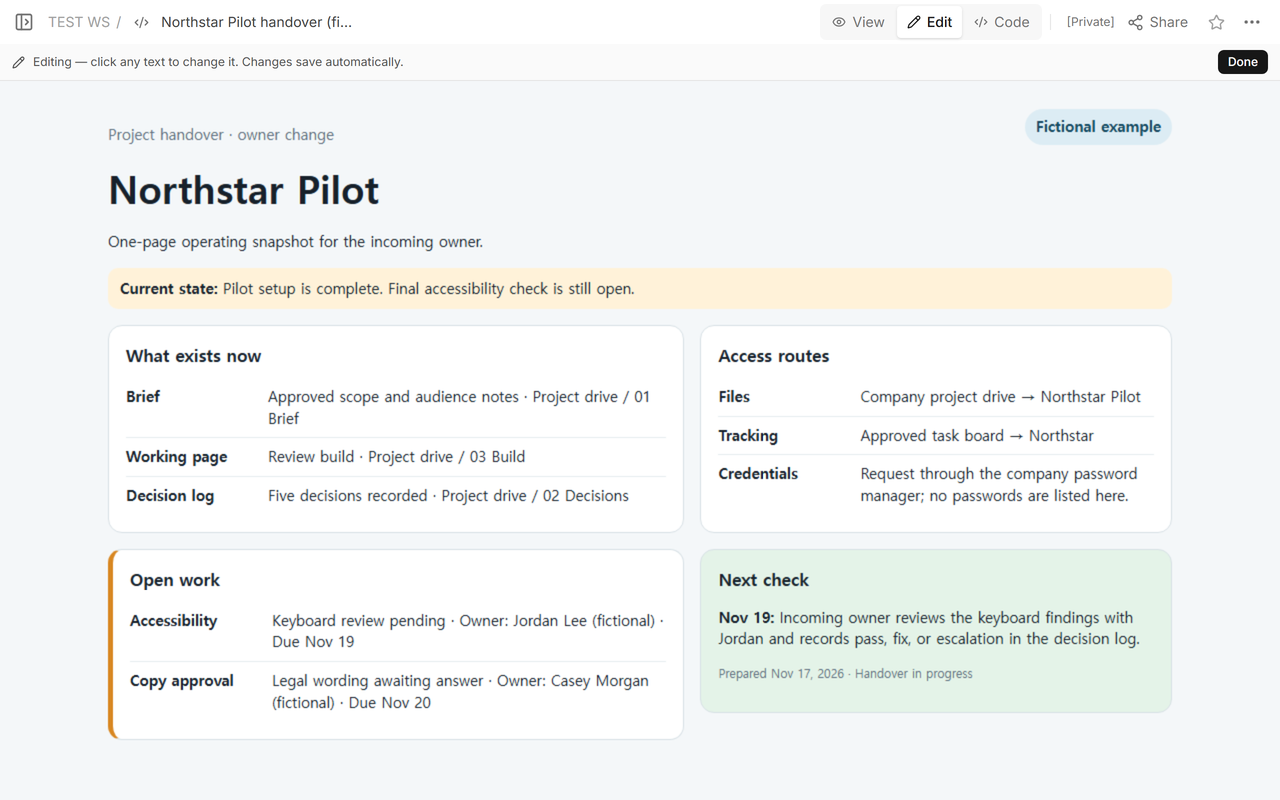
NOS can turn the self-contained handover file into a readable page, show it in View, provide a reader link through Share, and let the owner update the existing page. The example above confirms that the same reader address shows the revised state. NOS does not grant access to the external drives or password manager named in the handover, so those permissions still need to be verified in their own systems.
For the end-of-project decision, use the project closure checklist. To document a repeatable procedure rather than a current ownership snapshot, use the process documentation template.