In short
A spelling list generator gives you words. Families still need somewhere to find them each night. A single web page at one link works well for that.
Put five things on it: the test date, the spelling pattern, the numbered words with a short sentence each, a "hide the words" button, and a quiz that blanks each word out of its sentence.
Build the quiz so it reads the words from the list on the page. Then fixing a word fixes the quiz too.
If you change a word mid-week, change the update line at the top as well, and open the link afterward to check both saved.
We built a week of spelling for a fictional Grade 3 class, Room 14, with ten test words and two challenge words. We put the page on NOS and made a read-only link for families. Then we played out a mid-week change: on Tuesday the teacher swaps word 5 because it was on an earlier list. We made the change in the NOS editor and reopened the same link. Two things went wrong along the way. Both are easy to avoid once you know about them.
How to make a spelling list
Most generators start from a grade level or a theme and print a worksheet. The words matter less than how they are grouped. Here is how we put our list together.
- Pick one pattern. Ours is the long a sound spelled ai in the middle of a word and ay at the end. One pattern gives children a rule to lean on.
- Keep the test list short. Ten words, numbered. Two more are marked "challenge" and are not on the test.
- Give each word a sentence. "The train stops at our town at noon." The sentence shows the meaning, and the quiz uses it later.
- State the test date and what counts. "Friday, Dec 11. Words 1-10 are on the test." Parents should not have to guess whether challenge words count.
- Add a plan for the week. One line per night: read aloud, sort by pattern, take the quiz, write from dictation.
- Add an update line at the top. It says what changed last and when.
You can write this yourself or ask an AI chat for it. Either way, read every word and sentence before you share. A wrong spelling on a spelling list gets practiced all week.
Share it as a read-only link
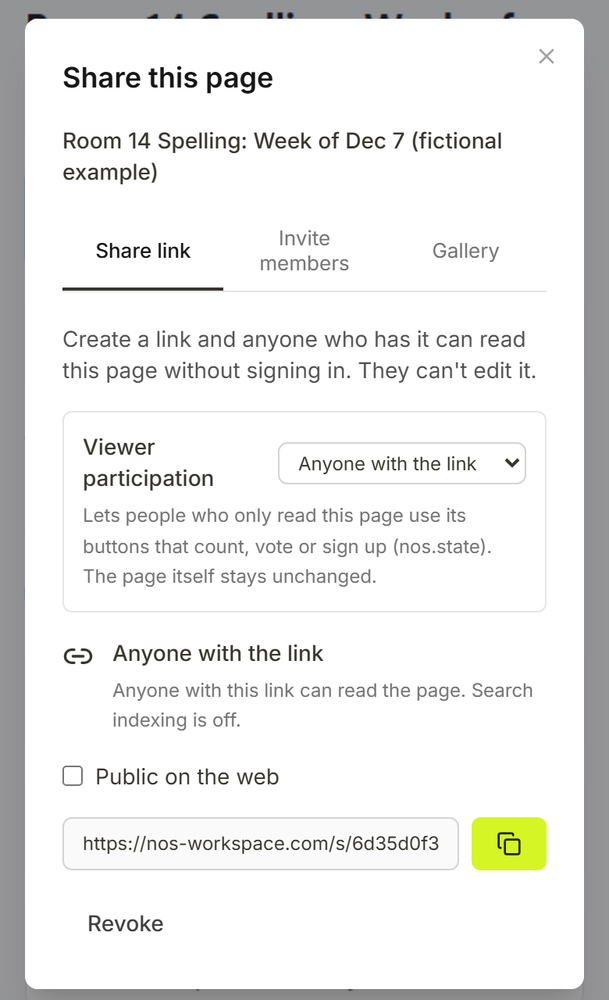
We put the page on NOS and opened Share. The panel says that anyone with the link can read the page without signing in and can't edit it. It also notes that search indexing is turned off. Revoke turns the link off. That suits a class page: families open it, and only the teacher changes it.
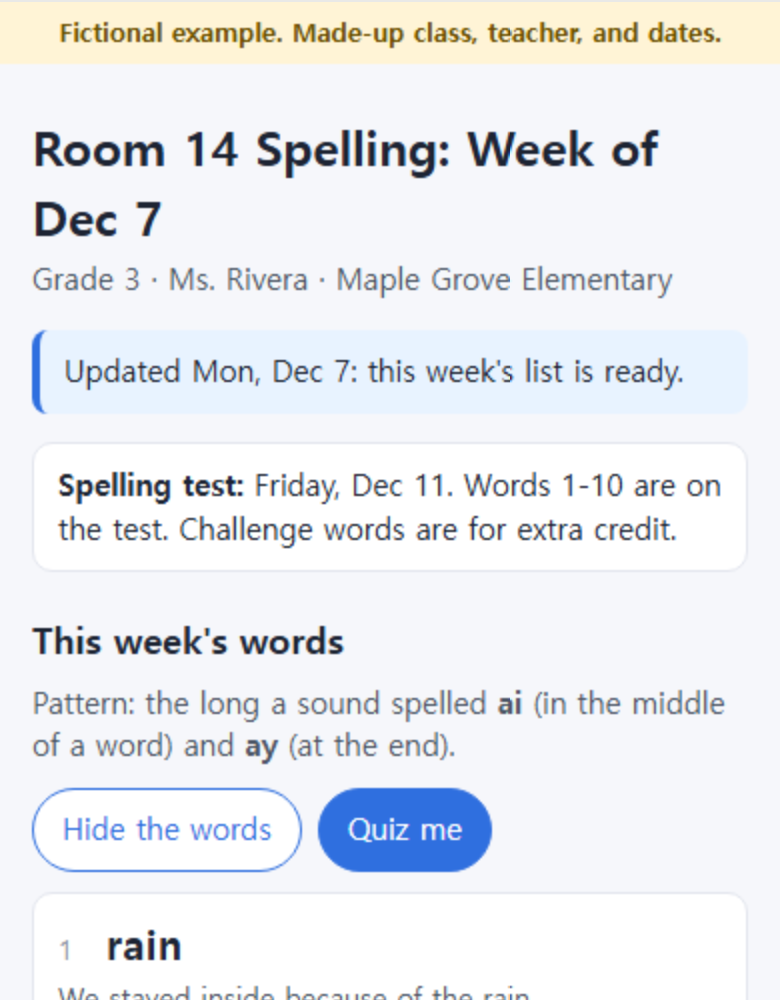
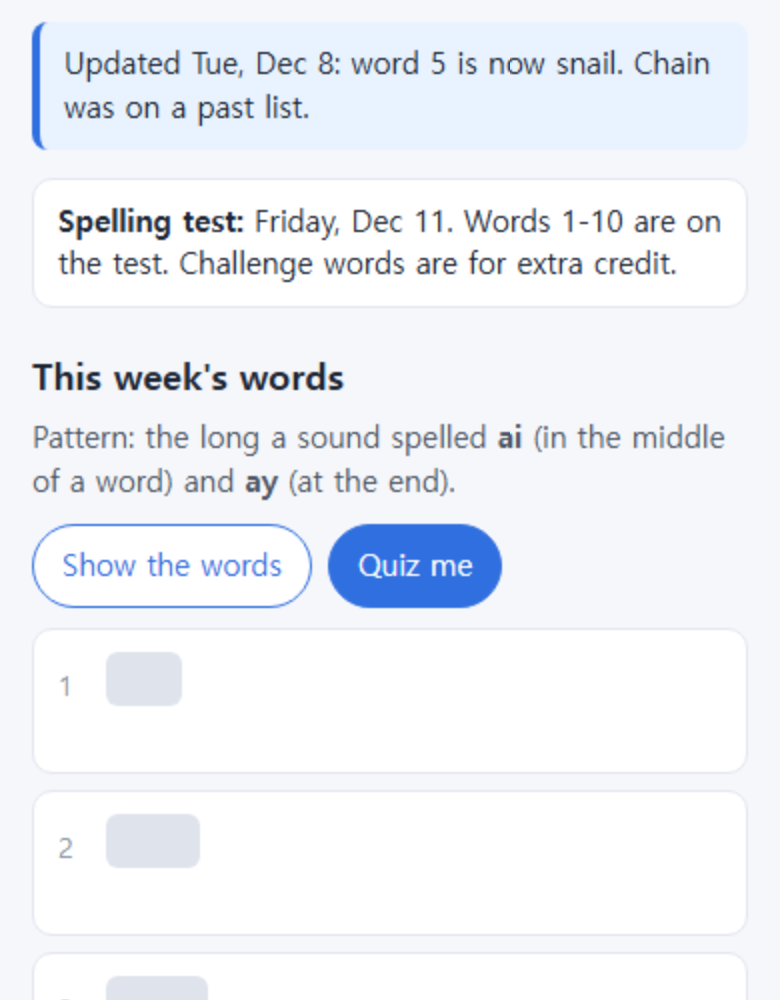
This is what a parent sees on a phone. The update line, the test date and the pattern come before the words.
Swapping a word mid-week
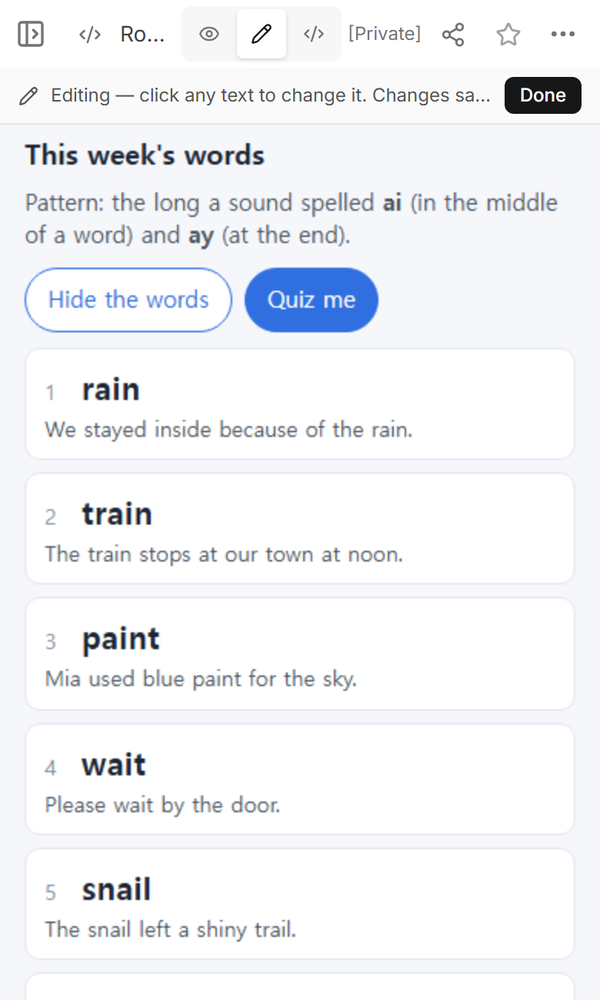
In our story, word 5 was chain, and the teacher wants snail instead. In NOS we clicked Edit, clicked the word on the page, and typed the new one. We did the same for its sentence: "The snail left a shiny trail." Then we replaced the update line: "Updated Tue, Dec 8: word 5 is now snail. Chain was on a past list." Then we clicked Done.
The change that didn't save
After Done, the word and the sentence had changed. The update line had not. It still said Monday. The update line was the last thing we typed before clicking Done.
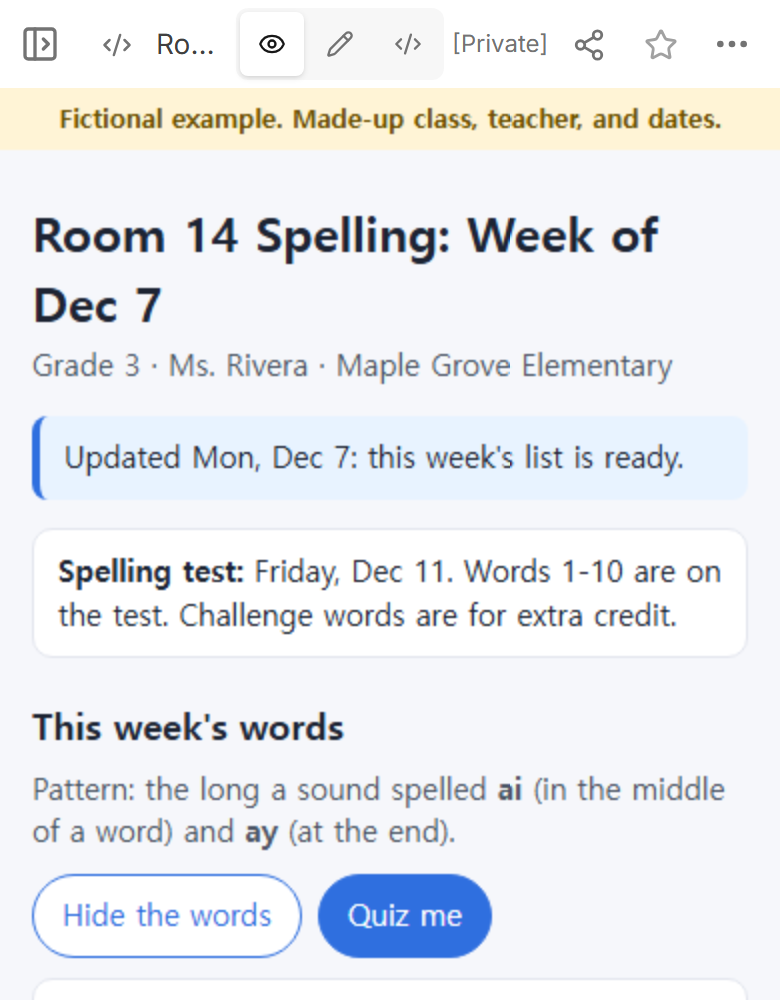
We opened Edit again and retyped the line. This time we clicked once on a different line of the page before clicking Done. The new update line stayed. We didn't find out why the first attempt dropped it, so here is the habit we'd keep: after your last change, click somewhere else on the page, then click Done, then open the share link and read the top line.
The practice buttons need a check too
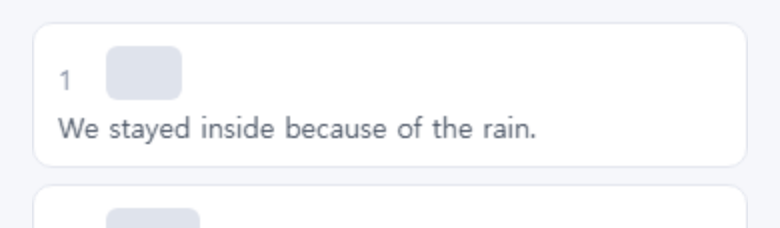
On the share link we tapped "Hide the words." The words turned into grey blocks, but each sentence below still showed the word. A child could read the answer right off the card.
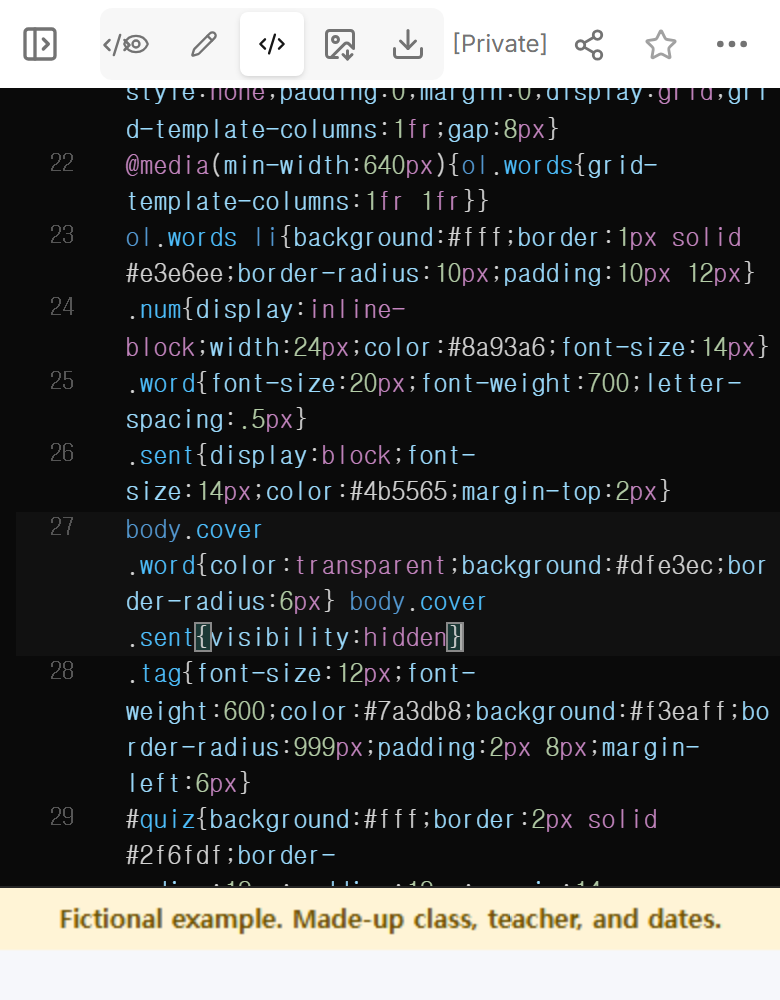
Edit mode is for text you can click. Hiding is a style rule, so the fix belongs in Code view. We found the rule that hides the words and added one more rule on the same line to hide the sentences too. The page sits under the code in the same view.
Opening the same link again
We reopened the link families already had. The update line showed Tuesday's change. With "Hide the words" on, the cards were blank except for the numbers.
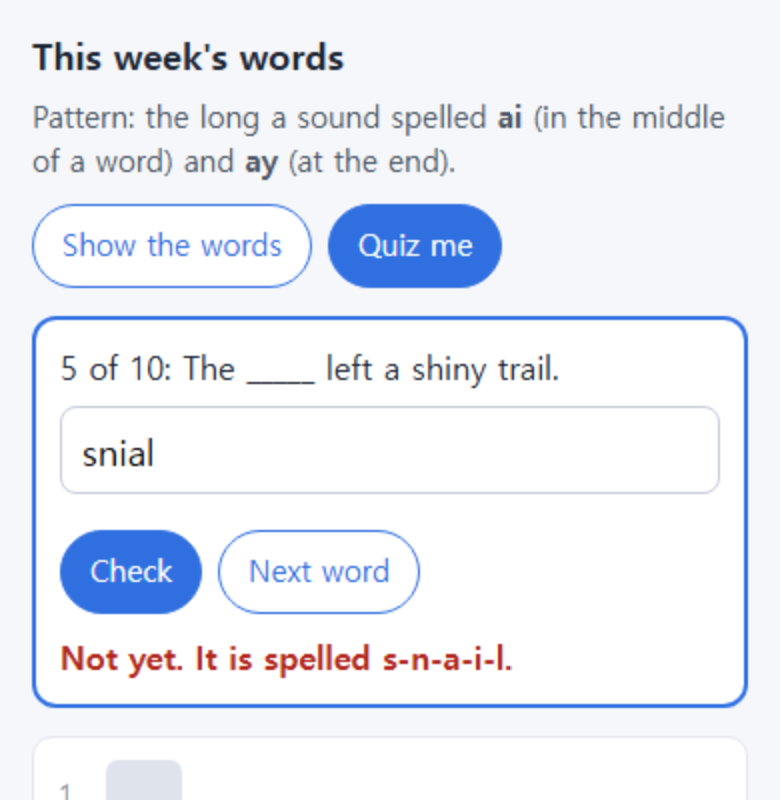
Then we tapped "Quiz me" and went to word 5. It asked for the new word, snail, not chain. We had only edited the list. The quiz reads its words from the list each time it starts, so it picked up the change on its own. A misspelled answer shows the right spelling letter by letter.
If you ask an AI chat to build a page like this, say it plainly: "The quiz must read the words from the visible list, not from a separate copy." A quiz with its own hidden word list keeps asking for the old word after you edit the page.
Spelling list generator free: printable sheet or a page?
Free generators are good at one job: a printable sheet. A page at a link does a different job. Pick by what families need.
- Printable sheet: best for writing practice and homes that prefer paper. A change mid-week means printing again.
- Page at a link: best when the list might change or the practice happens on a phone or tablet. Everyone opens the same current version.
- Both: keep the page as the source and print it when someone asks.
How to practice spelling words at home
Parents on GreatSchools describe one simple method: a sheet with columns to read the word, write the word, then cover it and spell it out loud. Our page puts the same steps on four nights. Monday, read each word aloud and spell it back with the words hidden. Tuesday, sort the words into ai and ay. Wednesday, take the quiz. Thursday, a grown-up reads each word and the child writes it on paper. The quiz checks typing. Paper still matters, because the test is handwritten.
When not to do this
- You need scores back. This page doesn't record who practiced or what they got right. Use your school's learning platform for that.
- The list is personal. Different words for different children, or notes about a child's needs, don't belong on a link that can be forwarded.
- A family has no reliable device or internet. Send a paper copy home too.
- Your school requires a specific app. Follow the school's rule, and use the page only where it allows.
Where NOS fits
NOS stores HTML pages in a workspace and gives each one a read-only share link. Families open it with no account. You fix wording in Edit mode and layout or behavior in Code view, and the link doesn't change. The Free plan has 3 share links at once. One page reused every week stays well inside that. Other plans are listed on the NOS pricing page.
Start from our Room 14 example page (the Monday list, with the hiding fix already in). For other classroom pages, see the parent newsletter template, sight word flashcards, and spelling bee games in the classroom.