Download the blank record · Download the completed fictional record · Download the practice notes (CSV)
What goes in a time bank exchange record?
Give each exchange a reference you can find in both reports. Record the day, the work, and who provided and received the help. Then write down the time the pair planned and how many minutes each person says the work took. Use one row or card per exchange when the same pair swaps roles.
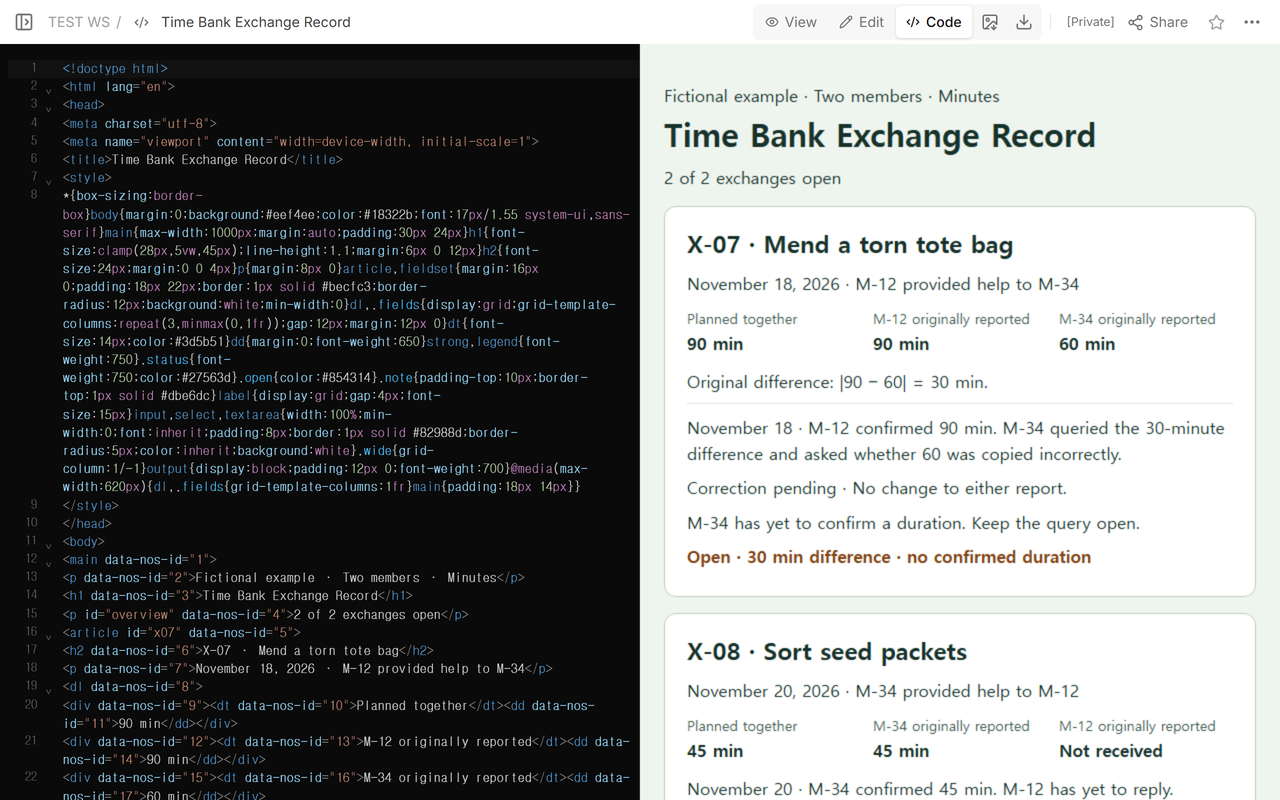
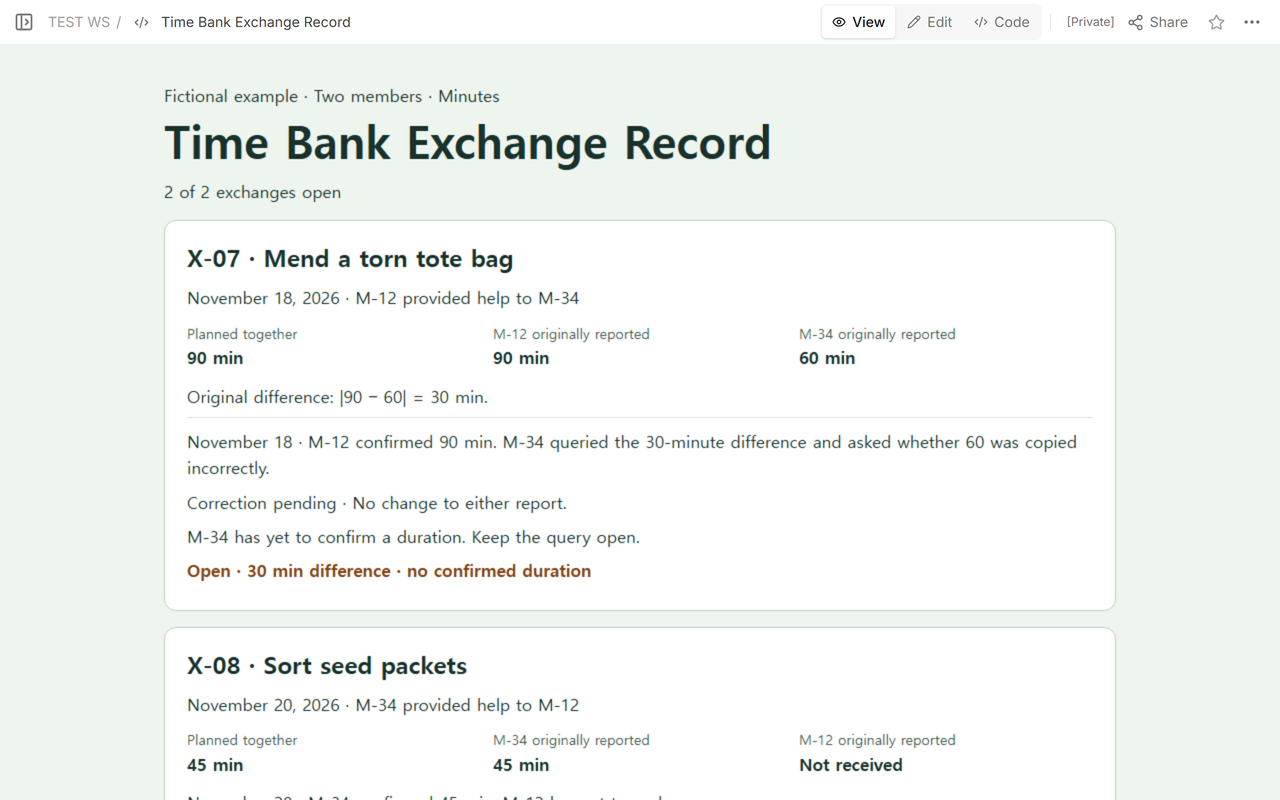
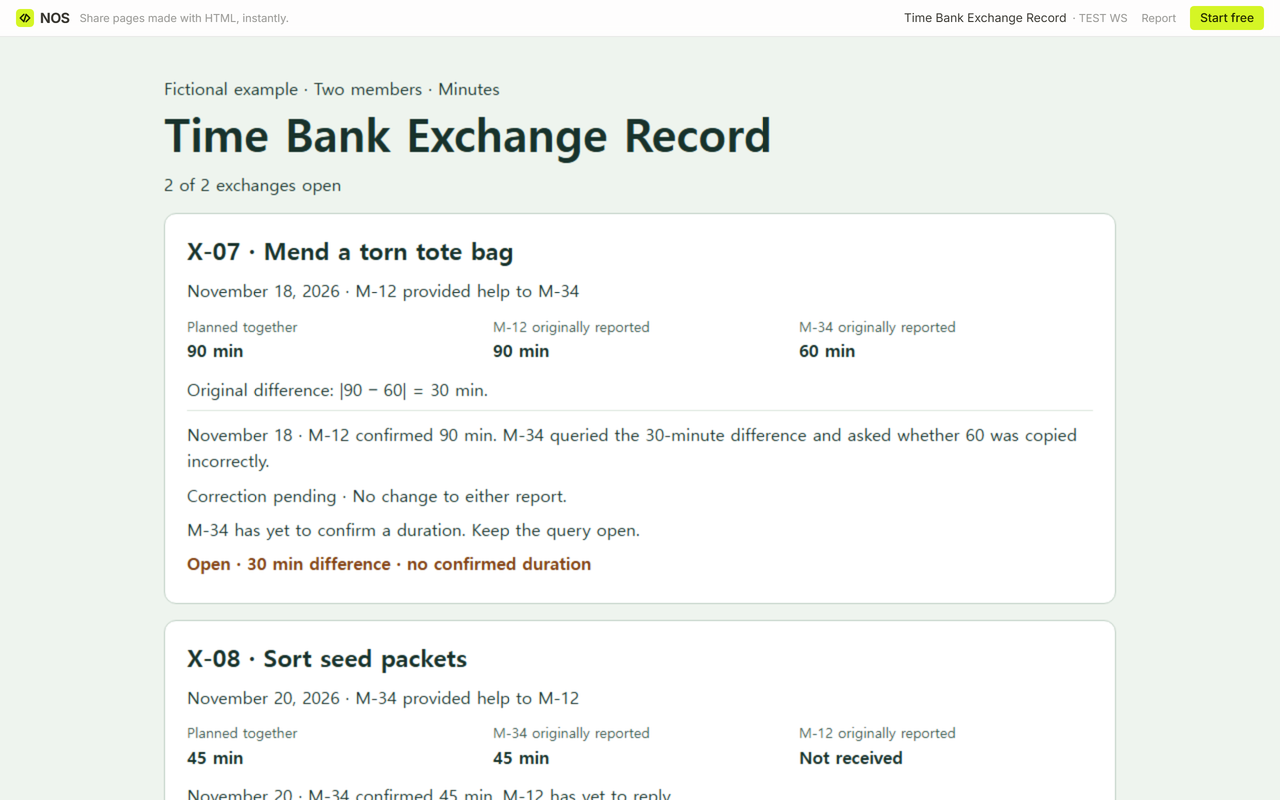
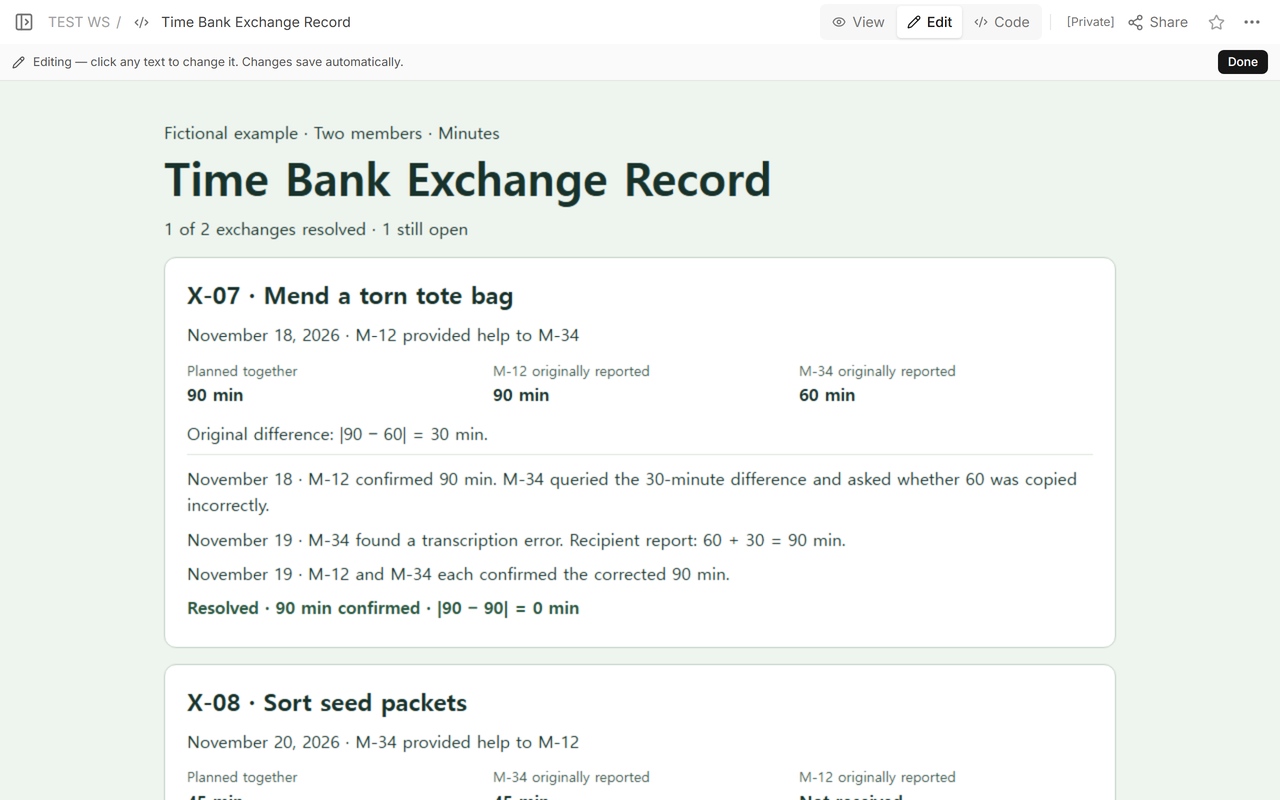
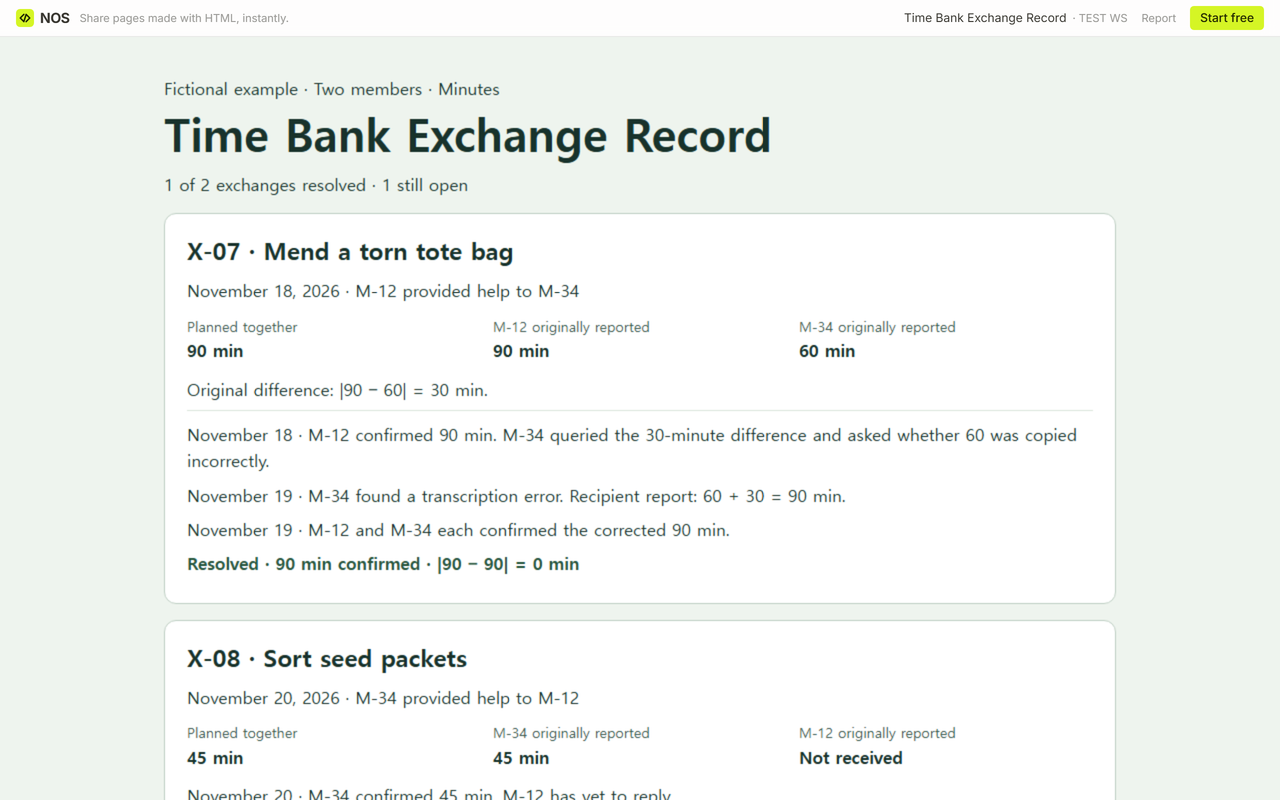
Start with the supplied details for this fictional exercise. On November 18, M-12 mended a torn tote bag for M-34 (X-07). They had planned 90 minutes. M-12 reported 90 and M-34 reported 60. Both reports belong to X-07, so subtract the smaller number from the larger: 90 − 60 = 30 minutes.
How do you keep an unresolved difference visible?
On November 18, M-12 confirmed their 90-minute report. M-34 questioned the difference and asked whether 60 had been copied incorrectly. Keep the question and its date with the row. At this point X-07 has a 30-minute difference and no duration confirmed by both people. The planned 90 minutes only tells you what they expected before the work.
On November 20, the roles switch. M-34 sorted seed packets for M-12 (X-08). The pair planned 45 minutes and M-34 confirmed a report of 45 minutes. M-12 has yet to reply. Leave that report blank and mark the difference unavailable. Entering zero would give you a difference of 45 minutes without a report from M-12.
How do you record the correction and close the exchange?
On November 19, M-34 found a transcription error in X-07. Keep 60 in the original field and record a dated correction: 60 + 30 = 90 minutes. The original difference stays 30 minutes. The current difference is 90 − 90 = 0 minutes. M-12 and M-34 each confirmed the corrected 90 minutes on November 19. Mark X-07 resolved and leave X-08 awaiting M-12. The result is one resolved exchange out of two.
Try that sequence in the blank download. Enter X-07 and its original reports first. Select “Raised a question” for the recipient in the reply section. Enter the corrected recipient minutes, the date, and the reason. Changes to the reports or correction clear previous replies in the blank worksheet, so add the two dated confirmations again after the correction. You should see 90 minutes confirmed. For X-08, start with a fresh copy and leave the recipient field empty.
The worksheet accepts whole minutes from 0 to 10080 for this exercise. Zero is a supplied value. A blank stays missing, and a negative or fractional value prompts you to fix the entry. Keep a copy of the finished record where your group keeps its notes. Entries in the blank page are temporary.
When not to do this
Use your time bank’s reporting process for real exchanges. If a member still objects, keep the question open and follow your group’s procedure. For example, the Timebanking UK broker guide tells brokers handling a dispute to review the agreed duration, both reports, and the exchange history, then contact both members.
Tampa Bay Time Bank asks the members to confirm the time with each other before the provider reports it. Timebank Auckland Central describes a coordinator recording the exchange for a member and a self-service option. This fictional worksheet uses exact minutes to compare reports and leaves posting to the group’s own process.
If you need to calculate the duration of a single shift from timestamps and breaks, use the timesheet template. If you are assigning people to future shifts, use the volunteer schedule template to see which roles still need coverage.
How can the other person see the corrected record?
We opened the fictional record in NOS without signing in. After saving X-07’s correction on the original page, we reopened the same view link and read the updated totals. Use a view link for a practice copy like this one. Record each real member’s reply through your group’s agreed channel before changing the status.