In short
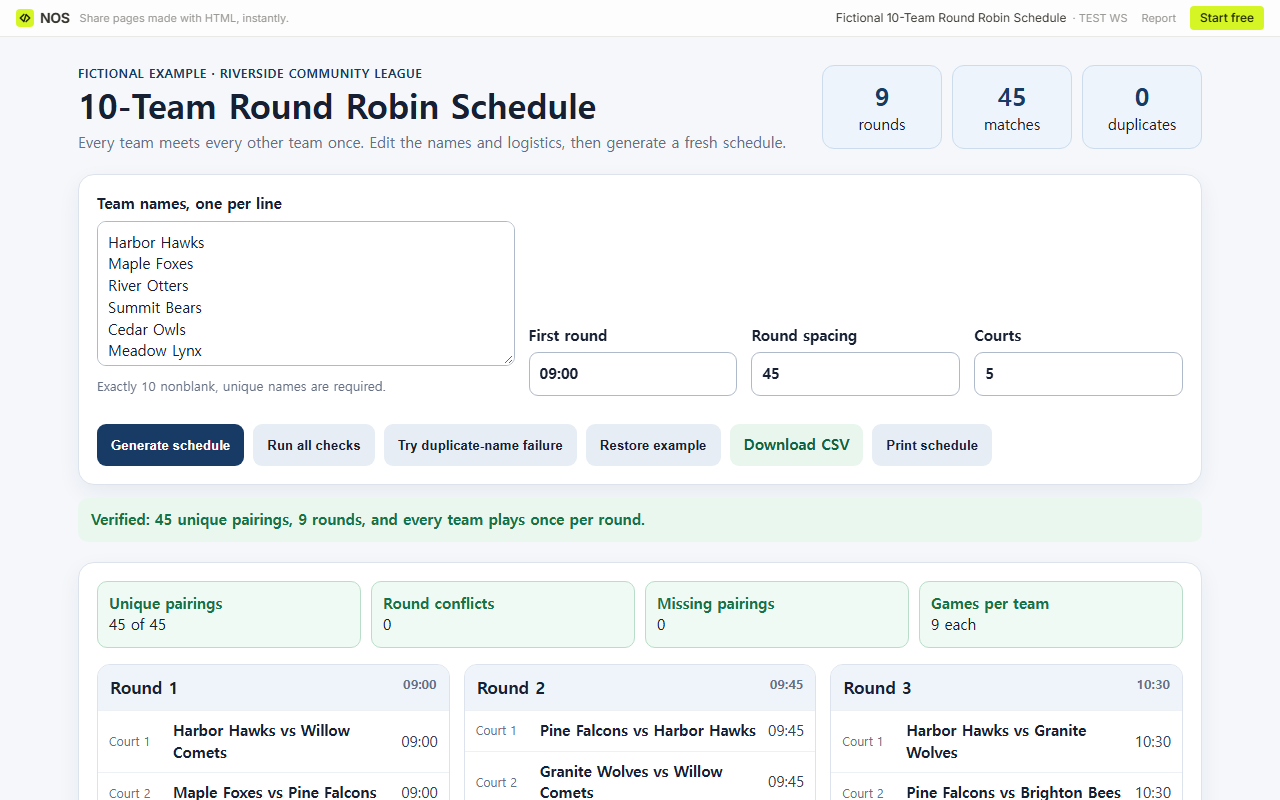
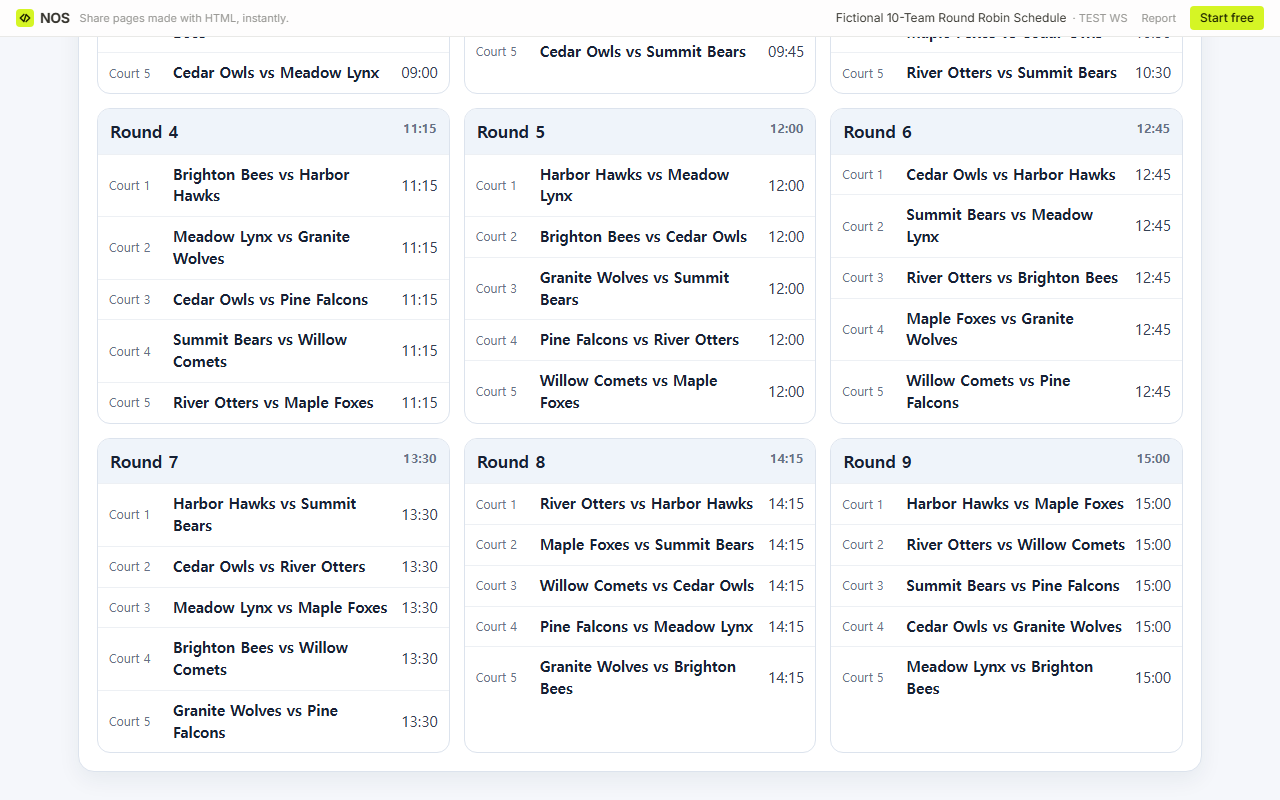
Start with the completed fictional schedule below: 10 teams, 9 rounds, 5 matches per round, and 45 different pairings.
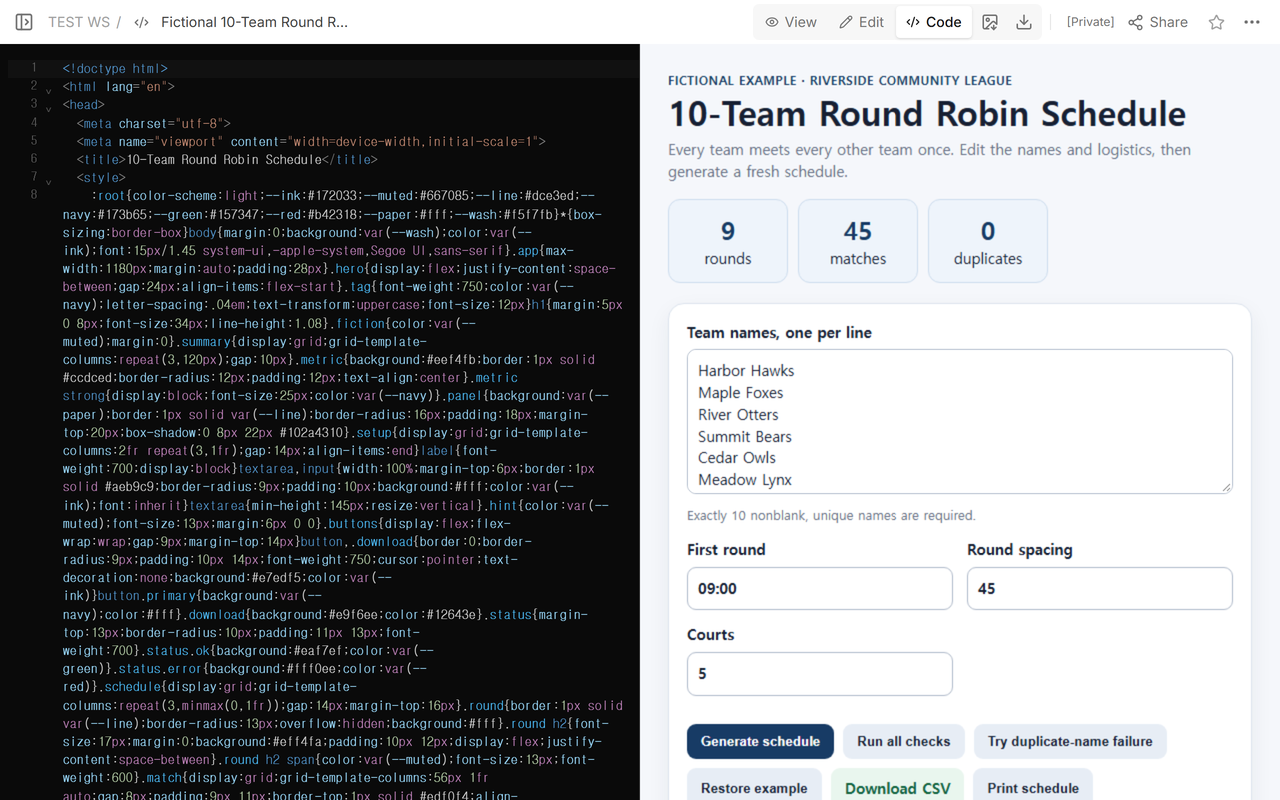
Replace the team names, choose a first-round time and at least five courts, then generate and verify the result.
If a name is blank or repeated, or the list is not exactly 10 teams, clear the old schedule instead of using it.
Download the checked CSV or print the page when the time and court assignments are ready.
What does a complete 10-team round robin schedule look like?
This worked example uses the fictional Riverside Community League. It starts at 09:00, spaces rounds 45 minutes apart, and assigns Courts 1-5. Every round contains five matches, so every team plays once in that round.
Download the complete 45-match CSV
How are 45 matches arranged into 9 rounds?
Ten teams create 45 different two-team combinations: 10 × 9 ÷ 2. A round can hold five matches because each of the 10 teams appears once. Dividing 45 matches by five matches per round gives nine rounds.
The example rotates the team list between rounds while keeping one position fixed. That creates each unordered pairing once. The result is then audited separately: 45 unique pairing keys, zero missing pairings, zero duplicate pairings, zero same-round team conflicts, and nine games for every team.
How do I replace the fictional teams with my own?
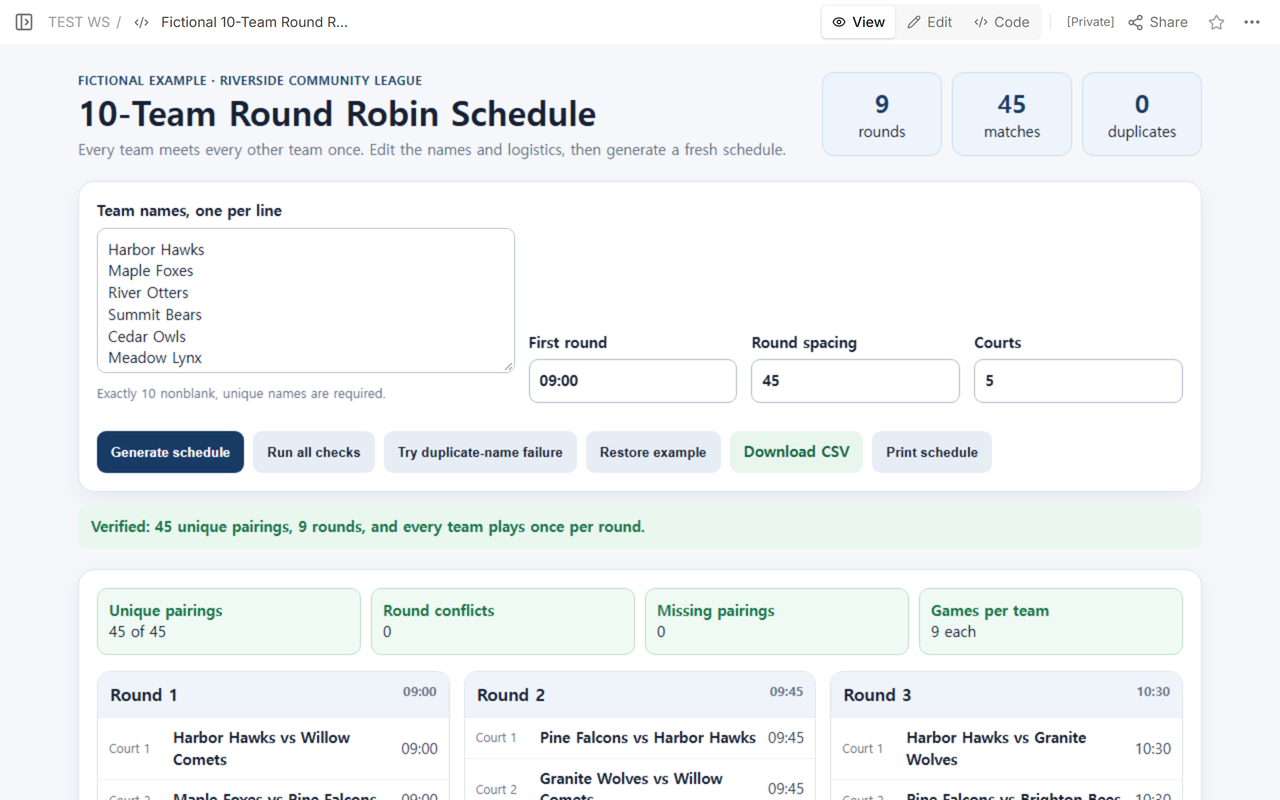
- Enter one team name per line and keep exactly 10 nonblank names.
- Use distinct names. If two clubs share a short name, add a division or location so the labels stay unique.
- Set the first round in 24-hour HH:MM format.
- Choose the spacing between round starts and provide at least five courts if all five matches must run together.
- Select Generate schedule, then run all checks before printing or downloading.
Changing names does not change the pairing pattern. Changing time or court labels changes logistics, not which teams meet. If fewer than five courts are available, this example is the wrong allocator because it does not stagger matches within a round.
What should happen when the team list is invalid?
A failed input must not leave a believable old schedule underneath it. In this example, 9 teams, 11 teams, a repeated name, or a blank tenth name changes the result to an error and removes the rounds, checks, counts, and CSV link. Restoring the 10 unique names rebuilds the verified 45-match schedule.
This behavior matters when an organizer is copying names from a registration list. A visible previous schedule can otherwise be mistaken for the result of the new input.
How do I use the time, court, print, and download results?
The first-round time applies to all five matches in Round 1. The spacing value advances the next round as a block, and Court 1 through Court 5 are assigned within each block. The CSV has Round, Time, Court, Home, and Away columns, so it can be filtered, sent to court leads, or imported into a spreadsheet.
Print after checking the venue setup. The page hides its input controls in print view and keeps the schedule. The example does not add warm-up windows, travel time, breaks, referees, rest balancing, home-field rules, or playoff brackets; add those operational decisions before publishing a real event schedule.
How do I put the schedule on a NOS page?
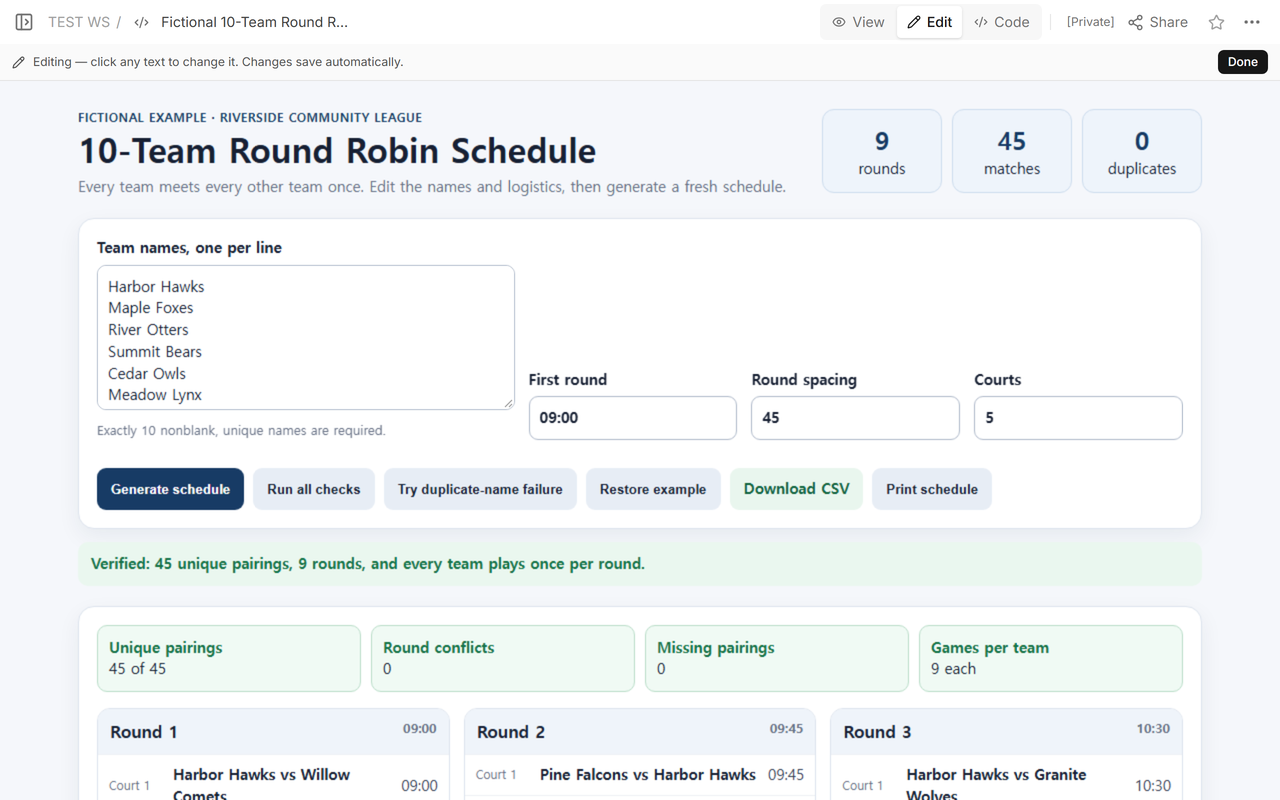
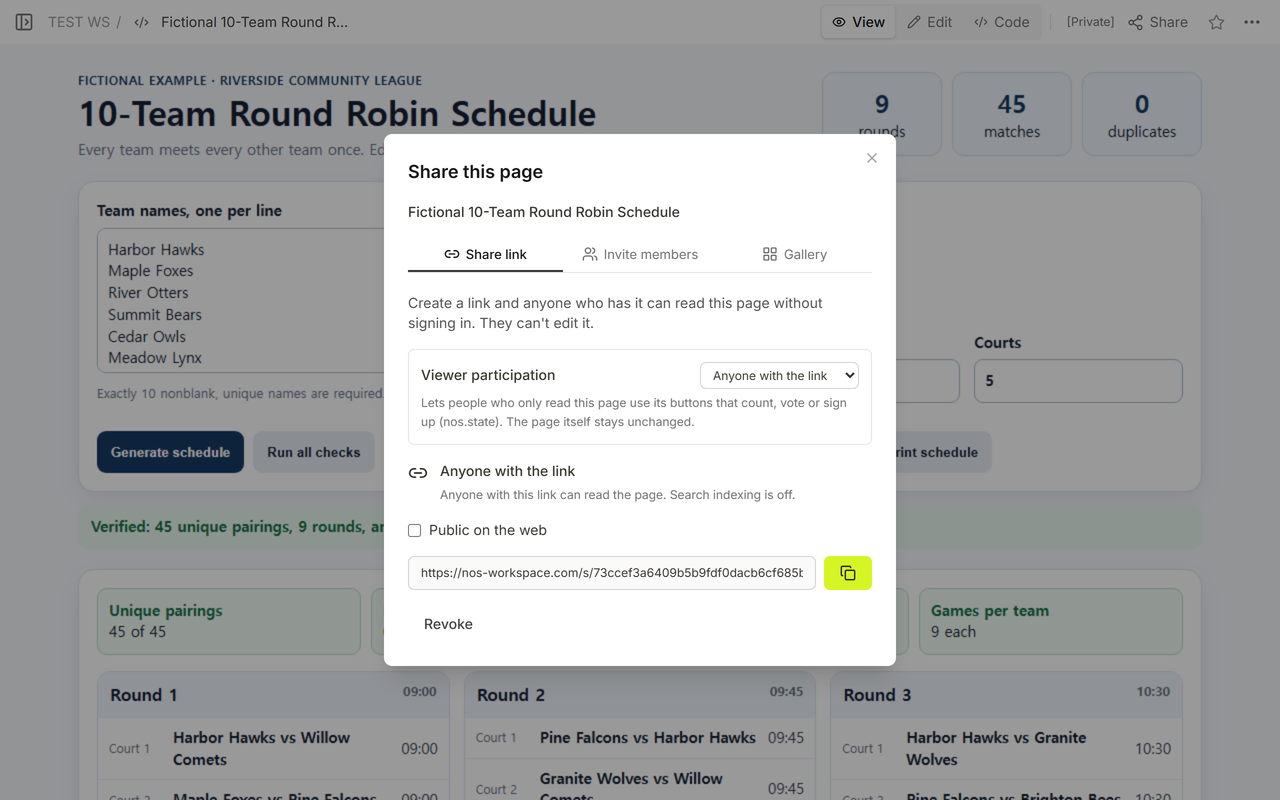
Put the completed HTML in Code, open View to test the controls and read the checks, then use Edit for ordinary page changes. The example was saved on one NOS page and reopened at the same reading address. Share says that anyone with the link can read the page without signing in and cannot edit it.
How is this different from a bracket or event timetable?
A tournament bracket website advances winners through elimination rounds. This schedule does not eliminate anyone; it lists every pair once. An event schedule template can arrange sessions, breaks, or speakers, but it does not calculate the 45 pairings required for 10 teams.
When not to do this
- Do not use this exact generator for any team count other than 10.
- Do not use five simultaneous court assignments when the venue has fewer than five usable courts.
- Do not treat the generated order as proof of fair rest, travel, referee, or home-away conditions.
- Do not mix this round robin with an elimination bracket unless the event format explicitly has both stages.
Using NOS for a round robin schedule
NOS lets you keep the calculator, checked schedule, and download on one HTML page. Use Code for the source, View for the working result, Edit for page changes, and Share for a reading link. Open the finished fictional schedule, or check the NOS pricing page for current plans.