In short
Make one row per bag and component. Write the kit version, the number of pieces expected, and the count you actually see.
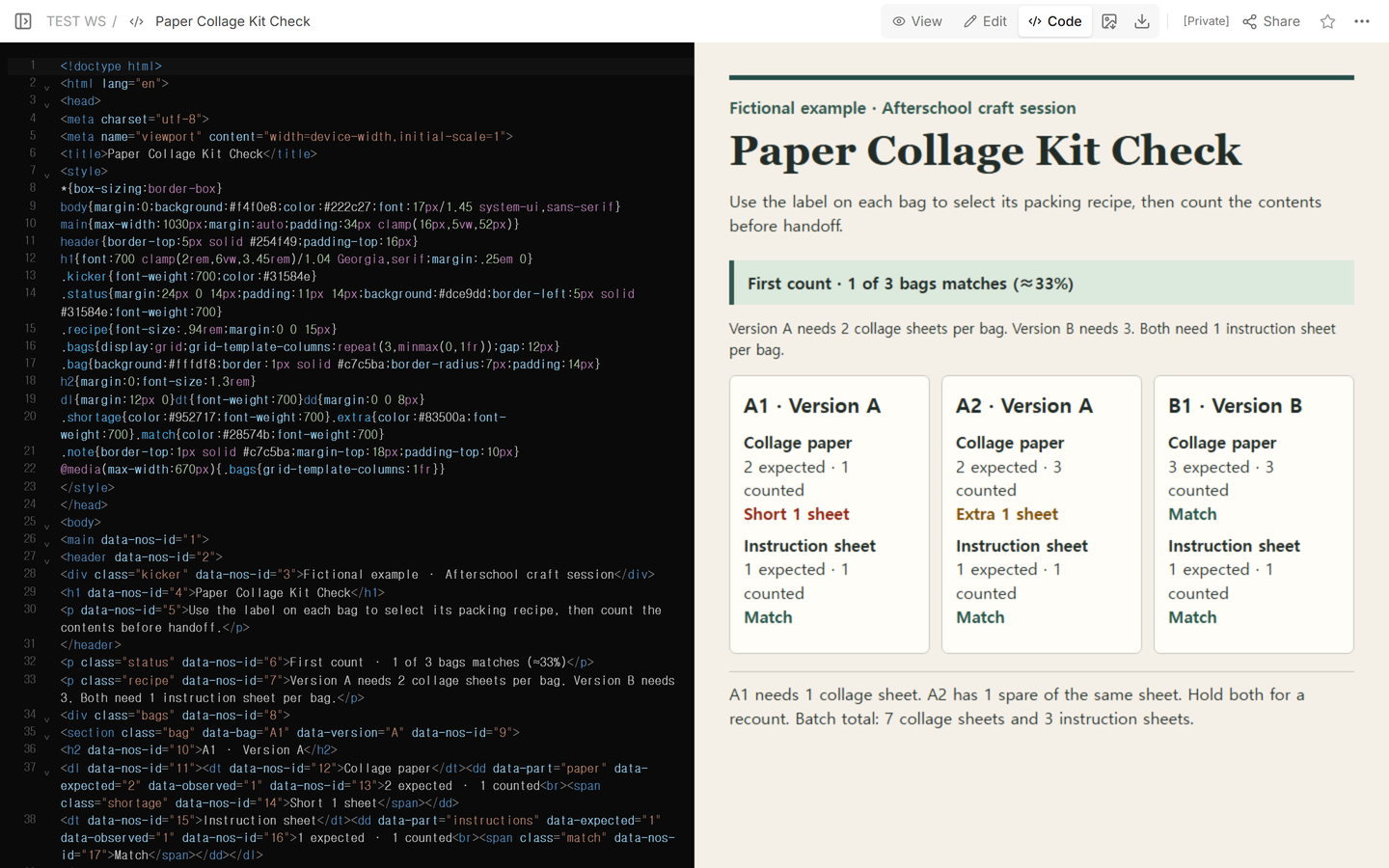
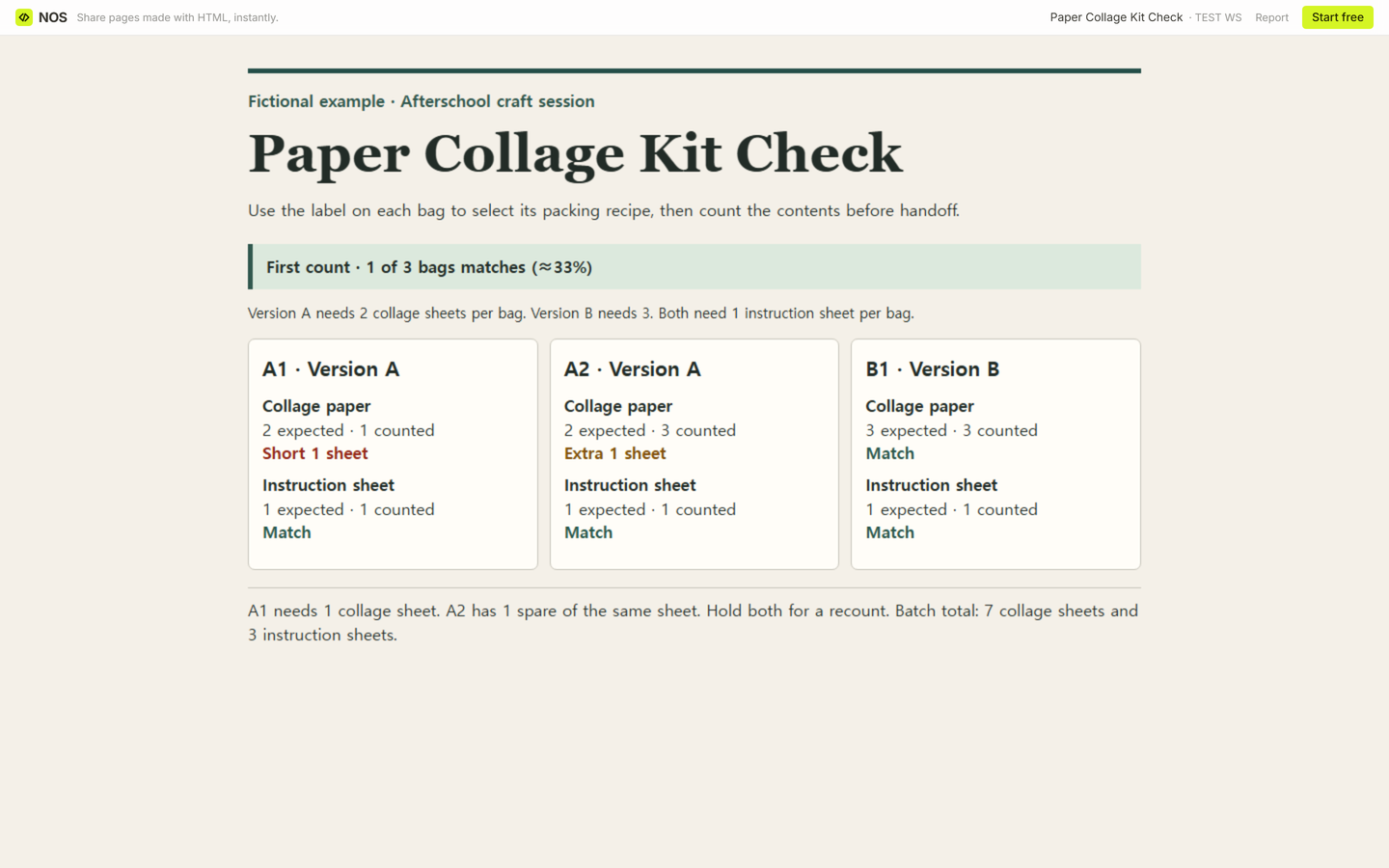
In our fictional afterschool craft batch, the total of seven collage sheets was right. A1 was one sheet short, and A2 had one extra.
Keep both differences visible until you move the spare and recount the two bags. Only then record the new counts.
- Download the blank packing checklist (CSV)
- Download the completed counts and recounts (CSV)
- Download the finished example (HTML)
The blank sheet has room for six component rows. Open it in a spreadsheet and add rows as needed. The completed sheet shows both passes so you can see exactly where the spare came from.
Which packing list belongs to each bag?
Put the bag ID and the kit version on the bag before counting. In our paper collage example, A1 and A2 use version A, which calls for two collage sheets per bag. B1 uses version B and needs three. Each bag also needs one instruction sheet. Three collage sheets are an extra in A2 and a match in B1.
Capital Area District Libraries describes its Take & Make kits as including craft materials and instructions. Effingham Public Library's Apple Tote Kit listing describes supplies for finishing the project at home. Our bag IDs and counts belong to the fictional collage example.
How do you keep a shortage and an extra visible?
Subtract expected from observed within each row. For collage paper, A1 is 1 − 2 = −1 sheet and A2 is 3 − 2 = +1 sheet. B1 is 3 − 3 = 0 sheets. The three instruction-sheet rows each have 1 expected and 1 counted. A1 and A2 need attention even though the paper counts add up to the expected seven sheets.
Treat zero as a count you made. If you open a bag and find no instruction sheet, enter 0 against 1 expected for a shortage of one. Leave the observed count and difference blank if you haven't checked the bag. Count a bag as matched only after every listed component has been checked and matches its recipe.
What do you write down after fixing a bag?
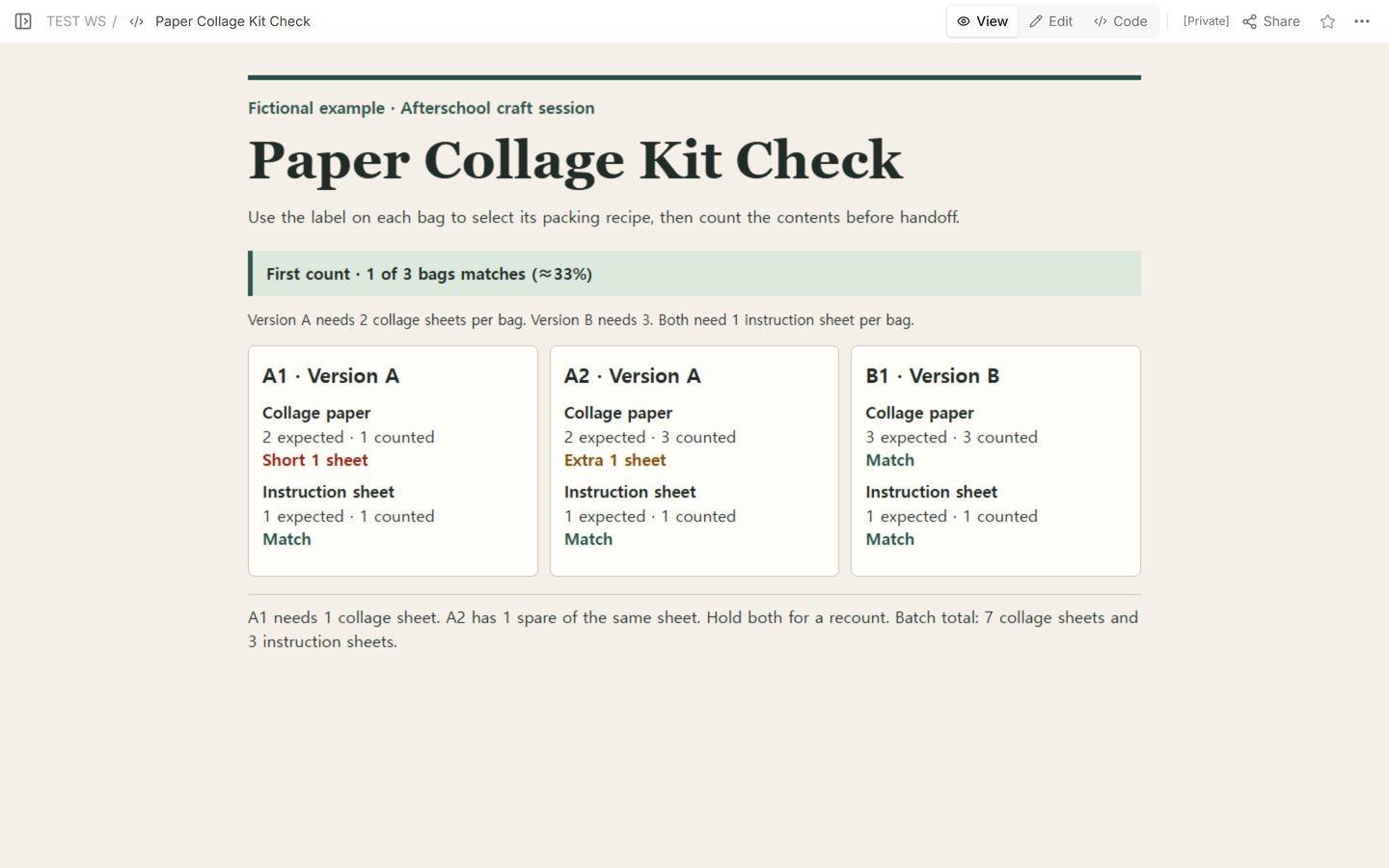
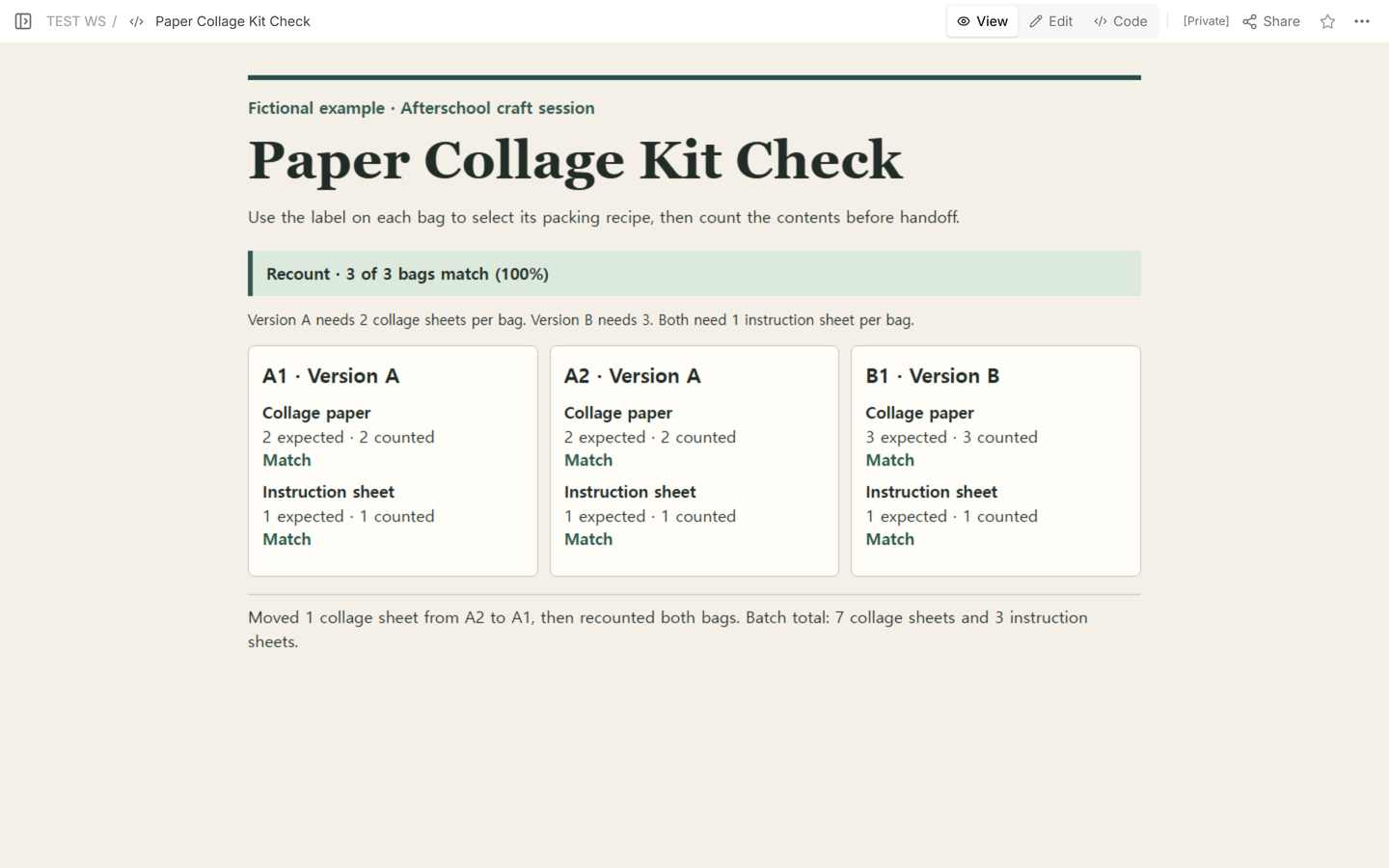
We opened the fictional record in Edit to check the first counts. The recorded fix was to move one collage sheet from A2 to A1, then count the contents of both bags again. Keep the first counts in the sheet, enter the new observations in Recount, and write the movement in Action. If a bag was never recounted, leave Recount and Recount difference blank. B1 matched on the first count, so both recount fields stay blank.
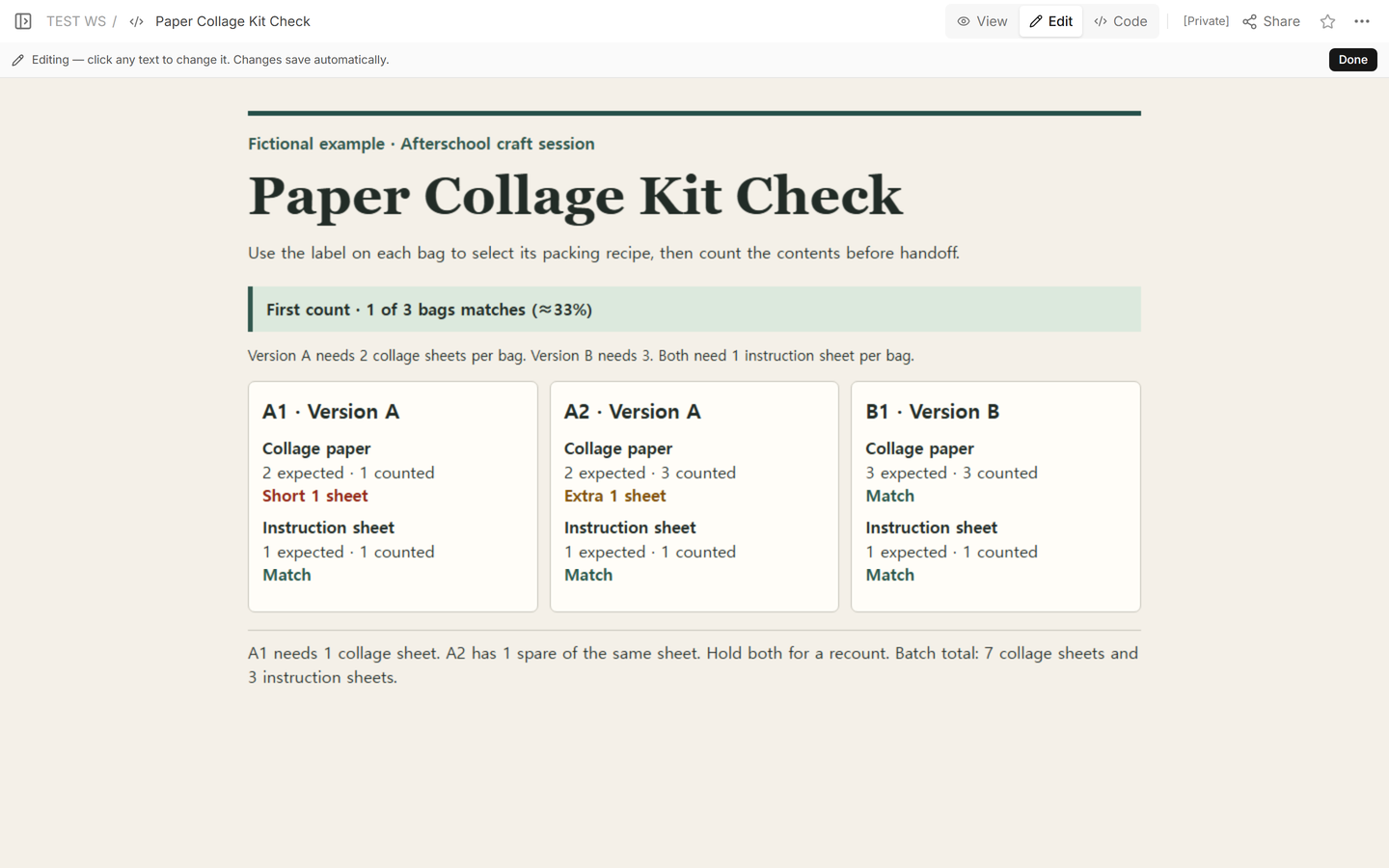
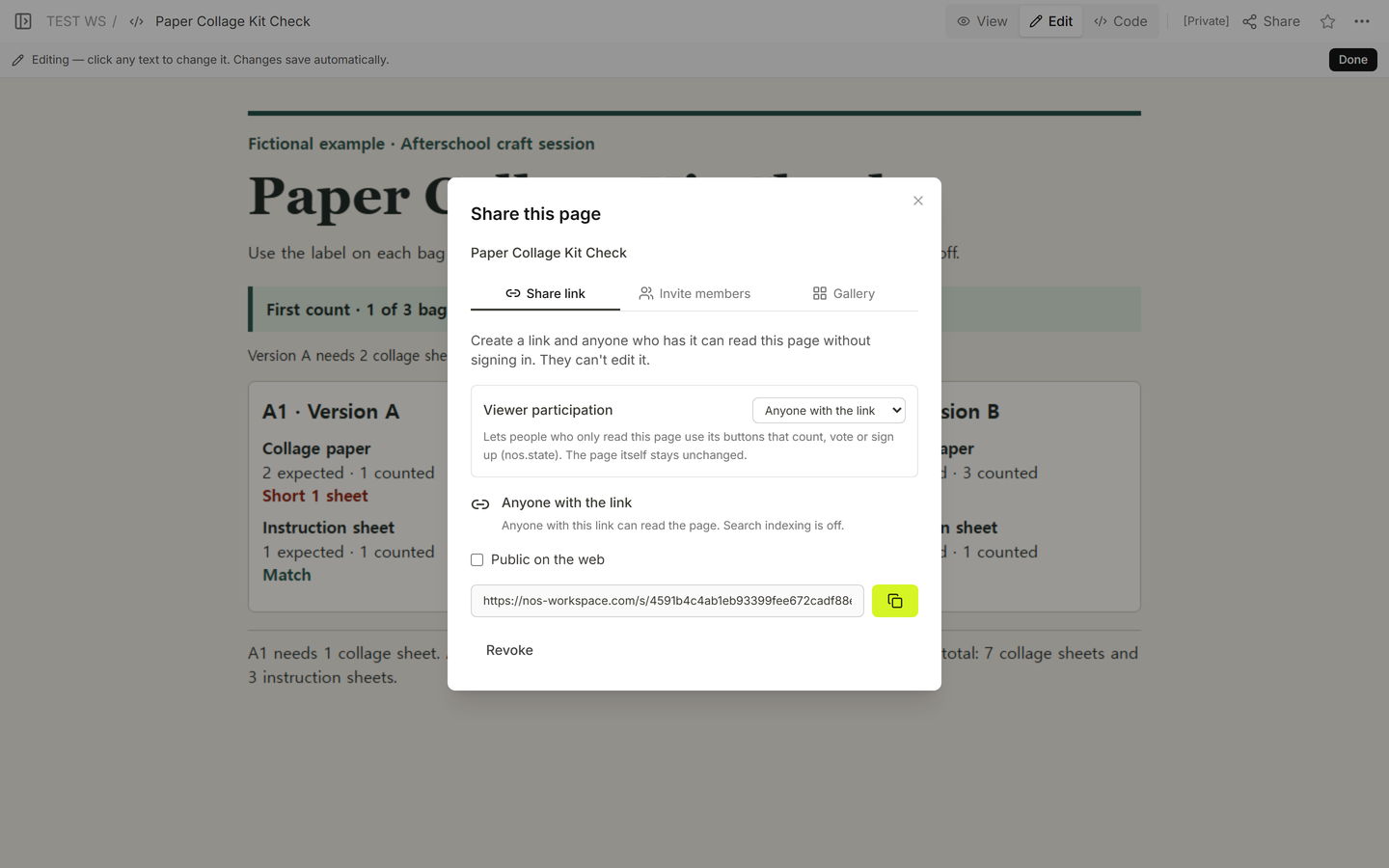
We checked the link from Share before updating the page. The reading copy showed the first count and which bag had the spare.
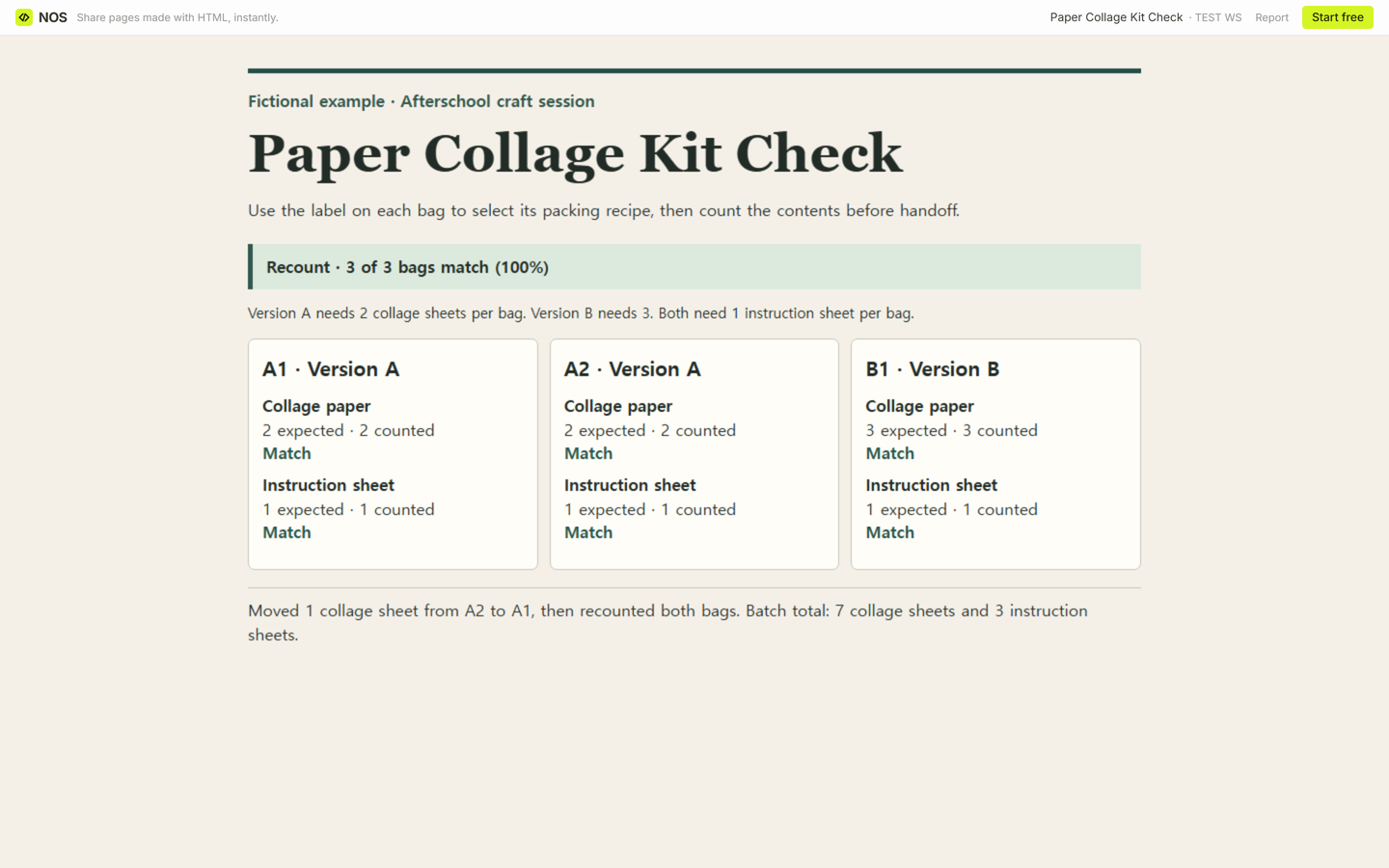
We saved the recount in Code and checked the result in View. Now A1 and A2 each have two collage sheets, and B1 still has three. The batch still contains seven collage sheets and three instruction sheets. All three bags match, so 3 ÷ 3 × 100 = 100%.
When not to do this
Use a stock count if the question is how many sheets to order for next week. For reusable kits that go out and come back, use an equipment checkout log to record who has each kit and when it returns. If you're sending a single approved instruction file through printing and finishing, use a print job ticket. Use the packing checklist when the handoff depends on what is inside each individual bag.
Where does the NOS copy fit?
We reopened the same fictional NOS reading copy while signed out and saw the recount. A signed-out attempt to open the editing address led to the log-in screen. Share the reading address when the next packer only needs to see the check and use the completed CSV to keep both sets of counts.