An address link is a page holding a location and everything needed to arrive at it, so the recipient gets both the navigation and the part a map does not know.
Maps solve getting to the building. Most arrival problems happen at the building.
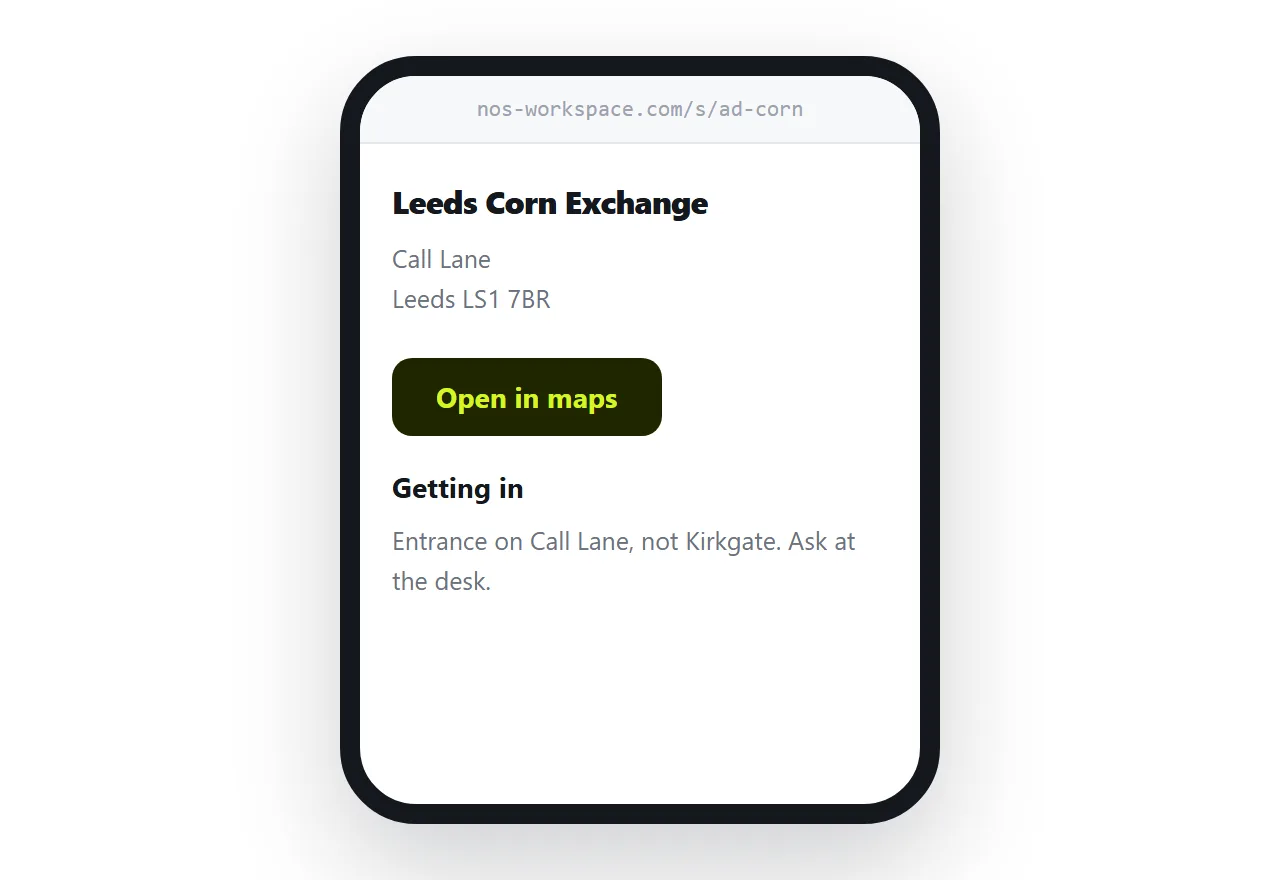
This guide covers making the address usable, the geo link that opens any map app, the arrival notes that matter, and access information.
Write the address as text
Before any map, the address has to be copyable.
<address class="loc">
  Leeds Corn Exchange<br>
  Call Lane<br>
  Leeds LS1 7BR
</address>
People paste addresses into their own map app, into a taxi booking, into a calendar entry. An address that exists only inside a map embed cannot be copied, and an image of an address cannot be copied or read aloud.
The geo link opens whatever they use
A geo link hands coordinates to the operating system, which opens the map app the person actually has.
<p><a href="geo:53.7955,-1.5402?q=53.7955,-1.5402(Leeds+Corn+Exchange)">
Open in maps</a></p>
<p><a href="https://www.openstreetmap.org/?mlat=53.7955&mlon=-1.5402#map=18/53.7955/-1.5402">
View on a map</a></p>
The first works on phones and does nothing on most desktops, which is why the second is there. Offering both means nobody has to work out which link to use.
Coordinates beat a search string. A search for a business name can resolve to a closed branch, an old address, or nothing, and you have no way to know it happened. More in linking to a map location.
The arrival notes are the point
This is what a map cannot supply and what people get wrong.
| What a map tells them | What it does not |
|---|---|
| The building is here | Which of the three doors |
| Parking exists nearby | Whether it is permit only |
| The postcode | Which floor, and the buzzer code |
| Estimated journey time | That the front desk closes at 17:00 |
| The street | That the entrance is on the other street |
Write down whatever you find yourself explaining on the phone. That is exactly the list.
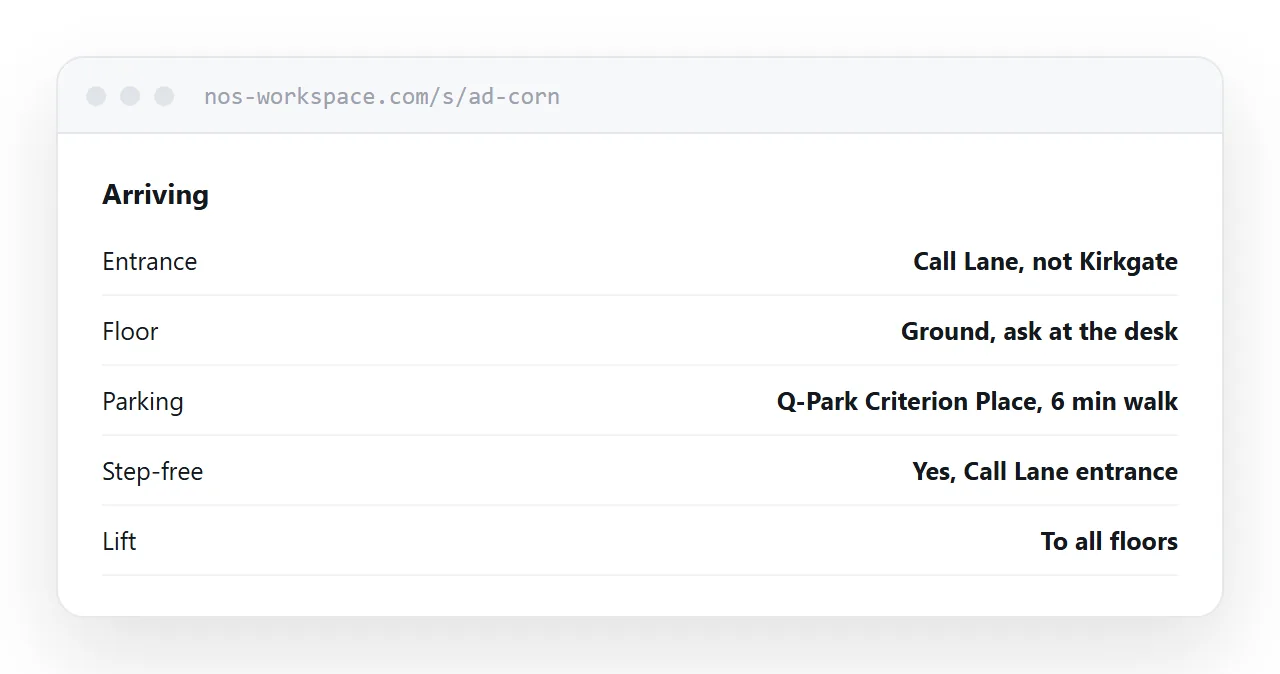
Be specific about the confusing part rather than describing the building. "The entrance is on Call Lane, not Kirkgate" beats a paragraph about the architecture.
Access information, as standard
Include it whether or not anyone asked.
- Step-free access, and by which entrance.
- Lifts, and whether they reach the floor in question.
- Accessible parking, and how close.
- Accessible toilet, and on which floor.
- A contact for anything not covered.
Putting this on the page as a matter of course removes the need for someone to ask, and the asking is frequently the barrier rather than the building.
Be accurate rather than optimistic. "Step-free by the side entrance, six steps at the front" is useful. "Accessible" with no detail is not, and being wrong about it leaves someone stranded.
Hard-to-pin places
For a site with multiple gates, a rural address, or a field entrance, a street address is not enough.
A what3words reference or a plus code identifies a three-metre square and can be read out over the phone. Include one where the ambiguity is real, and leave it off where it is not, because on a normal high street address it is noise.
Where a large site has several entrances, name them and say which one is which, rather than giving one pin and hoping.
Public transport, briefly
Two or three lines, not a timetable.
The nearest station and how long the walk takes. The bus routes that stop nearby. Whether the walk involves a hill, because that matters to more people than you would think.
Timetables go out of date and linking to the operator is better than reproducing one.
Put it at an address
Write the address as text, add a geo link and a map link, say which entrance and which floor, include the access details, and create a share link.
They get there and they get in.