In short
Make one page for one artwork, not a miniature portfolio.
Put identification first, then the story, then the instructions needed to display and handle the piece.
Check the shared page on a phone before you send it to an exhibition contact.
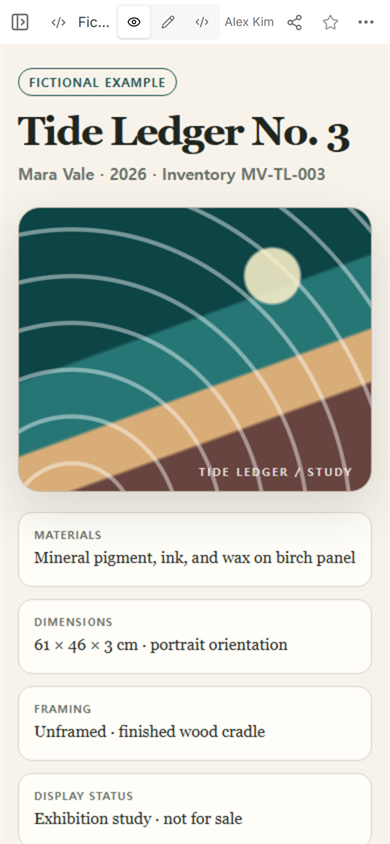
We made a complete information sheet for Tide Ledger No. 3, a fictional artwork created for this guide. The page identifies the piece, explains its materials and dimensions, gives a short statement, and records how it should be oriented, lit, and lifted. No real artist, collector, venue, or inventory record appears in the example.
What is an artwork information sheet for?
A portfolio helps someone judge a body of work. An artwork information sheet answers a narrower question: what does a viewer, installer, registrar, or exhibition contact need to know about this one piece?
That narrower purpose changes the order of the page. The hero image is not followed by more projects. It is followed by the facts that prevent ambiguity: the exact title, artist name, year, inventory reference, materials, physical size, orientation, display status, and any instruction that affects installation or handling.
What information should go on an artwork information sheet?
Start with the fields that identify the object without interpretation:
- Title and artist. Use the exact spelling you want repeated in a label or checklist.
- Year and inventory reference. Keep the internal reference short enough to copy accurately.
- Materials. Name the physical components that matter to the work and its care.
- Dimensions and orientation. State width, height, depth, unit, and whether the work is shown in portrait or landscape orientation.
- Framing or mount. Record what surrounds or supports the work.
- Display status. Say whether this page is an exhibition copy, study record, sales sheet, or another clearly named version.
Our example uses invented values and labels itself “Fictional example” above the title. That label stays visible in the shared result, so the demonstration cannot be mistaken for a real consignment record.
How do you write the artwork description?
Keep identification and interpretation separate. Materials and dimensions should not be buried inside the statement. The statement can then do one job: give the reader enough context to look again at the work.
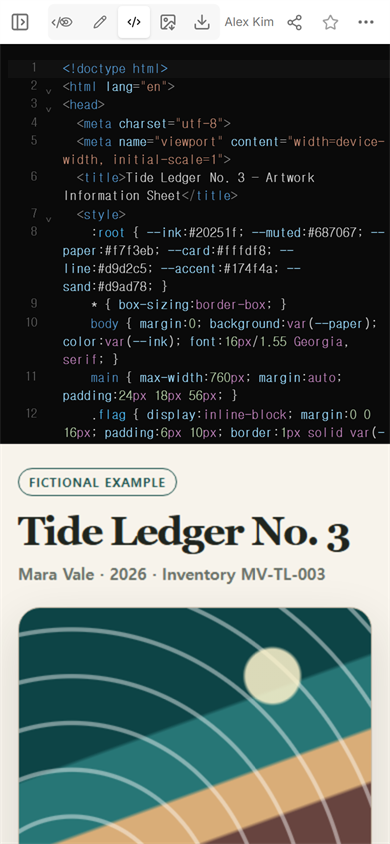
For the fictional piece, the description says the shapes map a remembered shoreline and explains what the white arcs and sand band represent. It does not invent an exhibition history, a buyer reaction, or a critical claim. A useful description can be modest and specific.
A practical test: remove the artwork image for a moment. The remaining facts should still identify the object. Then remove the facts. The short description should still explain the artistic idea without trying to replace the record.
How should display and handling notes be written?
Write instructions as actions. “Portrait orientation” is clearer when paired with a visible reference point. “Handle carefully” becomes useful only after it says where to hold the object and what surface not to touch.
The example records four separate decisions:
- Hang the panel vertically, with the title mark at the lower right.
- Place the center of the panel at the stated approximate height.
- Use soft, even light and avoid direct sun or a concentrated hot spot.
- Wear clean nitrile gloves, lift from both side edges, and avoid pressing the waxed face.
These are fictional instructions for this invented piece, not universal conservation guidance. A real sheet should use directions approved for the actual materials and venue.
How do you share an artwork information sheet?
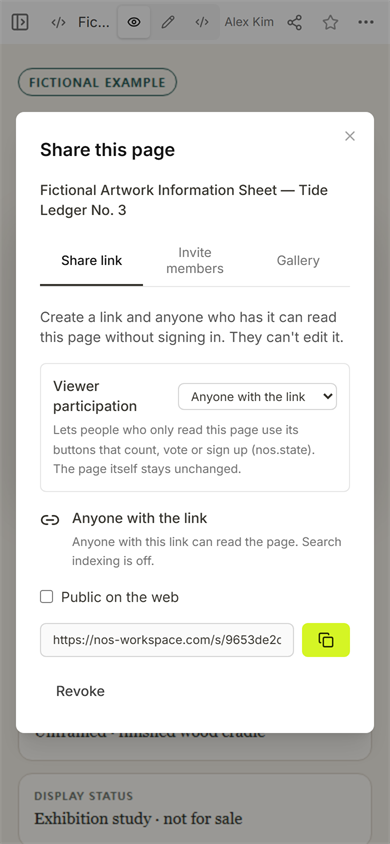
We kept the record as one self-contained page, opened Share, and used the viewer link shown for that document. The captured panel states that anyone with the link can read the page without signing in and cannot edit it.
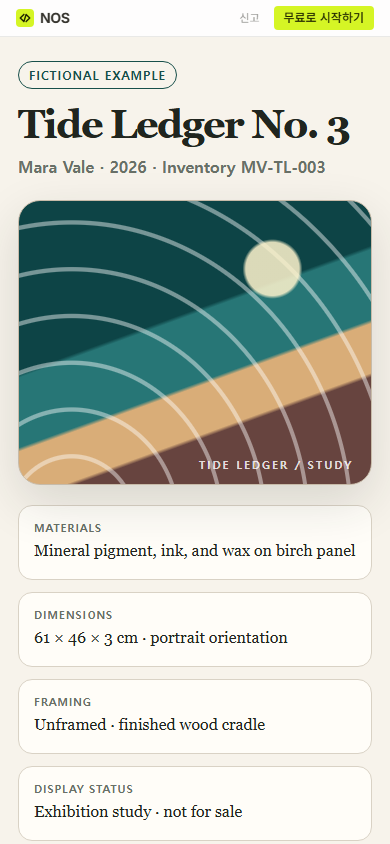
The first public mobile check showed the title, artist line, artwork, materials, dimensions, framing, and display status in one column. That is enough to catch an overlong heading or an essential field pushed too far down the page.
What should you check before sending the page?
Read the shared version, not only the editor. We found that the original metadata line named the artist, year, and inventory reference but did not identify the version of the sheet. In the normal Edit view, we changed that line to add “Exhibition copy” and chose Done.
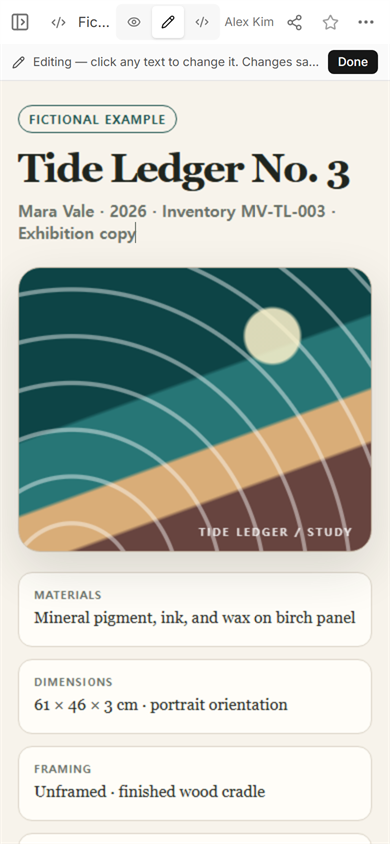
We reopened the same viewer address. The new words appeared under the title. On the phone-width page, the longer metadata wrapped onto a new line; the result stayed readable, but the wrap is a reason to keep this line concise. If a real record needs several status notes, move them into the fact cards instead of stretching the header.
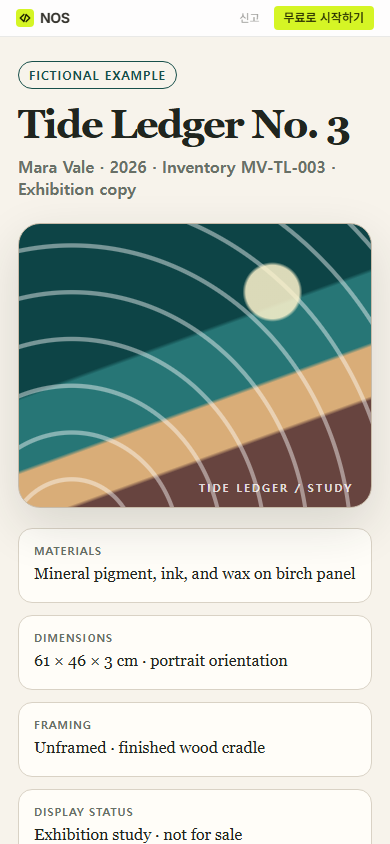
Finished result: one fictional artwork now has a phone-readable record with identity, context, installation direction, lighting, and handling notes. The final public check also shows the version label added during review.
Download the complete fictional example
When not to do this
- Do not use a public sheet for a private owner name, storage address, insurance value, condition report, or access instruction.
- Do not treat an artist statement as a substitute for material, size, orientation, and handling facts.
- Do not invent conservation directions. Ask the artist, fabricator, conservator, or venue responsible for the real object.
- Do not turn one sheet into a crowded portfolio. Link to the wider body of work separately.
Using NOS for the page
NOS Workspace kept the example HTML, View, Edit, Code, and Share controls in one document. We used its viewer link for the mobile check, made one text correction in Edit, and confirmed the correction at that same viewer address. See the current pricing page for plan details rather than relying on a price copied into this guide.
Related next steps
- Use a digital art portfolio when the reader needs to assess several works rather than document one object.
- Use a photo gallery link when the result is a browsable set of photographs.
- Use HTML to Link when the page is finished and the remaining task is giving it a viewer address.