In short
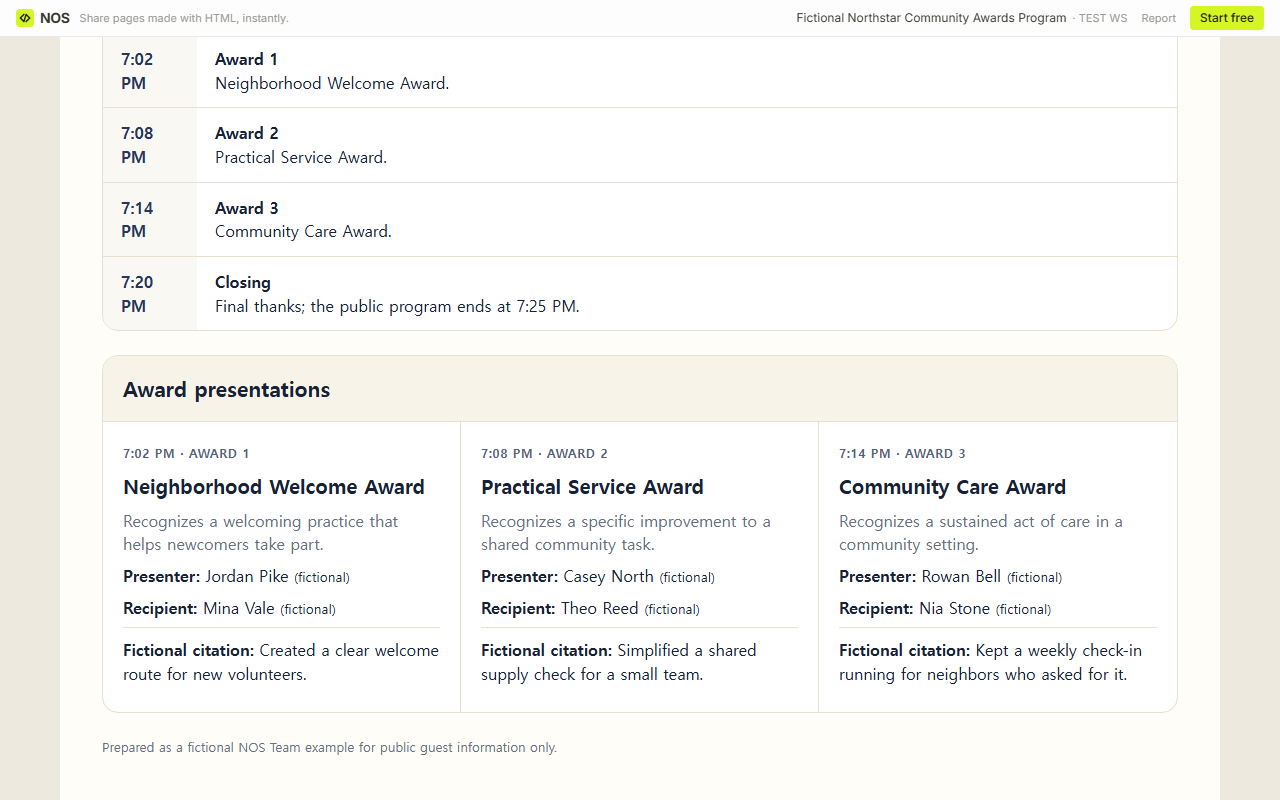
A public award ceremony program should tell guests where and when the event happens, which awards appear, who presents them, who receives them, and why each recognition is being given.
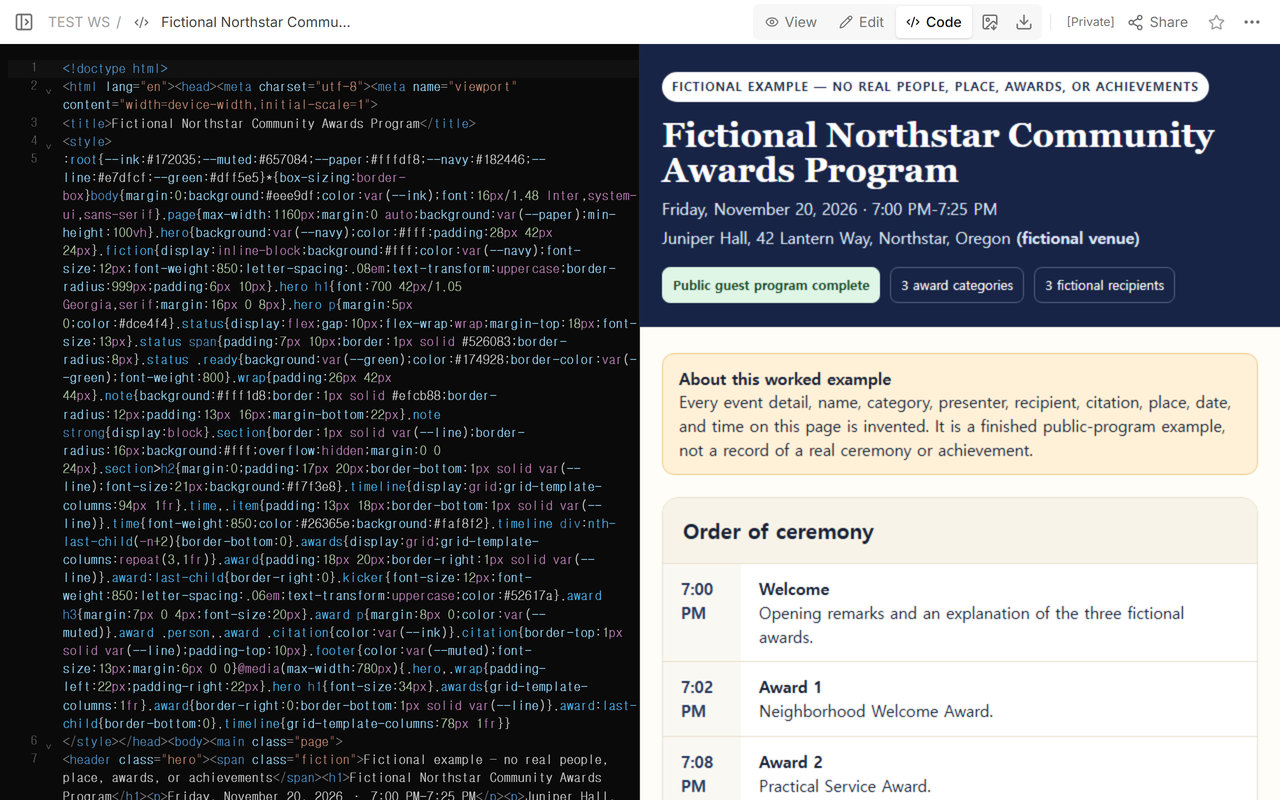
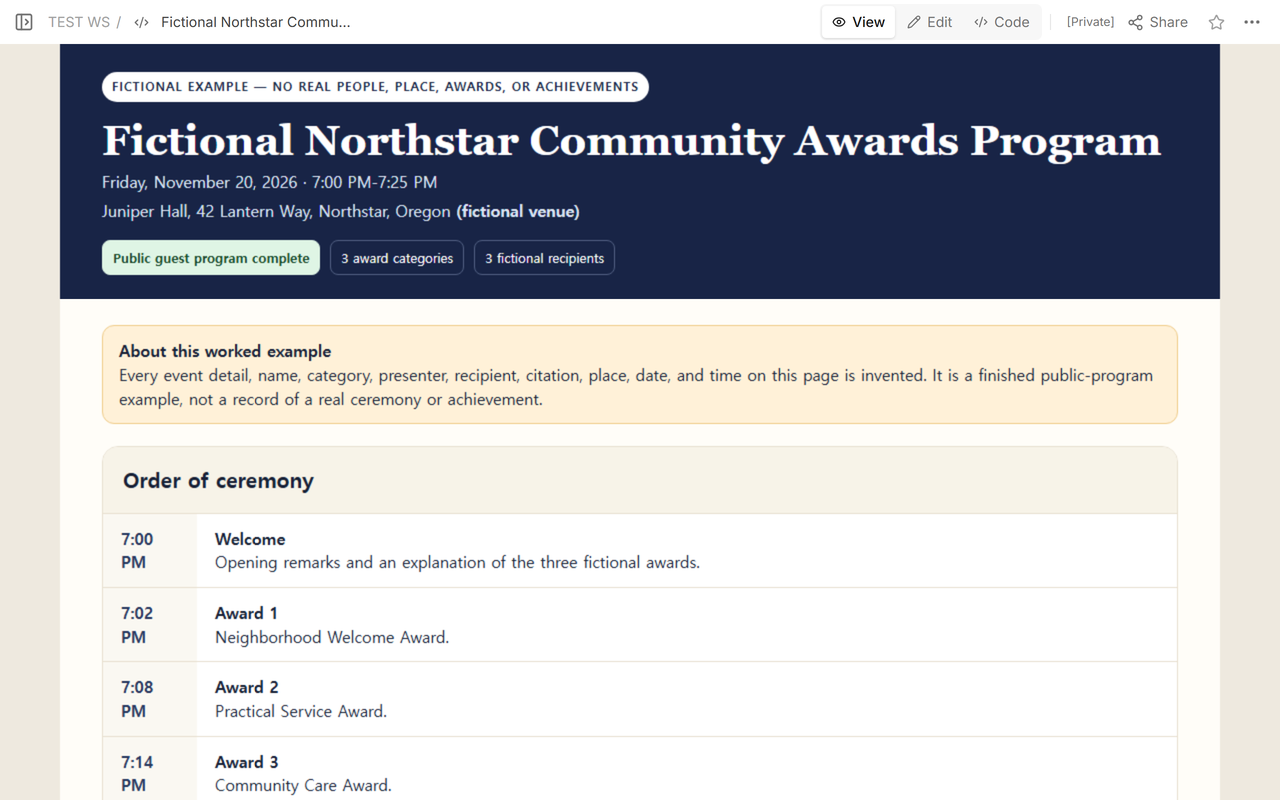
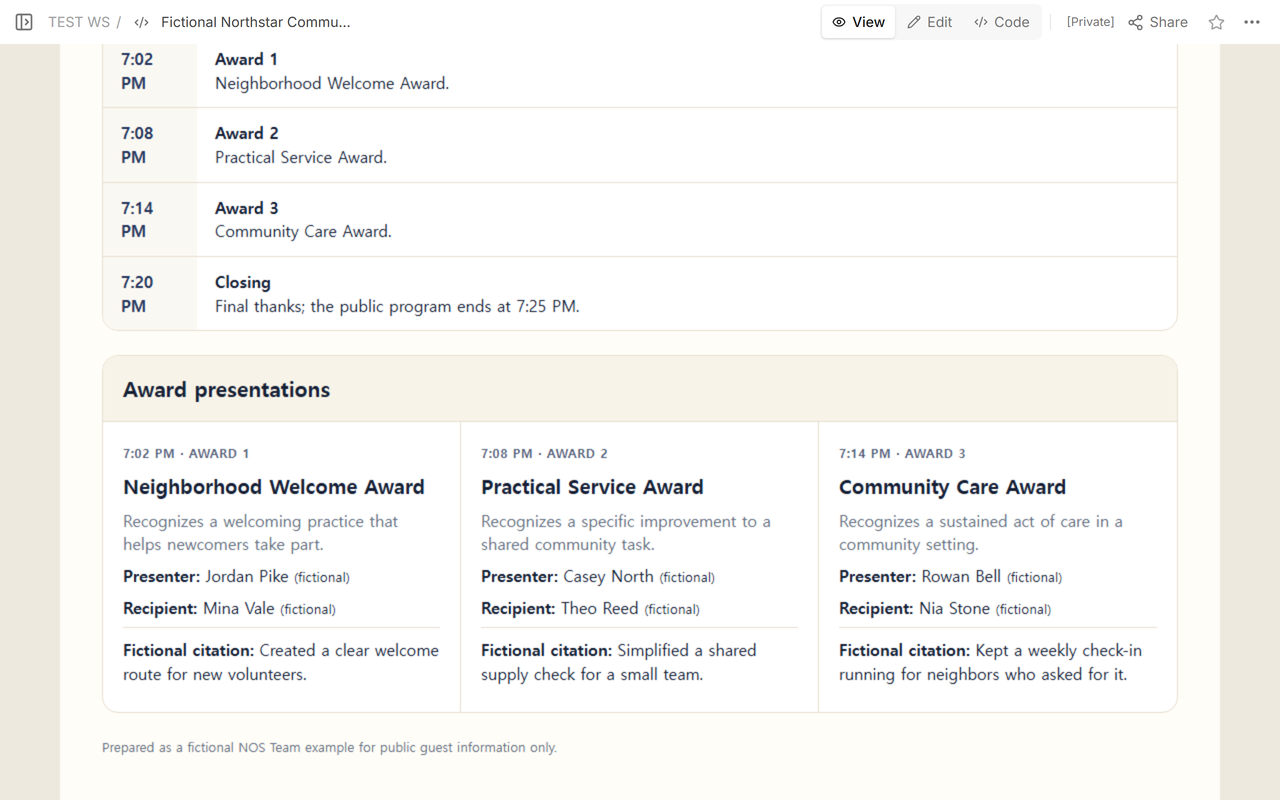
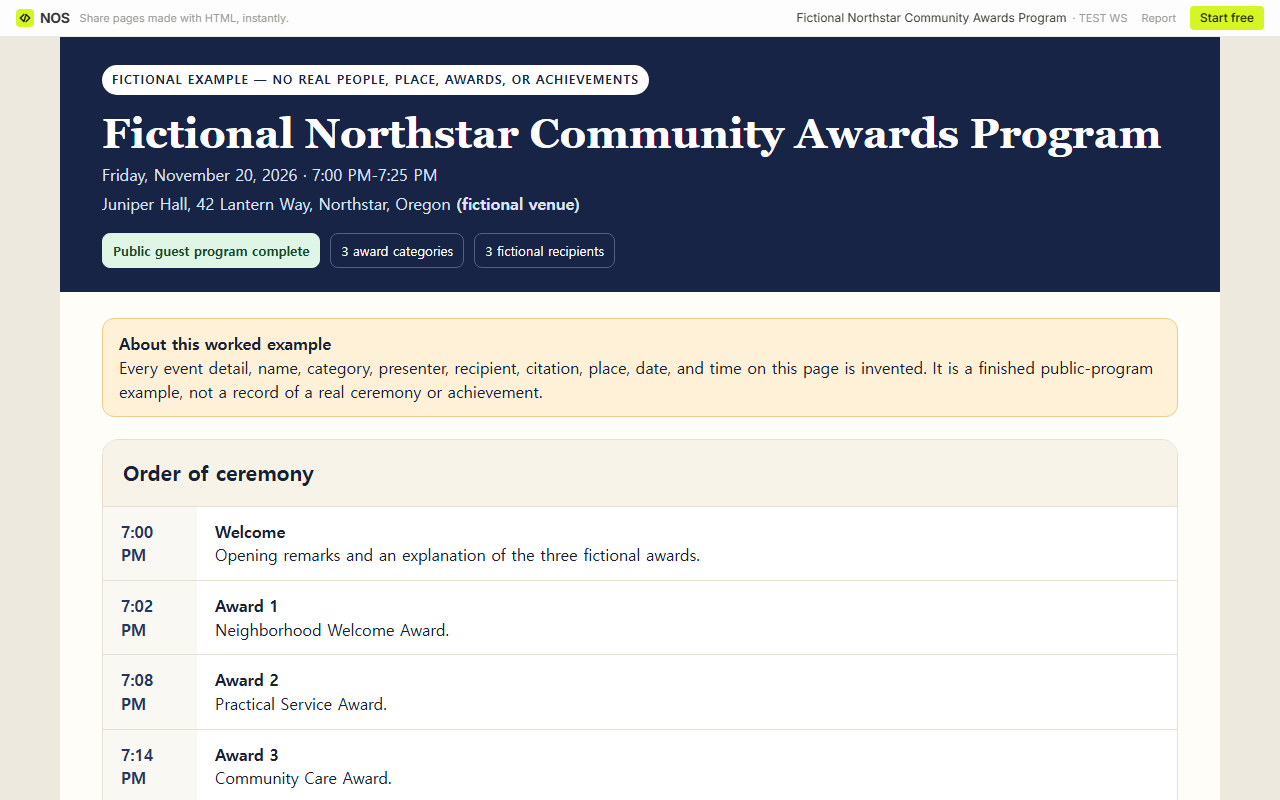
The finished fictional example covers 7:00 PM-7:25 PM at a specific invented venue. Its three award starts—7:02 PM, 7:08 PM, and 7:14 PM—fit inside that overall time.
Staff signals, backstage movement, recipient verification, and private contact details belong in a separate private operating document. They are not included in either public resource below.
NOS Team rebuilt one fictional ceremony around three invented categories, six invented people, and three invented citations. The names, place, event, awards, and achievements do not refer to any real person or organization.
Open the completed public exampleOpen the blank public template
What belongs in the public award ceremony program?
Start with the information a guest needs before and during the event: the event name, date, full venue, overall start and end time, presentation order, award titles, brief descriptions, presenter names, recipient names, and short approved citations. Award Force’s 2026 ceremony guide identifies category order, presenter names, and brief award descriptions as core attendee-program information. See the Award Force ceremony guide.
The worked example makes its status unmistakable. Its page title and event heading both say “Fictional Northstar Community Awards Program,” and the page states that every person, place, category, award, and achievement is invented.
A public program is not the place for nomination evidence, private contact details, pronunciation notes, access arrangements, consent records, backstage signals, or security information. Those details may be necessary to run the ceremony, but they need a separate private home with access limited to the responsible staff.
How do you make the presentation times add up?
Set the overall start and end first, then place every public item inside that window. The fictional program opens at 7:00 PM, begins awards at 7:02 PM, 7:08 PM, and 7:14 PM, starts closing remarks at 7:20 PM, and ends at 7:25 PM. The sequence is chronological, and no award begins outside the advertised event time.
Use the same award number and public start time wherever guests see the order. Award 2 should not move to a different time in a printed card or linked page. If the order changes, update the public program before sending the final address.
What belongs in a separate private staff run sheet?
The staff run sheet is a different operating document. It can hold speaker signals, screen changes, award handoffs, backstage movement, recipient arrival checks, and private contact details. Keep that document outside the public page and outside the public downloads.
The NC State sample run of show separates timeline, role, and message, then adds screen and view changes inside the message column. That structure is useful for staff, but those operating details are not guest-program content. See the NC State event toolkit.
The completed example and blank template deliberately stop at the public boundary. Neither file contains staff signals, backstage directions, recipient checklists, access notes, consent status, or private contacts.
How do you verify names and citations before publication?
Confirm each public display name and its spelling through the organizer’s approved process. Check the short citation against the approved recognition wording. Keep pronunciation guidance, access support, photo decisions, and contact information in the private system used by the responsible team, not in the guest program.
The California employee-recognition planning material tells organizers to check awardee name spelling, prepare emcee speaking notes, secure the location, and include award criteria descriptions and awardee names in the program. It also treats photography and the presentation item as planning work. See the California employee recognition handbook.
How should you share the public program?
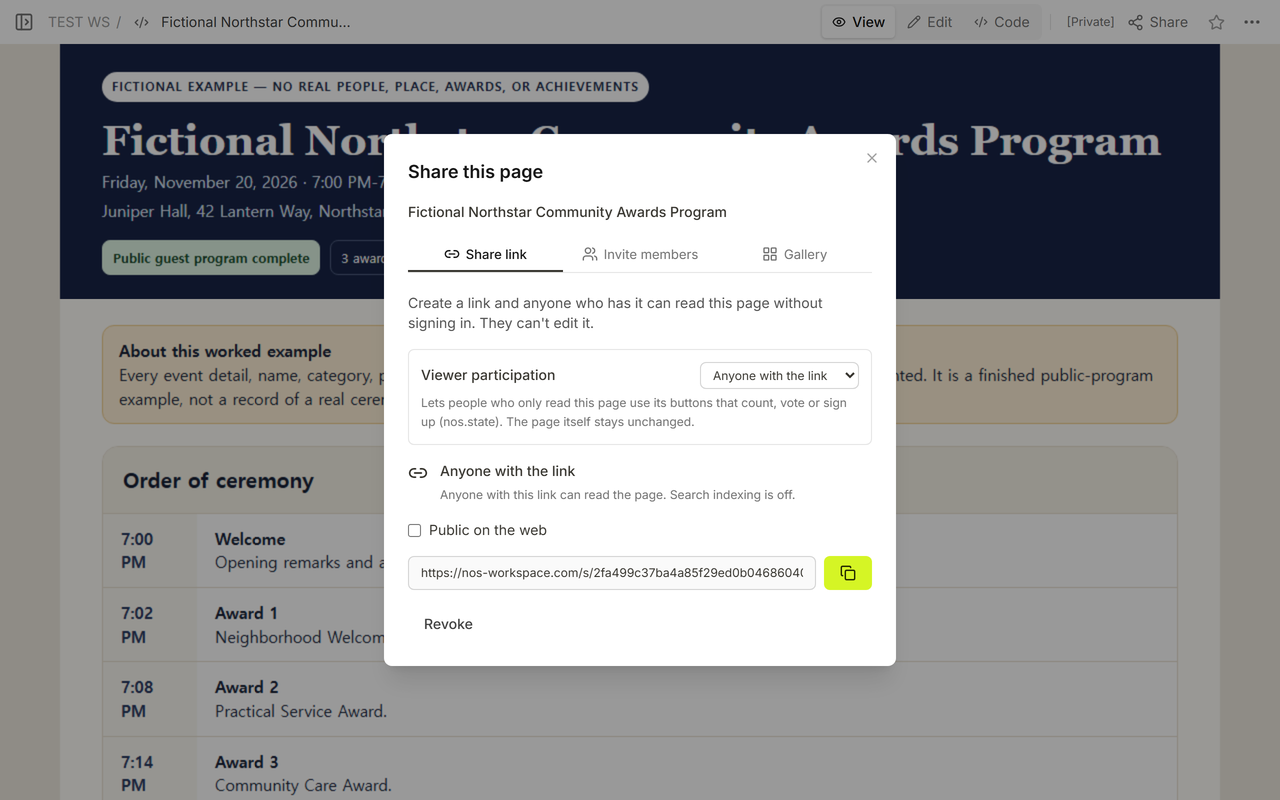
Open Share on the public-only page and copy its reader address. In the captured panel for this example, a person with the link could read without signing in and could not edit. Check the panel on the page you are about to send because access settings belong to that specific page.
The general event schedule template is a better fit when participants mainly need arrival times, room changes, and public hours. A conference programme template handles parallel sessions and presenter conflicts. A celebration of life program has a different audience, tone, and order-of-service task.
What should you check after a last-minute change?
- Check the event frame. Confirm the title, date, venue, overall time, and fictional or real status.
- Trace the public order. Make sure each award number and start time still fits between the opening and closing.
- Reconfirm the visible names. A presenter change does not authorize a different recipient spelling or citation.
- Open the reader address. Verify that it contains no staff signals, backstage directions, private checks, or contact details.
- Keep official records elsewhere. The ceremony page does not replace the organizer’s award selection, employment, consent, or privacy systems.
When not to do this
- Do not use a public ceremony program to choose winners, score nominations, make employment decisions, or maintain official personnel records.
- Do not publish a recipient name, citation, or photograph before the responsible people approve that public use.
- Do not add staff signals, backstage routes, private contacts, access notes, or verification records to the public page or download.
- Do not treat an invented venue or time as a verified plan for a real event.
Where does NOS fit?
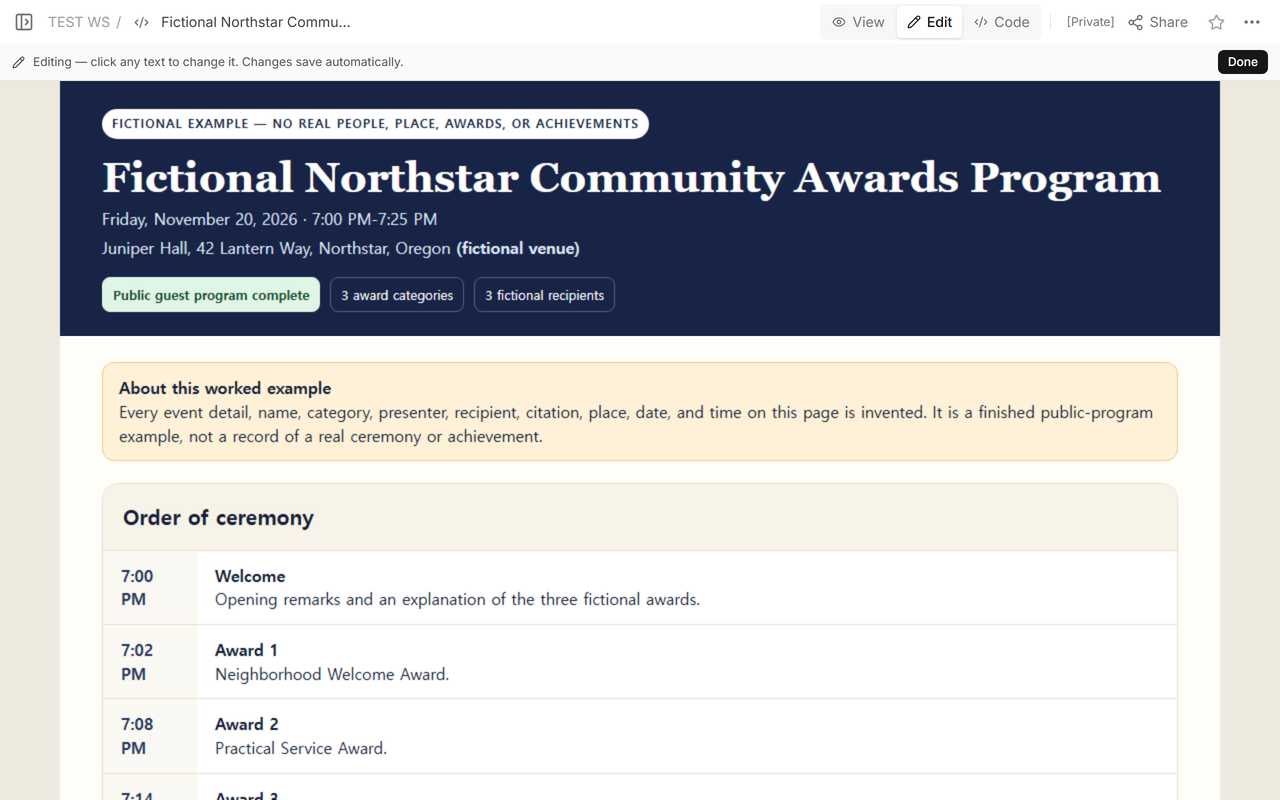
NOS held the finished fictional public HTML program while we checked Code, View, Edit, Share, and the same reader address. The public page contains only guest-facing information; any staff run sheet for a real event should be kept as a separate private operating document. For plan details, use the current NOS pricing page; this guide does not copy a price into the ceremony template.