The preview panel is a window onto a file. Everything useful happens once the file is somewhere with an address.
What the panel actually holds
One file, usually. Markup, styling and behaviour in a single document, which is why it runs immediately without a build step.
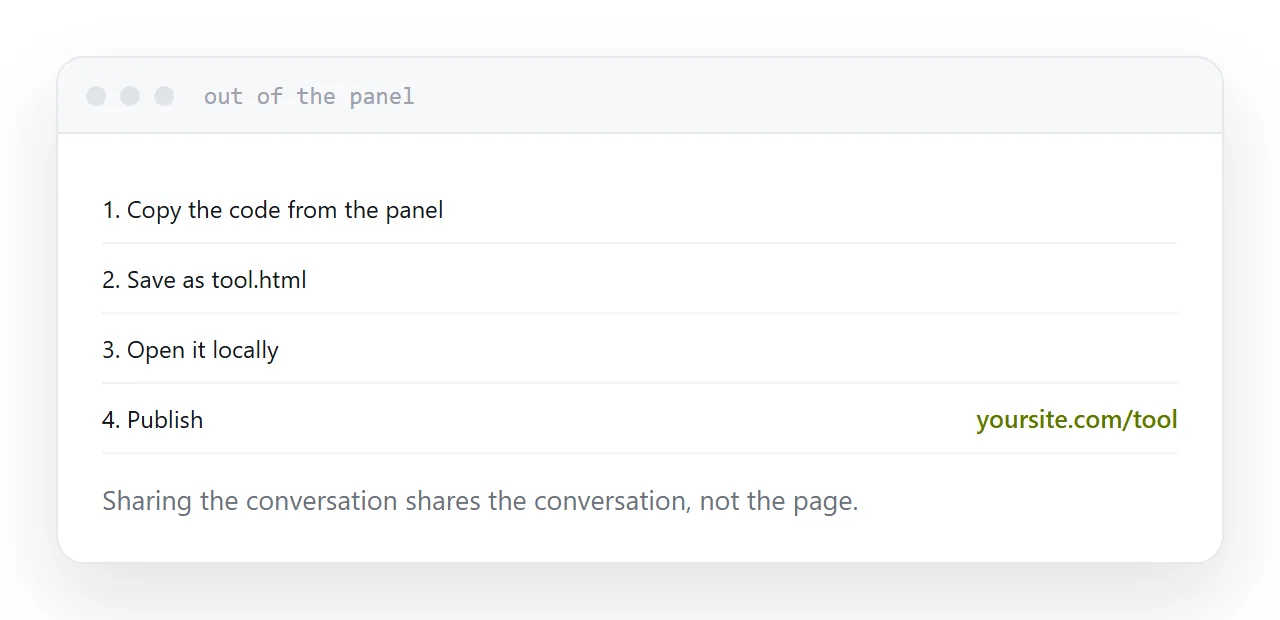
Select the code, copy it, paste it into a text editor, save it with a name ending in .html.
That file is the whole page. Nothing else was involved.
Why it sometimes breaks outside the panel
The preview environment is not a bare browser. It commonly loads a styling framework on your behalf, so markup referring to that framework is styled in the panel and unstyled in a plain file.
The symptom is unmistakable: everything works, and it looks like a document from 1995.
The fix is one line in the head of the file, loading the same framework from a public address. Ask for that line explicitly, or ask for a version with the styles written into the file.
| Symptom on opening the file | Cause |
|---|---|
| Unstyled, plain text | Framework not loaded |
| Blank page | A script error, check the console |
| Images missing | They were never in the file |
| Fonts different | Font referenced but not loaded |
| Works, then forgets | No storage, expected |
What one page can be
More than people assume.
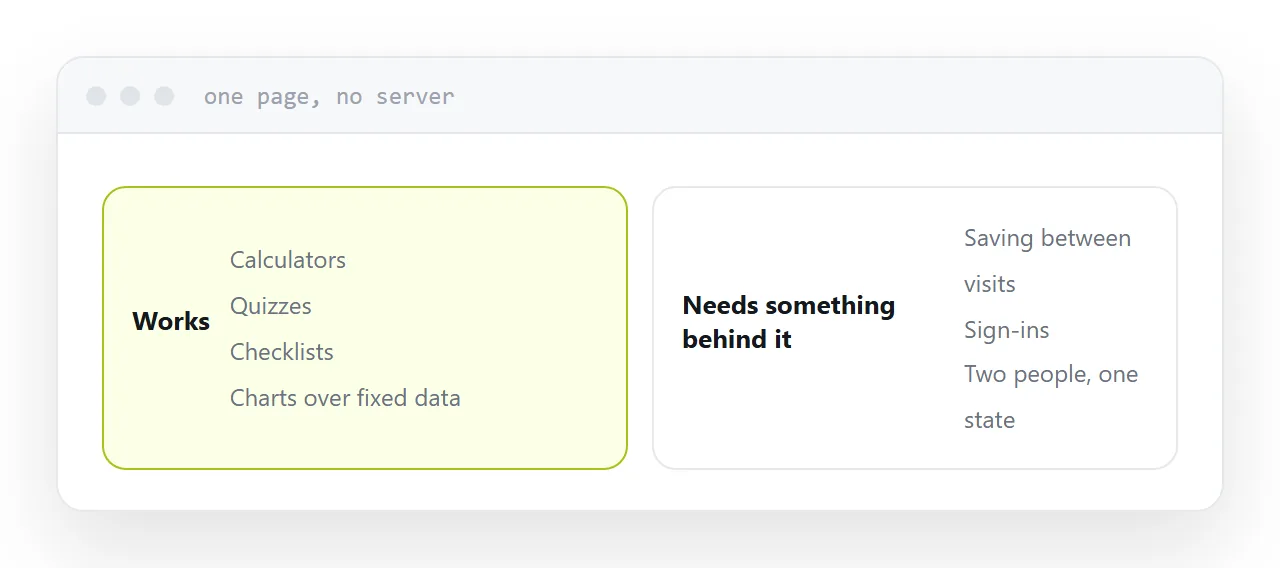
Calculators, quizzes, interactive charts over data written into the file, checklists, converters, small games, dashboards over a fixed set of numbers, teaching tools. All of it runs in a browser with nothing behind it.
The boundary is memory. A single page cannot remember anything after a refresh, because there is nothing to remember it. Sign-ins, saved records, submissions and anything shared between two visitors need storage, and that is a different project with a different shape.
Sharing the conversation is not sharing the page
A conversation link shows somebody the conversation: the prompts, the revisions, the discussion.
What you generally want is the page, on its own, at an address, working. No chat, no context, no evidence of how it was made.
That is also the version somebody will actually use, because a tool presented as a page gets used and the same tool presented as a transcript gets read.
Closely related: How to host a Claude artifact, and How to host HTML output from ChatGPT for the adjacent problem.
Put it at an address
Copy the code rather than the conversation, save it as an HTML file, open it locally before anything else, add whatever the preview was supplying, and publish it at its own address.