In short
List each resource by service type, eligibility, service area, contact route, and the date someone last checked it.
Put emergency guidance above the directory, because a resource list is not a crisis response channel.
Use fictional details while drafting, then verify every real listing with the organization before sharing it.
Keep one page address and revise the existing page when a listing changes.
A community resource page has a narrower job than a general knowledge base. It should help a reader decide which service may fit, whether the service covers their location, and how to make contact. For this guide, the NOS Team built a fictional county directory and completed that job with four resource cards.
The example is clearly marked fictional. Its organizations, eligibility rules, locations, phone numbers, and email addresses are placeholders, so nobody should use them to seek help. Open the complete fictional example to inspect the filters and all four listings.
Start with one row for every resource
We gathered the information before styling the page. Each row used the same five fields: service type, eligibility, service area, contact, and last confirmed date. Repeating those fields made missing information obvious. A listing without a service area or check date was not ready for the page.
We used four made-up categories: food, housing, transit, and family support. The page does not rank them or promise that a reader qualifies. It gives enough context for someone to decide which organization they need to contact and what to confirm.
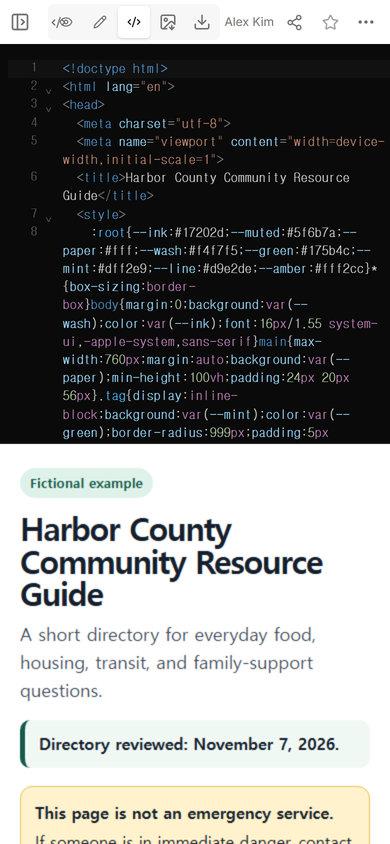
What should a community resource page include?
- Service type: a plain category such as food, housing, transit, or family support.
- Eligibility: the conditions the organization says a person must meet.
- Service area: the places the organization covers and any destination limits.
- Contact route: the phone, email, or official page a reader should use next.
- Last confirmed: the date the page owner checked that listing with its source.
Those fields belong together. A current phone number is not enough if the program serves a different county. A broad description is not enough if the eligibility wording is missing. On a real page, copy neither field from memory; check it with the organization that owns the service.
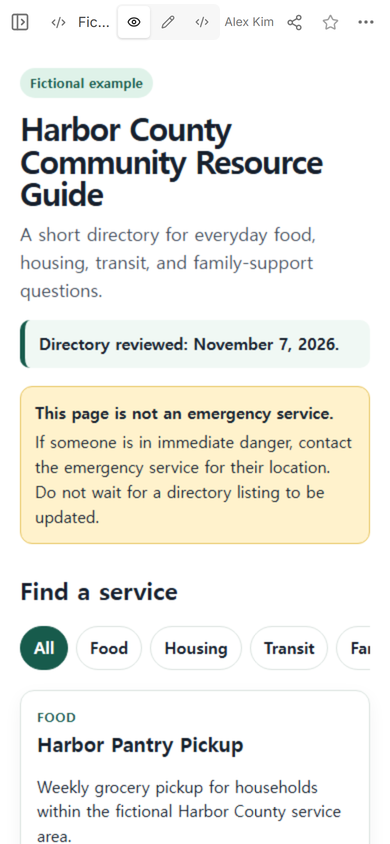
Where should emergency guidance go?
We placed the boundary above the category choices. It says that the page is not an emergency service and that a person in immediate danger should contact the emergency service for their location. The directory does not pretend to assess risk, dispatch help, or know whether a listing is open.
That warning is separate from the resource cards, so it remains visible even when a reader filters the list. It also avoids labeling every food, housing, or transit provider as an emergency contact.
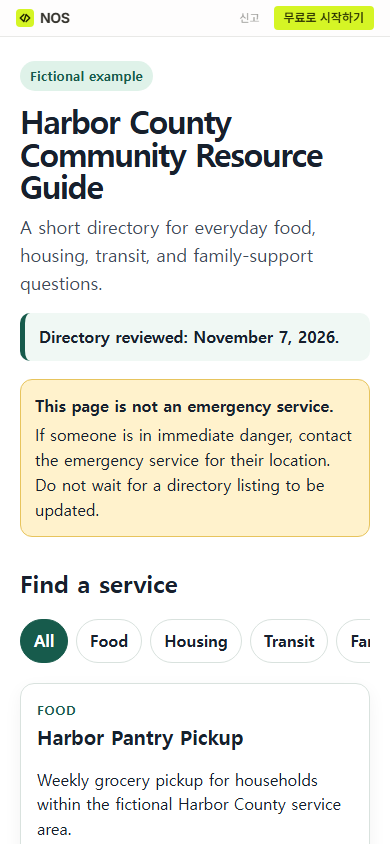
How do you make the directory easy to use on a phone?
Lead with the page name and boundary, then keep category choices in one horizontal row. Each card should read from the service name to the next action. In the fictional example, the first card shows its category and purpose before the eligibility, area, contact, and check date.
The category choices only hide and show cards already on the page. They do not search other directories, submit an application, check live availability, or tell the page owner who opened the link.
How do you keep a community resource page current?
Give the page one owner and make the review date visible near the title. The date is a record of the page check, not a guarantee that every program still has space. On the review day, the owner should open each source, confirm the five fields, remove unavailable listings, and record unresolved questions outside the public page.
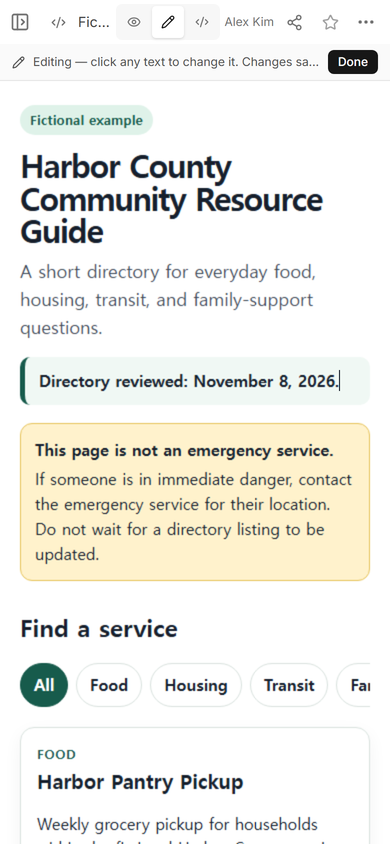
We tested the update path on the example. In Edit, we selected “Directory reviewed: November 7, 2026,” replaced it with “Directory reviewed: November 8, 2026,” and chose Done. The new date was visible in the editor before the change was saved.
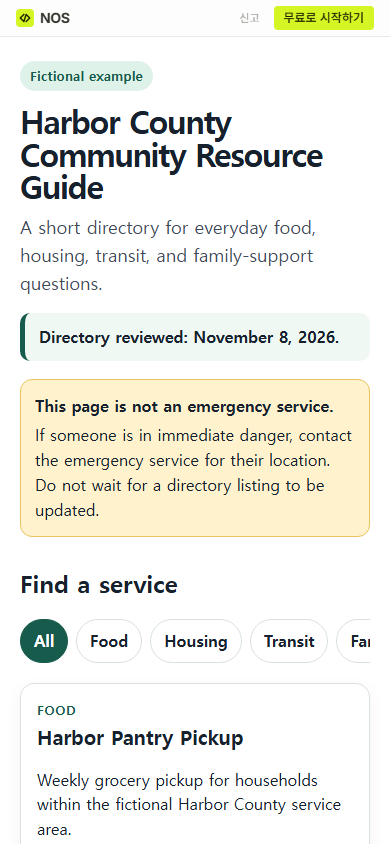
We reopened the original reader address after saving. It showed November 8, while the emergency boundary, category choices, and first resource card remained in place.
How should you check the links and contacts?
Open every destination rather than checking only that the page loads. Confirm that the destination still belongs to the named organization and that the current service, area, and contact details match your card. The HTML link checker guide explains how to find failed destinations, but a successful response cannot tell you whether the destination still supports the label beside it.
If the page will also appear on a flyer, create the reader address first. Then follow the QR code link guide and test the printed result. The directory still needs its own review process after the code is printed.
When not to do this
- Do not use a shared directory as an emergency dispatch, crisis assessment, or live-availability system.
- Do not publish private case notes, names of people seeking help, protected health information, or referral histories.
- Do not imply that inclusion is an endorsement or that a reader will qualify. State the source and let the listed organization decide.
- Do not use one static page when several organizations must edit their own records or when you need accounts, approval history, or automatic updates.
If the actual need is an internal collection of repeat questions rather than a public service directory, use the knowledge base template instead. Its owner-and-answer structure solves a different problem.
Make the page in NOS
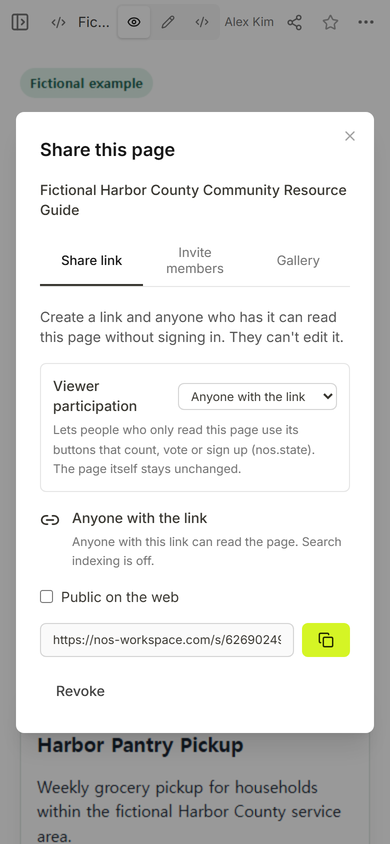
For this example, we added one HTML file to NOS, checked its reader view, created the reader address from Share, and changed the visible review date in Edit. The current pricing page lists available plans; this guide does not need a plan price to explain the directory layout or review routine.