In short
A conference speaker checklist should answer one operational question: which speaker records are safe to use in public material, and which still need action?
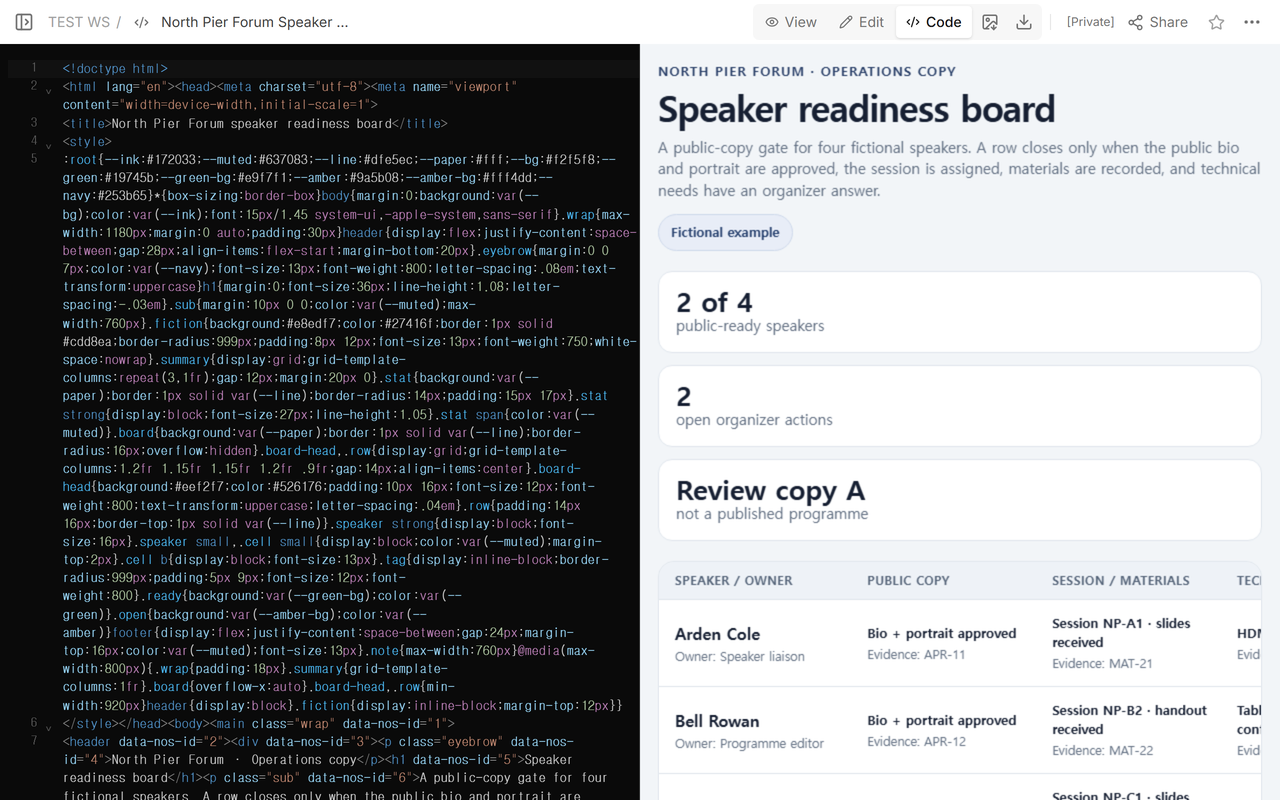
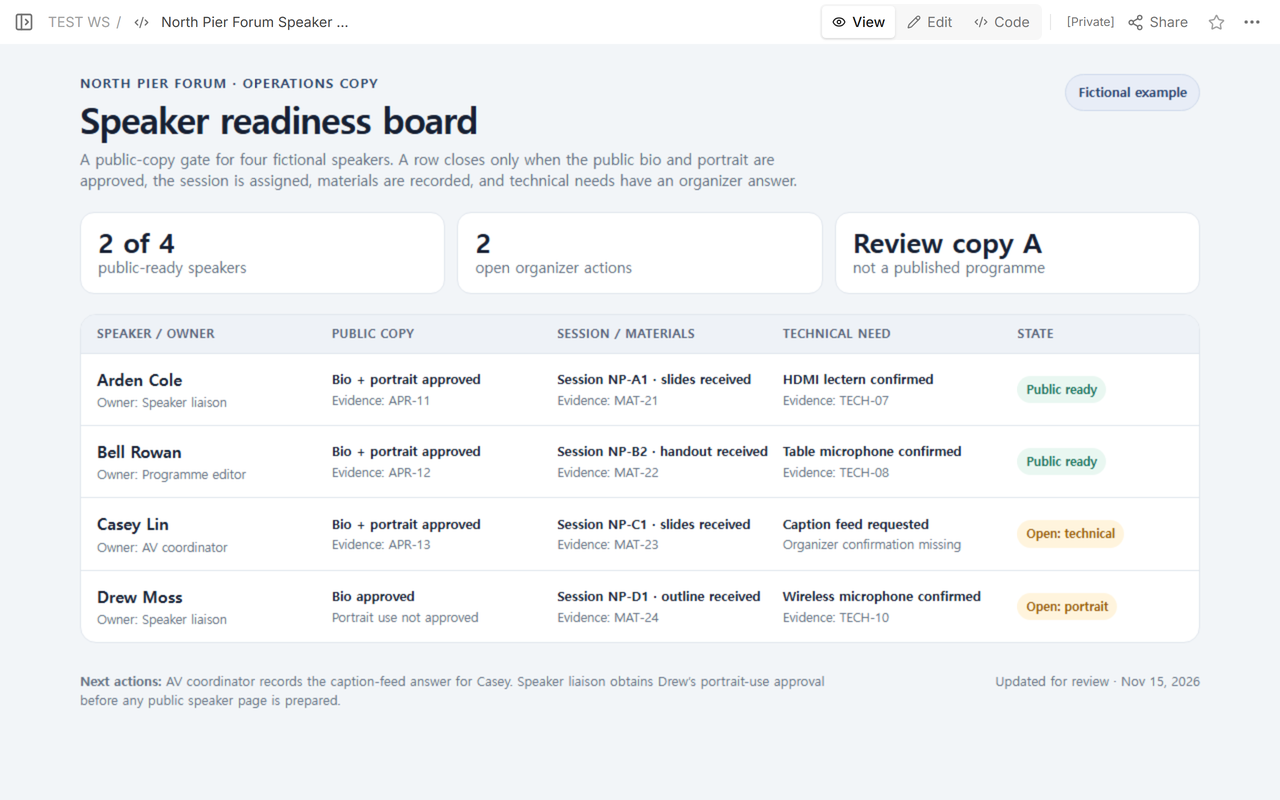
We built a fictional four-speaker board that separates public-copy approval, session assignment, materials, technical needs, ownership, and evidence.
The first reading copy had two public-ready speakers. After one technical requirement received an organizer record, the same reader address showed three ready speakers and kept one portrait approval visibly open.
The NOS Team made this fictional North Pier Forum example to complete one concrete task: prepare a checked reading copy before building public speaker pages. No real conference, speaker, portrait, session, slide deck, or approval is represented.
The result is not a programme or a speaker directory. It is the small decision board an event team can review before approved details move into those public pages.
Download the completed speaker-readiness board and replace its fictional rows with records your event team has verified.
What should be on a conference speaker checklist?
Define “ready” before adding names. In this example, a row can close only when five conditions are visible:
- the public bio has approval;
- portrait use has approval;
- a stable session label and assignment are recorded;
- the expected material has a status and evidence reference;
- each technical request has an organizer answer.
The row also names the role that must resolve an open item. “Waiting” does not tell the team who moves the record. “Owner: AV coordinator” or “Owner: Speaker liaison” does.
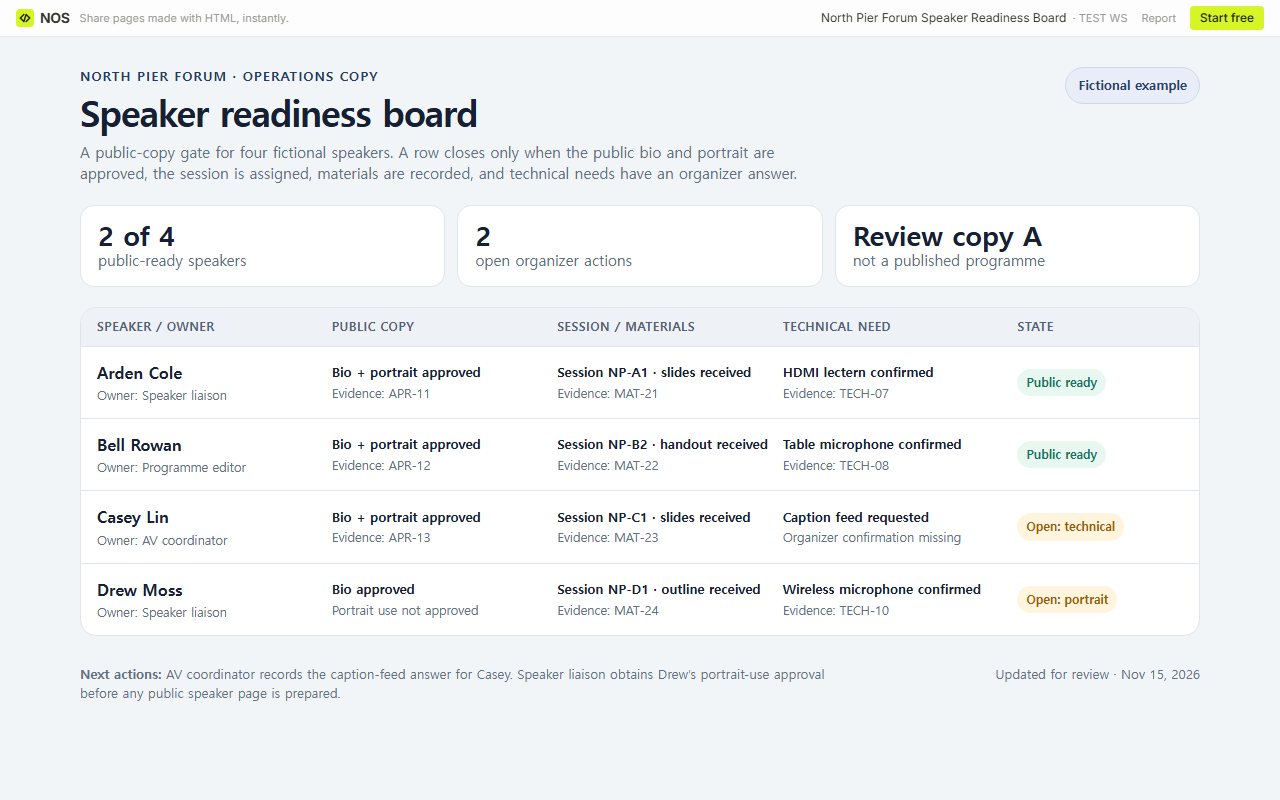
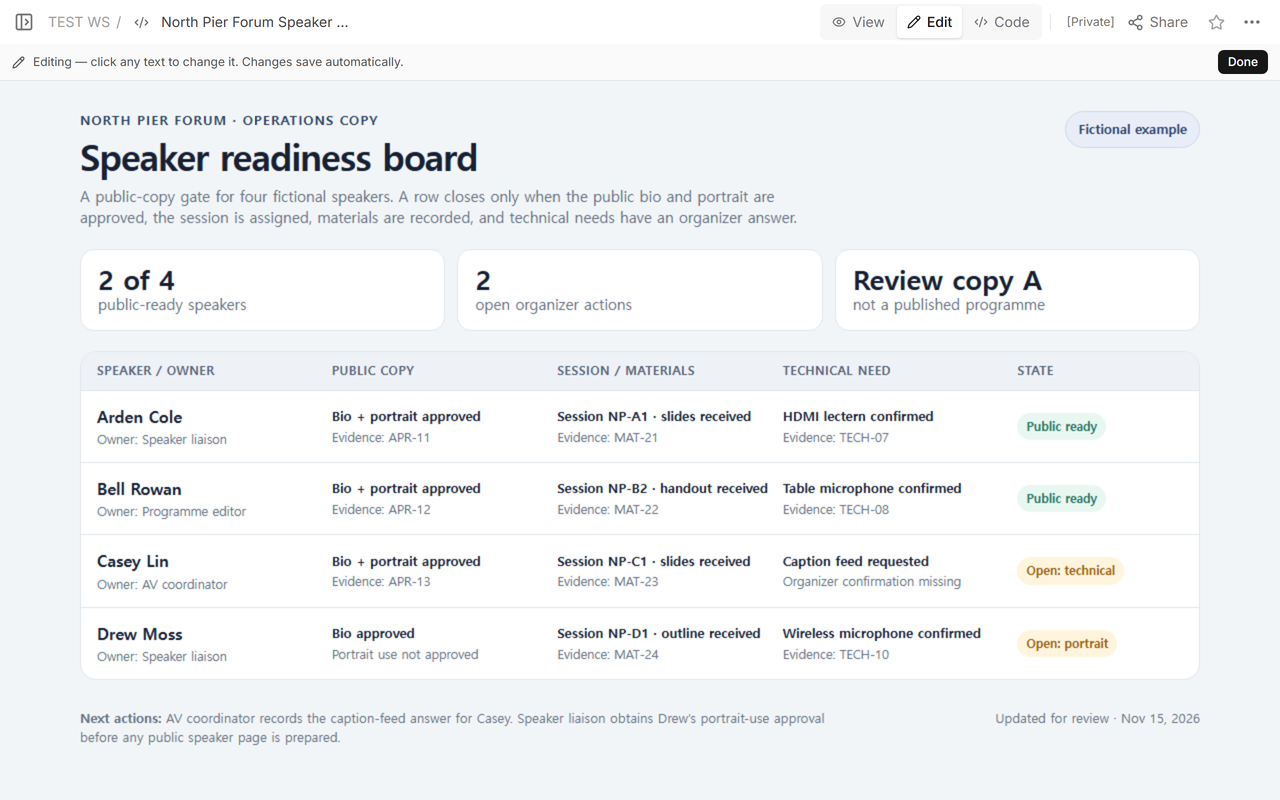
Our initial board showed two of four speakers ready. Casey’s caption feed still needed an organizer answer, while Drew’s portrait use was not approved.
How do you separate speaker approval from organizer confirmation?
Do not turn every check into one vague approval column. In this fictional board, the speaker-approval record determines whether the bio or portrait moves to the public page. The organizer record covers the session assignment, received materials, and event-side technical answer. One record does not stand in for the other.
Casey’s bio and portrait had the fictional approval reference APR-13, and the slides had MAT-23. The row still remained open because “caption feed requested” did not say that the event could provide it. That missing organizer decision was the actual next action.
Drew’s row illustrates the reverse case. The session, outline, and microphone were recorded, but portrait use was not approved. A complete technical column did not make that public copy ready.
How do you show evidence without publishing private records?
Use a short, findable reference that an authorized organizer can match to the real record. The fictional board uses labels such as APR-13, MAT-23, and TECH-09. The public reading copy does not contain email threads, signatures, private contact details, or the approval files themselves.
An evidence label is only a pointer. It does not prove that the underlying approval exists, so the event team still has to check the source in its controlled system. If there is no source, leave the row open and state what is missing.
How can you share the checked reading copy?
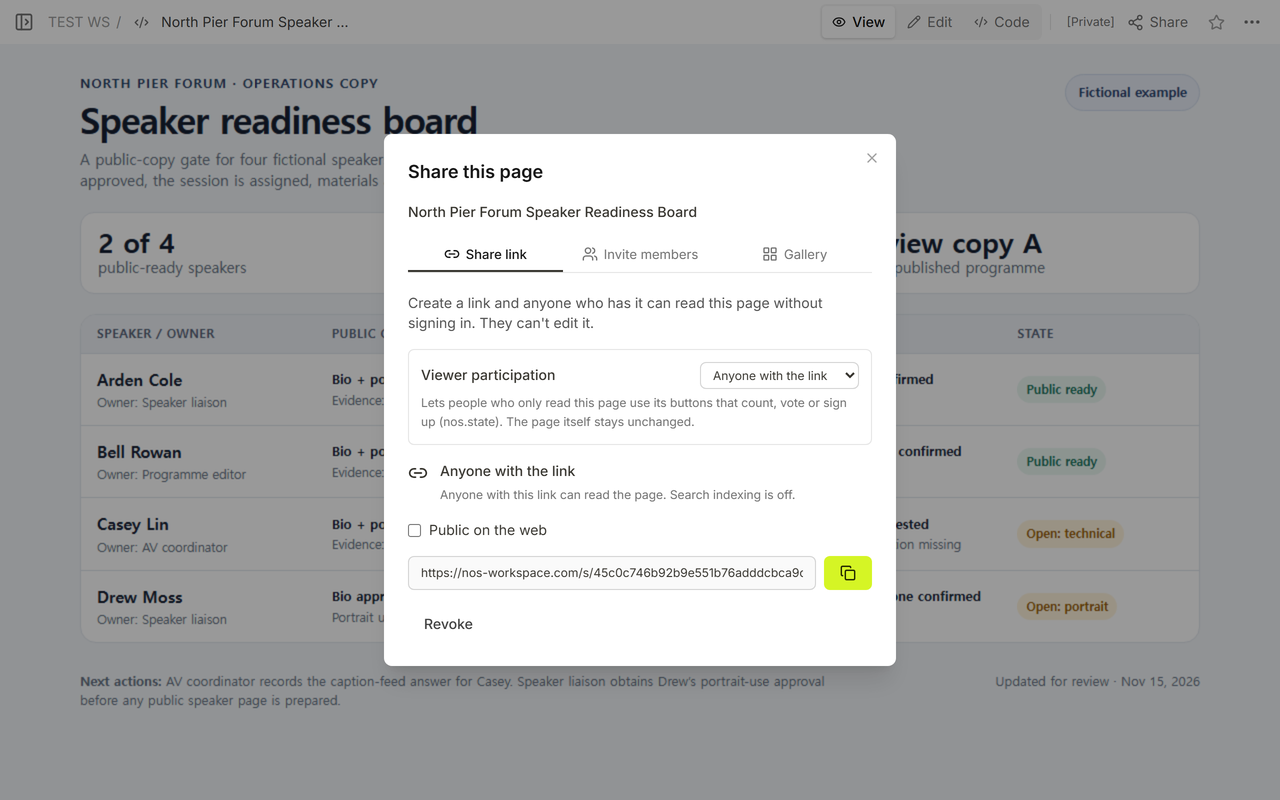
We opened Share on the actual fictional board. The captured panel said that anyone with the link could read that page without signing in and could not edit it; search indexing was off in the captured state. Check the panel on your own page before sending its address.
We then opened the reader address separately. It showed Review copy A, two public-ready speakers, and both open reasons.
What changes when one speaker requirement is confirmed?
We opened Edit on the existing page while the first state was still visible. The board still showed Casey’s technical request and Drew’s portrait approval as separate open items.
The fictional organizer answer for Casey was then recorded as TECH-09. Casey’s technical field changed from “caption feed requested” to “caption feed confirmed,” and the summary moved from two of four to three of four.
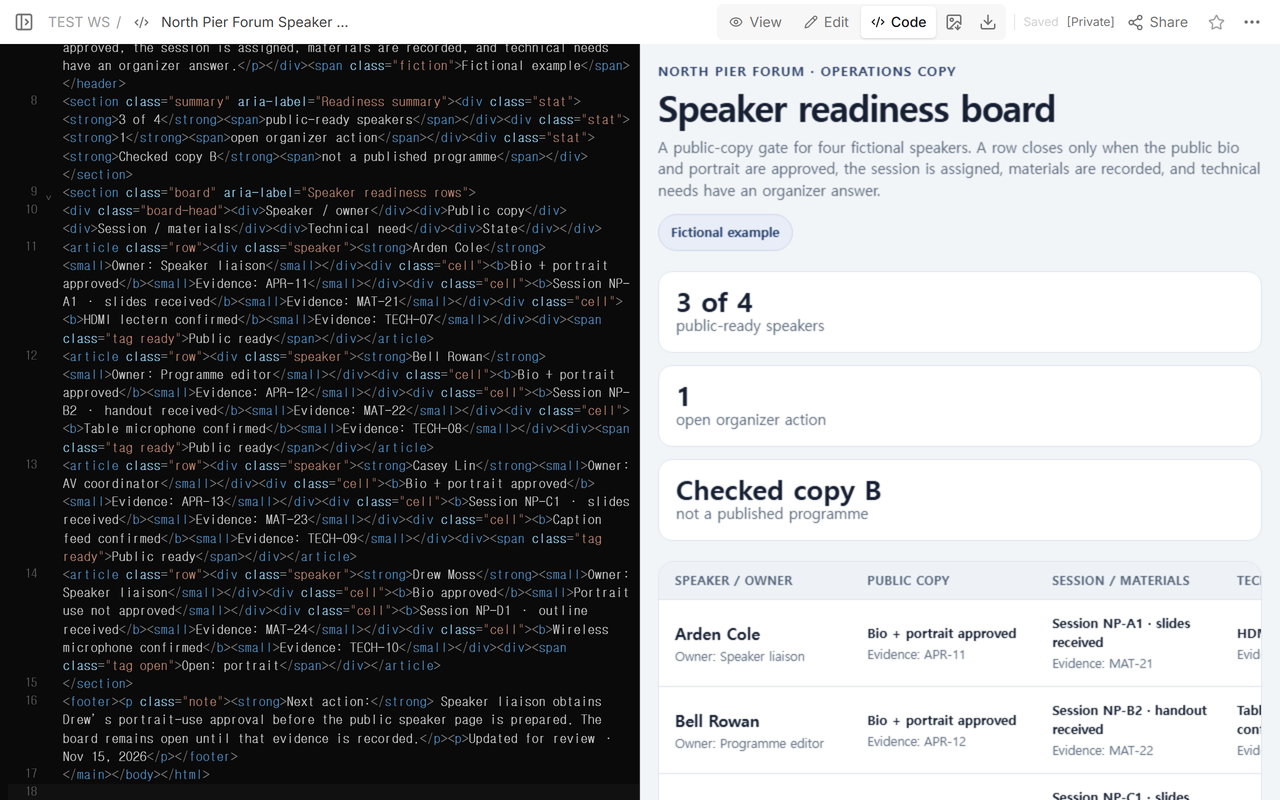
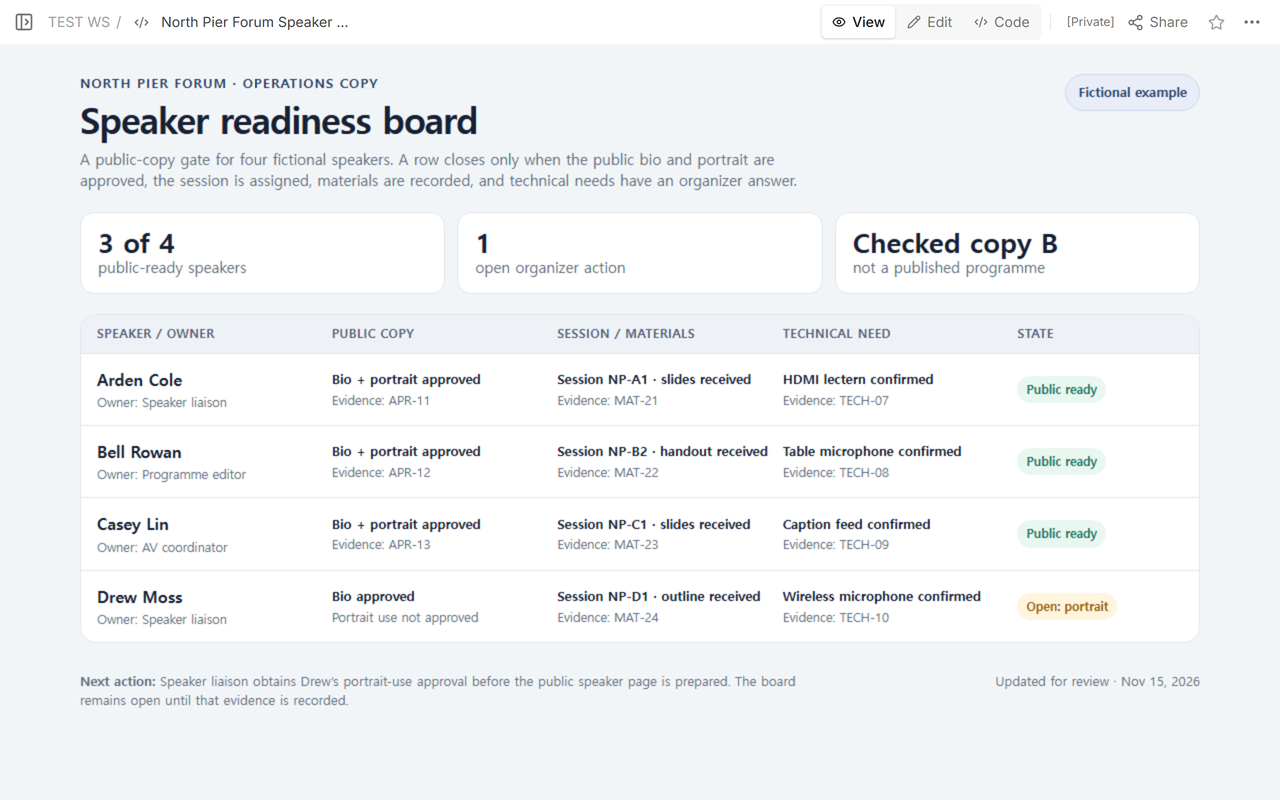
We did not close Drew’s row. The portrait approval was still missing, so Checked copy B kept one organizer action and the board remained open.
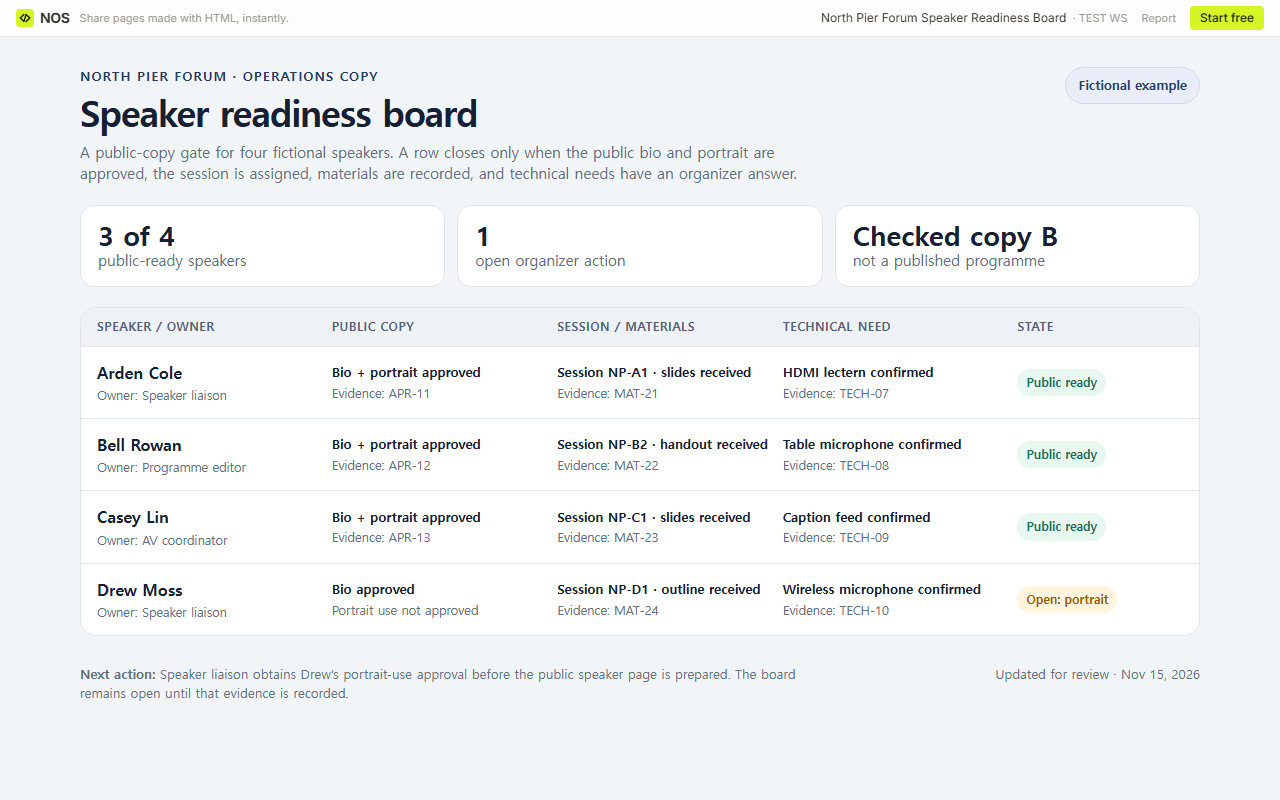
Finally, we reopened the original reader address. It showed Checked copy B, the TECH-09 evidence reference, and the same open portrait state.
How do you review the board before publishing speaker pages?
- Read every row from left to right. Confirm that public-copy approval, session, materials, and technical needs refer to the same speaker.
- Compare each evidence label with the controlled record your team uses.
- Keep approval and logistics separate. A confirmed room or microphone cannot replace consent to publish a portrait.
- Assign every open reason to a role and write the next action in plain language.
- Recalculate the ready count from the rows instead of typing an optimistic total.
- Open the reader address and compare its revision label, rows, evidence, and open count with the workspace copy.
- Move only closed rows into the public speaker page. Keep the full event timing in the programme.
What usually gets in the way?
A received file is easy to mistake for permission to publish it. Keep “portrait received” and “portrait use approved” as different states if your process distinguishes them.
Another trap is treating a request as a confirmation. “Caption feed requested” describes what the speaker needs. The row closes only after the responsible organizer records the event-side answer and its evidence.
The summary can also become misleading. Three ready rows do not make the fourth row safe to publish. The count helps scanning; the open reason controls the next action.
When not to do this
- Do not put private contact details, signed approvals, accessibility information tied to a person, or unpublished files on a public checklist.
- Do not use a reading copy as the only consent, contract, scheduling, or records system.
- Do not mark a speaker ready because most fields are complete; show the required missing item.
- Do not copy the full timetable into this board when the maintained conference programme already owns timing and conflicts.
Using NOS for a speaker-readiness board
NOS held the prepared HTML, displayed it in Code, View, and Edit, and provided the reader address used in this test. After the existing page was revised, its original reader address showed Checked copy B. Check the current NOS pricing page if plan details matter. Keep approvals, contracts, private speaker records, and the confirmed programme in the systems responsible for them.
Related conference pages
Once a row is closed, use conference speaker pages to connect the approved public bio, session, and materials. Use the conference programme template for times, rooms, tracks, and conflicts. A speaker preparing a reusable booking page needs a speaker one sheet instead of this organizer checklist.