In short
Show the choices, required materials, quote, proof, approval, production and delivery before a buyer commits.
Name who acts at each step. Keep payment outside the guide, and say where the buyer will receive the real payment request.
Make approval a checkpoint: the approved proof is the version that moves into production.
NOS Team made a fictional custom pet portrait process for Northline Paper Studio. The page separates a digital portrait, a printed portrait and an extra-pet option; lists what the buyer must supply; and follows one sample order through six handoffs. It contains no real buyer, artist, payment or shipment.
What should a custom order process explain before an inquiry?
A buyer should be able to answer four questions before writing: What can I choose? What do I need to send? When do I approve the work? What happens after approval? Put those answers before a contact route so the buyer does not have to discover the boundaries during production.
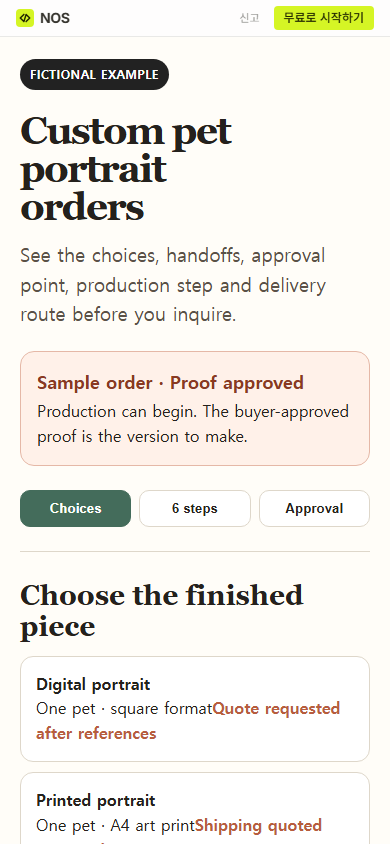
Start with a small choice set. The fictional portrait page offers a digital portrait, an A4 print and one additional-pet option. Each card describes the finished piece and points to the quote instead of inventing a price.
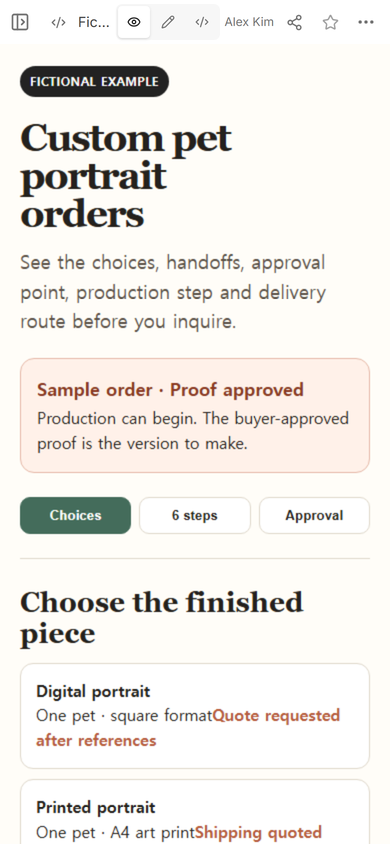
Next, list the inputs needed for a useful quote. In this example, the buyer supplies two or three permitted reference photos, the pet name, a background color, the chosen format, the destination country for a print and one email address for the proof and external payment link. Do not ask for card details or account credentials on an information page.
How do you map a custom order from inquiry to delivery?
Use one verb for each handoff and put the responsible person beside it. The example uses six steps:
- Inquiry: the buyer sends the required references and choices.
- Scope and quote: the artist confirms the format, included work, delivery method and quote.
- External payment: the buyer uses the separate route named in the quote.
- Proof: the artist sends one proof and the included correction round is used before approval.
- Approval and production: the buyer approves in writing; the artist makes that approved version.
- Delivery: the artist supplies the digital file or arranges the printed shipment stated in the quote.
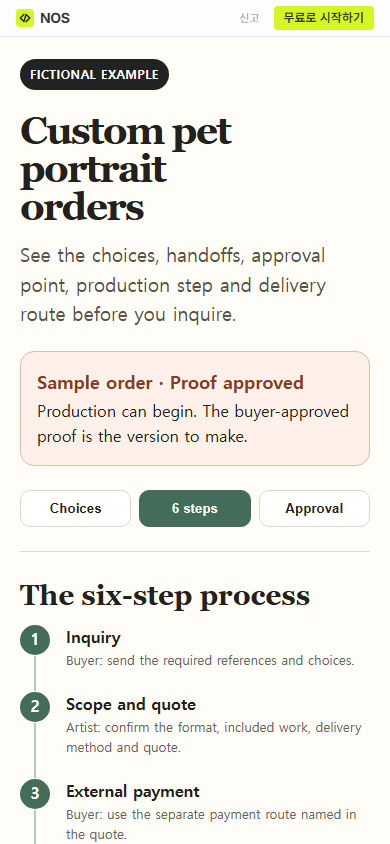
The quote is the place to confirm the actual scope, amount and delivery terms. The process page explains the order of work; it does not mark an inquiry as booked or treat a displayed step as evidence that payment happened.
What belongs in art commission information?
For an art commission, describe the deliverable before the style language. State the format, number of subjects, supplied references, intended background, included proof or correction round, approval method, usage terms when relevant, delivery method and the route for questions.
Keep “included” and “available by a new quote” separate. The fictional example includes one grouped correction round before approval. A new subject or a change requested after approval needs a new scope and quote before production continues. That boundary is visible at the approval checkpoint rather than buried in a closing note.
How should the buyer approve a custom proof?
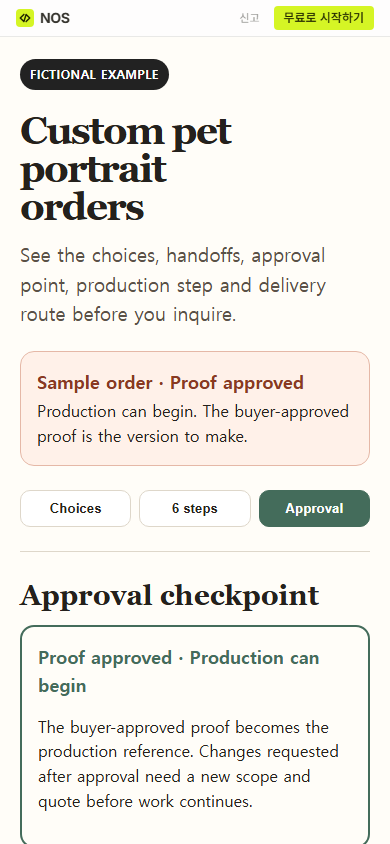
Ask for a written approval that identifies the proof being approved. The buyer should check the composition, subject details, spelling, color and any other agreed item before giving that approval. The maker then uses the approved proof as the production reference.
Approval should not claim more than it proves. It does not prove that a shipment arrived, that a payment settled or that a later change was included. Keep those events in their own records.
In the fictional page, the sample status and approval panel both show “Proof approved.” We opened the public page at phone width and confirmed that the approval explanation was available from the same reader address.
How do you turn the process into one page?
Build the complete page first, then read the rendered result in the order a buyer will use it. Keep the fictional or sample label visible. Check that the first screen names the type of custom work, the available choices and the current status without relying on a long introduction.
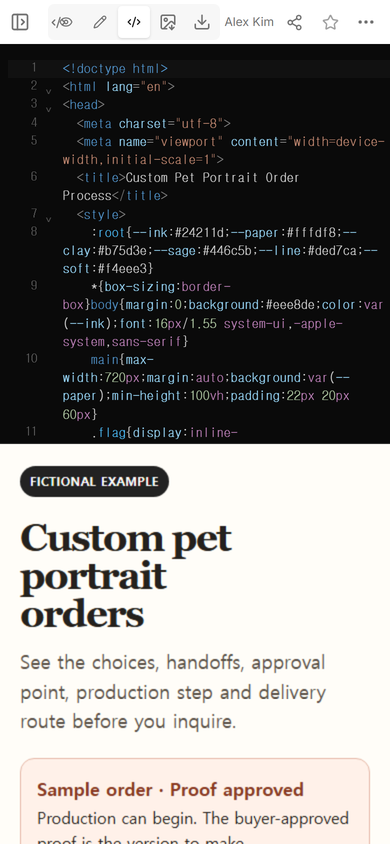
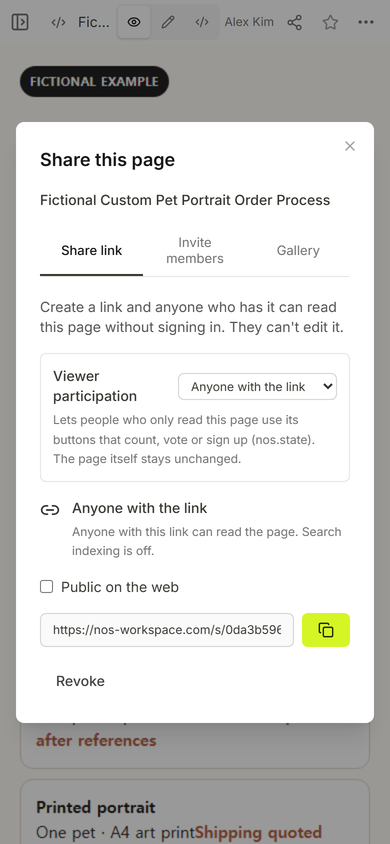
Use View to inspect the buyer-facing page and Share to create the reader address. The Share panel says that people with the link can read without signing in and cannot edit the page. It also says search indexing is off for this link.
Open Edit only when you intend to change the page owner’s source. During this test, a selected approval label did not replace cleanly and produced duplicated text. We did not use that broken screen as the result. We restored the complete source in Code and reopened the original reader address before accepting the page.
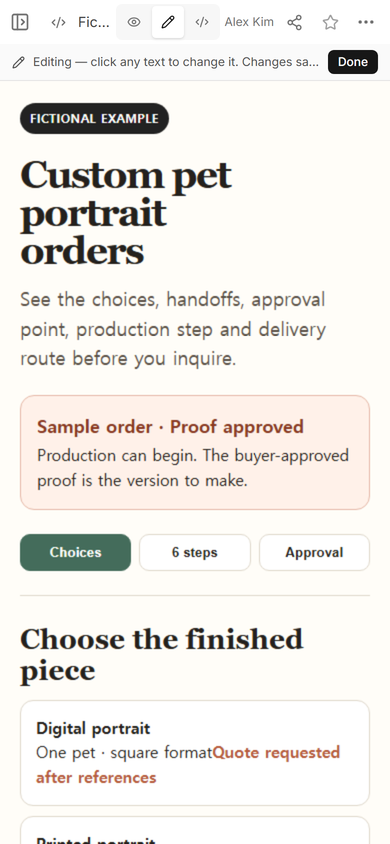
This is the practical check: do not assume a saved action produced the intended sentence. Reopen the reader link and read the changed area as a buyer would.
What should happen after the buyer commits?
Move confirmed commercial details into the quote or order record. After the project starts, a client onboarding page can collect the working timeline and the materials still needed. If the buyer needs progress after the order exists, an orders link fits that later question. For commission pricing, the illustration quote guide separates artwork, exports and usage instead of forcing all terms into the process overview.
When not to do this
- Do not use a public process page to collect reference files, personal records, passwords or payment details.
- Do not present a static guide as a booking, checkout, upload or approval system.
- Do not promise a correction count, production window, shipping method or usage right that has not been confirmed for the actual order.
- Do not move into production when the approved proof or the buyer’s approval record is unclear.
Using NOS for a custom order guide
NOS Workspace held the complete fictional HTML, showed it in Code, View and Edit, and created a reader link from Share. In this test, the reader address opened the interactive Choices, 6 steps and Approval sections on a phone-width screen. The guide did not collect an inquiry, files or payment. See the current pricing page if you need plan details.