In short
Give every exhibit object a unique ID, label, credit/source, visitor-facing accessible alternative, and next-object direction.
Keep the route overview and the full object cards in the same order.
Download the complete example, replace all five field groups, then read the shared page as a visitor.
NOS Team built a fictional four-object exhibition called Tidelight. The finished page does more than identify each work. A visitor can read a visual description when the object image is unavailable or not useful to them, confirm the source, and move to the next object without returning to the top of the page.
This is a practical small-exhibit pattern, not a museum cataloging standard or a complete accessibility audit. The object names, creators, dates, media, descriptions, and credits in the example are fictional. Replace them with approved information from your own exhibition.
What should every digital exhibit label contain?
Use the same field order for every object: stop and object ID; title; creator, date, and medium; interpretive label; accessible alternative; credit/source; and next object. In the downloadable example, each of the four cards contains all seven field groups in that order. After adapting it, check every card against that list before sharing.
The interpretive label and accessible alternative have different jobs. The label explains why the object belongs in the exhibition. The accessible alternative describes information a visitor would otherwise receive from seeing or hearing the object. For Salt Line, the label discusses a moving coastline; the alternative describes the rust-red band, its two breaks, the unbleached linen, and the sandbar-like gaps.
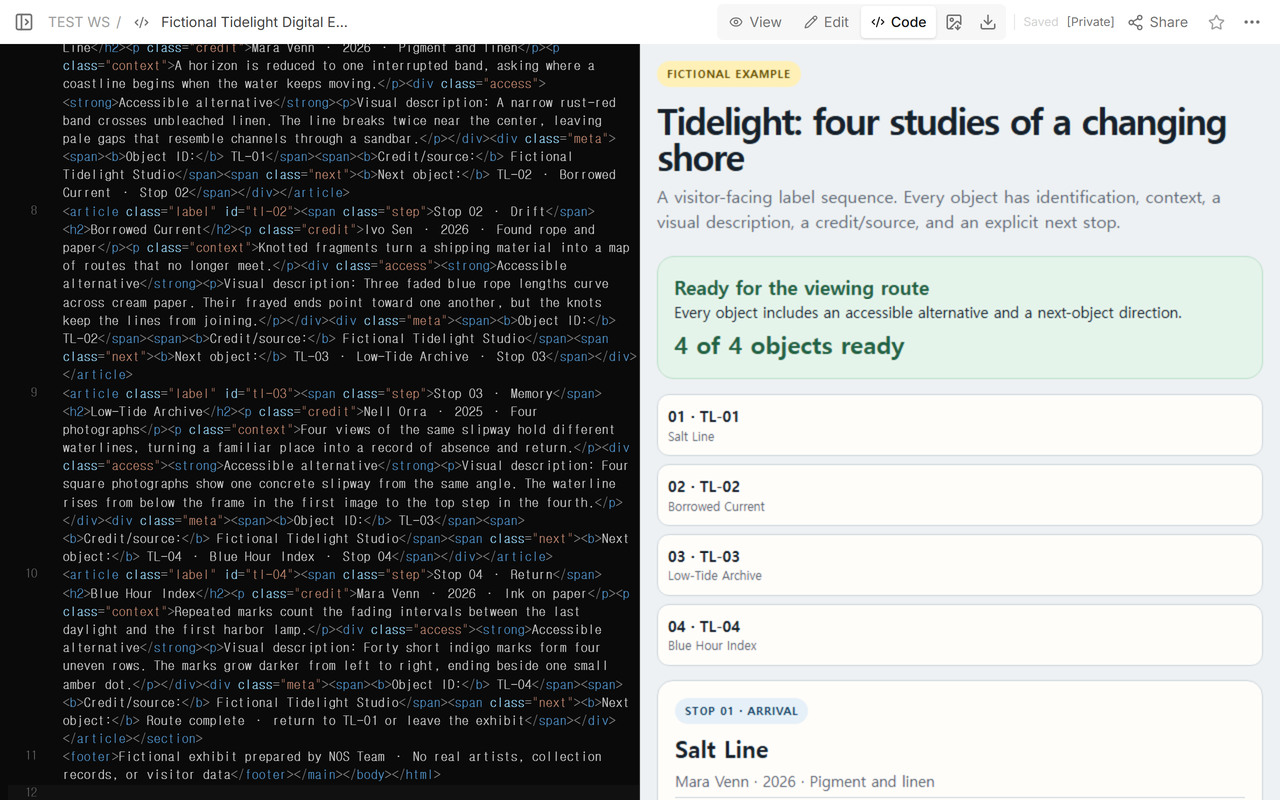
Use the kind of equivalent content that fits the work. The W3C image guidance says text alternatives should convey the information or function represented by an image and depend on its purpose and context. A visual description can serve a painting, photograph, or object. For audio and video, the W3C’s transcript guidance distinguishes transcripts, captions, and description of visual information. Do not label a repeated interpretation paragraph as an accessible alternative; it should convey information that would otherwise be missed.
How do object IDs and the viewing order work together?
Assign one stable ID to each object before arranging the route. The example uses TL-01 through TL-04. Each ID appears in the route card and again in the full label. The next-object line then joins the current ID to the next ID, title, and stop number.
Write the sequence as a chain and check every handoff: TL-01 points to TL-02, TL-02 to TL-03, and TL-03 to TL-04. The last card says the route is complete and offers a return to TL-01. If visitors can start anywhere, replace the numbered chain with theme or section links and state that clearly.
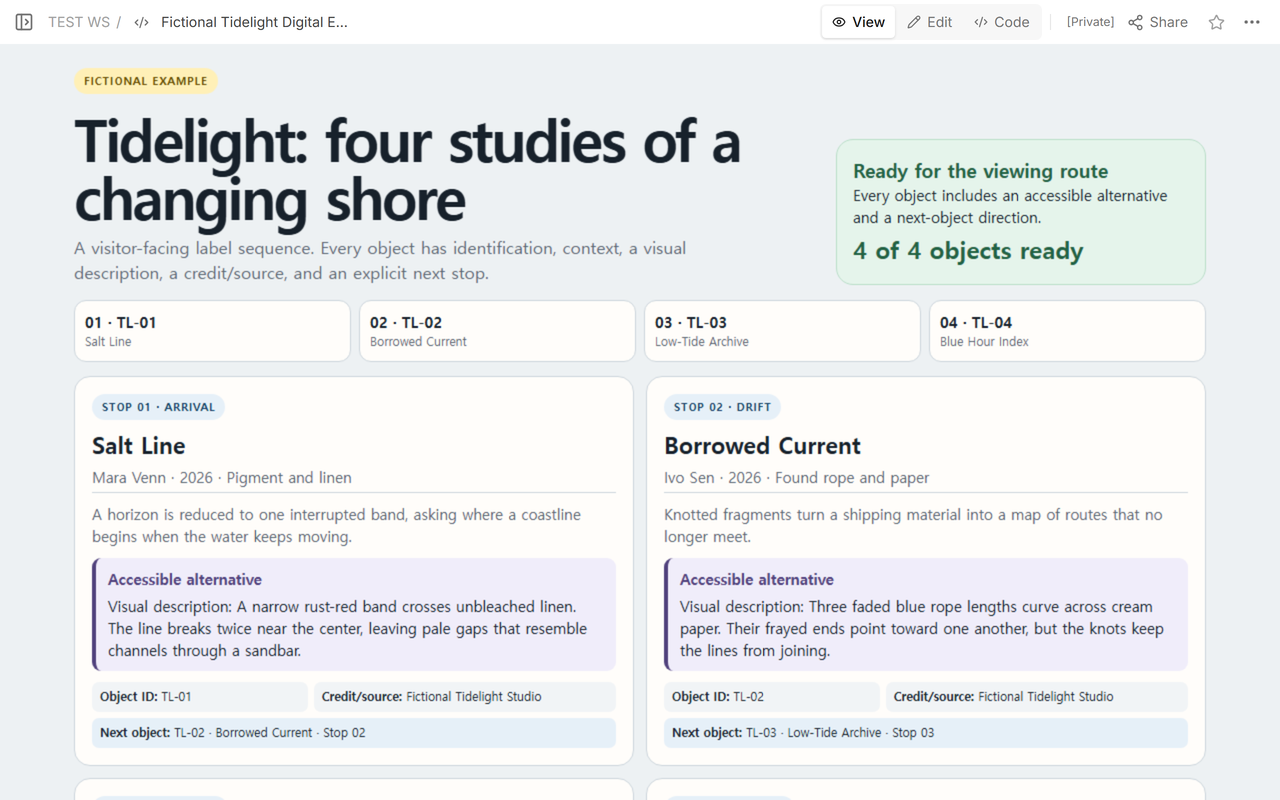
In this template, give each object one ID and use that same ID in its route card, full label, and next-object references. The example uses TL-01 through TL-04 in those three places; check all three after reordering or removing a card. The ID does not need to encode the creator or year; a short exhibition prefix plus a sequence number is enough for this template.
How do you write an accessible alternative for each object?
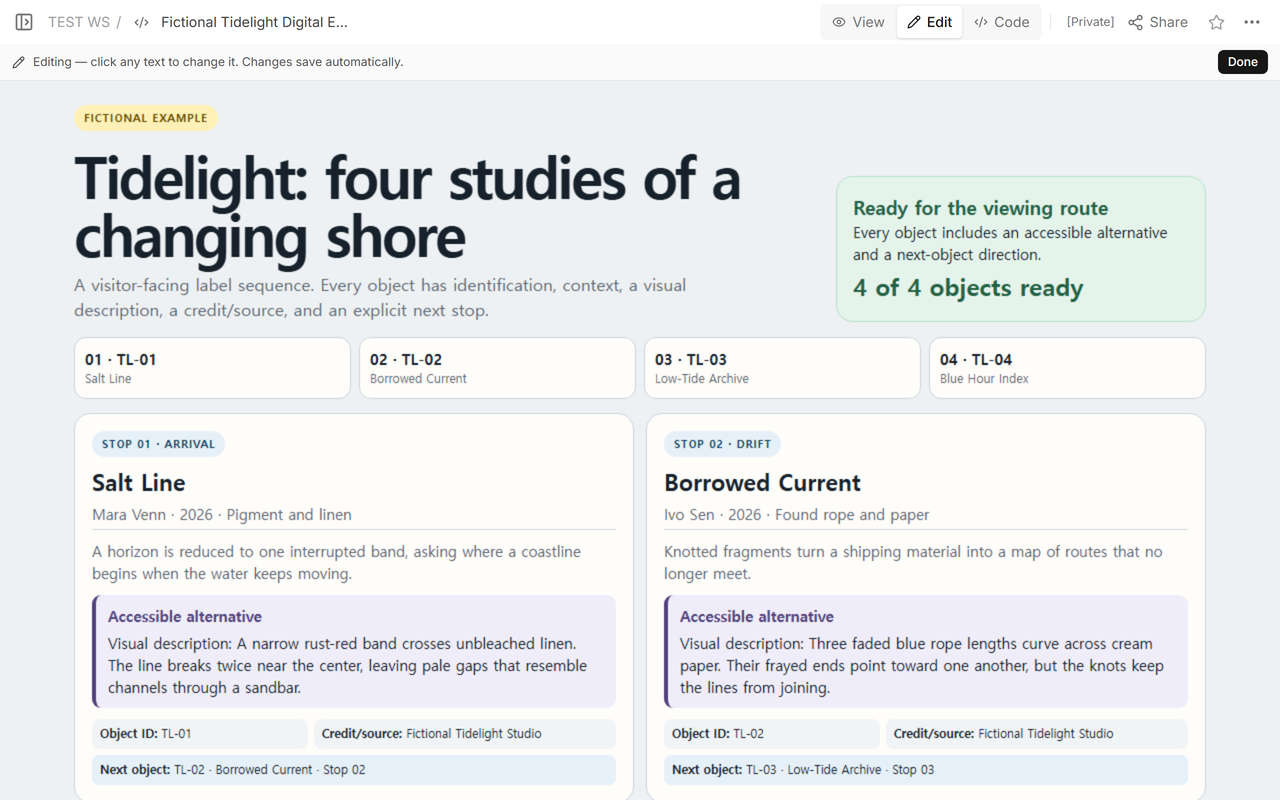
Describe the information that matters for understanding this exhibition. Begin with the form of the work, then name the dominant arrangement, material, color, movement, or sound. Add spatial relationships that a title alone does not reveal. Keep interpretation in the label paragraph so the alternative does not tell the visitor what to feel.
In the fictional example, the four alternatives are deliberately specific. One describes broken bands on linen, one follows curved ropes and frayed ends, one compares four waterlines on a slipway, and one tracks indigo marks that end beside an amber dot. Each alternative belongs to one object ID and sits beside that object’s credit/source and next direction.
For a real object, ask the artist, curator, or approved source for details you cannot verify. Do not infer identity, intent, provenance, ownership, or sensory detail from a title. If an approved transcript or long description already exists, link to it and summarize what the visitor will find there.
Can I download and adapt the complete example?
Yes. Download the complete Tidelight exhibit-label example. It includes the four-object route, all label fields, four visitor-facing visual descriptions, responsive layout, and the final route-complete message.
Make these replacements before using it for your exhibition:
- Object IDs: replace every TL-01 through TL-04 in the route links, card anchors, visible Object ID fields, and next-object lines. Each object needs one unique ID, and every reference to it must match.
- Labels: replace the stop name, title, creator, date, medium, and interpretive paragraph. Add or remove complete object cards rather than leaving fictional fields in place.
- Credit/source: replace “Fictional Tidelight Studio” on every card with the approved lender, collection, artist, archive, or source wording for that object.
- Accessible alternatives: replace each visual description with verified equivalent access content for that exact object. Use a transcript or link to longer equivalent content when a short visual description is not enough.
- Next-object order: reorder the route cards, then update every Next object line so the current card points to the correct following ID, title, and stop. Give the last object a clear route-complete action.
After editing, search the file for “TL-”, “Fictional,” “Accessible alternative,” and “Next object.” The first two searches catch leftover example data. The other two help confirm that every object still has access content and a direction.
How do you check the finished visitor page?
Check the page in three passes. First, follow the route cards in order and match each ID to one full label. Next, read each card from title through Next object. Finally, follow only the next-object directions. All three paths should produce the same sequence.
Open the shared page rather than relying only on the editing view. Confirm that the heading, readiness message, route, and first pair of labels are readable at the address visitors receive.
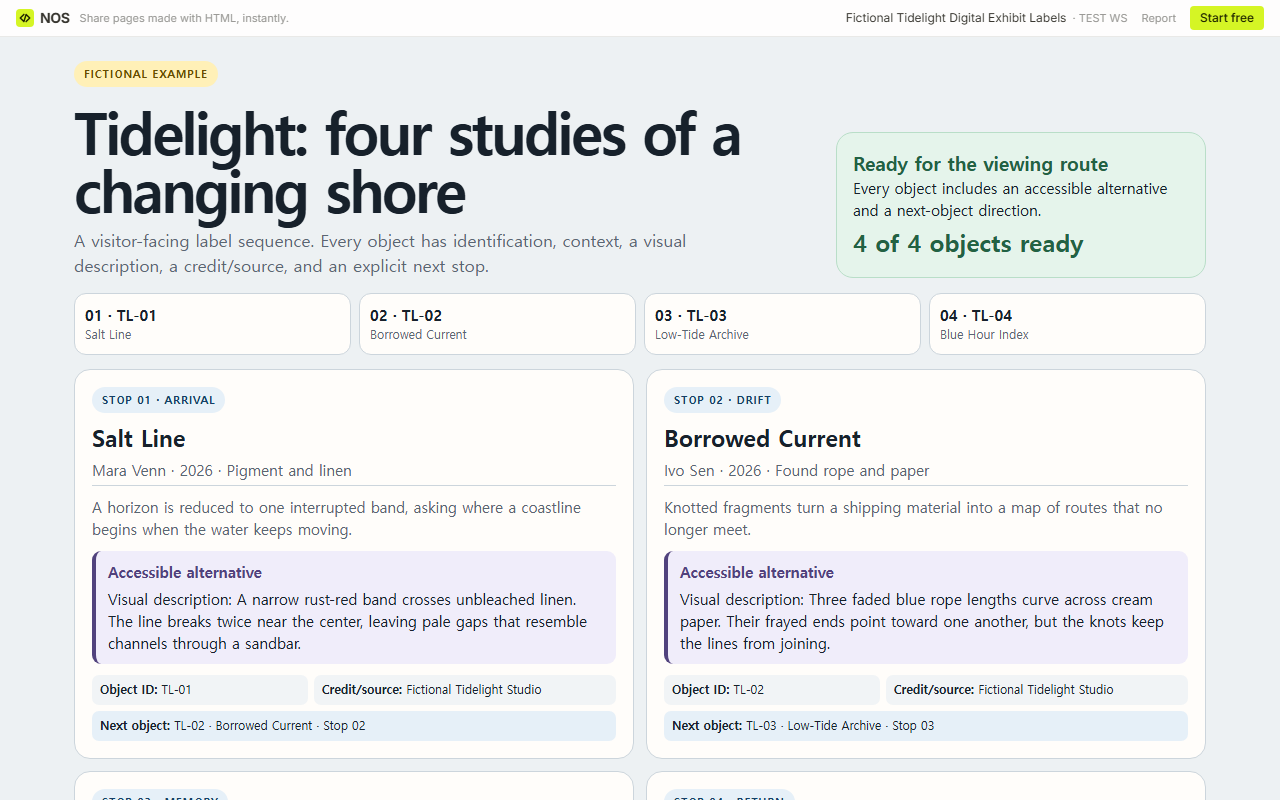
Then continue down the same page. Check that every visual description remains attached to the correct title and that the ID, source, and next direction remain together. In the tested page, the same reader address showed all four completed object cards.
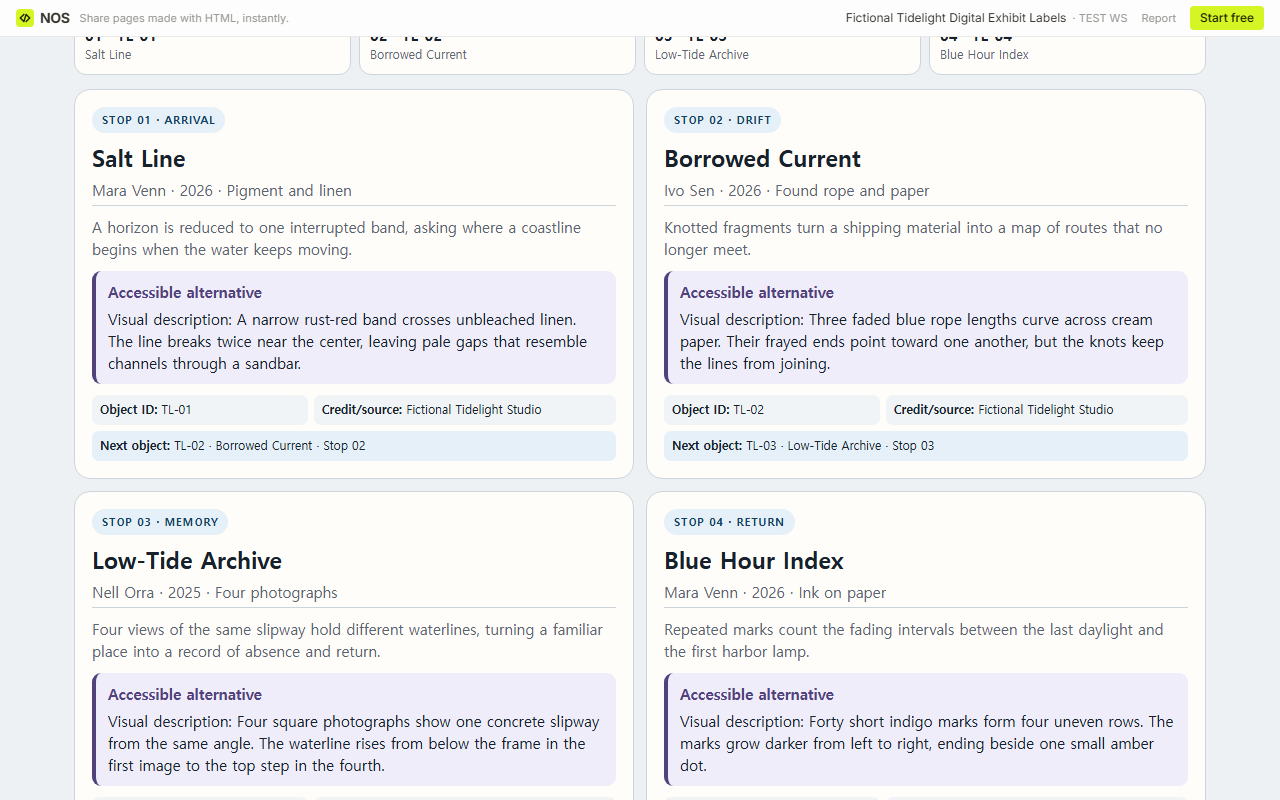
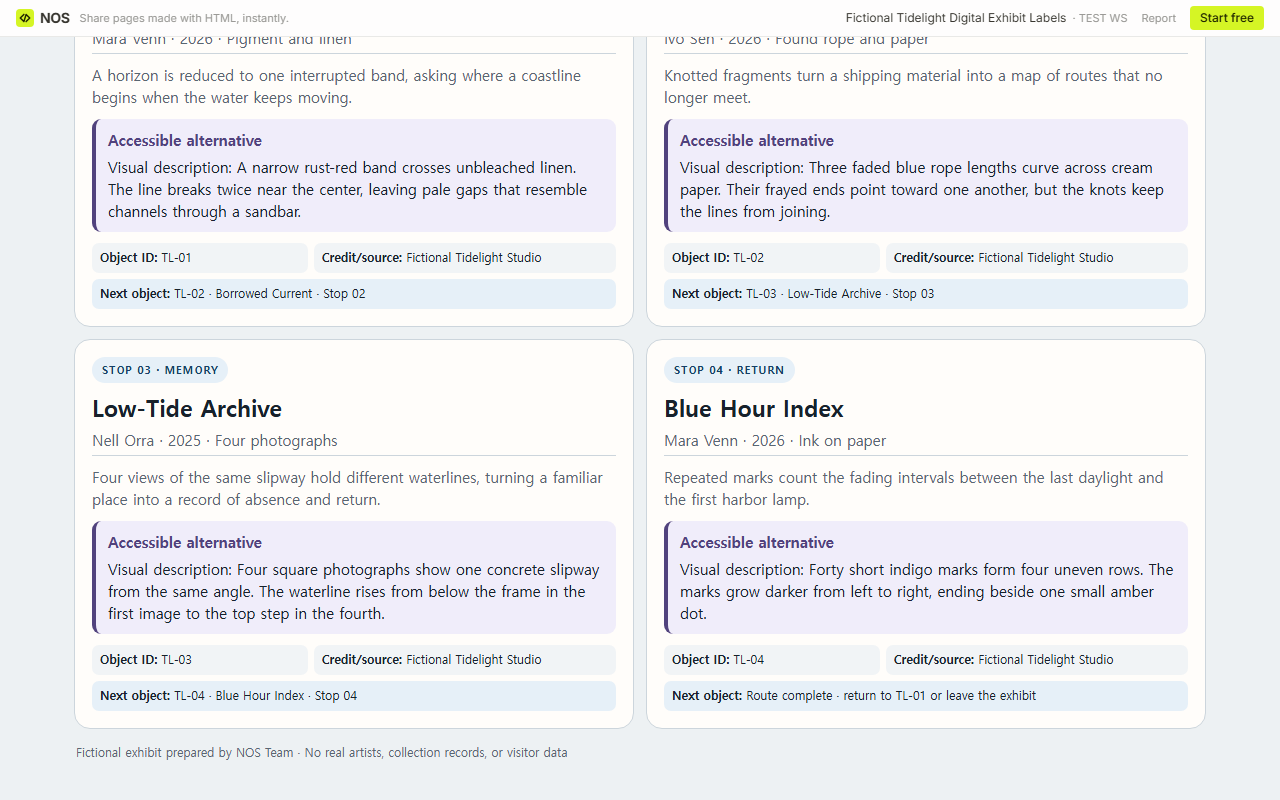
Result: the fictional exhibit has four unique object IDs, four labels, four credit/source fields, four accessible alternatives, and a complete next-object chain. A visitor can identify each work, receive equivalent descriptive content, and continue through the route from the same page.
What can go wrong with digital exhibit labels?
- An alternative repeats the label. Replace interpretation with a description, transcript, captions, or other equivalent content that conveys what the visitor would otherwise miss.
- The route and cards disagree. Check the overview ID, card ID, and incoming and outgoing directions after moving an object.
- The source is vague. Use the approved credit line for each object, not one placeholder applied to the whole exhibition.
- The last card goes nowhere. Say that the route is complete and offer a useful return or exit.
- The page becomes the collection record. Keep private donor details, values, condition notes, contacts, and uncleared rights information out of the visitor page.
When not to do this
Do not use this small public template as a collection-management, rights, conservation, insurance, or provenance system. If your venue already has an approved publishing workflow, add accessible alternatives and route directions through that workflow. Do not publish draft credits or descriptions that the responsible artist, lender, archive, or curator has not approved.
Using NOS for digital exhibit labels
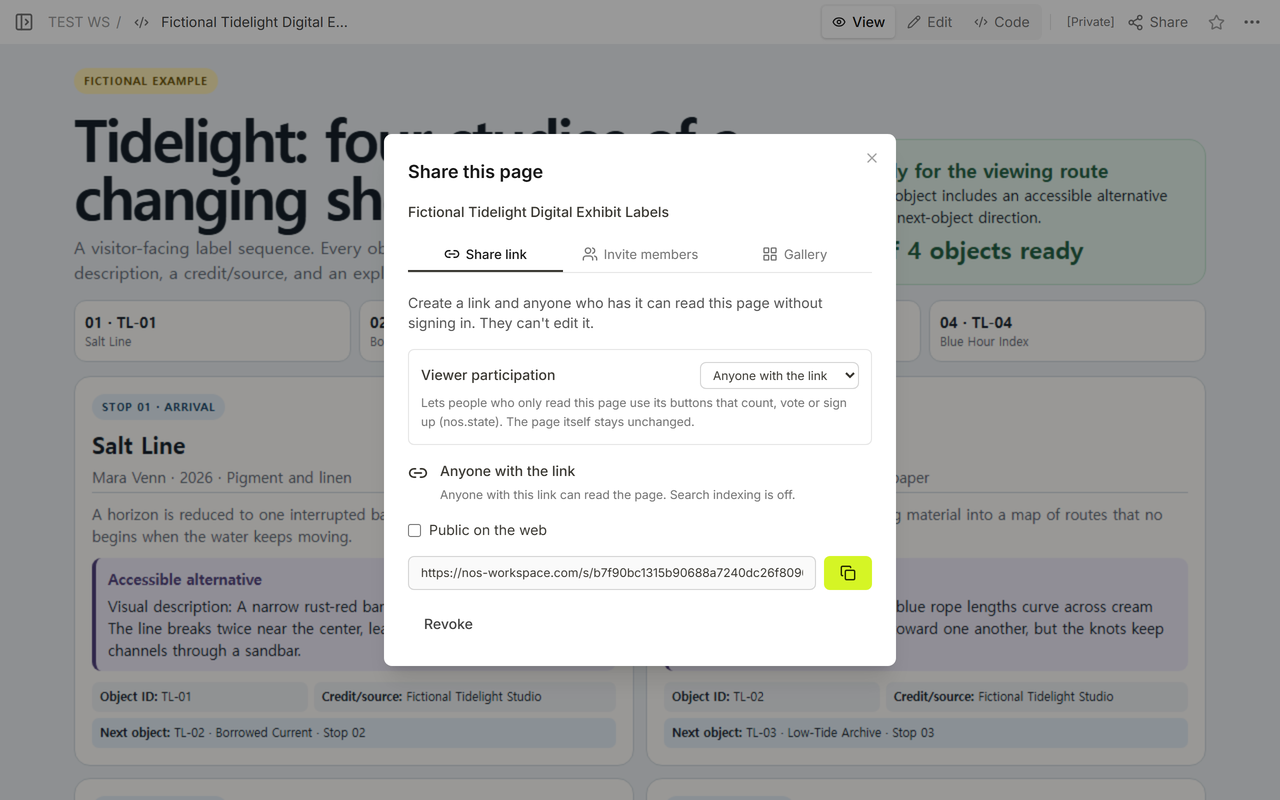
For this test, NOS held the complete HTML exhibit in Code, displayed it in View and Edit, and created a reader link through Share. The Share panel stated that anyone with the link could read the page without signing in and could not edit it. The same reader address displayed the final route and all four accessible alternatives. For current plan information, use the NOS pricing page.
If the exhibition needs a fuller record structure, continue with the art gallery catalog guide. For a page centered on one creator’s explanation, use the artist statement page guide. If you add a dense object table, the table column visibility guide explains how to control optional columns.