In short
Use three questions: one direct check of the learning goal, one application or explanation, and one prompt that reveals what needs review. Print the ticket and collect it on paper, or copy the questions into a school-approved response tool. NOS displays the printable page; it does not collect, save, or grade student answers.
Download the completed three-question exit ticket
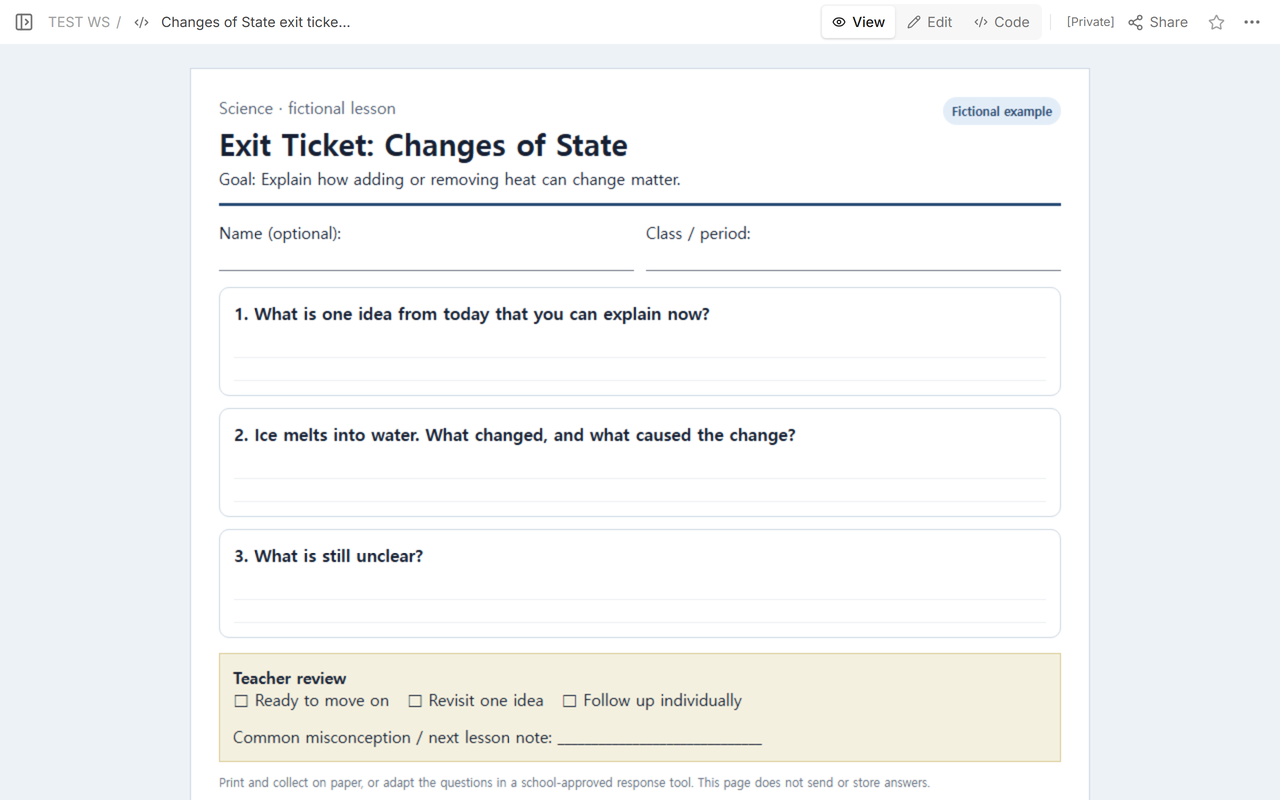
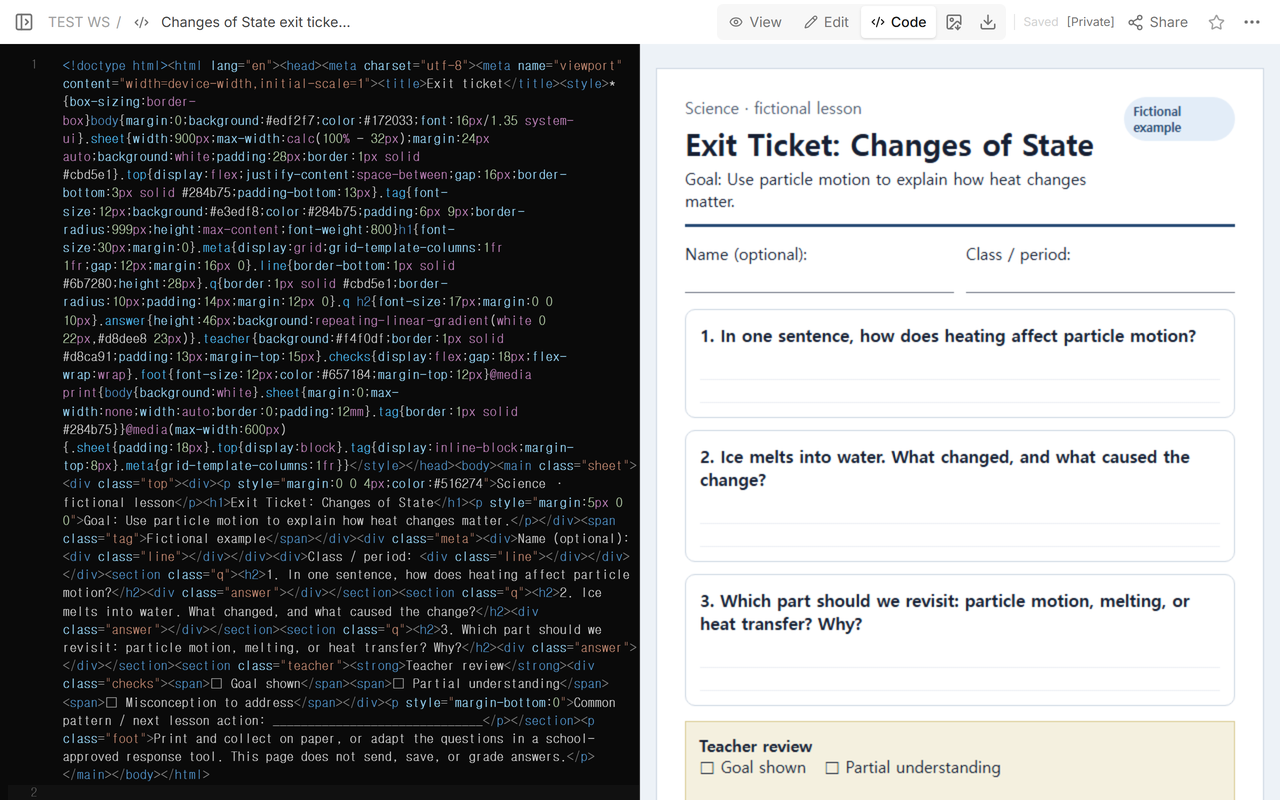
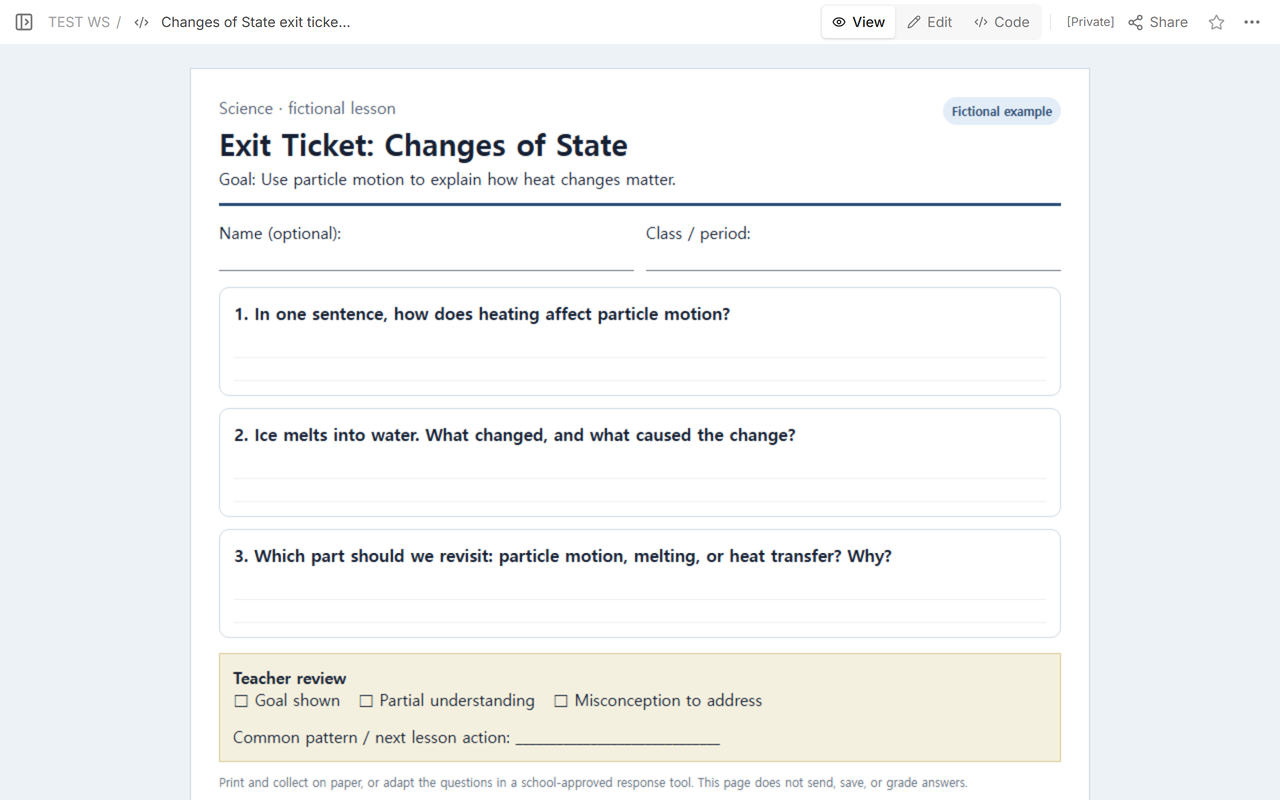
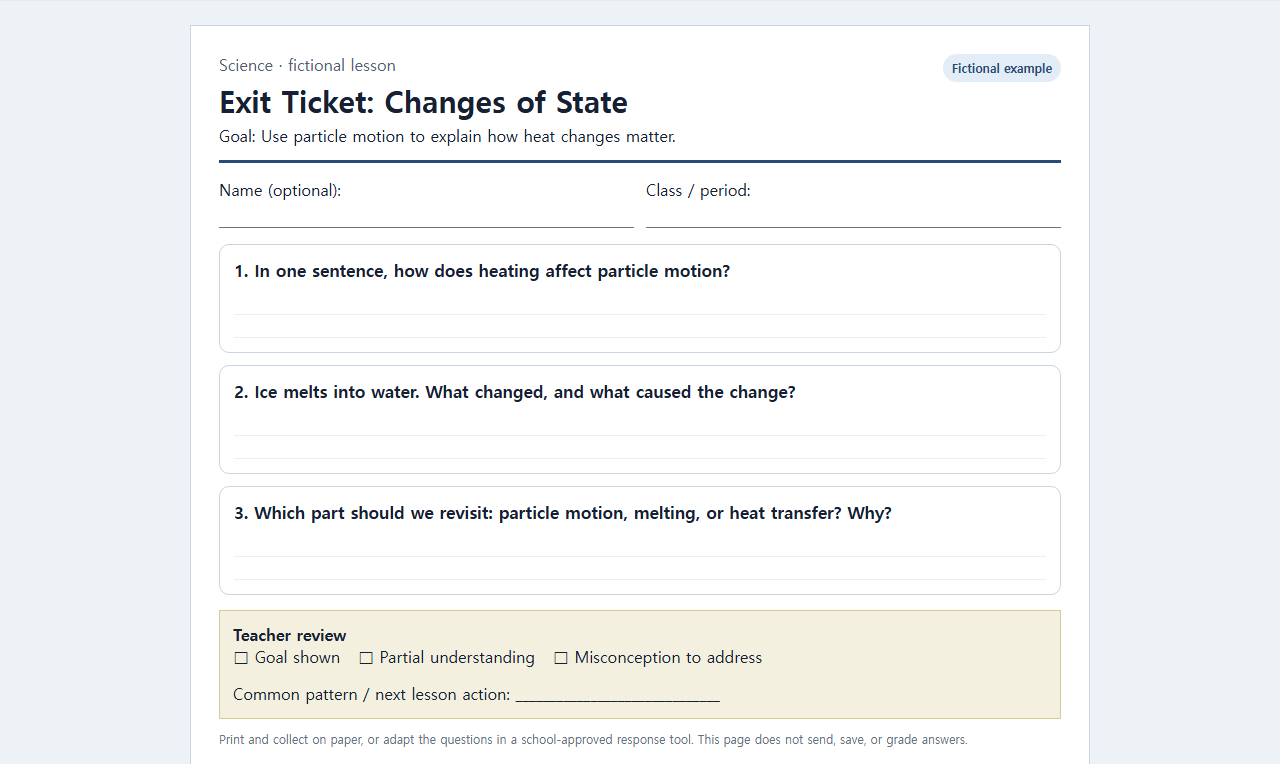
The completed fictional example checks a science lesson about changes of state. The first draft asks broad reflection questions. The final version ties every prompt to one goal: use particle motion to explain how heat changes matter. A teacher review box separates student writing from the teacher’s next action.
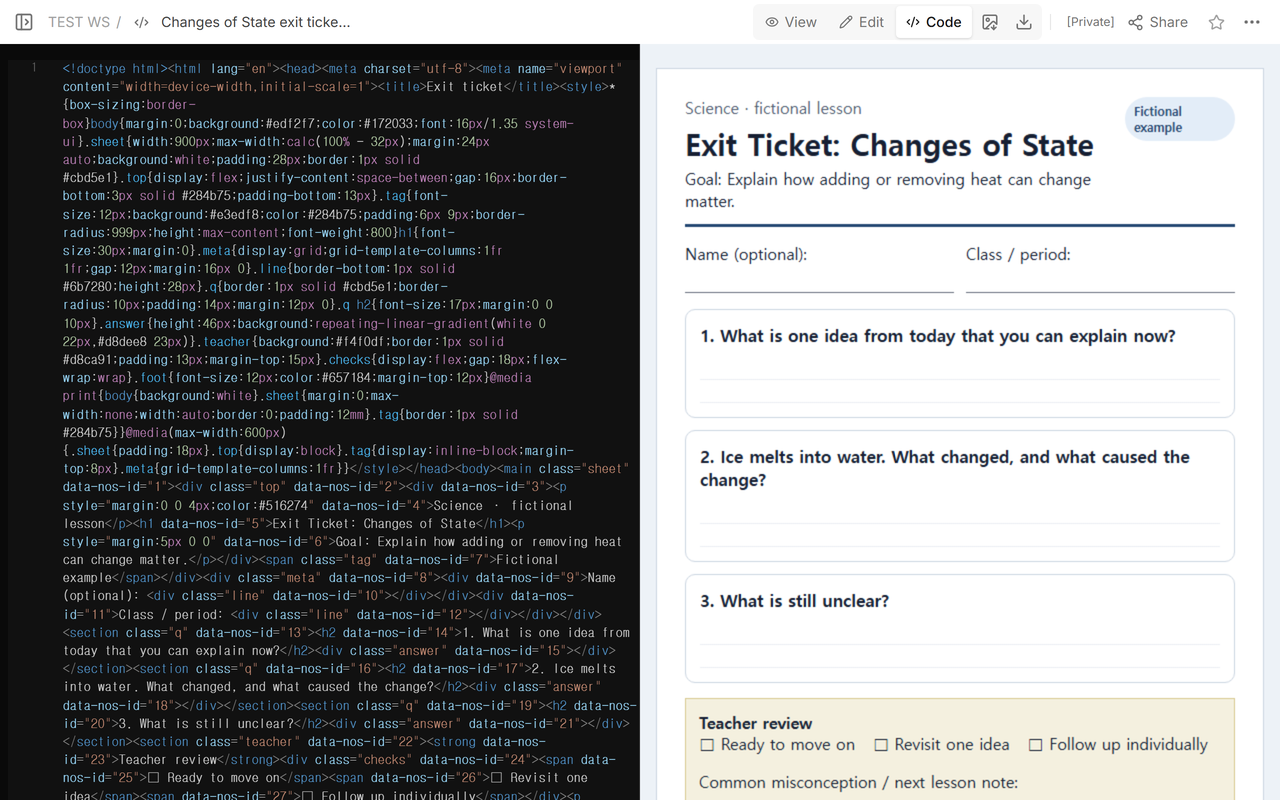
What are the three questions on an exit ticket?
There is no single required trio, but each question should earn its place. For this example:
- Direct goal check: “How does heating affect particle motion?”
- Application: “Ice melts into water. What changed, and what caused the change?”
- Instructional next step: “Which part should we revisit, and why?”
Those questions produce different evidence. The first checks a core explanation. The application prompt asks the student to use it. The final prompt helps the teacher identify where another example or explanation may be needed.
How do you match an exit ticket to today’s objective?
Write the objective as something a student can show in a short response. “Understand matter” is too broad. “Explain how adding heat changes particle motion” can be checked in one sentence and applied to melting.
Then read each question against that objective. Remove prompts that only ask whether the student liked the lesson. Feedback about the activity can be useful, but it is not the same evidence as an explanation of the target concept.
Mohawk Valley Community College describes exit tickets as brief written responses used to survey comprehension and promote synthesis. Its practice guidance says to decide what to assess from the day’s objectives, pose the request in writing and aloud near the end, then collect and read the responses to inform future instruction.
How much writing space should the template leave?
Match the space to the response. The example leaves two ruled lines under each prompt. That is enough for a sentence or a short explanation and keeps all three questions plus the teacher review box on one printed page.
Print one test copy before a class set. Check that lines, borders, and the final note remain on the same page. If the text shrinks until students cannot read it, shorten the prompt instead of reducing the type further.
What belongs in the teacher review area?
Use categories that lead to an instructional action. The final example offers “Goal shown,” “Partial understanding,” and “Misconception to address,” followed by a line for the common pattern and next lesson action. These are review prompts, not automatic scores.
Read the actual paper responses before marking the review box. If the school uses an approved digital form or learning system instead, collect responses there under the school’s rules. The HTML ticket itself has no response field that sends data elsewhere.
How do you adapt the completed ticket?
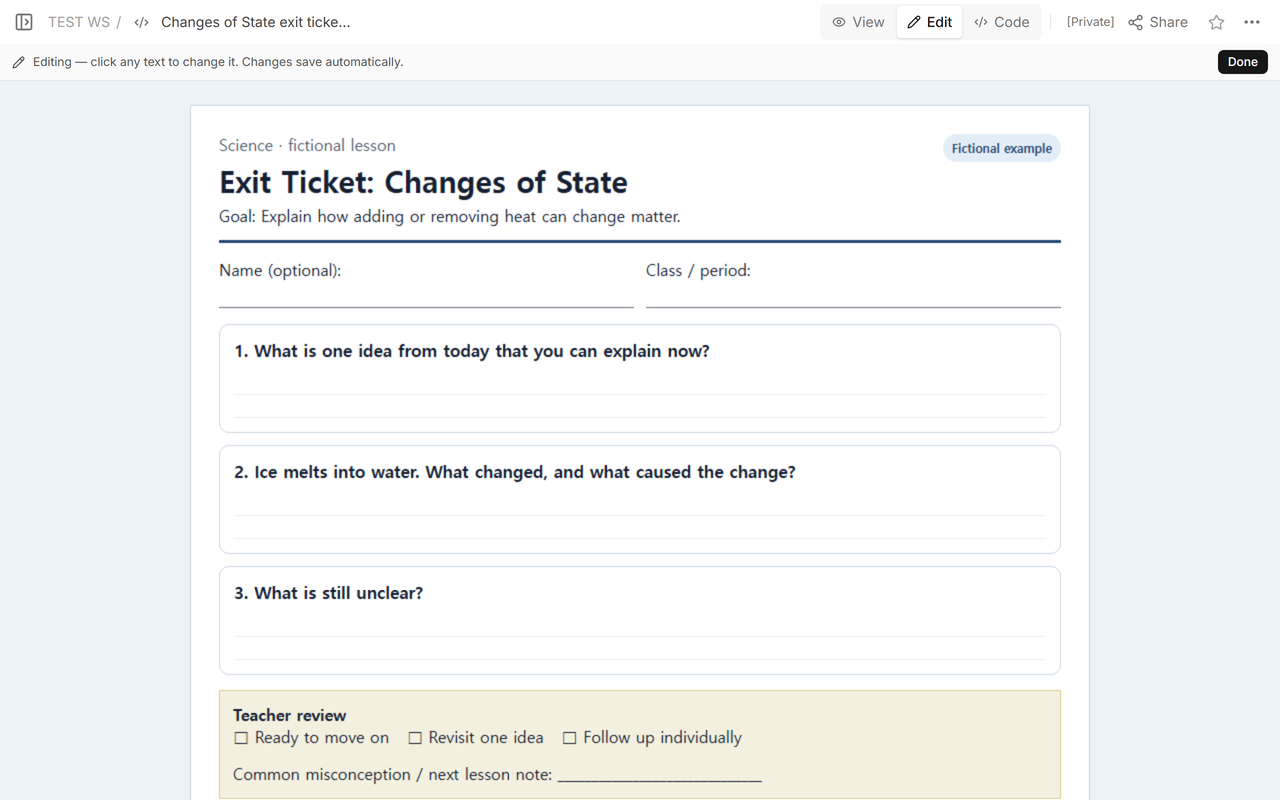
- Replace the fictional lesson title and goal with today’s observable objective.
- Write one direct goal check and one small application.
- Use the third prompt to reveal a likely misconception or needed review.
- Change the teacher review labels to the actions you will actually take.
- Print one copy, check page fit, then use paper or an approved collection tool.
When not to do this
Do not use a three-question exit ticket as the only evidence for a high-stakes grade, formal accommodation decision, diagnosis, or complete unit assessment. Do not put private student information into a public reader page. Use the school’s approved assessment and record systems when answers must be identified, stored, graded, or retained.
Where NOS fits
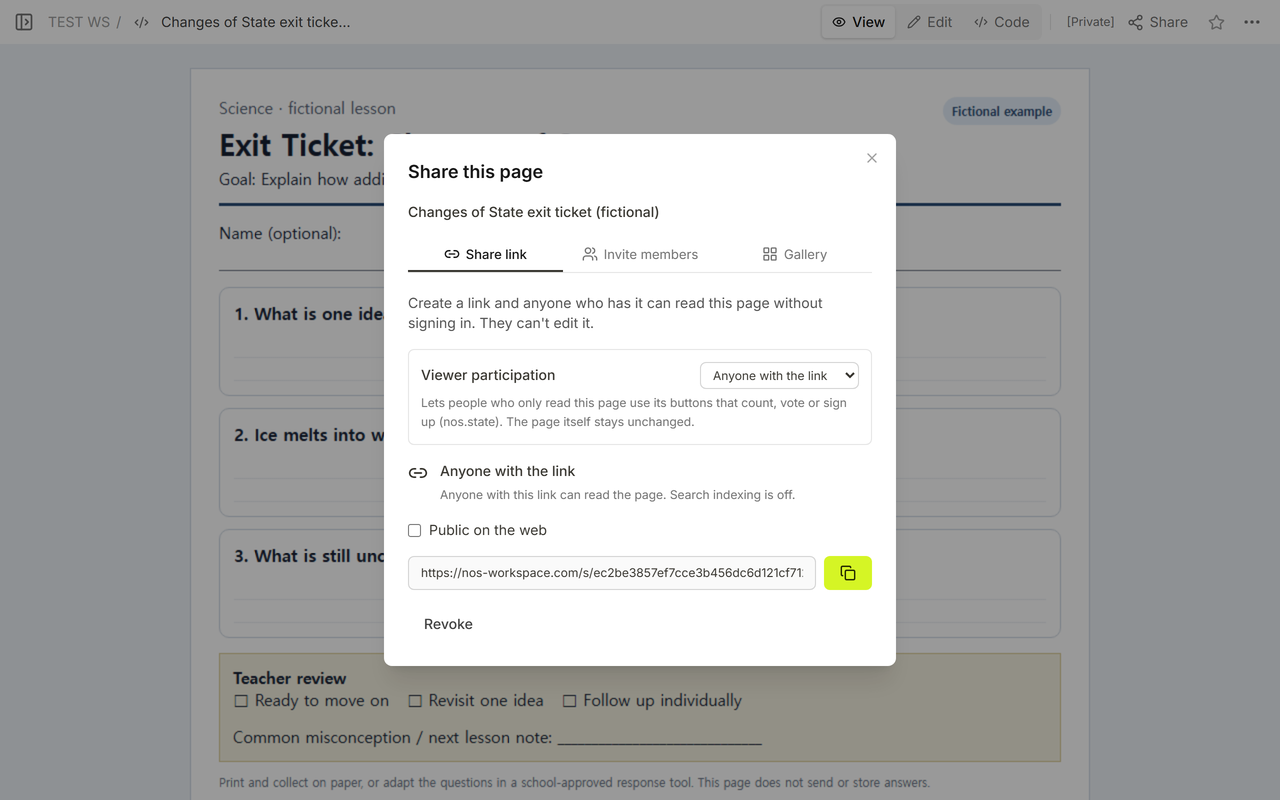
NOS can display the self-contained printable ticket in View, provide a reader link for review or printing, and update the existing page when a prompt changes. The final example was reopened at the same reader address after the questions were revised. NOS does not receive the paper answers and this example has no online submission or grading function.
For a complete lesson sequence with timing and an answer key, use the AI lesson plan review guide. For a self-contained browser activity and its sharing limits, see Gemini Canvas for teachers.