In short
A useful expense policy example answers four questions on one page: is the purchase allowed, what proof is required, who approves it, and where an exception goes.
Put real cases beside the rules so a reader can test the policy before spending.
Keep unapproved exceptions visibly pending.
Use a separate expense system when you need receipt uploads, approval history, or reimbursement records.
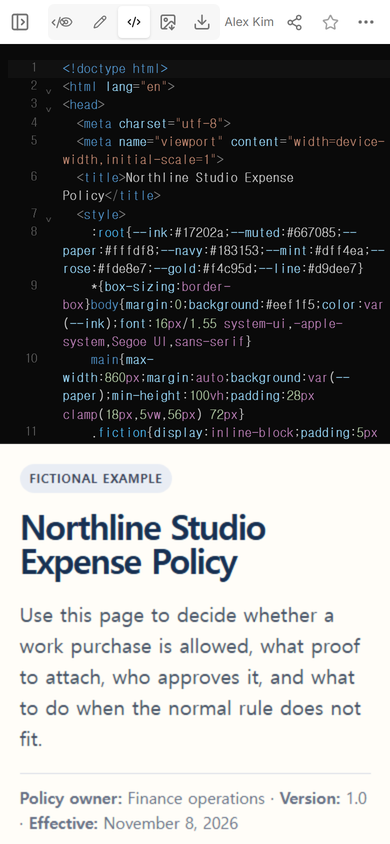
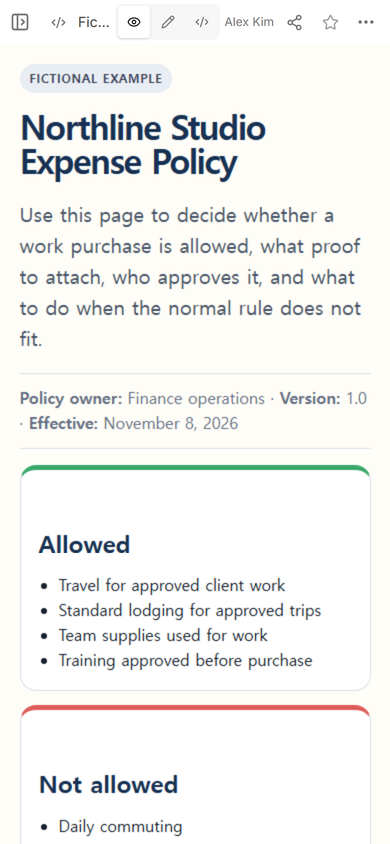
The NOS Team made a fictional policy for Northline Studio. The goal was specific: someone with a taxi receipt, a training invoice, a room upgrade, a parking penalty, or an emergency charger should be able to find the next step without reading a full handbook.
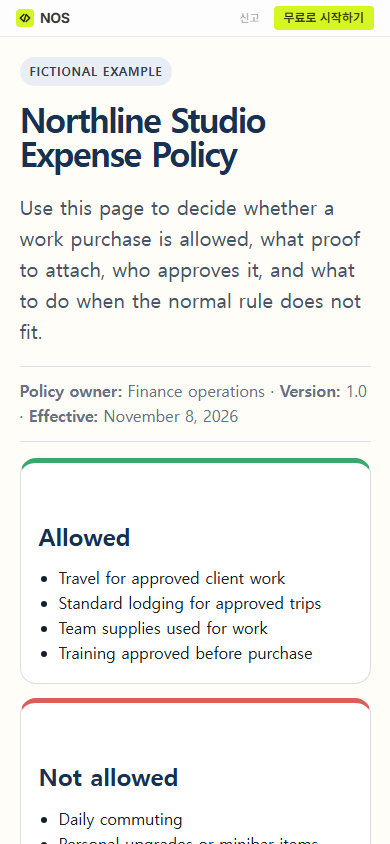
We built one page with allowed and excluded costs, receipt rules, three approval bands, a submission deadline, an exception route, and five worked decisions. Every amount and deadline belongs to the fictional example. An organization should replace them with its approved rules.
What should an expense policy example include?
Start with decisions, not a long definition of expenses. The Northline page separates five pieces of information:
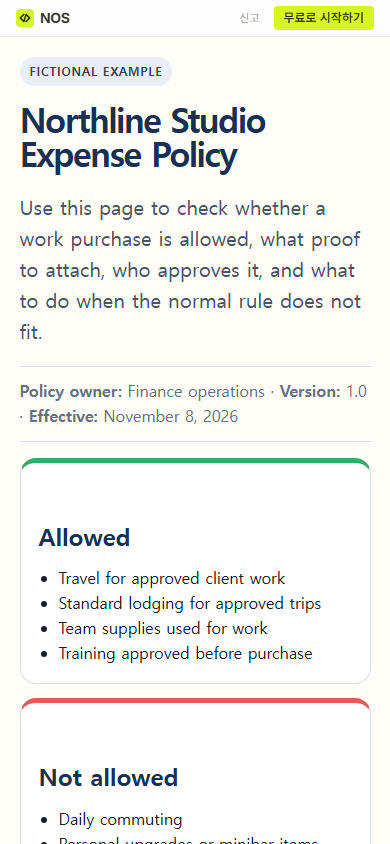
- Scope: approved client travel, standard lodging, work supplies, and preapproved training are included in this example.
- Exclusions: commuting, personal upgrades, minibar items, penalties, and split purchases are excluded.
- Proof: the example asks for an itemized receipt and a specific business reason.
- Approval: the route changes at one hundred and five hundred dollars.
- Exception status: an unusual purchase stays pending until the named finance owner records a decision.
Those categories let a reader test one purchase against the page and see which fact is missing. A list that only says “reasonable business expenses are reimbursable” leaves the reader to invent the decision rule.
How do these expense policy examples work?
The five cases use the same sequence: classify the cost, check the evidence, check approval timing, and assign a route.
Forty-eight-dollar taxi to approved client work
The cost is allowed in the fictional policy, an itemized receipt is attached, and the project is named. Because the amount is no more than one hundred dollars, it goes to the team lead after purchase.
One-hundred-sixty-five-dollar room upgrade
The trip may be approved while the personal upgrade is still excluded. A receipt proves what was paid; it does not turn an excluded item into an allowed one.
Three-hundred-twenty-dollar workshop registration
Training is allowed only when approved before purchase in this example. The prior approval and itemized receipt send the case to the team lead for confirmation.
Twenty-seven-dollar parking penalty
The policy excludes penalties. The employee pays it even when a receipt exists.
One-hundred-twenty-five-dollar emergency replacement charger
The original charger failed during approved off-site work, but prior approval is missing. The page does not call this reimbursable. It sends the receipt and explanation to an exception review.
What approval rules should the page show?
Use amount bands only when the organization has approved them. Northline's fictional route is deliberately concrete: up to one hundred dollars receives team lead review after purchase; more than one hundred and no more than five hundred needs team lead approval before purchase; anything higher needs finance owner approval before purchase.
Each band names both the approver and the timing. “Manager approval required” is incomplete when a reader cannot tell whether approval happens before the card is used or after the report is filed. The page should also state whether tax, tip, shipping, and currency conversion count toward the threshold. Northline leaves those questions outside the example instead of guessing.
What receipt rule makes an example useful?
The fictional page asks for an itemized receipt for every purchase. It also says that a card statement alone does not show what was bought. That rule is not presented as a universal accounting requirement. It is the evidence rule chosen for this worked page.
A receipt rule should sit beside the approval rule. Otherwise a reader may know that a purchase was allowed but still not know what to attach. The business-reason field also needs a real project or work purpose; the words “business expense” merely repeat the category.
How should an expense exception be handled?
An exception path needs a destination and an evidence list. Northline asks for the purchase, amount, date, business reason, rule that could not be followed, reason advance approval was unavailable, receipt, and requested decision. The urgent replacement case has a two-business-day filing rule, but it remains pending until the finance owner decides.
This distinction matters inside the page: filing an exception is not approval. The example never changes “pending exception review” into “approved” merely because the employee explained the purchase.
What happened when we updated the page?
We opened Edit on the existing policy and selected the introduction. The first selection landed inside the sentence instead of selecting the whole paragraph, so the new wording was inserted in the wrong place. We stopped editing that line, opened Code, repaired the paragraph, and removed the stray edit markers. The existing page and share address were kept.
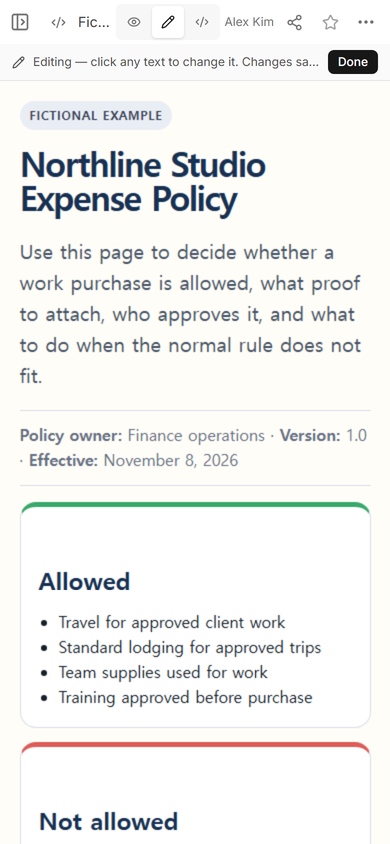
The practical tip is simple: inspect the whole sentence after an inline change. If the selection was wrong, use Code to repair the exact paragraph instead of adding more edits around the damage.
When not to do this
- Do not use a public example page for employee names, card details, receipts, or other private records.
- Do not treat this page as an approval system. It does not submit a claim, notify an approver, preserve a decision history, or issue reimbursement.
- Do not copy the fictional dollar limits into a real policy without the responsible finance, tax, legal, and employment review for that organization.
- Do not compress a disputed or complicated rule into one sentence. Link to the controlled policy and name which document governs.
Using NOS for a policy example
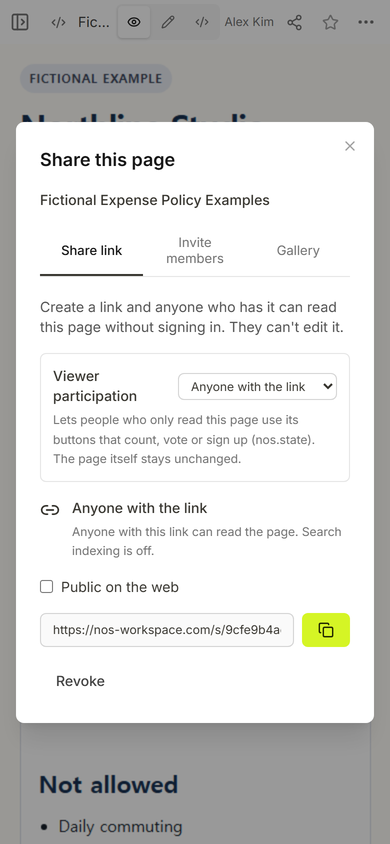
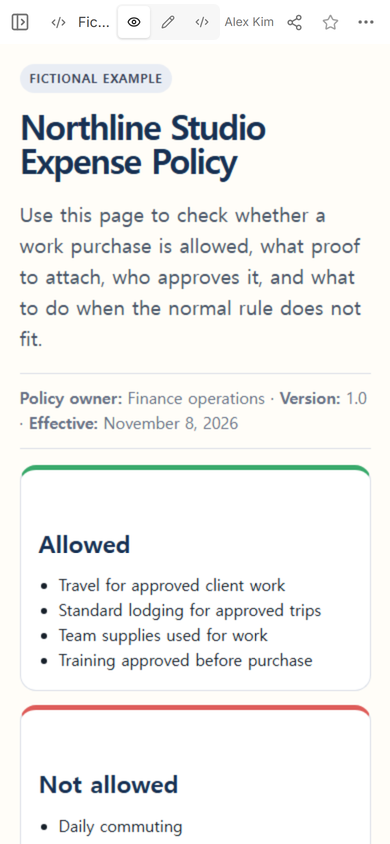
We used NOS Workspace to open the HTML in Code, check it in View, create a reader link, and update the existing page. The captured Share panel says anyone with that link can read without signing in and cannot edit. This makes the page suitable for a fictional walkthrough or a short approved summary; it does not add receipt collection or approval records. Current plan details are on the NOS pricing page.
Where to go next
If this expense page belongs inside a broader staff reference, use the employee handbook template to decide what stays in a summary and what remains in the official system. For version ownership and effective dates, the document control SOP template shows how to separate approval from the date a revision takes effect. When the HTML is ready, HTML to link covers the basic sharing step.