- Download the worked scores CSV
- Download the blank tabulation sheet
- Download the finished example page
- Open the shared example
What does the sheet compare?
We tried the sheet with two fictional prints from the same category and round: E12, Tidal Lines, and E17, Salt Window. There was one place on the next-review list. We collected the scores first and left the list open while a required score was missing.
Each of the three slots, J1 through J3, supplies one whole-number score from 1 to 5 for how the composition guides the eye. A 1 means the focal point is hard to locate, a 3 means it is clear but competing marks pull attention, and a 5 means the marks consistently guide attention. Scores 2 and 4 sit between those descriptions. Every slot has the same weight.
How do you count an unfinished row?
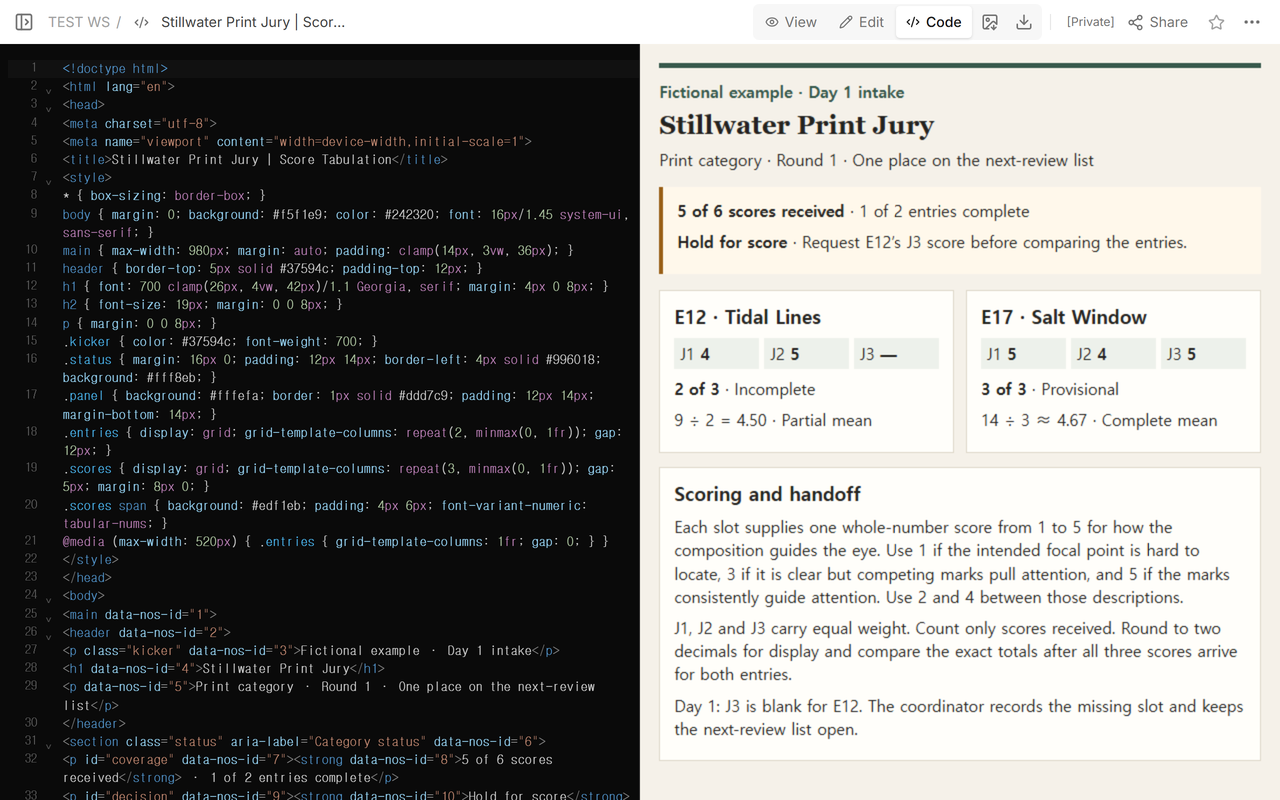
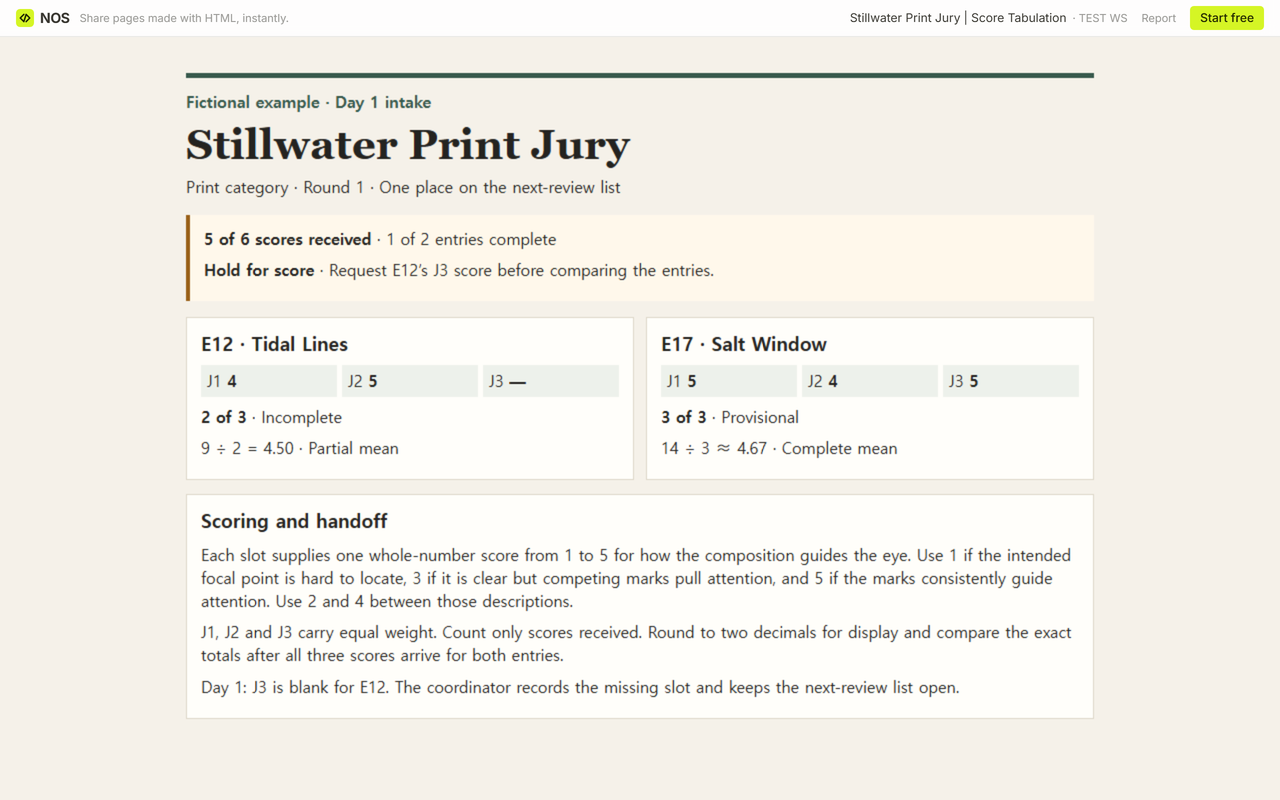
E12 came in with 4, 5, and a blank. Its received sum was 9. Dividing by the two scores received gave a partial mean of 9 ÷ 2 = 4.50. We marked E12 incomplete with 2 of 3 scores. Dividing 9 by all three slots would give 3.00 and would effectively enter a zero for the missing score.
E17 had 5, 4, and 5. Its complete mean was 14 ÷ 3 ≈ 4.67, and its row was provisional because the other entry was still incomplete. Across this print round, 5 of 6 scores had arrived and 1 of 2 entries was complete. The next action was to collect E12’s J3 score.
What does the reader see before the score arrives?
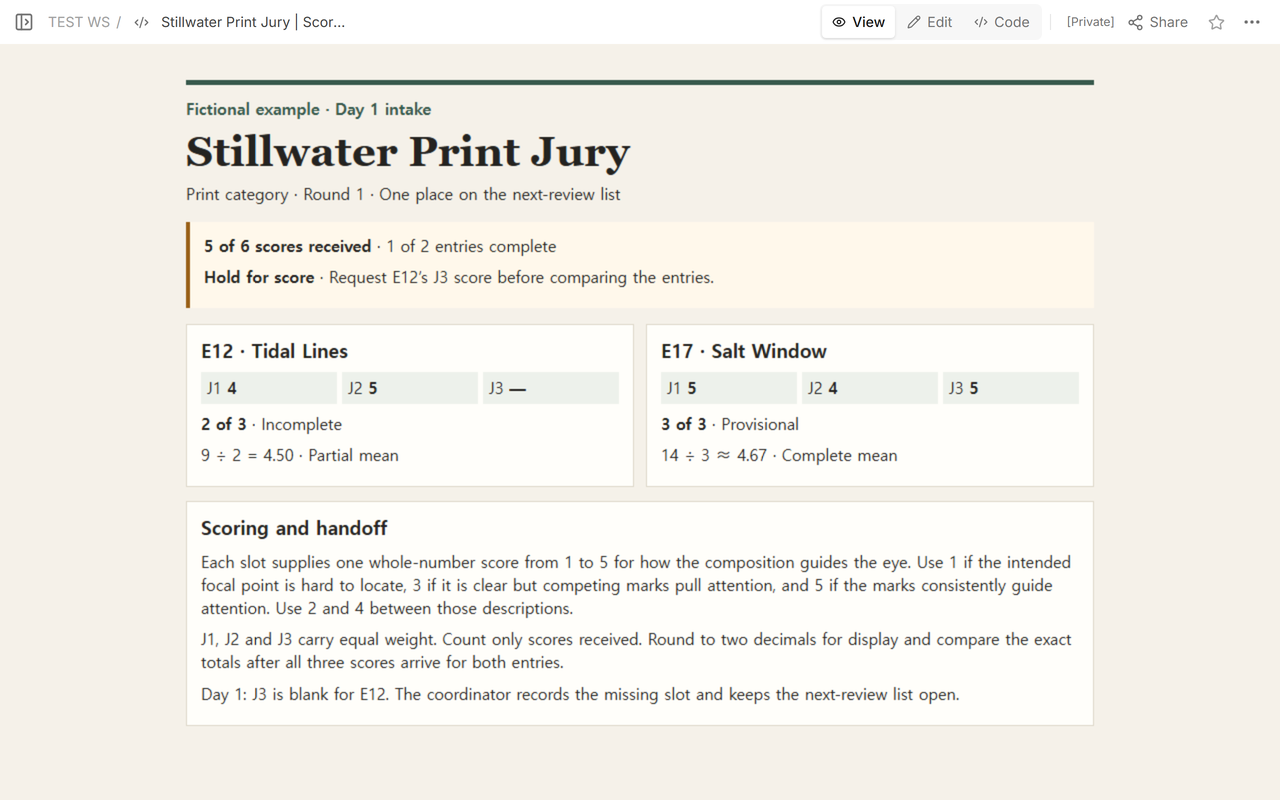
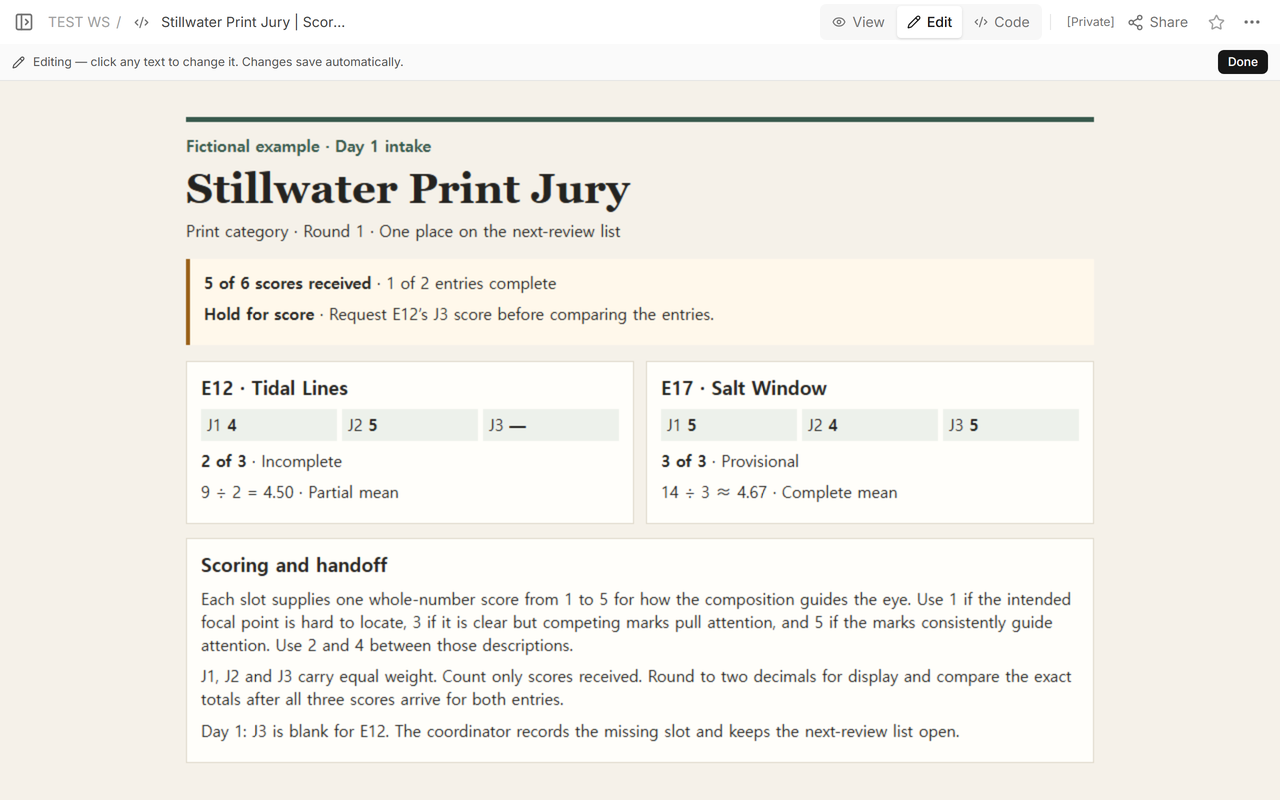
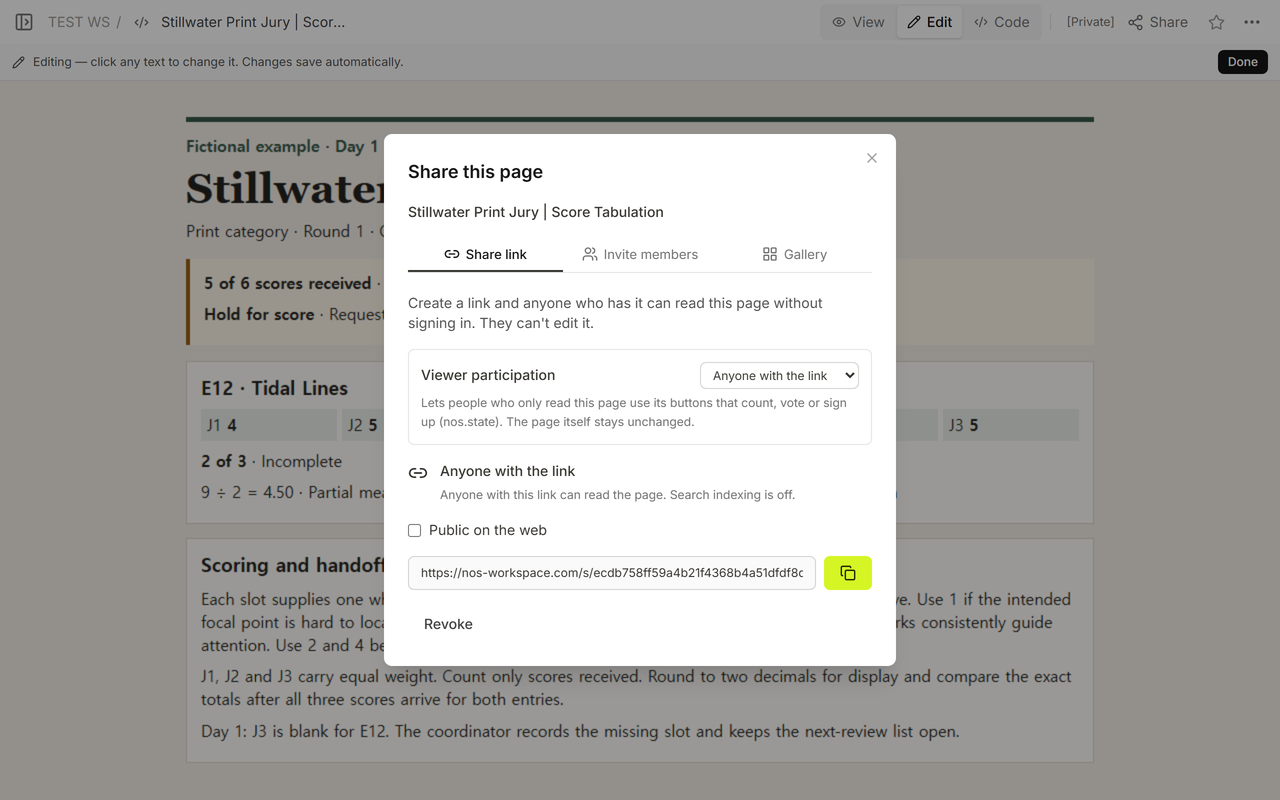
We opened the original sheet in Edit to check the two rows, then copied the reader address from Share. In a signed-out window the address showed the category hold. It gave the reader the missing entry and slot without giving them an editor.
What happens when the last score creates a tie?
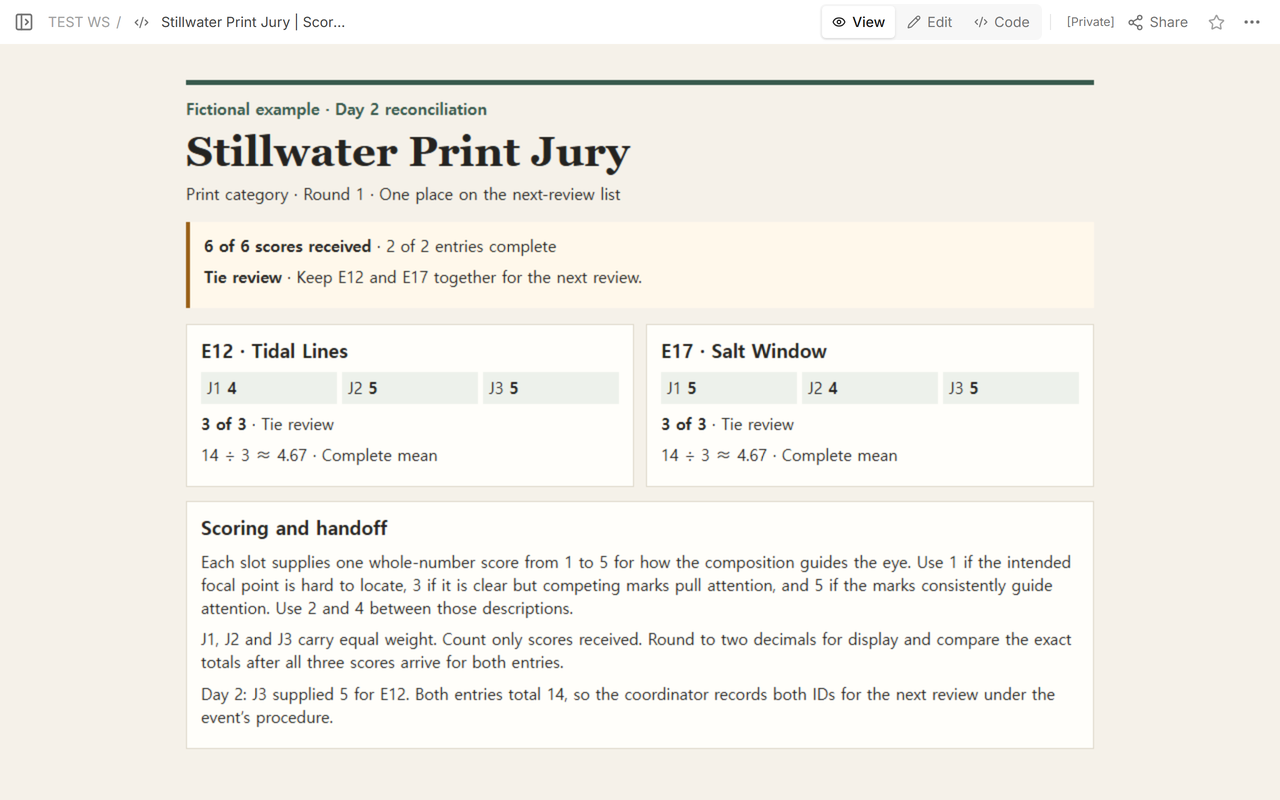
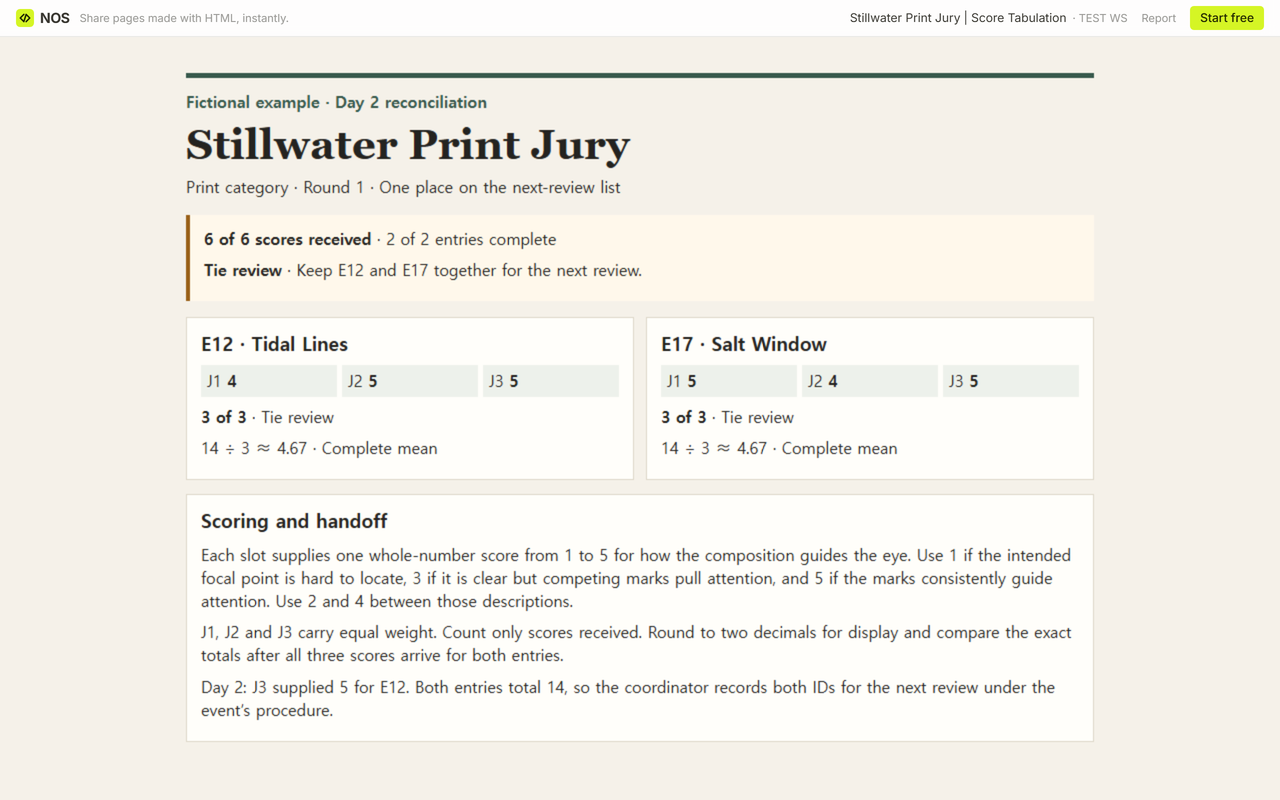
We entered the fictional J3 score of 5 for E12 and updated the tally on the existing page. Both rows now have 3 of 3 scores. That makes 6 of 6 scores received and 2 of 2 entries complete.
E12’s 4 + 5 + 5 and E17’s 5 + 4 + 5 both total 14. Both exact means are 14/3. The two-decimal display reads 14 ÷ 3 ≈ 4.67 for each. Because both complete rows divide by three, comparing their integer totals is enough to establish the exact tie.
Mark the category and both rows Tie review. Record E12 and E17 together and pass them on for the next review under the event’s procedure. When we reopened the original reader address, both entries appeared under that status.
How do you use the blank copy for your own round?
- Make a copy for one category and round. Enter the work ID and title. Label the score slots and write down the expected count, score scale, and weights from your exhibition’s instructions.
- Enter only scores received. Count the filled score slots, then sum their values. If at least one score was received, divide that sum by the received count. Mark the mean partial while required scores are missing. Leave it blank when the received count is zero.
- After checking coverage, compare the exact results allowed by your policy. Keep the rounded display and exact value in separate columns. Record the category’s next action beside the rows it affects.
The CSV is a worksheet for recording your checks. The worked copy keeps Day 1 and Day 2 as separate snapshots. Use a single snapshot when counting entries or scores so the same work does not appear twice in the denominator. If your spreadsheet shortens 4.50 to 4.5, format the mean_2dp column to display two decimal places.
When not to do this
Use the exhibition’s own rules when weights, juror counts, eligibility, or tie procedures differ. If someone recuses, log that exception and use the approved replacement or counting procedure before changing the expected count. The Society of Canadian Artists’ jurying rubric provides one example of a published procedure that can send a tie back for rescoring. Keep any restricted scoring records in the exhibition’s approved system.
Using NOS for the handoff
NOS held the fictional HTML tally and its reader copy. We kept the two snapshots in the worked download and used the one reader address to check what changed after the missing score arrived. For individual rating evidence, see the interview scorecard. For scoring criteria and revision notes on one presentation, see the research poster rubric.