In short
Give each survey area and date its own tally. Copy the count and weight for each category into separate columns. If a weight was omitted, leave the weight cell empty and mark it Missing. Add the supplied weights and show how many category rows that subtotal covers.
Download the blank litter audit data sheet (CSV) or download the completed Saltglass Beach example (HTML). Open the CSV in a spreadsheet to copy your own records. Open the HTML in a browser to compare the completed tally with the walkthrough.
What goes on a litter audit data sheet?
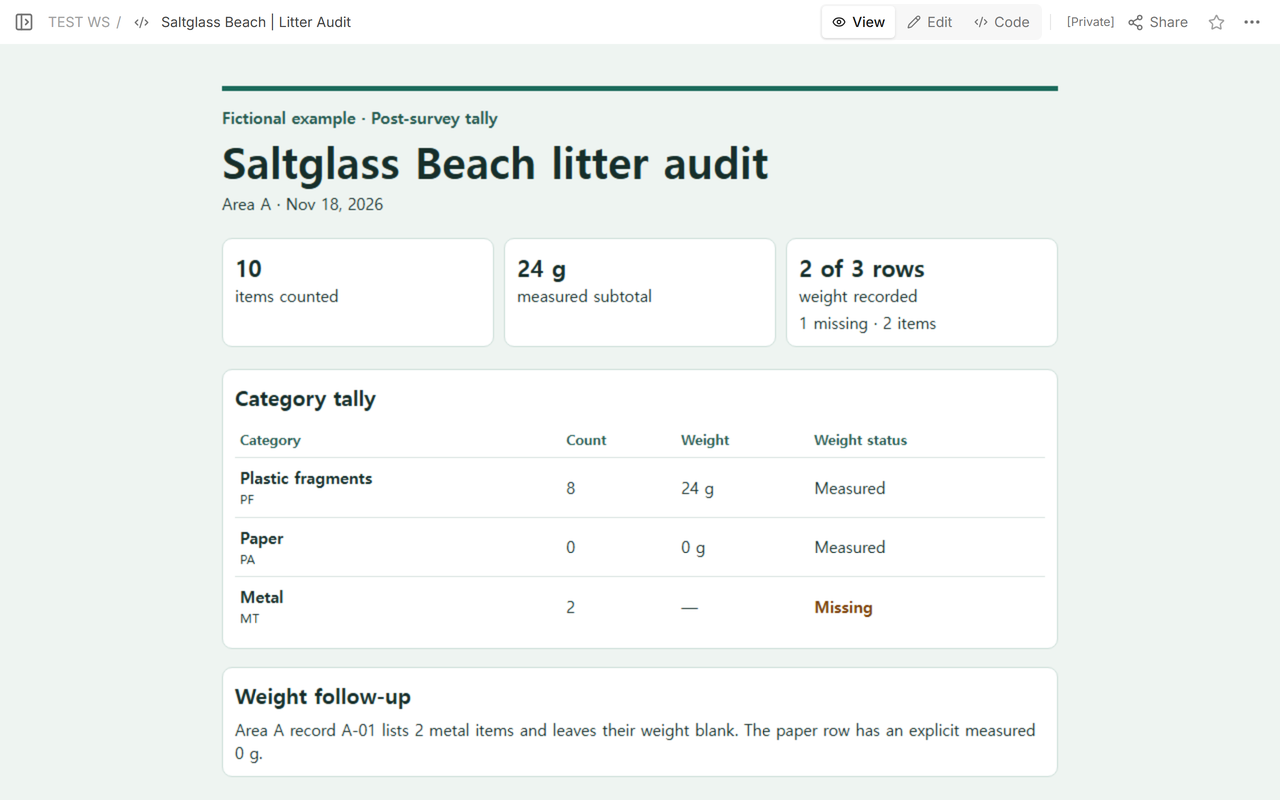
Start with the area and survey date on the record you received. We used Saltglass Beach, Area A, Nov 18, 2026, for this fictional tally. Repeat the area and date on each CSV row so the row stays tied to its survey if someone sorts the sheet. For another area or date, calculate a separate subtotal.
Copy each category name and its code, then add the count, the recorded weight in grams, and the weight status. The example uses local codes PF for plastic fragments, PA for paper, and MT for metal. Use the note column to identify the record you copied or explain why a weight is missing.
How do you record zero and missing weights?
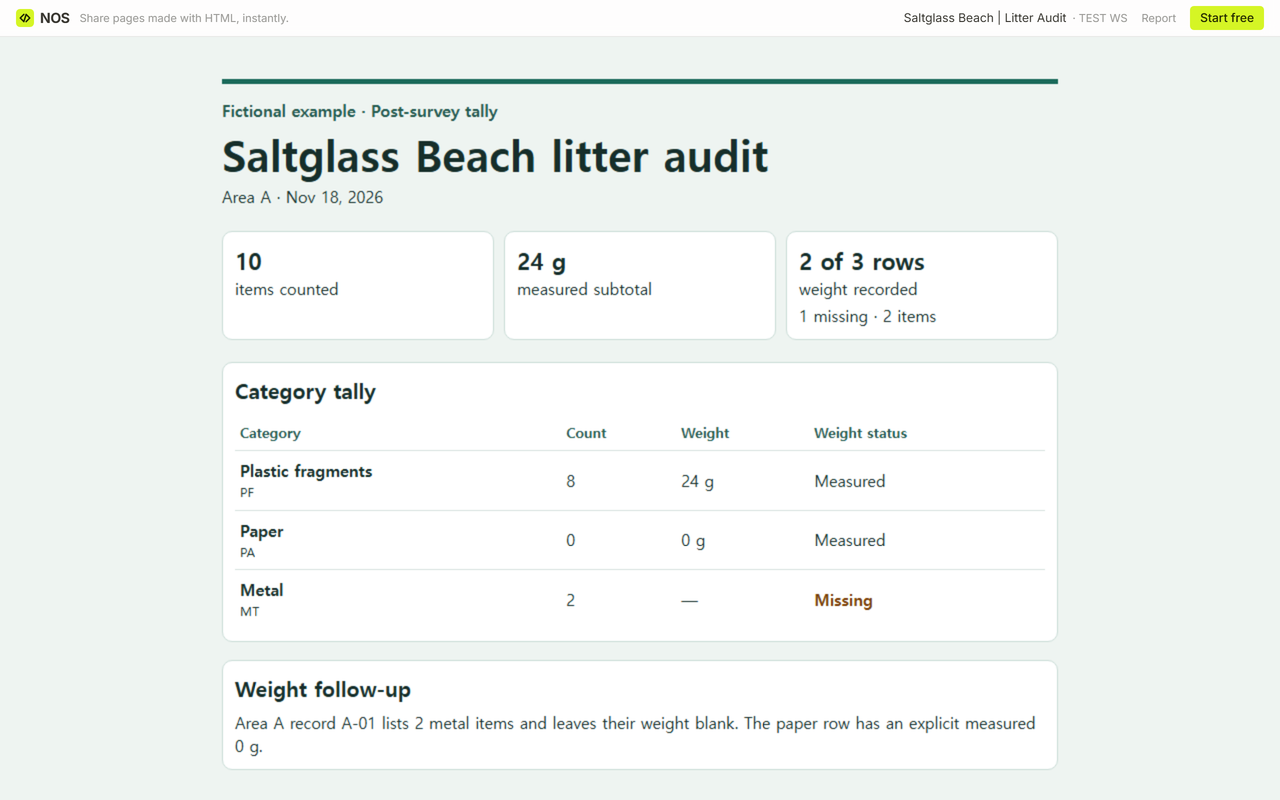
For paper, the source explicitly gives 0 items and 0 g. Enter both zeros and mark the weight Measured. The metal record gives 2 items and no weight. Enter 2 under Count, leave the numeric weight cell blank in the CSV, and write Missing under Weight status. The dash in the worked HTML marks that empty weight cell.
Add the counts first. The three rows give 8 + 0 + 2 = 10 items. The measured subtotal is 24 + 0 = 24 g. Two of three category rows have weights, including the measured zero. The one missing row accounts for 2 of the 10 counted items. Keep that gap beside the subtotal so a reader can tell how much of the tally it covers.
What do you update when a weight arrives later?
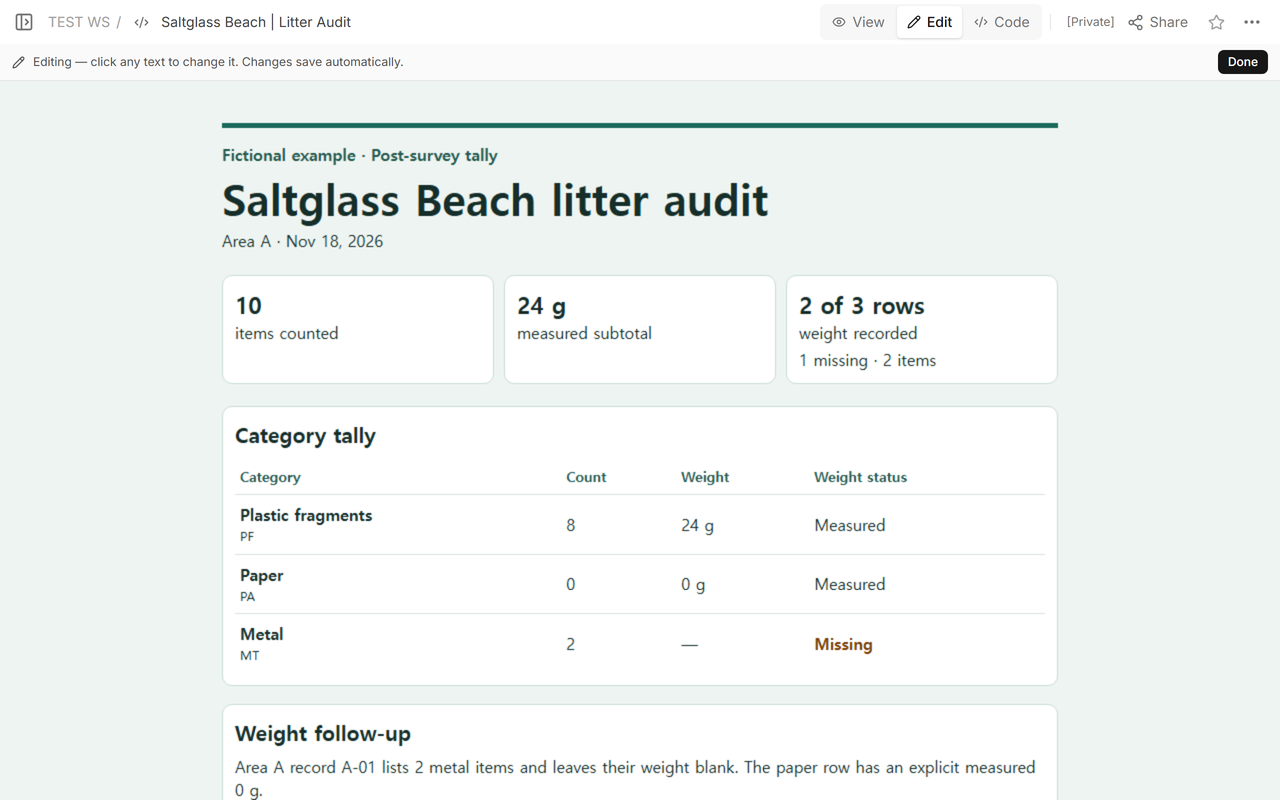
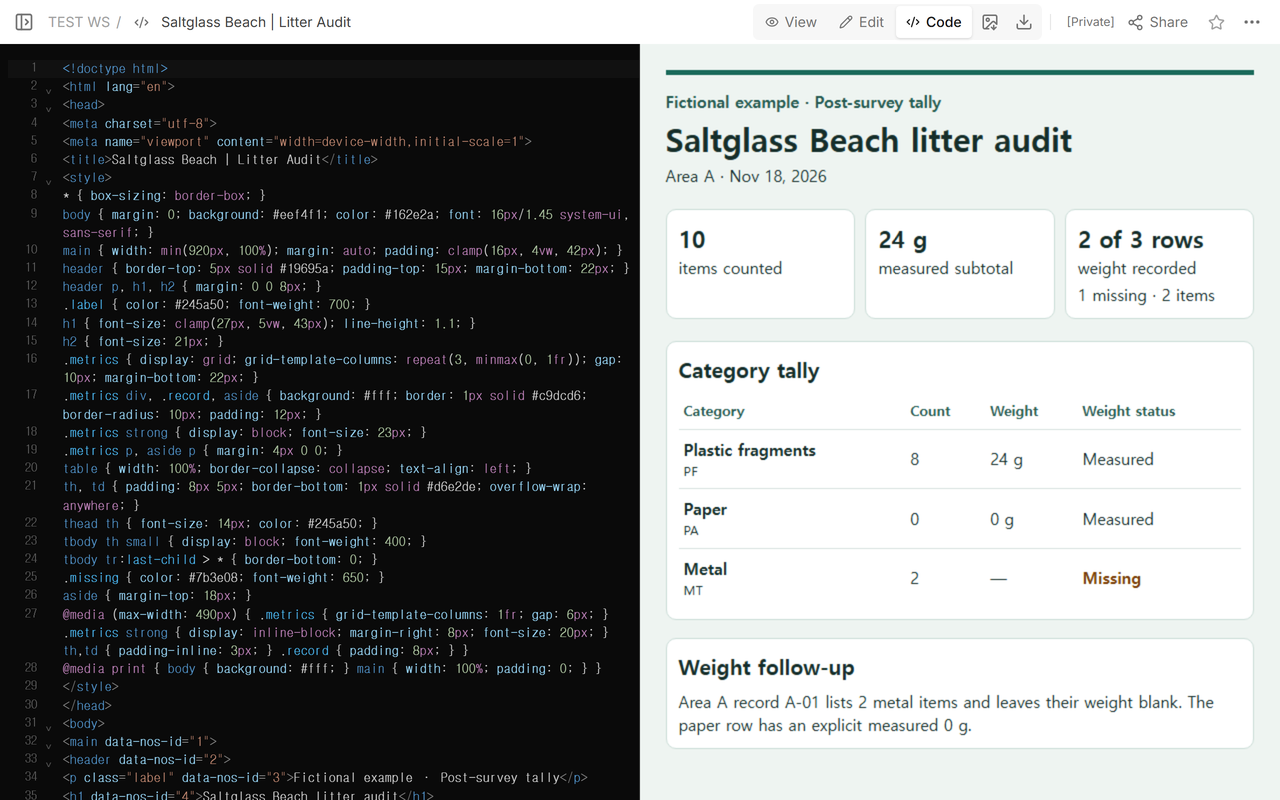
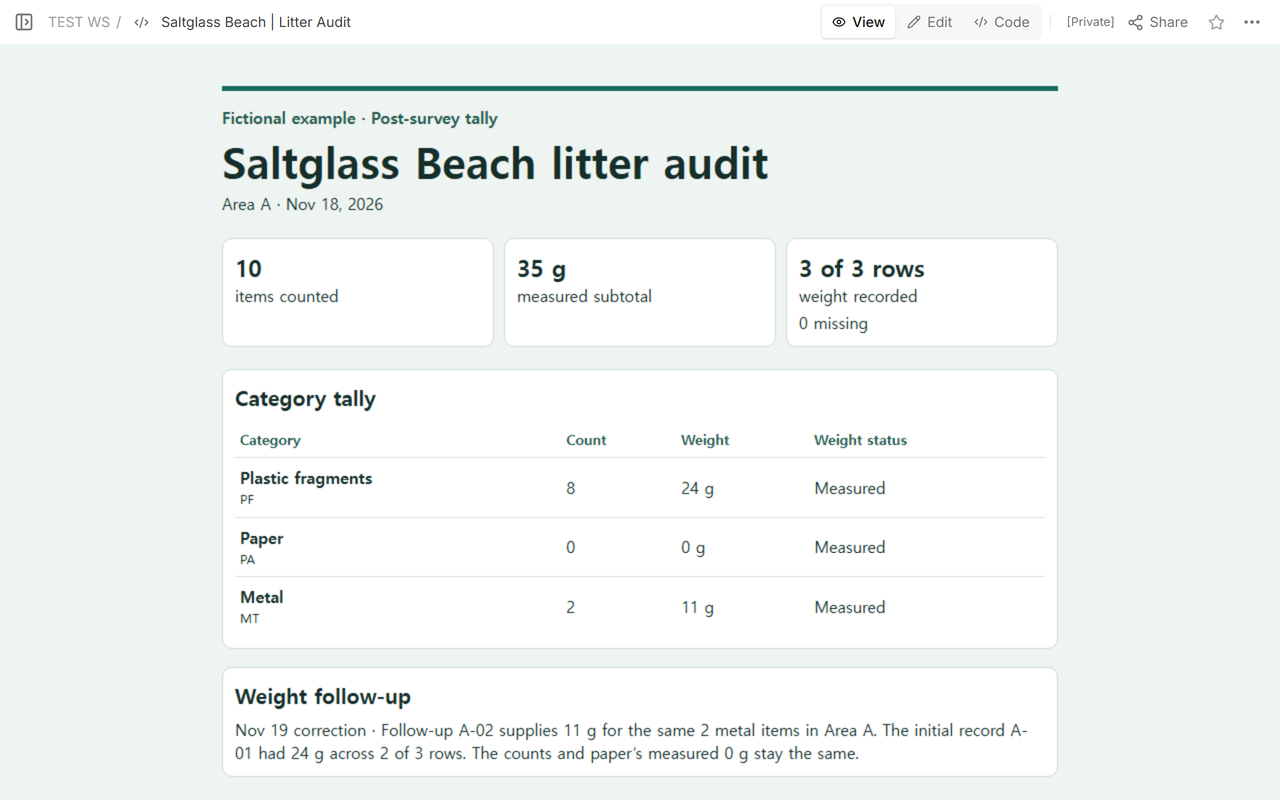
Match the new record to the original area, survey date, category, and count. In our fictional follow-up A-02, an entry dated Nov 19 supplies 11 g for the two metal items already counted in Area A. We used the document’s Code view to update the metal weight, its status, the measured subtotal, and the coverage line. The dated correction note keeps the missing weight traceable to the initial record A-01.
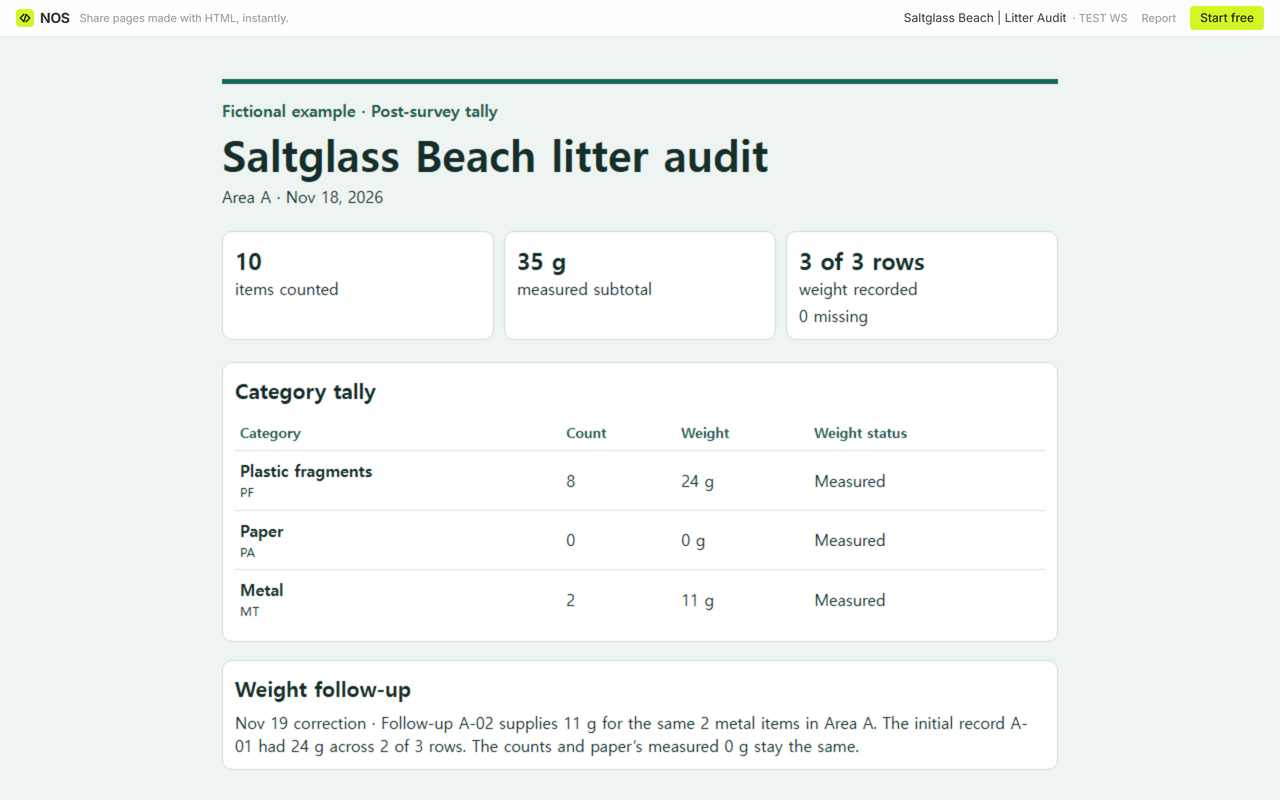
Reopen the tally and add the measured rows again. The subtotal becomes 24 + 0 + 11 = 35 g, and coverage becomes 3 of 3 category rows. The counts still add up to 10. Compare the plastic and paper rows with the original tally to check that their weights stayed at 24 g and 0 g.
When not to do this
Use this sheet to transcribe a tally you already have. For a program that requires its own categories or records, use the program’s materials. Litter Intelligence’s Beach Monitoring page lists its audit sheet among the resources for beach, freshwater, and stormwater monitoring. Its v3.2 audit sheet records counts and weights by category in grams and has a high or low confidence field for each weight. This example uses Measured and Missing to record whether a weight was supplied.
How did we check the correction in NOS?
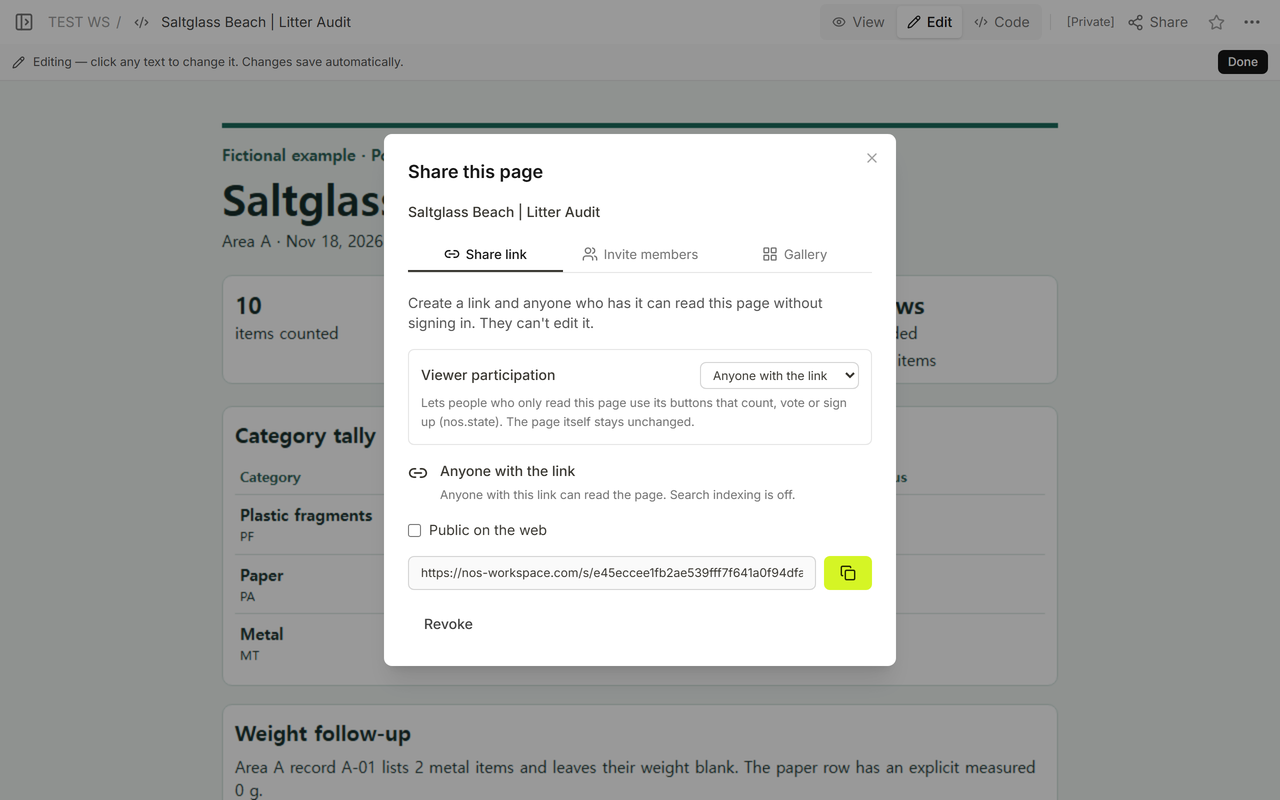
In Share, we took the reader address for the Saltglass Beach tally. The panel said anyone with the link could read this page without signing in. We reopened the same address after saving and checked for the 35 g subtotal, all three weights, and the count of 10.
Related guides
- Turn a CSV into an HTML table when you want a browser view of the rows from your own sheet.
- Use the survey results report template for a separate report about what people answered in a questionnaire.