In short
Choose one collection idea and divide it into three to five scenes.
Give every scene one dominant image, a short styling note, and the names of the pieces.
Keep prices and dense specifications in a catalog, not in the visual sequence.
Open the finished share link on a phone before sending it.
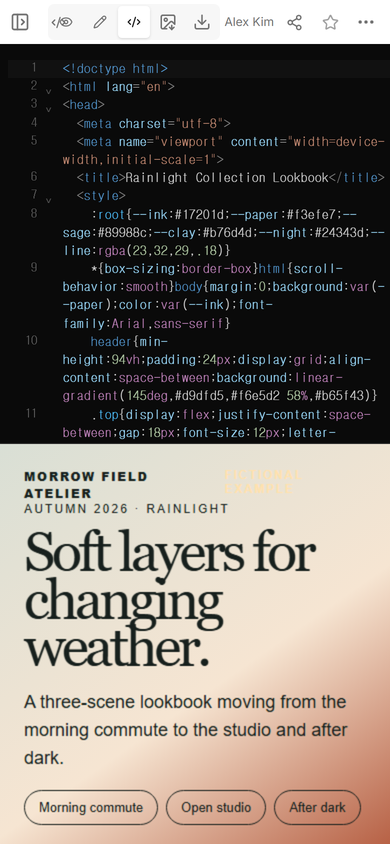
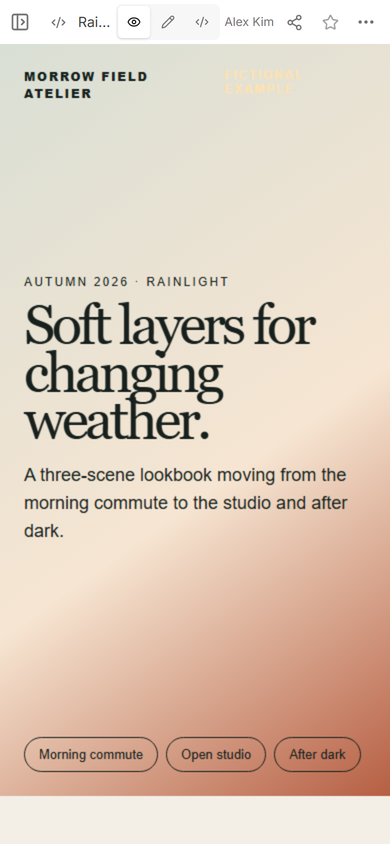
We built a fictional lookbook for Morrow Field Atelier, a made-up clothing label. The finished page moves through three moments: a morning commute, an open studio, and after dark. Each scene changes the silhouette while repeating sage, cream, rust, and ink across the collection.
This is not a product catalog with larger pictures. A catalog helps a buyer find an item, code, size, or price. A lookbook asks the reader to follow a sequence and understand how the pieces belong together. If your reader already knows the product and needs specifications, start with a digital catalog instead.
How do I make a lookbook website?
1. Write the collection idea in one sentence
Our sentence was “soft layers for changing weather.” It gave us a filter for every later choice. A scene stayed only if it showed a new way to layer the same small palette.
Start with the sentence, not the page layout. “Autumn collection” is only a label. “Soft layers for changing weather” suggests texture, movement, color, and the order in which a person might wear the pieces.
2. Turn the idea into scenes
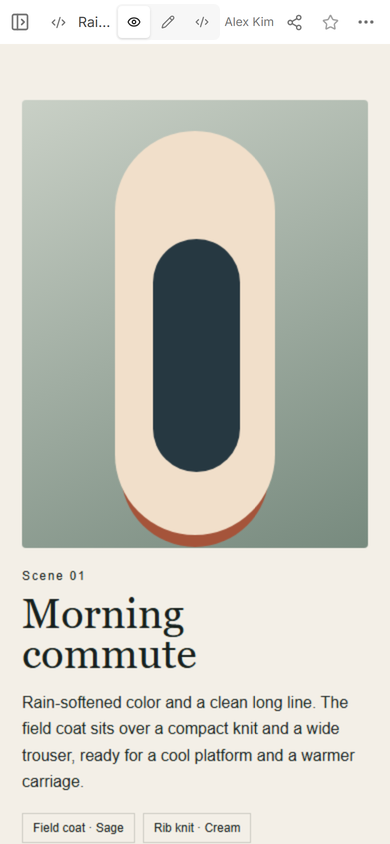
We used a day as the organizing line. Morning commute introduces the full layered outfit. Open studio removes the coat and lightens the proportions. After dark returns to a long shape with one warm accent. That progression gives the reader a reason to keep moving down the page.
Scenes can also follow location, material, color, or use. Pick one system and keep it. Mixing “linen,” “weekend,” “blue,” and “new arrivals” as equal sections makes the sequence feel like a menu rather than a story.
3. Give each scene a visual job
The first screen introduces the collection name, season, idea, and scene links. It does not try to show every item. The first scene then carries the strongest silhouette, while the later scenes reveal alternatives.
For every scene, use the same small set of parts:
- A scene number or short label.
- One title that names the moment.
- One dominant visual.
- A brief note about the styling decision.
- The names and colors of the featured pieces.
That repetition makes the page easy to scan without making the scenes identical. In our example, each visual changes color and shape, while the text stays in the same position and the piece labels keep the same treatment.
What should a fashion lookbook include?
A useful lookbook gives context before detail. Include the collection name, season or edition, a short concept line, a deliberate scene order, and enough item names for the reader to identify what they are seeing. Add a contact or buying route only if the page needs one.
Do not force the lookbook to carry every product field. Long size lists, stock status, wholesale case quantities, and changing prices interrupt the visual rhythm. Link to a product catalog when readers need those details.
How many looks should be in a lookbook?
Use enough looks to prove the collection idea, and stop when the next look only repeats the previous one. Our example needed three scenes because each one changed the setting and the way the layers were used. A larger collection may need more, but the organizing idea should still be visible in the section titles.
Practical test: read only the scene titles. If they describe a clear progression, the structure is doing useful work. If they sound interchangeable, revise the sequence before polishing the page.
How do I share a lookbook with clients?
We opened Share and used the viewer link for the completed page. The panel showed that a person with the link could read the page without signing in and could not edit it. We then opened that address at phone width.
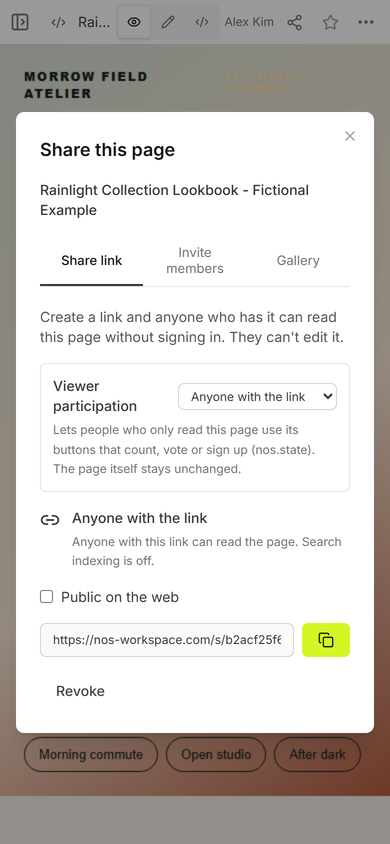
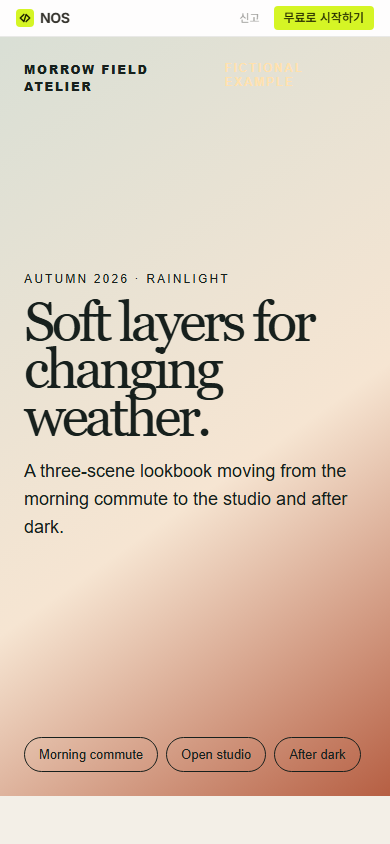
The important distinction is between the page you edit and the address you send. Copy the viewer link from Share. Do not send the workspace address shown while you are editing.
If the project is mainly a set of photographs with captions and no collection sequence, a photo gallery link is the simpler format. A lookbook earns its extra structure by showing relationships between scenes, styling choices, or products.
Can I update the lookbook after sharing it?
We tested one correction on the existing page. In Edit mode, we added a sentence explaining that every scene names the pieces used in the look, then selected Done.
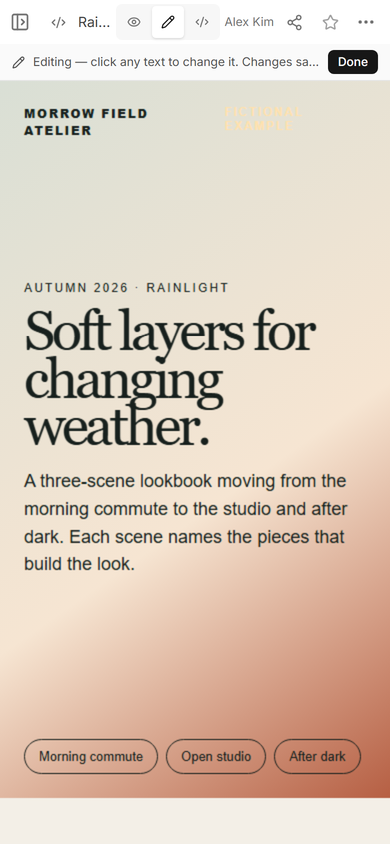
Opening the same viewer address again showed the added sentence. That let us improve the introduction without creating another example page or another link.
What caused trouble while building this example?
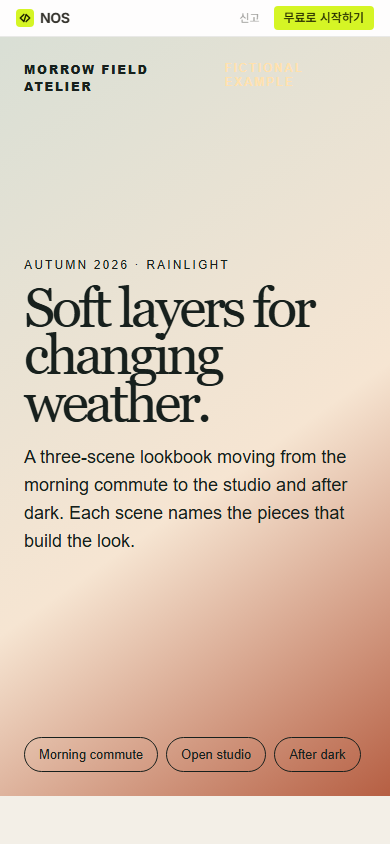
The first public check could see the page but could not inspect the lookbook text from the outer page because the finished HTML is isolated inside its viewer. We checked the visible result instead of treating that isolation as a failed login. For the next scene, we used the page's own scene link and confirmed that it landed on Morning commute.
Editing had a similar constraint: the useful proof was the sentence visible in Edit mode, the Done action, and the revised sentence at the same viewer address. The page did not need a new share link.
When not to do this
- Use a catalog when the main task is finding codes, sizes, availability, or prices.
- Use a gallery when the photographs stand alone and do not need a sequence.
- Use a product landing page when every section should lead to one purchase or signup action.
- Do not publish private samples, unreleased client work, or personal customer information in a viewer link.
Build and share the page with NOS
NOS Workspace can hold the complete lookbook HTML, show the result in View, and create a separate reader link from Share. We used those three states for this example, then corrected one sentence in Edit and confirmed the change at the existing viewer address. See current plan details on the pricing page.