In short
State who can join and who the offer excludes before listing benefits.
Give every benefit its hours, access condition, limit, source note, and review date.
Put orientation, renewal, cancellation, and support routes on the same page.
Label invented details clearly, then replace them with approved facts before real use.
A membership benefits page should let someone make a decision, not merely admire a list. NOS Team built a complete fictional example for Harborlight Bench Membership, an invented shared-workshop offer. Harborlight Makers Guild, its dates, rules, benefits, contact address, and membership process are all exercise data. Nothing in the example describes a real organization or creates a real membership.
The finished page answers five practical questions: Am I eligible? What is excluded? When can I use each benefit? How do I renew or cancel? Where do I ask for help? It also provides a working example orientation form that confirms a selection on the page without sending personal data.
What should a membership benefits page include?
Use one named offer and keep every condition attached to it. Our example is for adults considering one fictional bench membership. It does not mix visitor access, commercial team access, or unrestricted machinery use into the same promise.
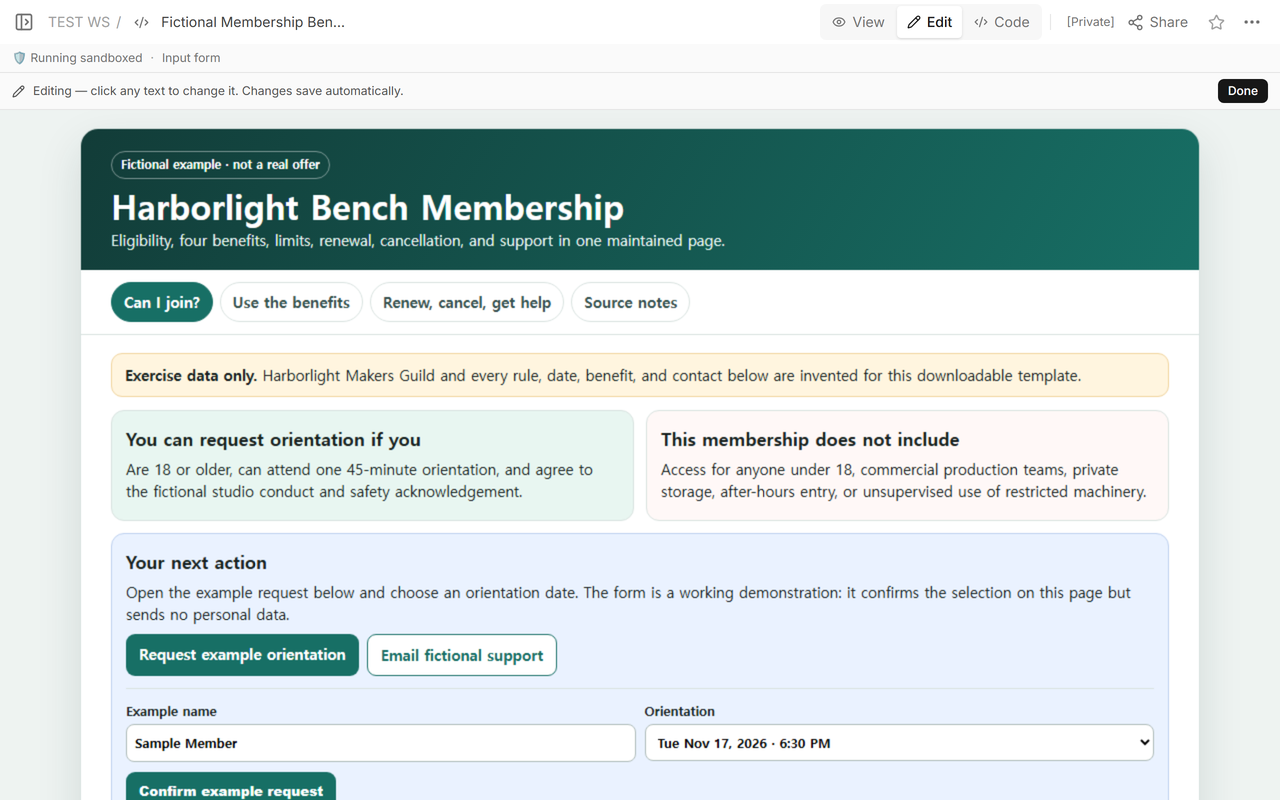
The first screen contains three decision blocks:
- Eligibility: age 18 or older, attendance at one 45-minute orientation, and agreement to the fictional conduct and safety acknowledgement.
- Exclusions: under-18 access, commercial production teams, private storage, after-hours entry, and unsupervised restricted machinery use.
- Next action: choose one of two example orientation dates in the page form or use the clearly fictional support address.
Those details belong above the benefit list because they determine whether the list applies to the reader. A vague label such as “adult members” would still leave the orientation requirement and excluded uses unresolved.
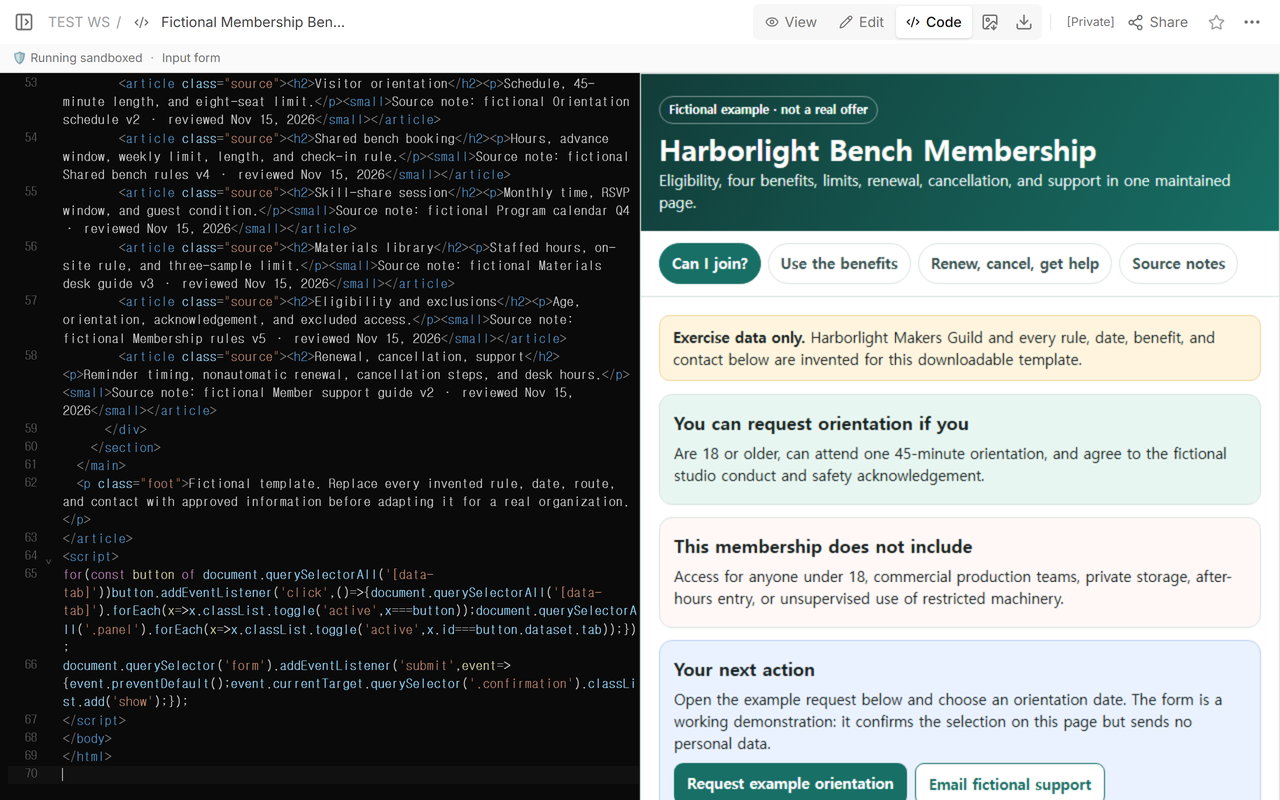
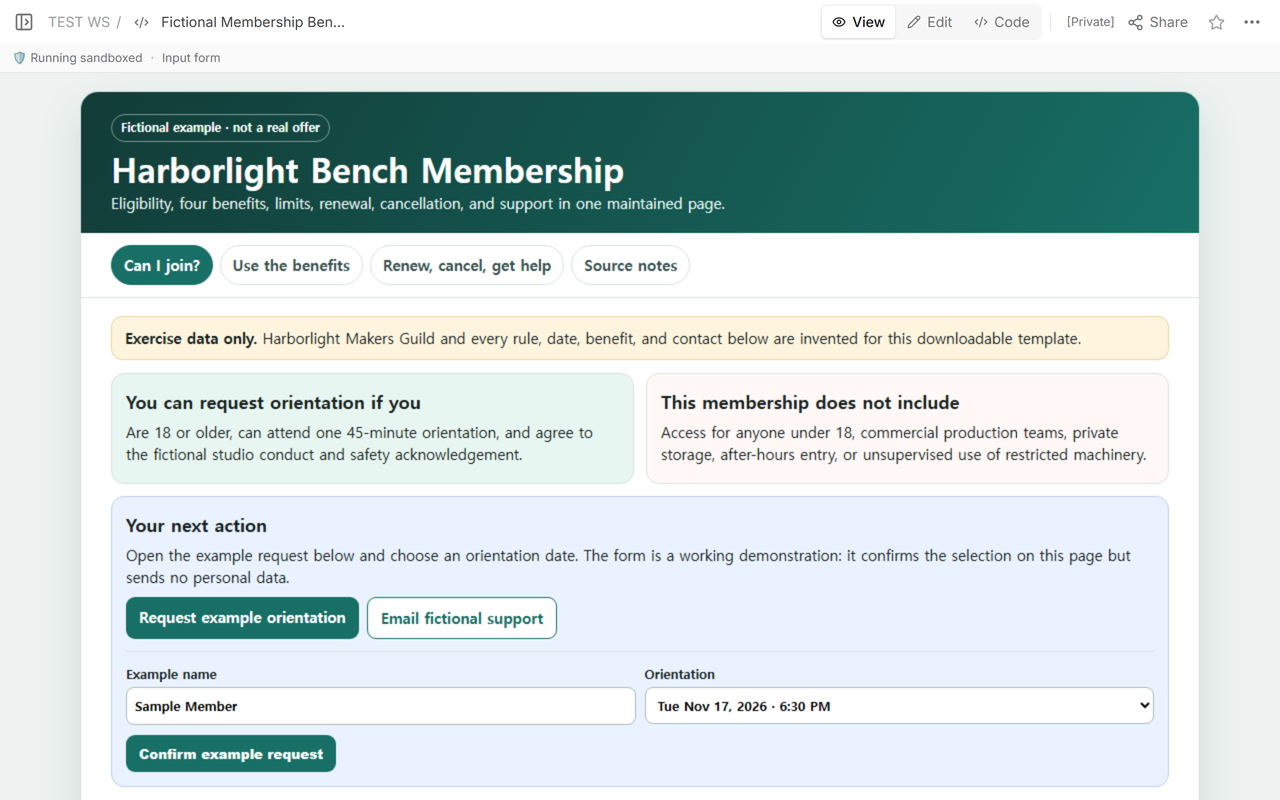
Download the complete fictional membership benefits template
How specific should each membership benefit be?
Write the benefit as a usable appointment, booking, or access rule. A name such as “materials library” is incomplete until the reader knows when the desk is staffed, whether materials may leave the site, and how much may be used.
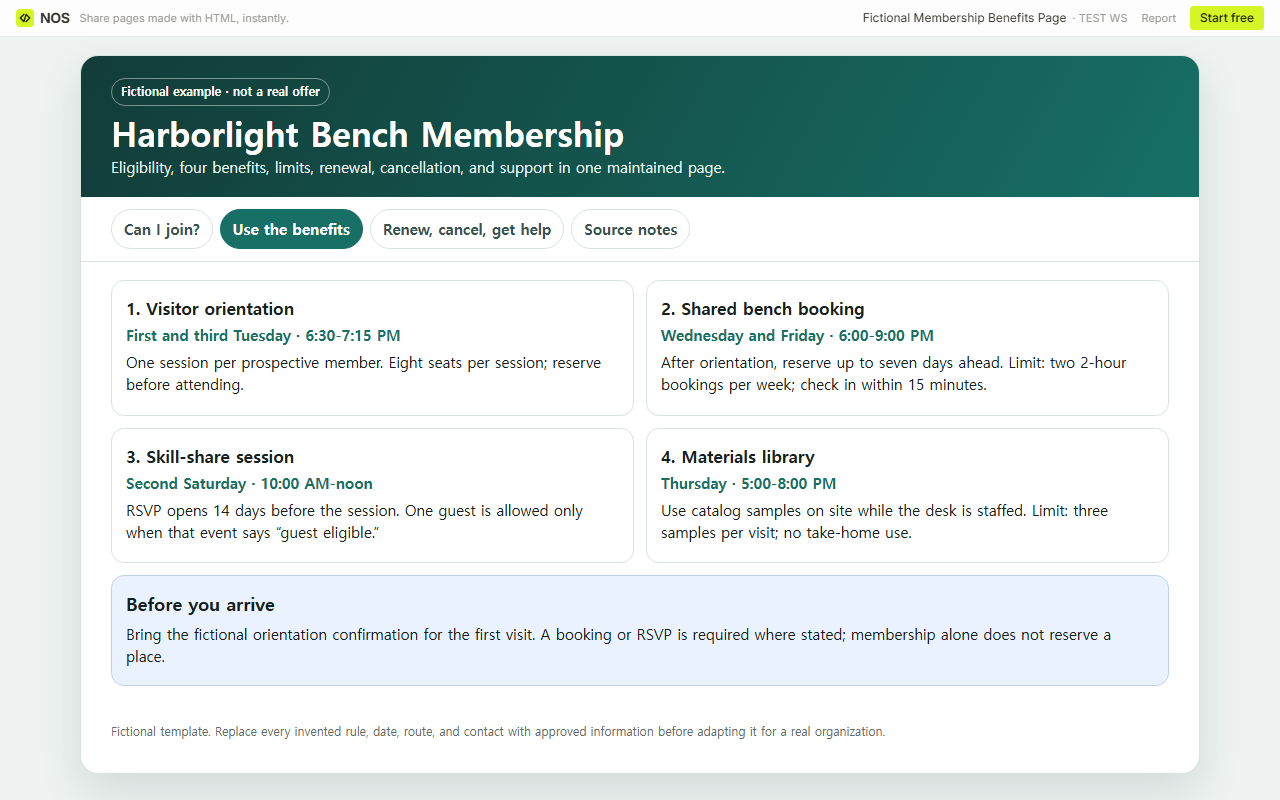
The fictional page uses four fully bounded benefits:
- Visitor orientation: first and third Tuesday, 6:30-7:15 PM; one session per prospective member; eight seats; reservation required.
- Shared bench booking: Wednesday and Friday, 6:00-9:00 PM; available after orientation; reserve up to seven days ahead; two 2-hour bookings per week; check in within 15 minutes.
- Skill-share session: Saturday in week two, 10:00 AM-noon; RSVP opens 14 days ahead; one guest only when the event is marked guest eligible.
- Materials library: Thursday, 5:00-8:00 PM; on-site use during staffed hours; three samples per visit; no take-home use.
These numbers are invented template values, not recommended industry rules. Their purpose is to show the level of detail a real owner must verify. Each card answers when, who, how often, and what limit applies.
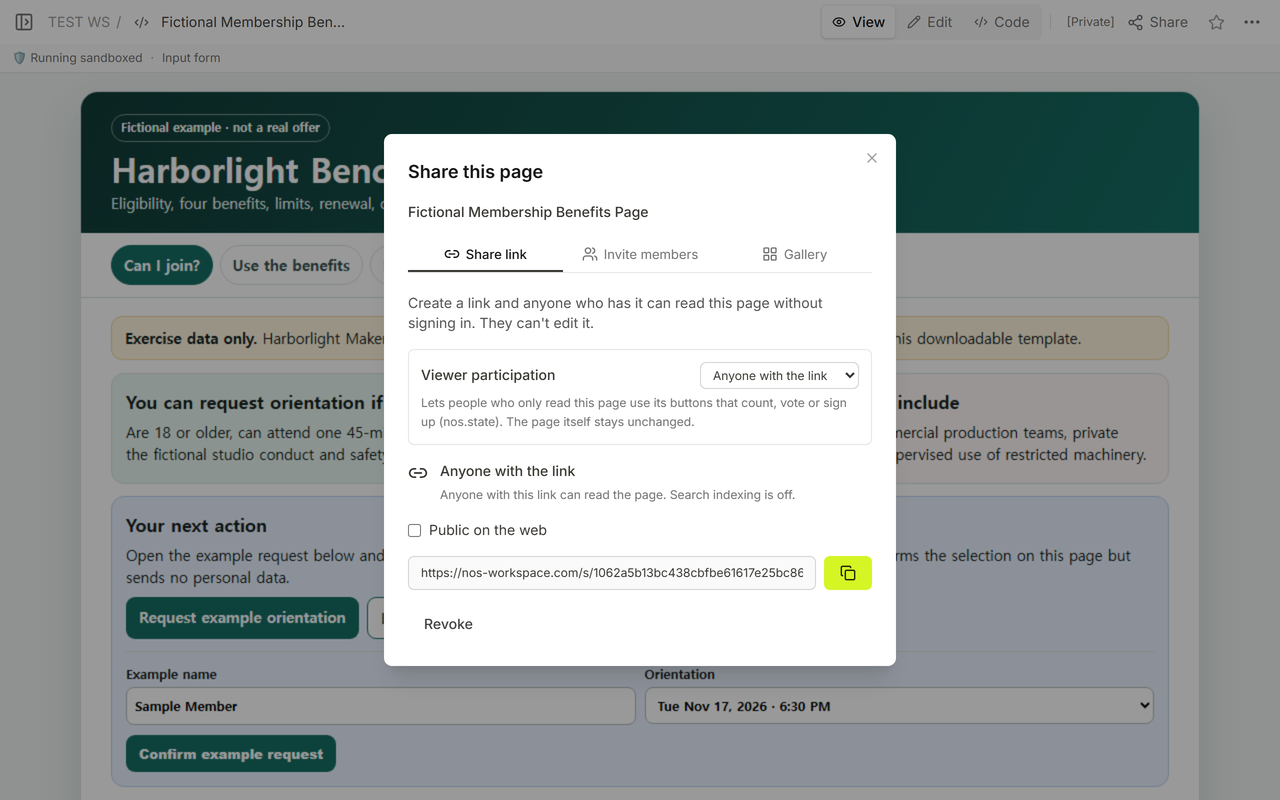
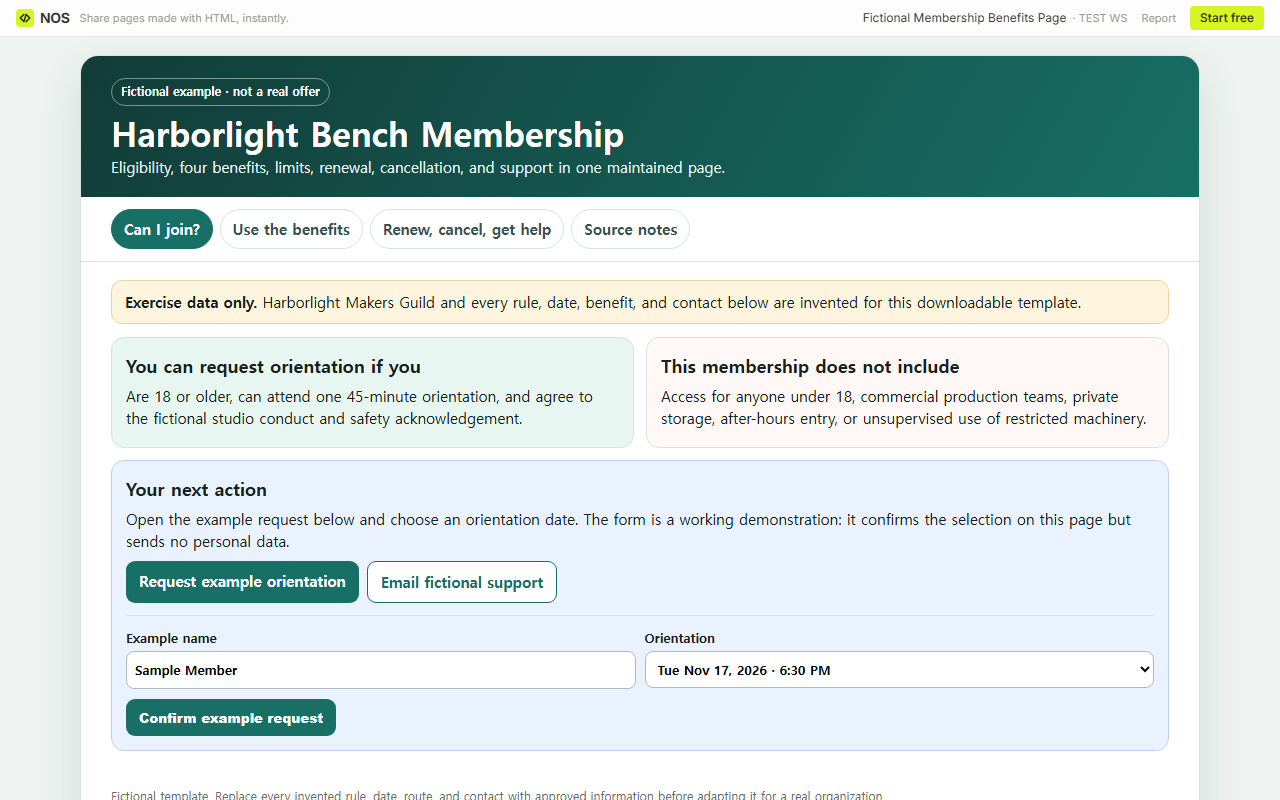
How do you give someone a usable next action?
Do not end with “contact us” unless the page contains a real route. In this template, the orientation button moves to a form on the same page. The reader can choose a displayed date and confirm the example request. A message then says that the selection was confirmed locally and that no information was sent.
That behavior is deliberately limited. It demonstrates where an orientation request belongs without pretending that the fictional guild receives applications. An alternate route uses membership@harborlight.example, an address clearly labeled as fictional. Anyone adapting the template must replace that address and test the real process before publishing.
Where should renewal, cancellation, and support go?
Keep account actions beside the offer they control. A current member should not have to search a separate marketing page to discover that renewal is not automatic or that future bookings need separate cancellation.
The example renewal path starts 30 days before the fictional end date, asks the member to confirm the same three eligibility conditions, and requires a request before the end date. The cancellation path asks for an email with the requested end date and warns that future bookings remain until they are cancelled separately.
The support block names one fictional address, desk hours of Monday-Friday from 10:00 AM-4:00 PM, the types of question that belong there, the last checked date, the next scheduled review, and the owner role. This gives a real page editor a complete set of fields to replace.
How should benefit source notes work?
Every visible promise needs a record that identifies what was checked and when. The example contains a source card for visitor orientation, shared bench booking, the skill-share session, and the materials library. It also covers eligibility and exclusions, plus renewal, cancellation, and support.
Each source card names a fictional controlling note and says it was reviewed on Nov 15, 2026. The source names are not links to real policies; they are placeholders that demonstrate complete coverage. A real page should replace them with approved documents that the owner can actually open.
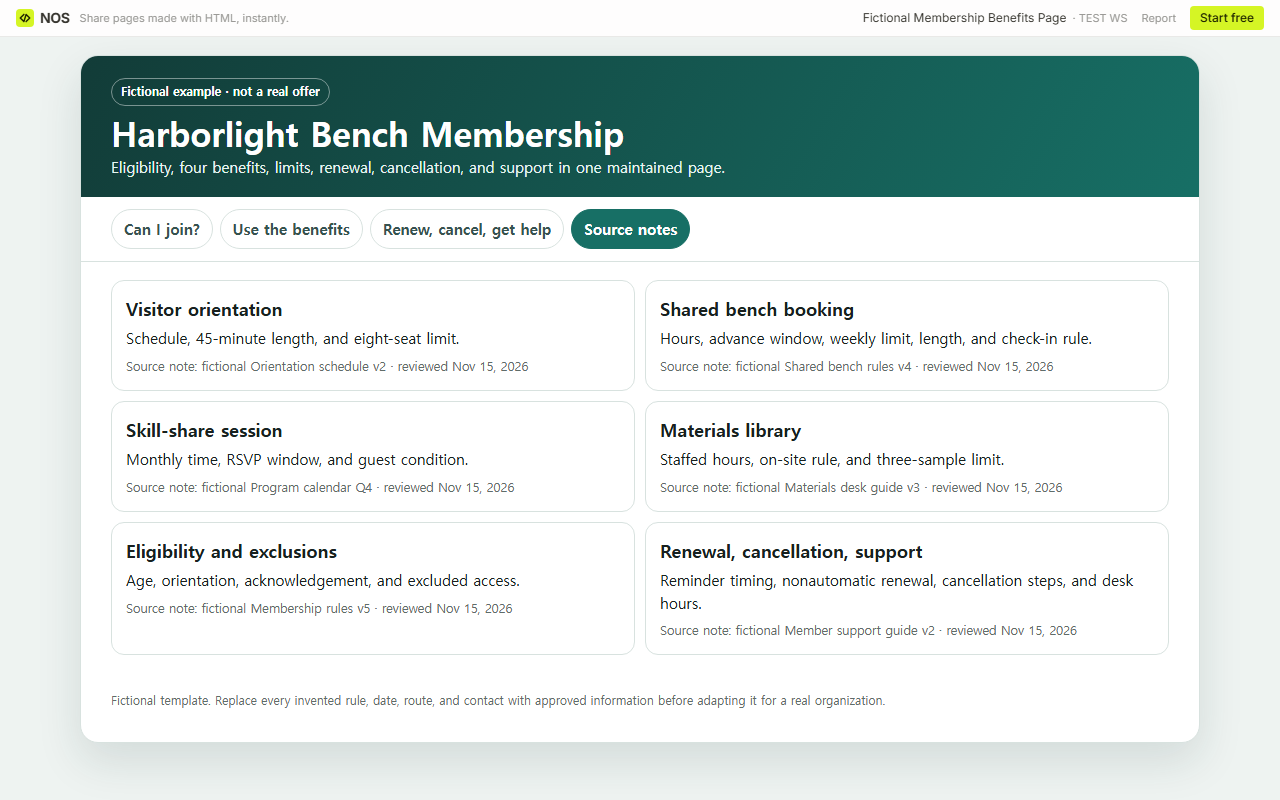
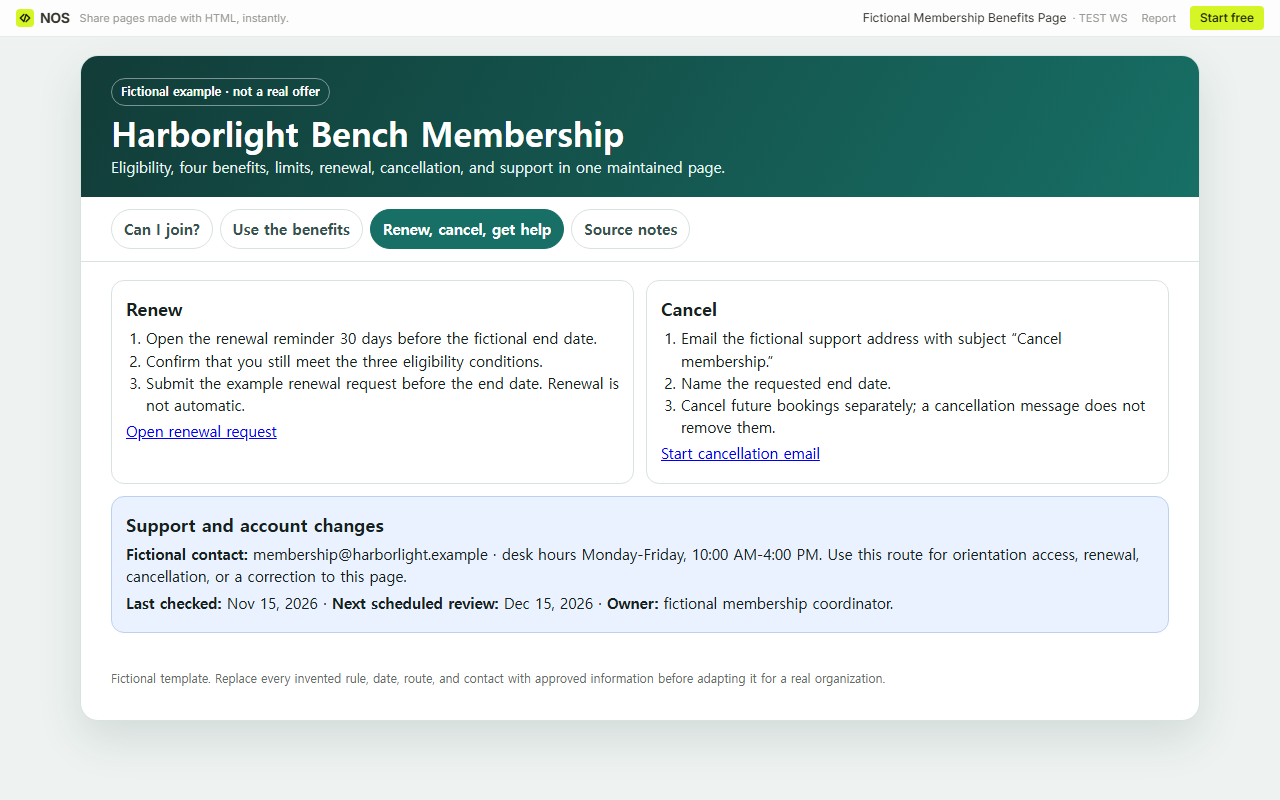
Finished template: one fictional page now contains a concrete eligibility test, five exclusions, four benefits with operating limits, a working example orientation choice, renewal and cancellation steps, support hours, six dated source records, and one named owner role.
What should you check before sharing your page?
- Replace every fictional value with information approved for the real membership.
- Read the eligibility and exclusion blocks before the benefit cards. Resolve any contradiction.
- Test each booking, application, renewal, cancellation, and support route.
- Match every visible benefit to a current source note and review date.
- Open the reader page and confirm that the crucial details are readable without editing access.
- Assign the next review to a role that can correct the offer when a rule changes.
A school club has different age, consent, meeting, and contact needs; the school club website guide covers that result. For a broader system of owners and evidence, use the SharePoint governance checklist. If a new member needs post-appointment duties rather than an offer decision, continue with the board member orientation manual.
When not to do this
- Do not publish member records, payment details, identity documents, private eligibility decisions, or access credentials on a benefits page.
- Do not present an application demonstration as a real submission process.
- Do not promise access outside the listed hours or beyond a stated booking, RSVP, guest, or materials limit.
- Do not use a short benefits page to replace formal terms, safety requirements, or an enrollment agreement.
- Do not leave an old checked date in place after a controlling rule has changed.
Using NOS for a membership benefits page
NOS Workspace held the complete fictional HTML, rendered the four reader sections in View, provided a reader address through Share, and kept the same page available in Edit. The example can therefore be maintained as one source while readers use the eligibility, benefits, account actions, and source views. Current plan information is available on the NOS pricing page; no price claim is needed for this template.