In short
A model comp card is a compact casting page, not a full portfolio.
Put one clear lead portrait beside current measurements, then add only the supporting images that show a different view.
Send the public share address, check it on a phone, and update the existing page when a detail changes.
You can start from the complete fictional example used in this guide instead of buying a template.
NOS Team made a fictional comp card for Mara Vale, an invented model profile. The page contains a lead portrait, height and measurements, three supporting views, a location, and a booking address at the reserved example.com domain. No person, agency, client, or booking claim on the card is real.
What belongs on a model comp card?
Keep the page narrow enough to scan without hunting. A model agency guide from Billion Models London lists a headshot, several supporting images, key measurements, hair and eye color, agency contact details, and a mix that includes a full-body view.
Our example uses that information in four blocks:
- Identity: name, work categories, and location.
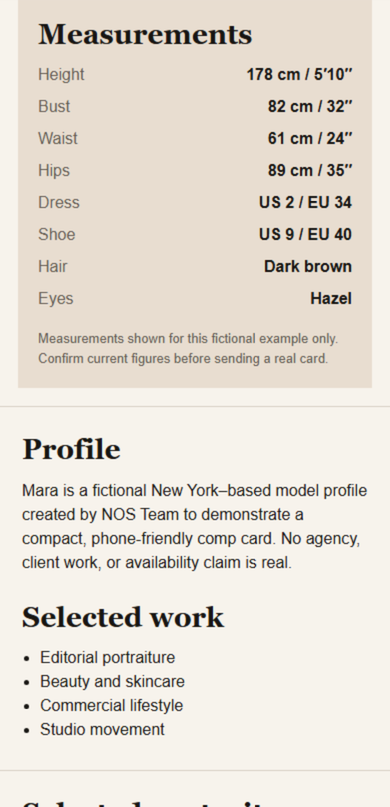
- Current figures: height, bust, waist, hips, dress, shoe, hair, and eyes.
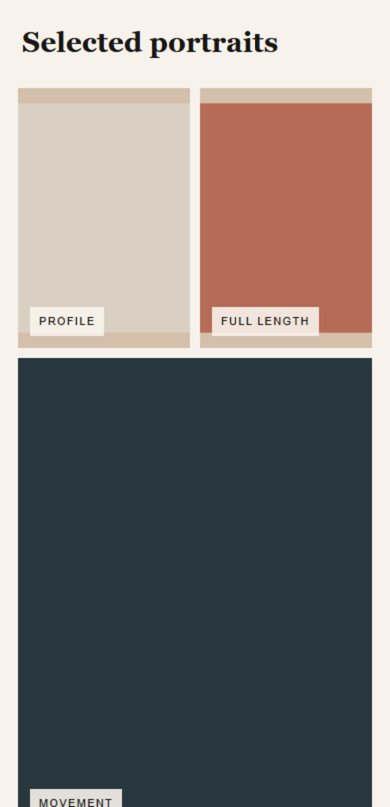
- Selected views: a lead portrait, profile, full length, and movement.
- Booking route: one contact section rather than contact details scattered across the page.
The figures and portraits are marked as fictional inside the page. A real card should use the exact details that the intended agency or casting notice requests.
How do you make a model comp card online?
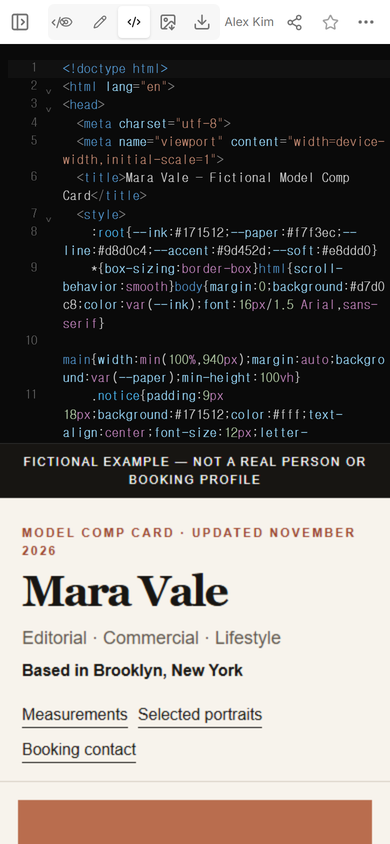
We built the complete card as one phone-friendly HTML file, then uploaded that file to the approved TEST WS page. Code view showed the source and the rendered card together, which made the title, fictional label, and first screen easy to compare.
Next, we opened View. The name, categories, location, navigation links, and lead portrait all fit the phone-width layout without horizontal overflow.
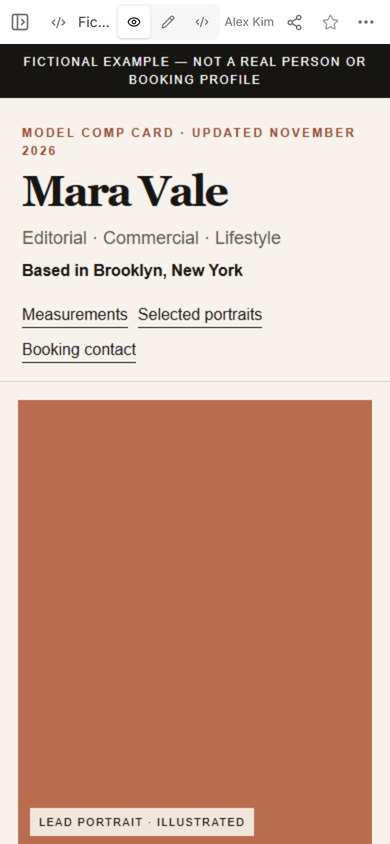
The finished model comp card example is the exact fictional file used for this run. Replace every name, measurement, portrait, location, and contact detail before using it. The file is a starting layout, not an agency-approved format.
How do you share a comp card with a casting contact?
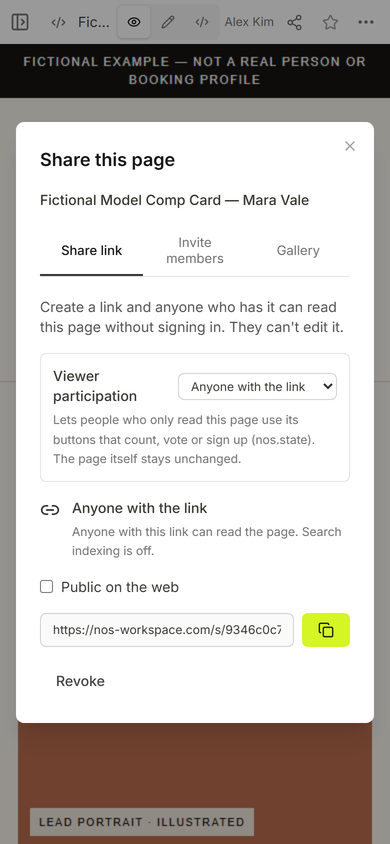
Open Share and use the public share address. In the panel we captured, “Anyone with the link” could read the page without signing in and could not edit it. Search indexing was off for that address.
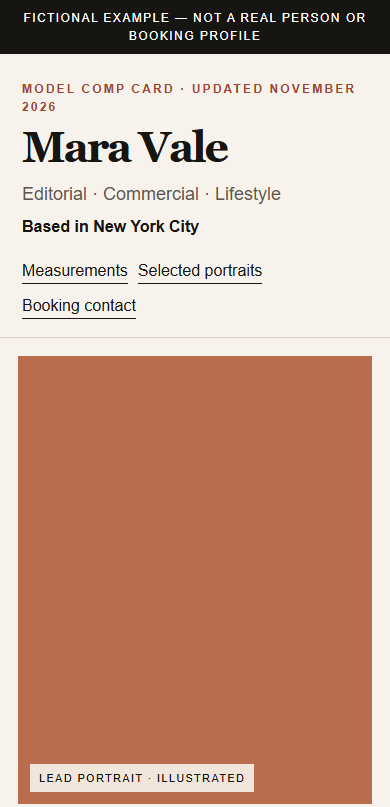
We opened that address at phone width outside the editor after completing the location correction described below. The public page showed the fictional notice, model name, work categories, New York City location, section links, and lead portrait.
The Measurements link jumped directly to the stats block. The same screen also showed the fictional profile statement and the selected-work list, so the numbers were not separated from their context.
What should you check before sending the link?
- Read every figure again. A polished layout cannot repair an old height, shoe size, or measurement.
- Check what each image adds. Another close-up is less useful when the card still has no full-length view.
- Open the public address. The editor view proves that you can work on the page; the share address proves what the recipient can open.
- Review the contact route. Use an agency or booking contact when appropriate, and do not publish a private address that you do not want forwarded.
- Follow the casting instructions. If the notice asks for separate files or a form, send those items in that format.
Can you correct the card after sharing it?
We tested one real correction on the existing NOS page. The uploaded version said “Based in Brooklyn, New York.” Our first text selection caught only part of that line, so the visible result contained doubled words. We inspected the page, restored the role row, set the location to “Based in New York City,” and saved it. The editor kept its normal sandbox setting throughout the input.
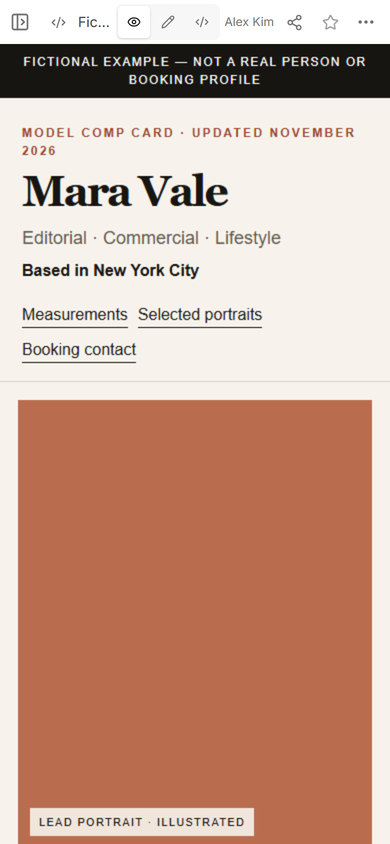
We reopened the original public address and confirmed the corrected city while the share address stayed the same. The Selected portraits link on that page also moved to the profile, full-length, and movement views.
Is a comp card the same as a modeling portfolio?
No for the page built here. This comp card is a compact identity and stats page. It does not include long project stories, complete photo sets, or a detailed work history. A longer portfolio page is better when the recipient needs broader work and context.
If you need to send many images rather than a short selection, build a separate photo gallery link. If the main job is exchanging a name and contact links, the shorter digital business card is the closer format. Keeping those purposes separate stops the comp card from becoming an unfocused personal site.
When not to do this
- Do not substitute this page for an agency form, requested PDF, or separate photo upload.
- Do not publish private contact details, unreleased photos, or information you are not allowed to share.
- Do not use the fictional measurements or portraits from the example as your own.
- Do not use this static example when you need appointment booking, payment, or a submission form. It contains none of those features.
Using NOS for a model comp card
For this example, NOS provided one place to open the HTML in Code, check the rendered card in View, create a reader link in Share, and correct visible text in Edit. The receiving page opened without an account in our public-link check. Review the current pricing page for account limits rather than relying on an old price copied into a guide.