In short
Choose a Monday start date, set opening and closing times, select an interval, and mark the weekdays you use.
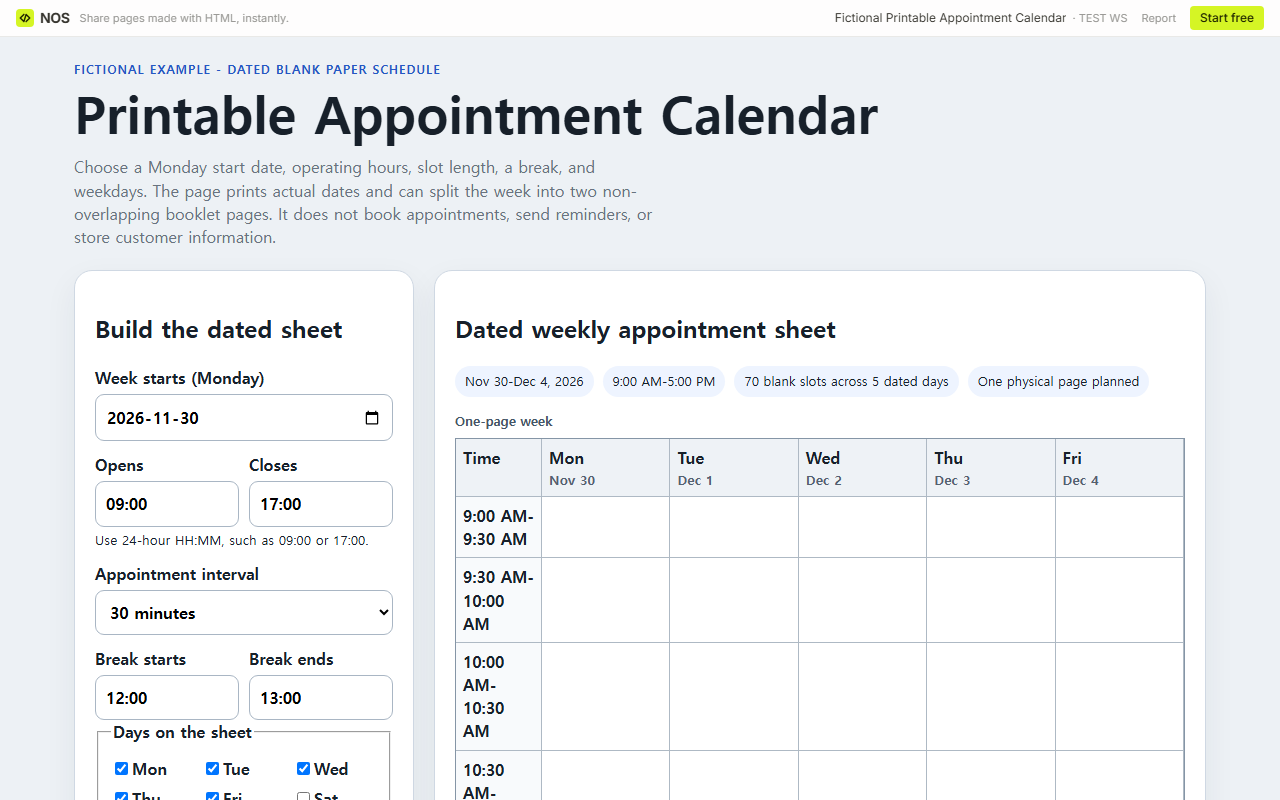
The finished example labels Monday through Friday with Nov 30-Dec 4 and creates 70 writable cells after removing a one-hour break.
One-page mode keeps the dated week together. Booklet mode splits Monday-Wednesday onto Page 1 and Thursday-Friday onto Page 2, with a print page break between them.
This is a paper worksheet. It does not accept bookings, send reminders, or store customer records.
NOS Team made a fictional dated sheet for a small studio. The week starts Monday, Nov 30, 2026 and crosses into December. The schedule runs from 9:00 AM to 5:00 PM in 30-minute intervals, with 12:00 PM-1:00 PM marked as a break. Names and phone numbers belong on the printed copy, not in this demonstration.
Download the dated appointment calendar and two-page booklet. The self-contained file includes the date calculation, time slots, non-overlapping front and back pages, and print page-break rules.
What does the finished blank appointment sheet include?
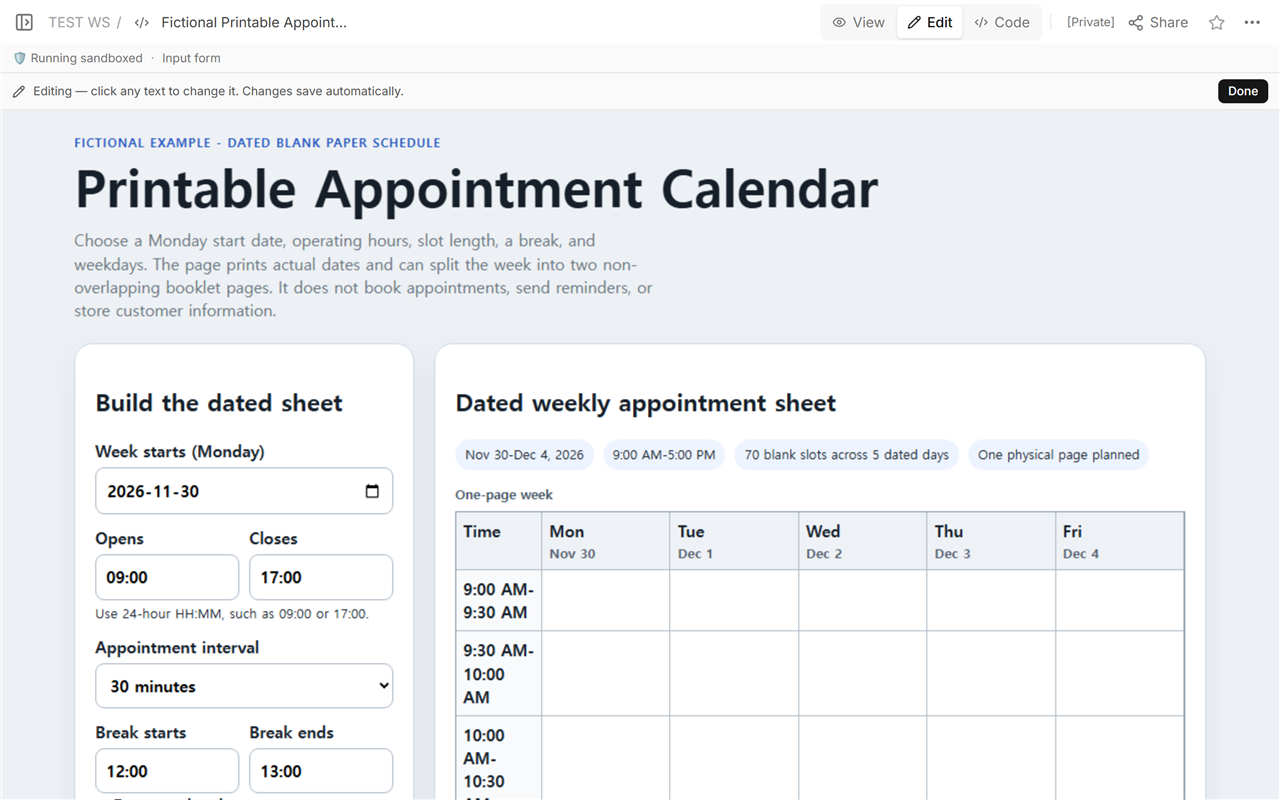
The default result shows Mon Nov 30 through Fri Dec 4, a labeled time column, 30-minute rows, and blank cells for handwriting. Fourteen open rows across five dated days make 70 blank appointment cells. The two break rows remain visible and are labeled instead of being counted as appointments.
How do operating hours and intervals become time slots?
The page starts at the opening time and advances by the selected interval until closing. A row that overlaps the supplied break is marked as a break. If closing time is not an exact multiple of the interval, the final row stops at closing rather than extending past it.
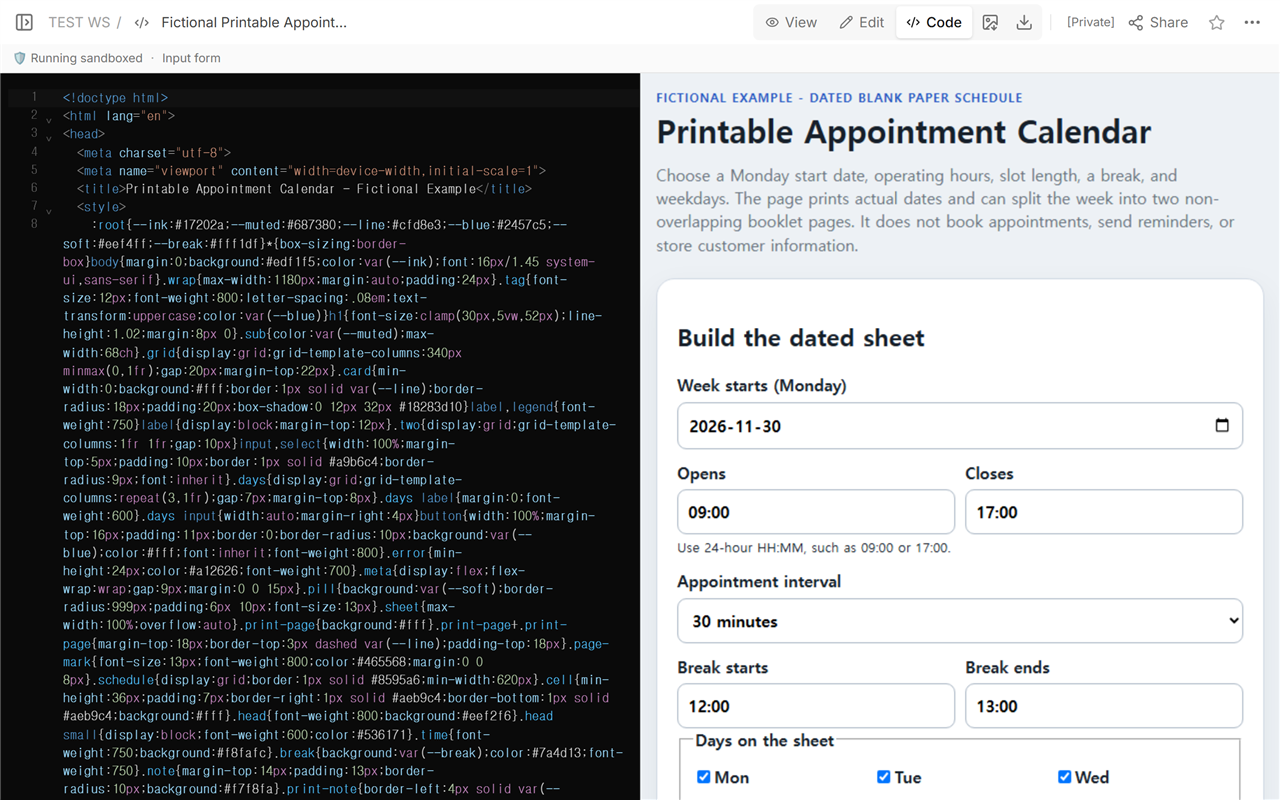
In Code, the complete file and its rendered result appear together. This made the source, the controls, and the blank output available for the same check.
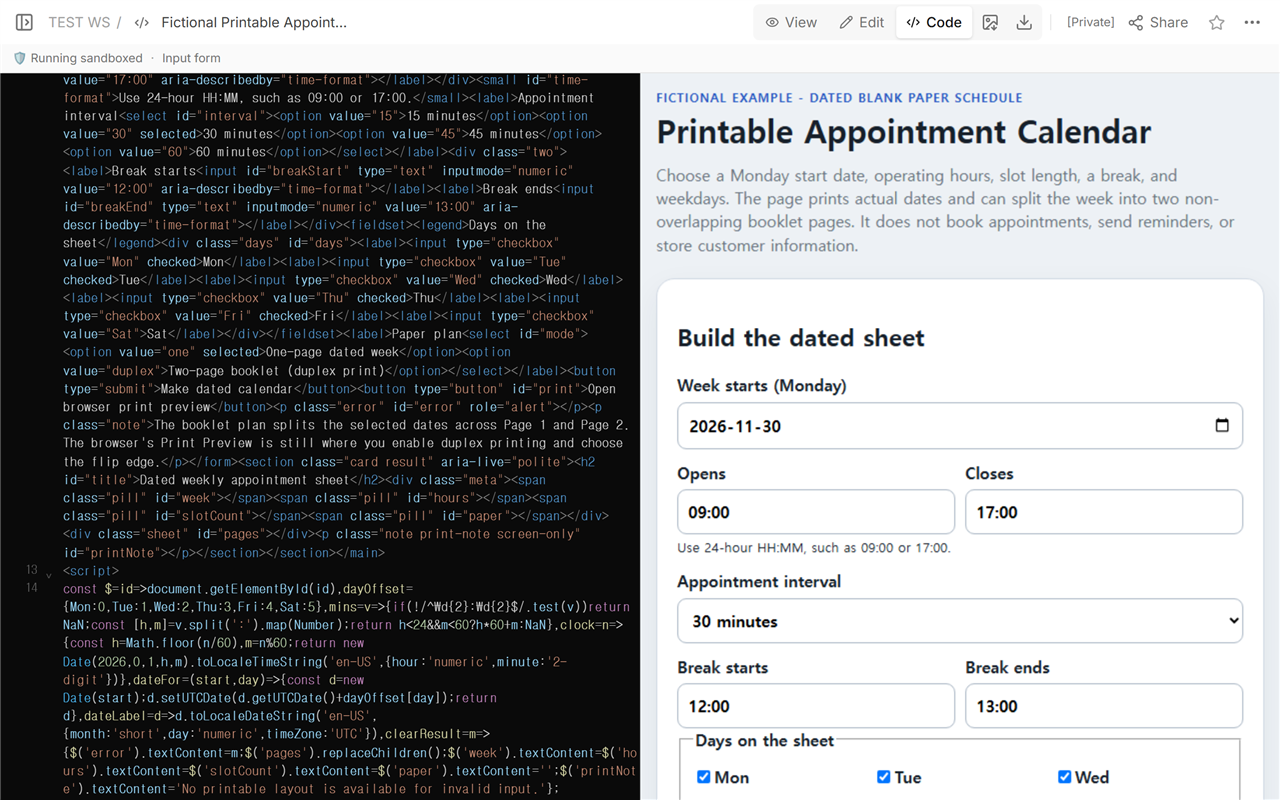
The lower part of Code shows the paper-plan labels and the statement that an on-screen layout plan is not the browser Print Preview.
How do you choose one-page or duplex printing?
One-page dated week keeps all selected dates in one schedule. Two-page booklet creates two different print sections: Page 1 contains Monday-Wednesday and Page 2 contains Thursday-Friday. The print stylesheet forces a page break after the front section; neither date appears on both sides.
Use the button to open the browser's actual Print Preview. For the one-page plan, confirm one physical landscape page and check scale and margins. For the booklet, confirm exactly two pages, enable duplex printing, choose the correct flip direction, and print a short test. The two on-screen page markers prove the split, but only Print Preview can confirm the printer settings.
What happens when a time or day is invalid?
The example rejects a blank start date, a start date that is not Monday, blank or reversed operating times, a break outside operating hours, a break with no duration, and a week with no selected day. Each invalid case clears the old schedule. A corrected input creates a fresh result, so a valid-looking dated table is not left beside an error.
The tested alternate booklet starts Nov 30, runs 8:30 AM-4:30 PM in 45-minute intervals, breaks from 11:30 AM-12:15 PM, and includes Monday through Saturday. It produced 60 open cells across six dated days and two pages containing three different dates each.
How can someone inspect or share the calendar?
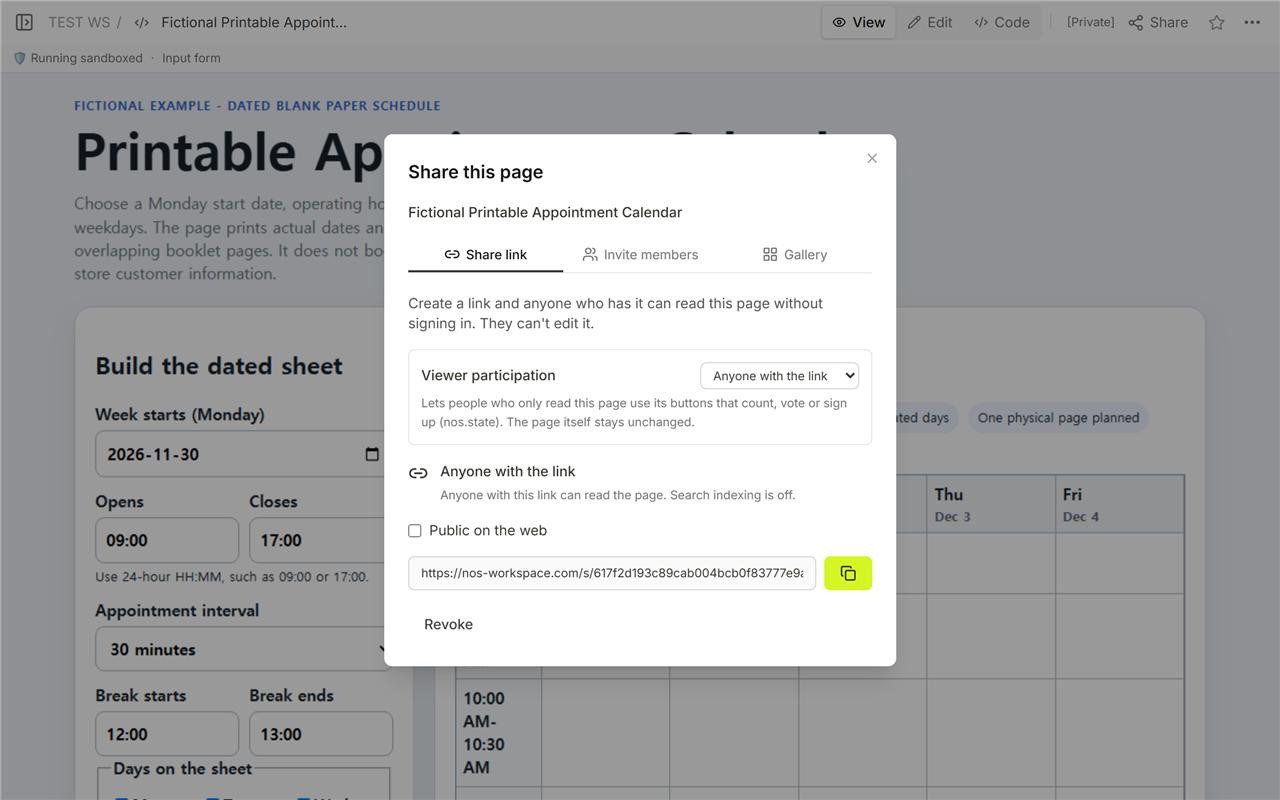
Share displayed the reader address for this fictional page. The captured panel states that anyone with the link can read the page without signing in and cannot edit it. Search indexing was off in that captured state.
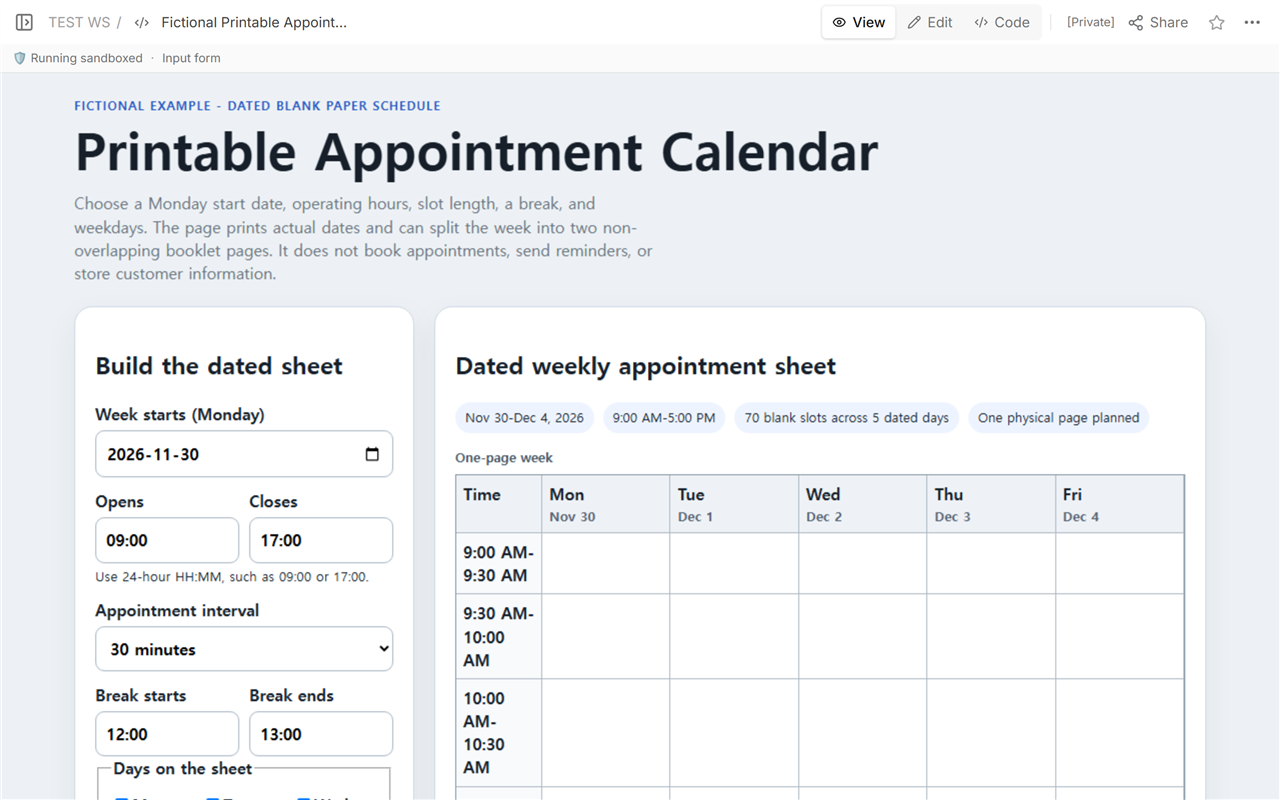
Edit opened the existing page rather than another document. Static wording can be changed there, while the week start, operating hours, weekdays, and page plan remain normal controls inside the example.
What should stay off this paper template?
This page is not an online booking system. It has no availability service, appointment confirmation, reminder delivery, customer account, or record storage. If the schedule will contain personal details, decide how the printed sheets will be handled and disposed of; this example does not supply a privacy process.
When not to do this
- Do not use a paper grid when customers need to reserve or cancel appointments online.
- Do not describe the blank cells as live availability.
- Do not rely on the on-screen sheet as proof that one-page or duplex printer settings are correct.
- Do not put sensitive customer details into a public example.
Using NOS for the printable sheet
NOS displayed the self-contained dated calendar in Code, View, and Edit and supplied the reader address checked above. The date and slot calculation runs in the open page. NOS does not turn this paper template into a booking service, reminder system, or customer database. Check the NOS pricing page before choosing a plan.
Which print guides help with this calendar?
Read print stylesheet CSS for the rules that change a screen page for paper. Use print an HTML page for browser print checks. A meal train sign-up is different because it depends on a maintained participation calendar rather than a blank paper worksheet.