In short
Choose one curatorial idea and write the exhibition statement before arranging the works.
Give each work a fixed place in the sequence, with a title, maker, date, medium, caption, and credit.
Use one page and one share link so a visitor can move from the entrance to the final credit without choosing between files.
Open the finished page on a phone and follow the same route a visitor will take.
NOS Team built a fictional exhibition called After the Rain for this guide. It contains three invented artworks arranged as Surface, Window, and Memory. We created the page, opened it in NOS, used its Works link to jump to the first artwork, corrected the entrance text in Edit, and reopened the same viewer link. No real artist, collection, customer, or visitor response is represented.
How do I make a virtual exhibition website?
Start by writing the path through the show in one line. For this example, the path was: a wet street surface, a lit window, then the memory of both. That sentence decided which work came first, what each caption needed to explain, and where the exhibition should end.
Next, prepare the information that belongs beside every work:
- title
- artist or maker
- date and medium
- a short caption that advances the exhibition idea
- a credit or rights note
Keep those fields consistent. A visitor should not have to guess whether an italic line is a material, a date, or part of the interpretation.
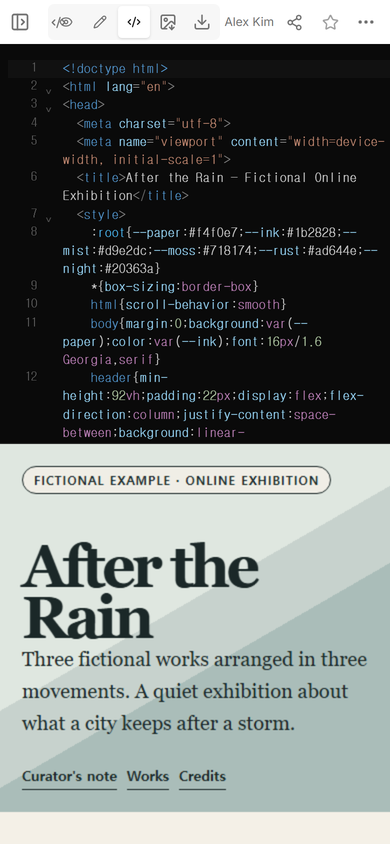
We placed the entrance, all three works, and the credits in one complete page. Code view showed both the source and a live preview, which made it possible to check the exhibition structure before sharing it.
What should a virtual exhibition include?
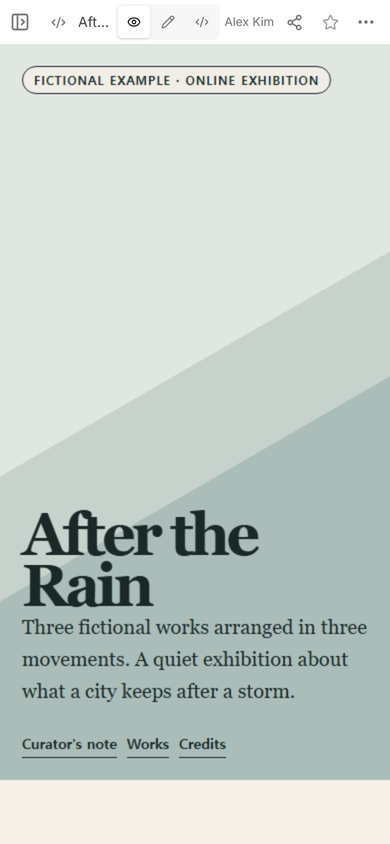
The entrance needs a title, a visible statement that the example is fictional when appropriate, a short introduction, and a small set of navigation choices. Our page links to the curator's note, the works, and the credits. It does not ask the visitor to decode a complex menu before seeing any art.
The middle of the page should carry the sequence. Each section in After the Rain has a movement name, one artwork, its identifying details, an interpretation, and a credit. The final section names the page arrangement and gives the intended viewing order.
This is the key difference from a digital art portfolio. A portfolio represents the artist's range for commissions, hiring, or discovery. An exhibition narrows the selection and asks the works to build one argument in a deliberate order.
How do you arrange artwork in an online exhibition?
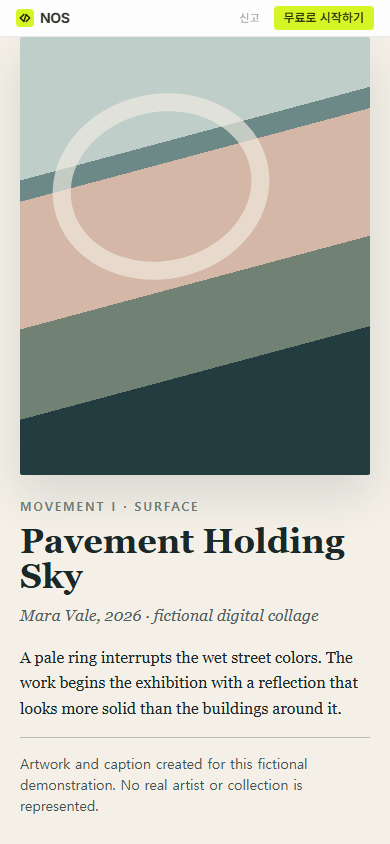
Do not begin with the strongest-looking thumbnail. Begin with the work that teaches the visitor how to read the rest. In our sequence, Pavement Holding Sky introduces the reflected colors. Light Left On turns those colors toward an interior. Weather Recalled compresses them into bands and leaves an open shape for the ending.
Use the caption to explain the work's role in that sequence, not to repeat the title. If two neighboring captions could trade places without changing anything, the order probably is not doing enough.
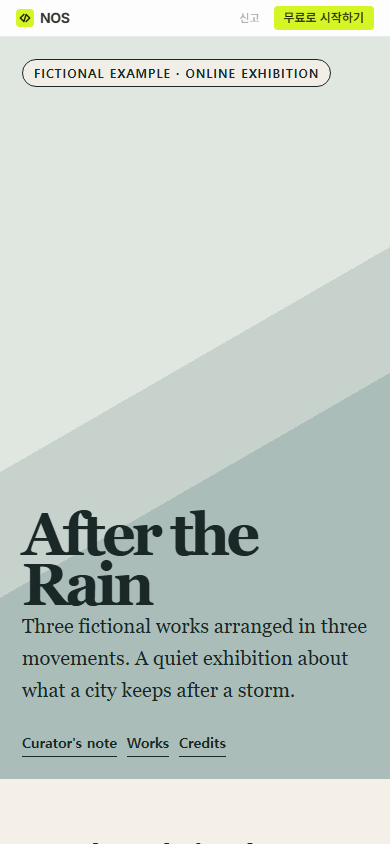
The first phone check exposed a practical layout choice: the entrance gives the title and introduction most of the first screen, while the three section links sit at the bottom of the hero. That is acceptable for a slow, guided opening, but it would be the wrong design for a searchable archive. The layout should match the kind of looking you want.
How should artwork captions work online?
Keep the identifying line separate from the interpretation. In this example, the italic line gives the fictional maker, year, and medium. The paragraph below explains why the work occupies this point in the show. The credit line then states that the work is invented and represents no real collection.
That separation also makes corrections safer. A changed date should not force a rewrite of the interpretation, and a rights note should not be buried inside curatorial prose.
If your main goal is to send many photographs for browsing or download, a photo gallery link is a better structure. It treats the set as images to inspect. A virtual exhibition adds a curatorial entrance, a fixed progression, and an ending.
Can I correct the exhibition after sharing it?
We tested one small correction on the existing page. In ordinary Edit, we added “Begin with Surface.” to the entrance and selected Done. We did not create a replacement page or another viewer address.
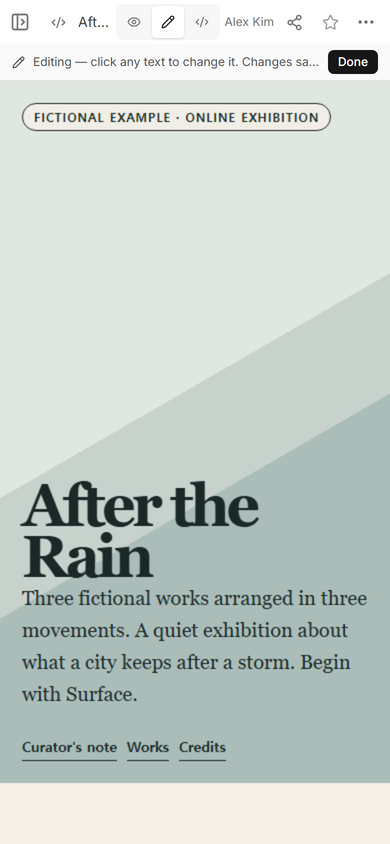
The important check came after Edit. We reopened the viewer address instead of assuming that the visible editor text was already the final result. Use that same habit after every title, caption, or credit correction.
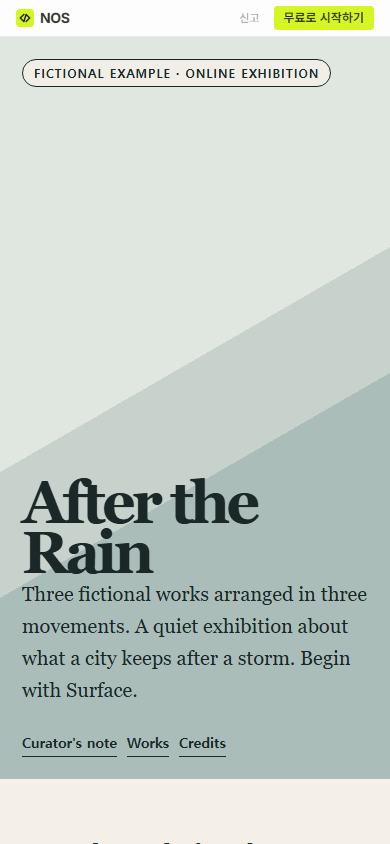
Result: one fictional online show now has an entrance, three ordered works, complete captions and credits, section navigation, and a closing credit at one viewer address. The remaining work for a real exhibition would be replacing every invented item with verified artwork files, names, dates, media, permissions, and rights text.
When not to do this
- Do not use a public exhibition page for private submissions, embargoed work, or material you do not have permission to publish.
- Do not force a curatorial sequence onto a set whose purpose is fast image delivery; use a gallery instead.
- Do not pretend a static exhibition page can collect entries, sell tickets, process payments, or schedule visits. Those tasks need separate services.
- Do not publish invented credits or placeholder rights text as if they were final records.
Using NOS for a virtual exhibition website
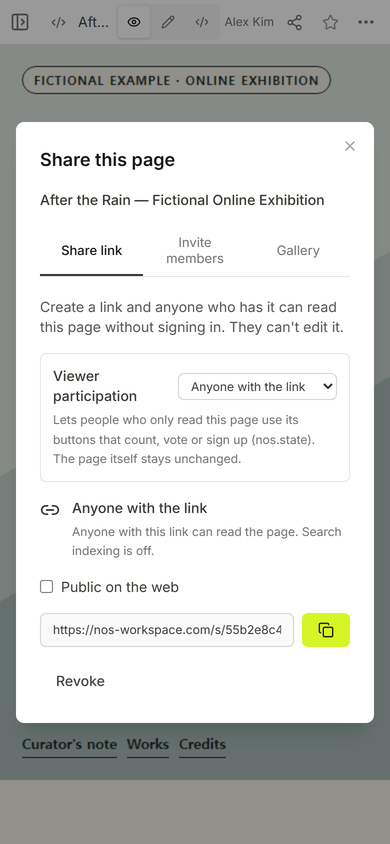
NOS can hold a complete HTML exhibition, show it in Code and View, provide an ordinary Edit mode, and create a viewer link from Share. In this example, the Share panel said anyone with the link could read the page without signing in and could not edit it. You can start from HTML to link and check the current pricing page without copying plan amounts into the exhibition.