A 3D portfolio is assessed on two things at once: whether the final image is good, and whether the work underneath it is production-ready.
Showing only the render answers half the question.
This guide covers what to show alongside each piece, turntables, and weight.
Show the wireframe
For any production role, topology matters.
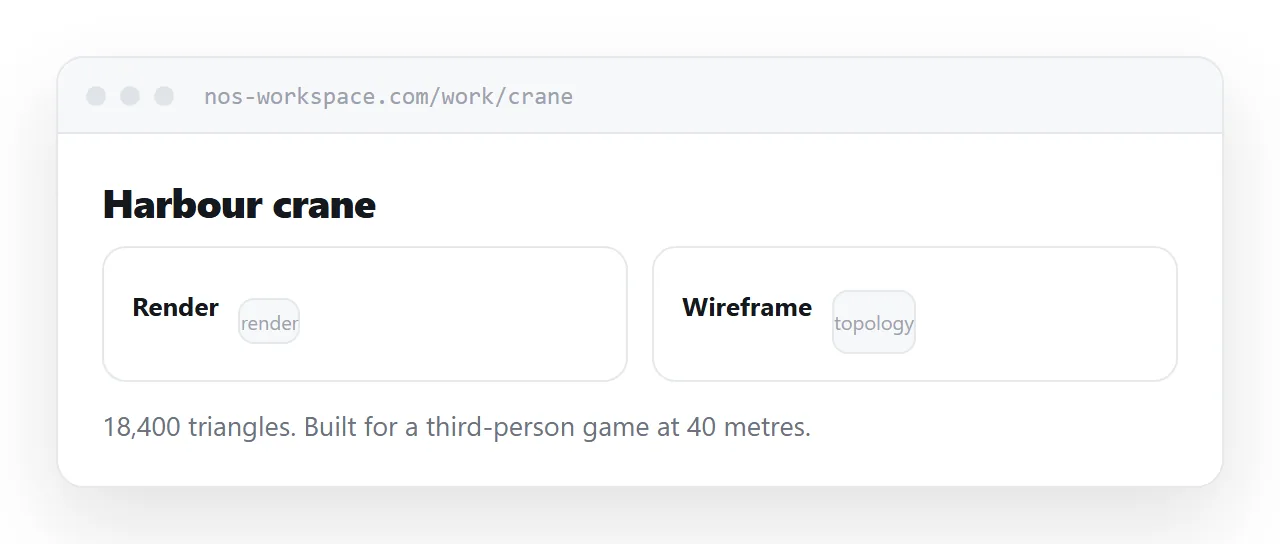
A studio hiring a modeller is asking whether the mesh deforms cleanly, whether the polygon count is reasonable for its purpose, and whether the edge flow follows the forms. None of that is visible in a render.
Put the wireframe beside the final image. Where the model is for a game, say the polygon count and the target platform. Where it is for film, say what it was built to do.
That single addition moves a portfolio from decorative to professional.
Texture work is hidden by good lighting
A well-lit render flatters a texture set. That is what lighting does.
A flat-lay of the maps beside the render shows the work directly: the wear, the edge damage, the material variation. Include it for the pieces where the texturing is the strength.
Say what was hand-painted and what was procedural. Both are legitimate and the distinction is one a reviewer will make anyway.
| Render only | Render plus breakdown | |
|---|---|---|
| Shows lighting skill | Yes | Yes |
| Shows topology | No | Yes |
| Shows texture work | Partially | Yes |
| Reads as production-ready | No | Yes |
Turntables, short and light
Ten seconds, looping, at a modest resolution.
Form reads far better in motion than in stills, and a short turntable answers questions about silhouette and proportion that a fixed camera cannot.
Keep it small. A high-resolution turntable is heavier than every image on the page combined, and the portfolio then loads slowly, which costs you more than the turntable gains.
Put it behind a play control rather than autoplaying, so visitors on mobile data choose to load it.
Weight is the practical problem
Renders are among the largest images anyone publishes.
Serve screen-sized versions on the page with full resolution on tap for anyone studying the detail. Load images below the fold only as the visitor scrolls.
Reviewers give a portfolio about twenty seconds. A page where the first image appears after four of them has spent a fifth of its chance on a loading indicator.
Say what you did
Most production work is shared.
State your contribution precisely: modelling only, look development, the environment but not the character, the version that shipped or the one that did not.
The industry is small and shots are recognised. Claiming a shared piece without qualifying it is noticed, and it costs more than the piece was worth.
Lead with the relevant piece
Order by the job you want, not by date.
A studio hiring an environment artist that opens on your best character work reads you as a character artist. The strongest piece for the role goes first, every time you send the portfolio for a different role.
Per-piece addresses make that possible without rebuilding anything.
Two neighbouring cases are worth a look: How to build a concept artist portfolio and How to build a digital art portfolio.
Put it at an address
Show wireframes beside renders, include short turntables, serve screen-sized images with full resolution on tap, state your exact contribution, and lead with the piece closest to the role.
Then the portfolio answers both halves of the question.