In short
A useful property page answers the first practical questions near the top: status, price, location, bedrooms and bathrooms.
Follow with a labeled gallery, a floor plan people can enlarge, viewing details and a clear route for questions.
Share the reader link. If the price changes, revise the existing page and check that the same public address shows the correction.
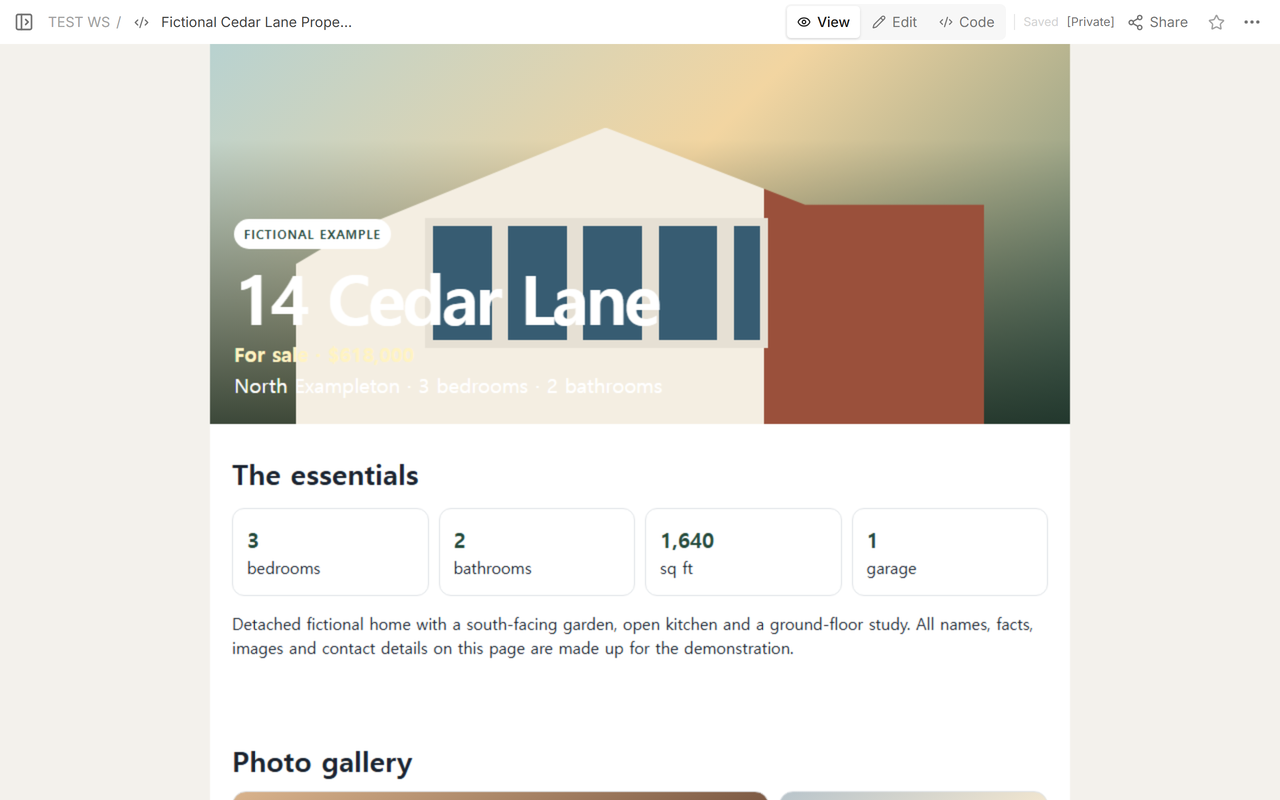
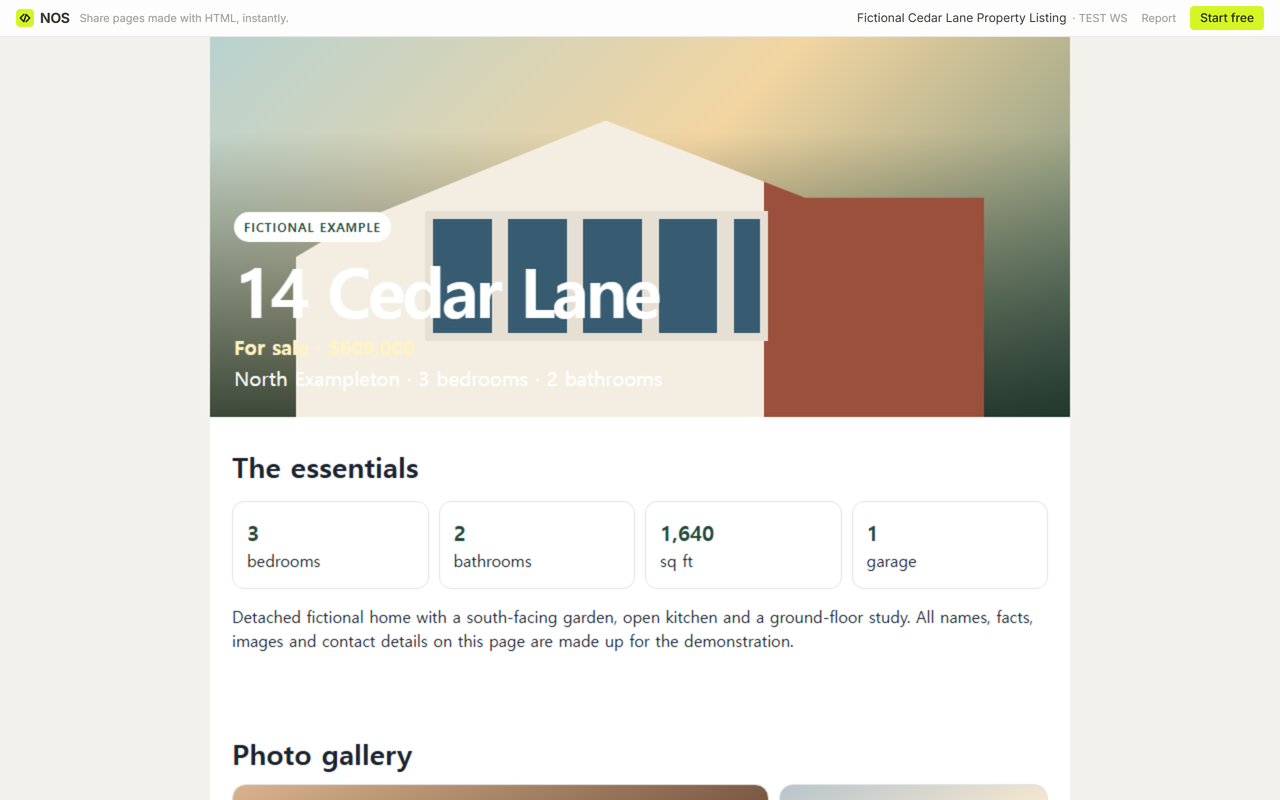
The fictional 14 Cedar Lane listing contains made-up property facts, illustrated gallery panels, an expandable floor plan, a viewing slot and an external inquiry button. Its displayed price changes from 618,000 to 609,000 on the existing page, and the original reader address shows the revised figure.
What should a real estate listing page design include?
Start with the information a reader needs to identify the home. Put the listing status, current price, broad location, bedroom count and bathroom count on the opening screen. A street address can be useful when it is meant to be public, but a vague sales description should not push the essential facts lower down.
The fictional page uses a clear order:
- Identity: status, address, price and location.
- Core facts: bedrooms, bathrooms, floor area and parking.
- Gallery and plan: labeled room views followed by a readable floor plan.
- Next action: viewing notes and a separate inquiry destination.
Keep photographs, price, room count, location, floor plan and contact information together, but do not claim that every buyer follows the same decision pattern. If the page has no measured visitor tracking, leave performance claims out.
How do you make a property listing page?
- Prepare the facts. Confirm the status, price, address, room counts, area, parking, viewing details and inquiry destination against the current listing sheet.
- Build one complete mobile page. Keep the main facts near the top. Label each image and place the floor plan after the gallery.
- Add the finished page in NOS Code. Inspect the rendered result rather than sending the editing address.
- Read it in View. Check the title area first, then continue through the gallery, plan and contact section.
- Create the reader address in Share. Copy that link and verify what someone outside the workspace can open.
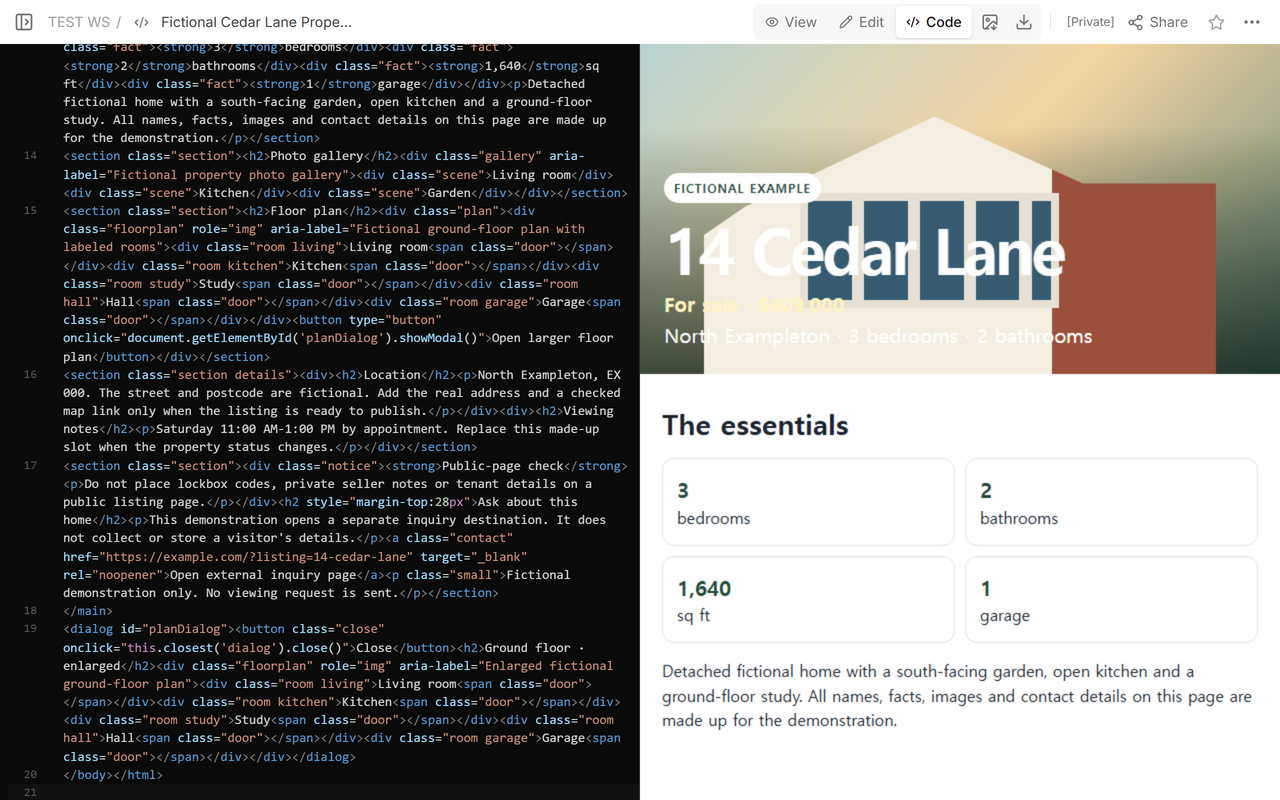
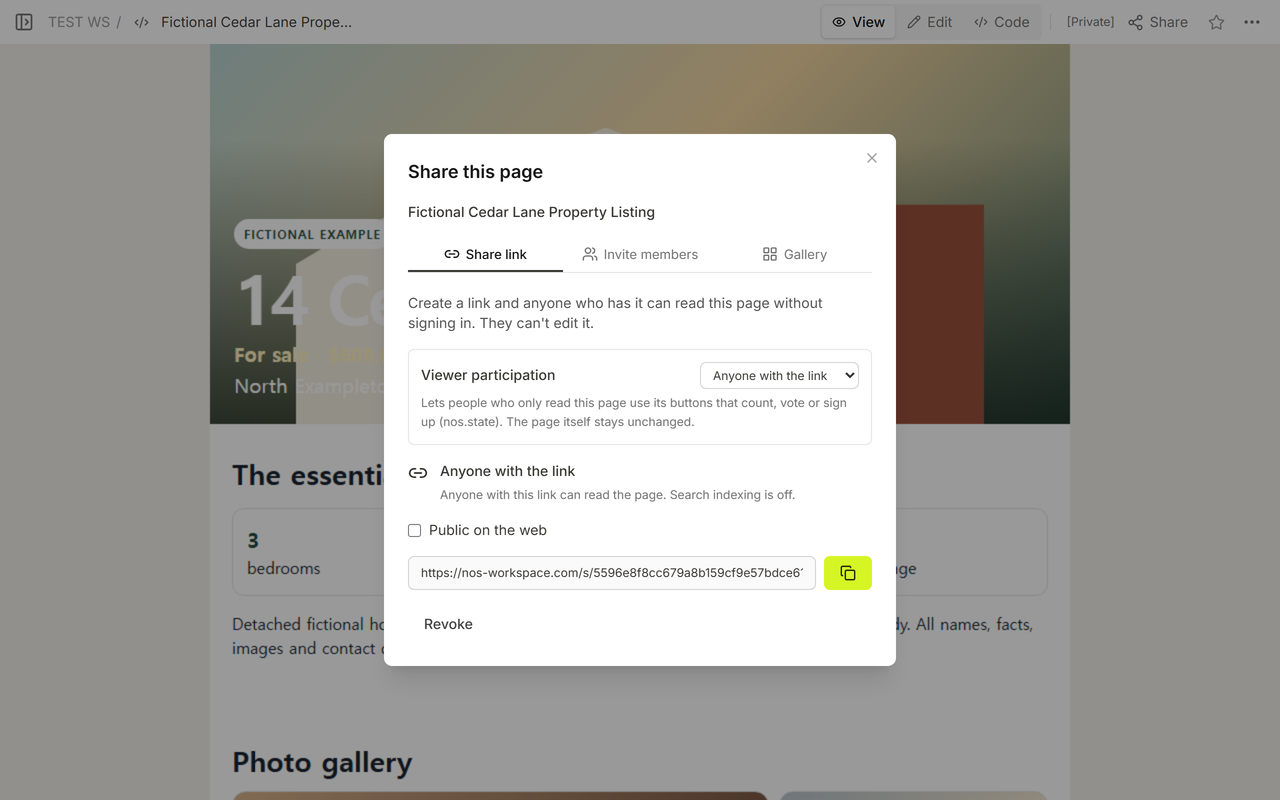
Keep the workspace address for the person maintaining the listing. Send the link from Share to readers. That distinction matters when the page is forwarded because the recipient should land on the property, not inside an editing screen.
How should property photos and floor plans appear on a phone?
Give every image a job. A gallery is easier to follow when each view is named, especially if several rooms use similar colors. Put the main room first, then move through the home in a deliberate order. Do not mix inspection notes or owner-only documents into the public gallery.
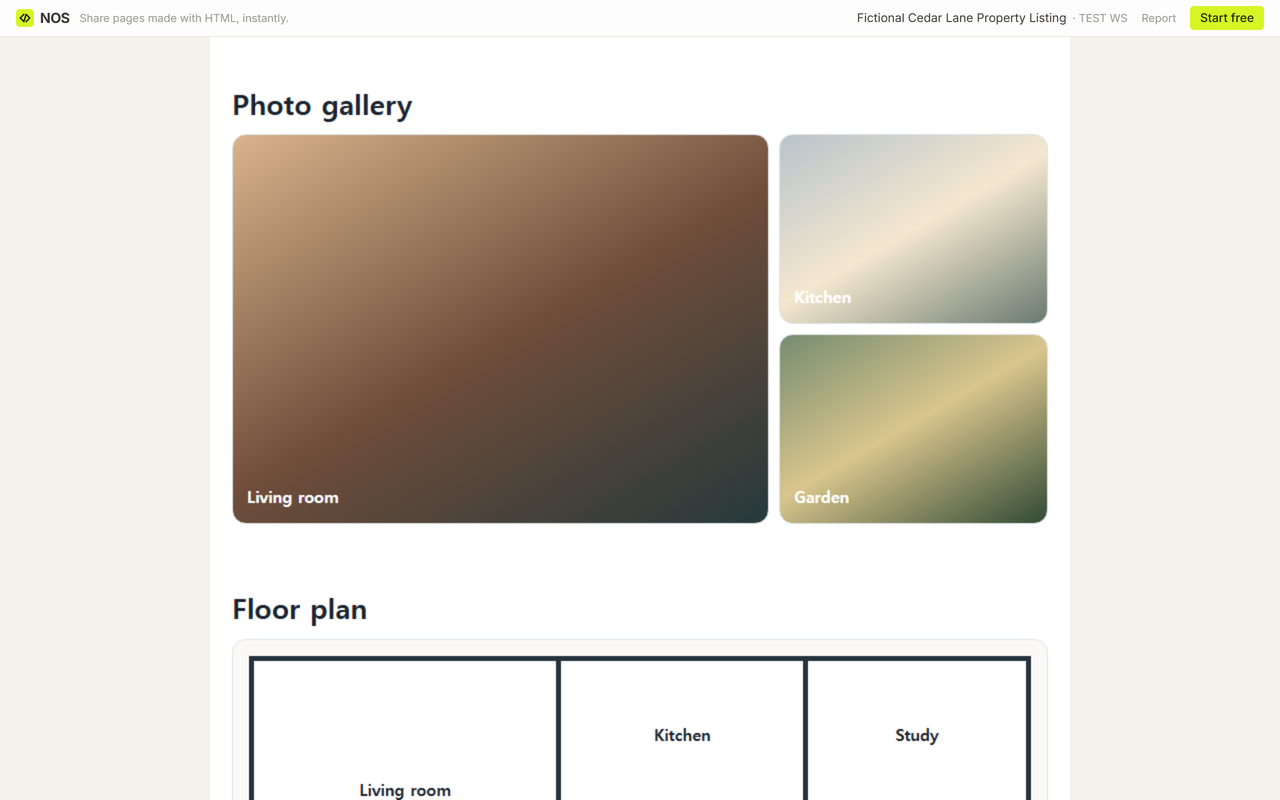
A floor plan needs enough space to be studied. Show a readable preview, then provide an explicit control for a larger version. The control in the fictional page opens the plan in a modal over the listing. The Close button returns the reader to the same place.
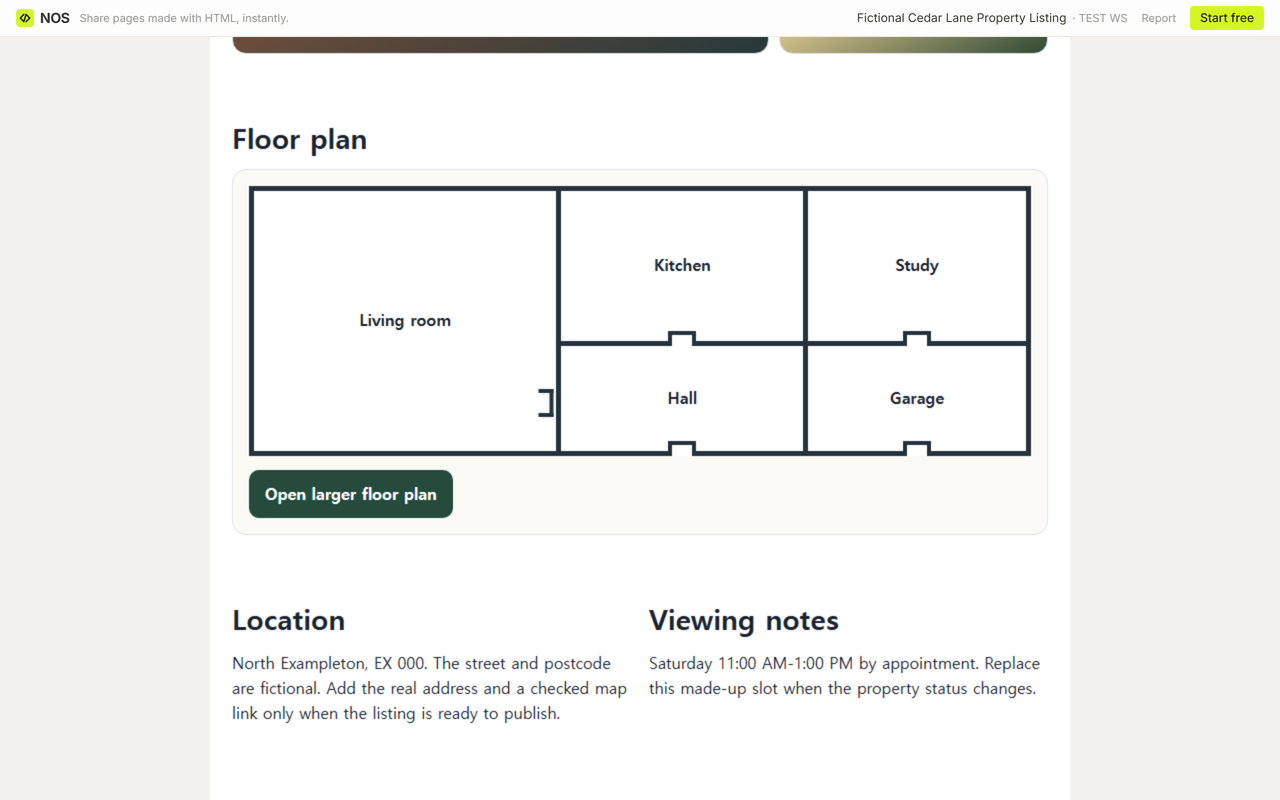
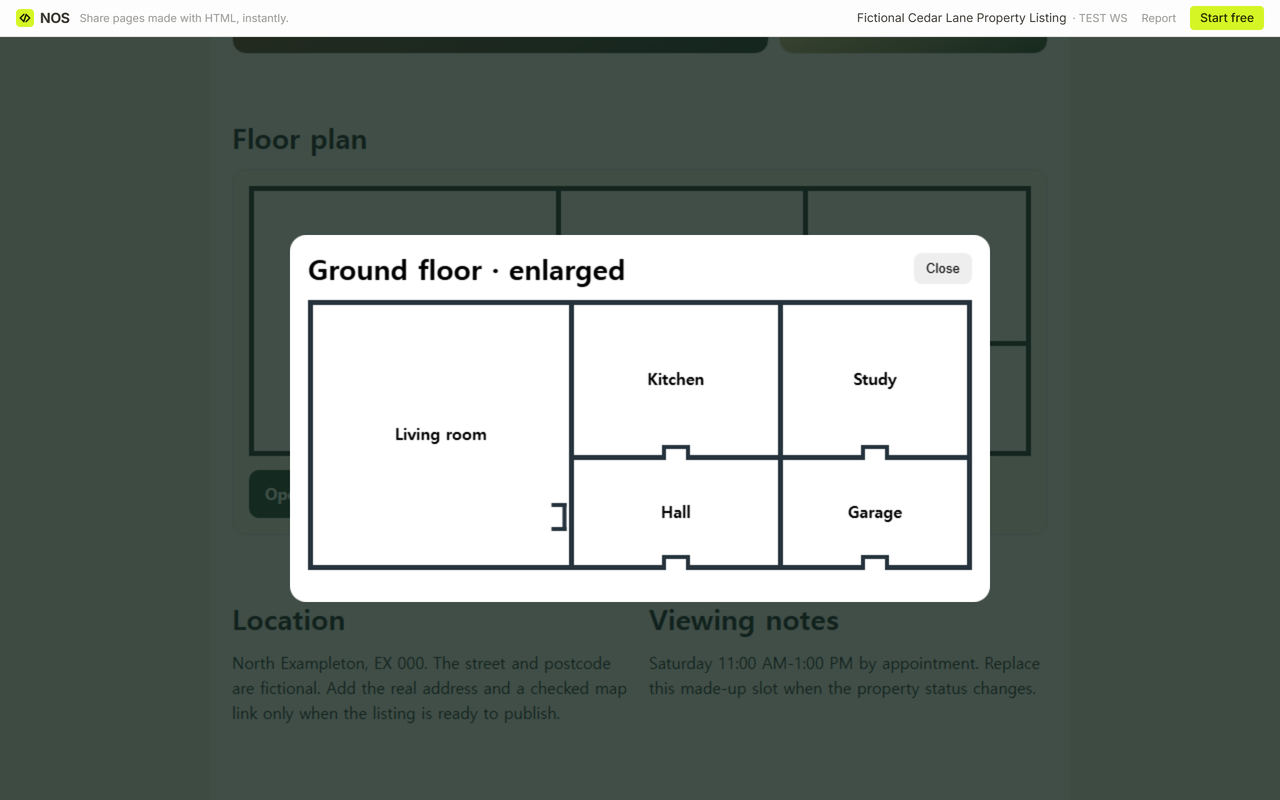
The demonstration uses drawn room panels rather than real listing photographs. Replace them with images you are allowed to publish, use descriptive alternative text, and test the public page after the final files are in place.
Can you change the price without sending a new property link?
Update the existing page instead of creating another listing. In our example, we opened Edit on the original Cedar Lane page, selected the visible price and replaced 618,000 with 609,000. The edit used the normal page controls and finished with Done.
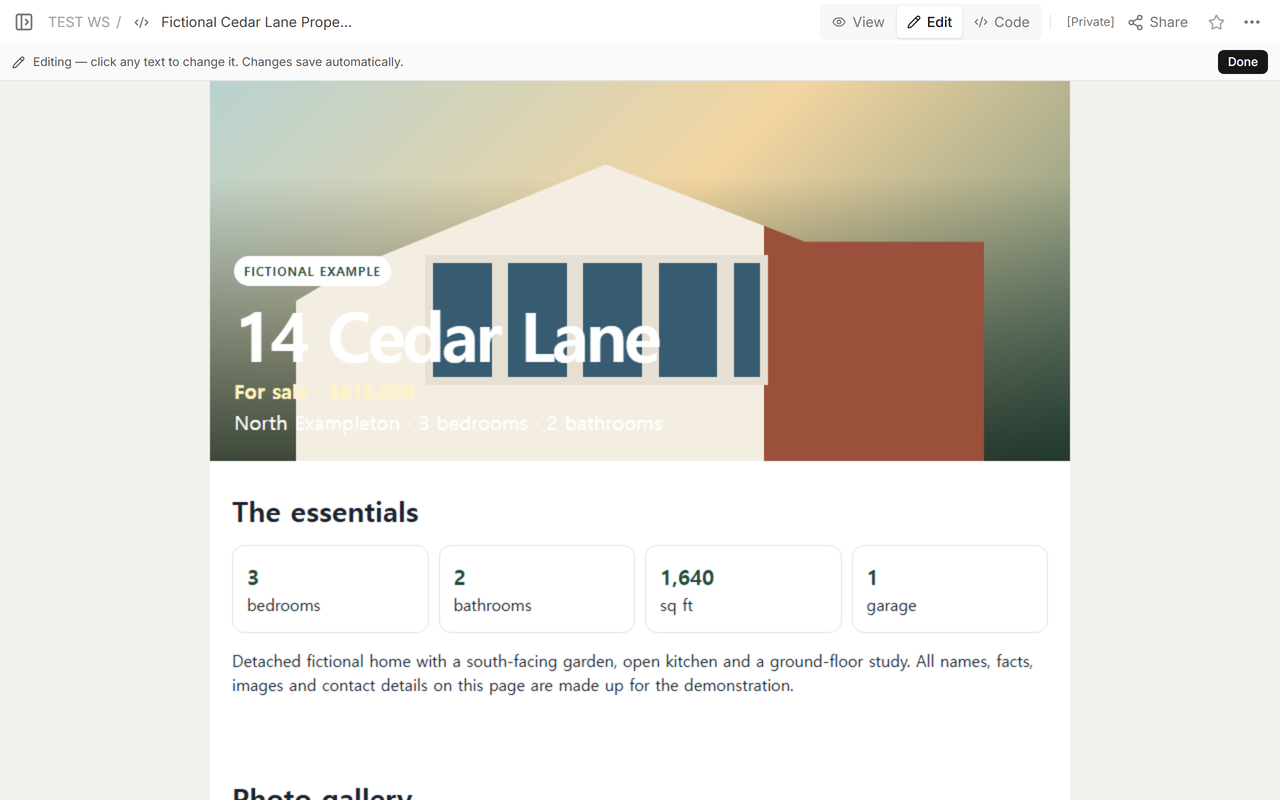
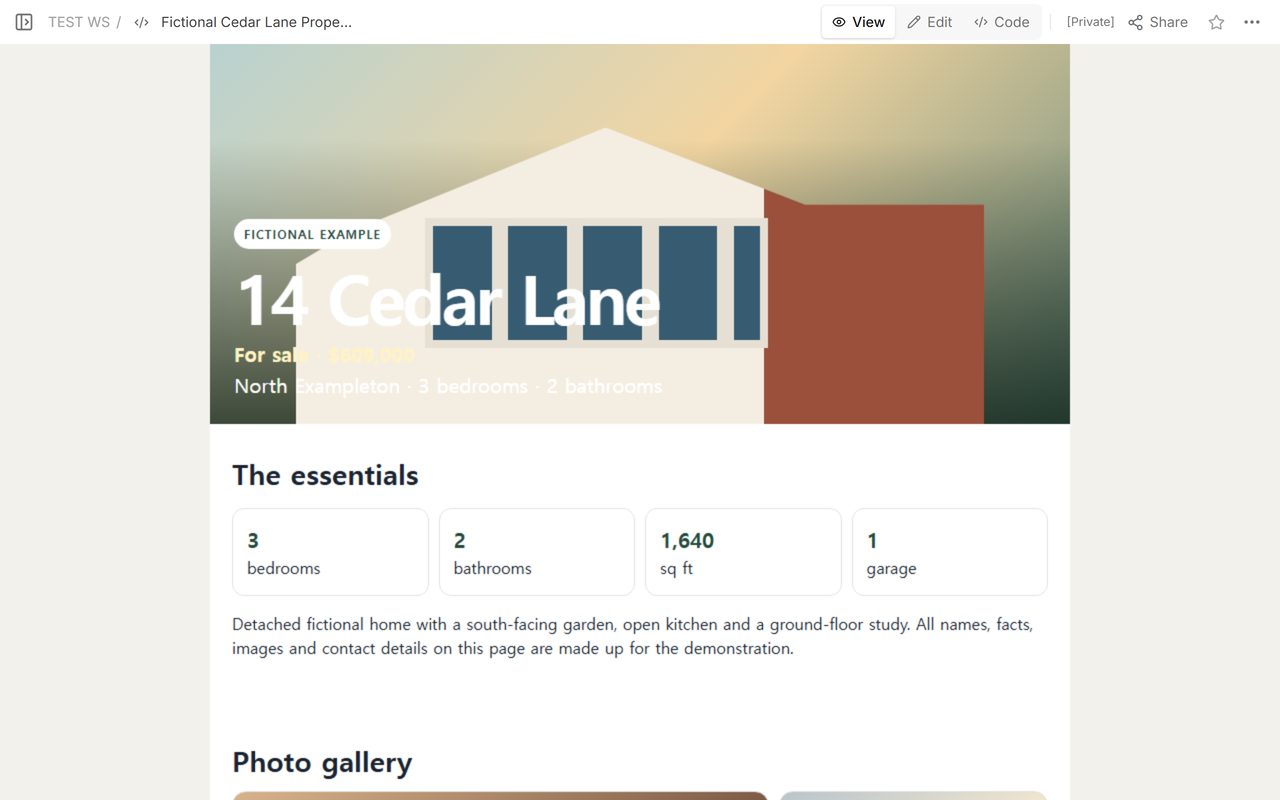
We then reopened the reader address created before the change. It displayed 609,000 and did not present a sign-in form.
The saved correction appears at the original share address. Copied screenshots, downloaded brochures and portal listings are separate copies, so correct each of them where it lives.
How should a buyer contact you from the page?
Use a labeled link or button that tells the reader where it goes. The fictional page says “Open external inquiry page” and also states that the demonstration does not send a request or store visitor details. A real listing should point to a checked agency form, telephone link or other route the responsible person actually monitors.
Do not imply that a static page stores appointments or sends form submissions unless a separate service has been connected and tested. If the page only opens another contact destination, say that plainly.
What should you check before sharing a property page?
- The current status and price match the source listing.
- Bedroom, bathroom, area and parking figures are consistent throughout the page.
- Every public image can be published and has a useful label.
- The floor plan can be opened and closed at phone width.
- The viewing time and inquiry destination are current.
- The Share address opens the reader version rather than the workspace editor.
- A changed price appears at the same reader address after the update is saved.
Review the public address after every material change. A page owner can correct the source, but a reader who already has the page open may need to reload it before seeing the new content.
When not to do this
- Do not publish lockbox codes, private seller notes, tenant information or any detail that should not be forwarded.
- Do not use a one-page listing as a substitute for a required portal, legal disclosure or official transaction record.
- Do not show a viewing form as functional if it only changes the page on the visitor's device and sends nothing.
- Do not keep advertising a home as available after its status changes. Update the status or remove the public route according to the listing agreement.
Using NOS for a property listing page
NOS Workspace held the complete fictional HTML, displayed it in View, exposed the page-owner editing mode, and created a reader link from Share. In this example, the reader link opened without a sign-in prompt, the floor-plan control worked on the public page, and a saved price change appeared at the original share address. See the current pricing page if you need plan details.
Continue with the parts of the listing
If the next job is making a print handout, use the real estate flyer guide. For a larger set of room images, continue with the photo gallery link guide. The floor-plan sharing guide covers the plan on its own, and the virtual tour guide explains when a walkthrough deserves a separate link.