A virtual tour lets someone understand a layout without visiting. The obstacle is not the technology, it is weight, and weight is what decides whether anyone sees it.
This guide covers loading, the fallback, and where a tour beats photographs.
Weight is the whole problem
A panorama is a very large image. A tour is several of them, plus a viewer, and most implementations load a handful before they will display anything.
The viewer, meanwhile, is on a phone on mobile data, having tapped a link out of mild curiosity. They will give it a couple of seconds.
The fix is to stop treating the tour as the page.
Show a photograph immediately, at normal photograph weight, with an obvious control that says start the tour. The page is useful in the first second. The heavy loading happens only for the people who asked for it, and those people are willing to wait because they made a choice.
| Tour loads on arrival | Photograph first | |
|---|---|---|
| Useful in the first second | No | Yes |
| Mobile data used by a casual visitor | All of it | One image |
| Older phones | May fail silently | Still get the photograph |
| Viewer knows what is loading | No | Yes |
Give it its own address
Do not embed a tour inside a busy listing page.
Embedded, it drags the whole page down, competes for memory with everything else, and cannot be sent to anyone on its own. A viewer who wants to show a colleague has to send the listing and explain where to scroll.
At its own address, the tour is a thing you can send. It loads in isolation, and the listing links to it with a photograph and a caption.
The fallback is not optional
Older phones run out of memory on large panoramas. Some browsers refuse the viewer entirely. Some networks are simply too slow.
When that happens the viewer sees a blank area or a spinner that never resolves, with no explanation.
Always provide a photograph set as the alternative, visible rather than hidden behind a failure. A reader who cannot run the tour should still come away knowing what the place looks like.
Where a tour beats photographs, and where it does not
A tour is better at layout. How rooms connect, how big a space feels, what you see from the doorway. Those are hard to convey in stills and a tour answers them immediately.
Photographs are better at deciding. They are fast, they are composed, and a viewer forms an opinion in seconds. For the first impression that decides whether to look further, photographs win.
Most listings want both, with photographs leading and the tour available for the people who are now seriously interested.
Orient the viewer
A viewer dropped into a tour at an arbitrary point in a hallway has no idea what they are looking at.
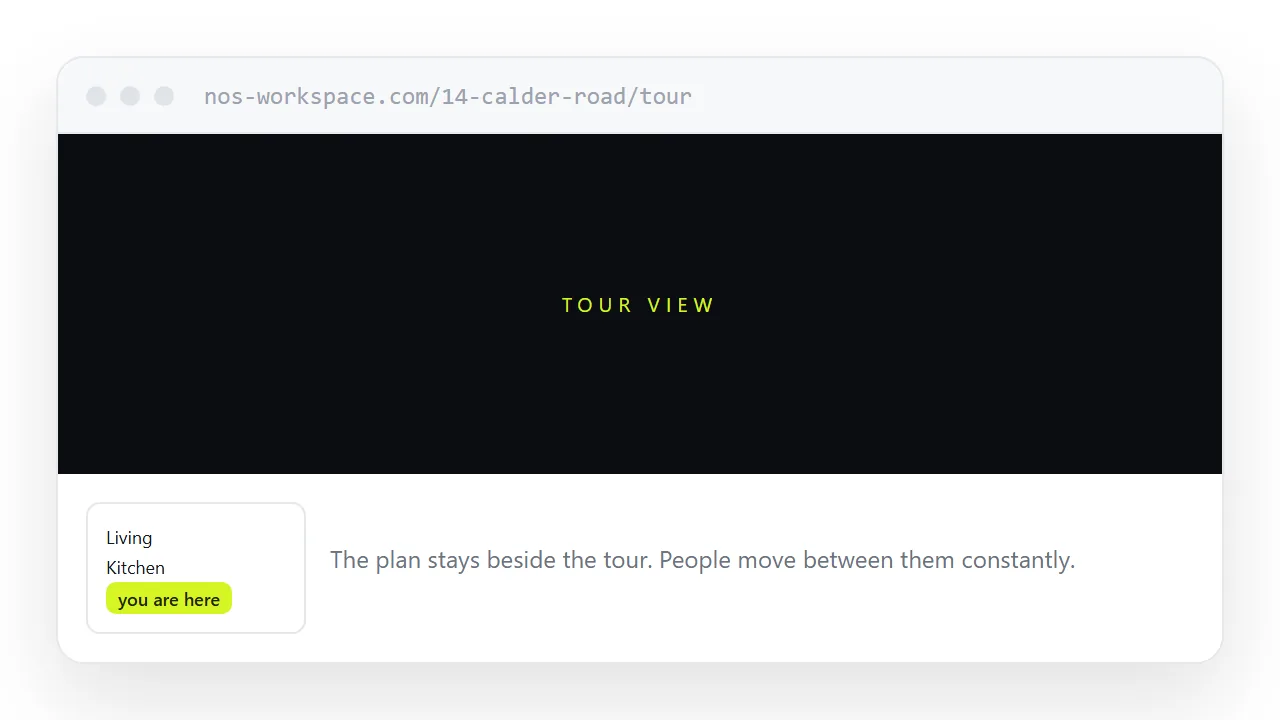
Label the starting position. Name each viewpoint. Keep the floor plan a tap away, because people move between a tour and a plan constantly while working out what they have just walked through.
For the surrounding ground, see How to advertise a property with a link and How to share a photo gallery as a link. Making slides that live at an address is also close.
Put it at an address
Lead with a photograph and start the tour on request, give the tour its own address, keep a photograph fallback, label the viewpoints, and keep the plan nearby.
Then the tour is seen by the people who wanted it, and everyone else still learns what the place looks like.