A deck that is a web page removes the file, the software and every compatibility problem that comes with them.
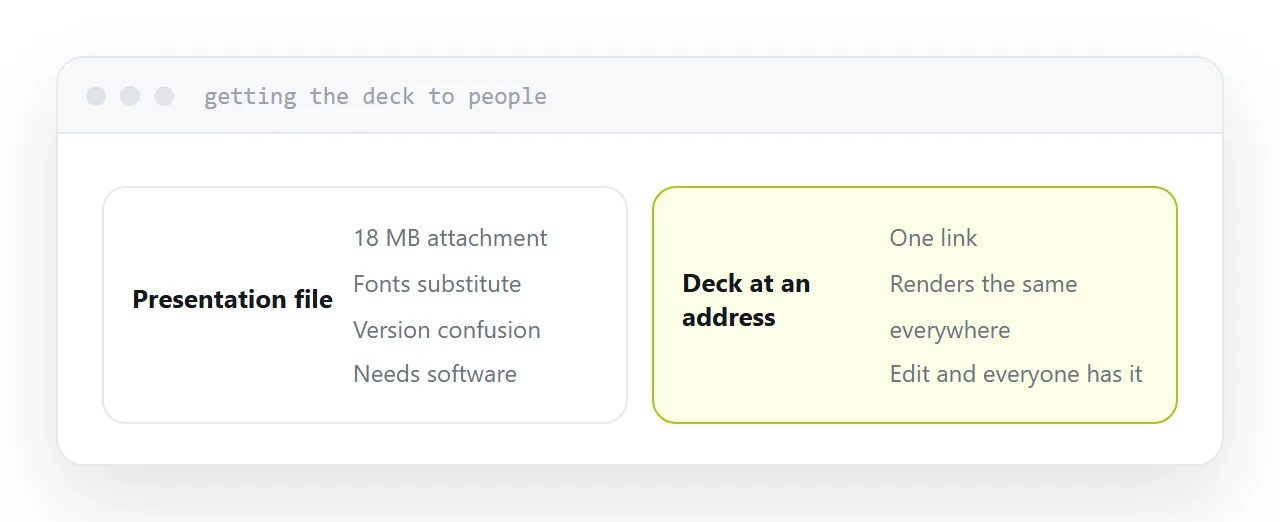
What it removes
Software. Nothing to install, nothing to have the right version of. Every device with a browser can present it.
Compatibility. A presentation file opened in different software reflows, substitutes fonts and moves things. A page renders the same everywhere.
Sending it. No attachment, no size limit, no stripped file. One address, which opens on a phone in a taxi.
Version confusion. Edit the page, and everyone holding the link has the current deck. Nobody is presenting from the version you sent on Tuesday.
| Presentation file | Deck as a page | |
|---|---|---|
| Needs software | Yes | No |
| Opens on any device | Awkwardly | Yes |
| Fonts as designed | Sometimes | Yes |
| Sharing | Attachment | A link |
| Updating | Resend | Edit |
| Visual editor | Yes | No |
What you give up
The visual editor, which is a real trade.
Layout is written rather than dragged. For a text-led deck, headings and bullet points and a chart, that is faster once you are used to it, because there is no fiddling with alignment.
For a design-led deck with precise positioning on every slide, it is slower, and a design tool is the better choice.
Know which kind of deck you are making before choosing.
Presenting
Test on the machine you will present from, connected to a display, before the day.
Full-screen behaviour, the presenter view if there is one, and whether the remote you intend to use moves the slides. All of it is fine and all of it is worth confirming once rather than discovering in front of people.
Keep the folder locally. Venue connections fail, and a deck that needs the internet to display is a deck that can fail at the worst moment.
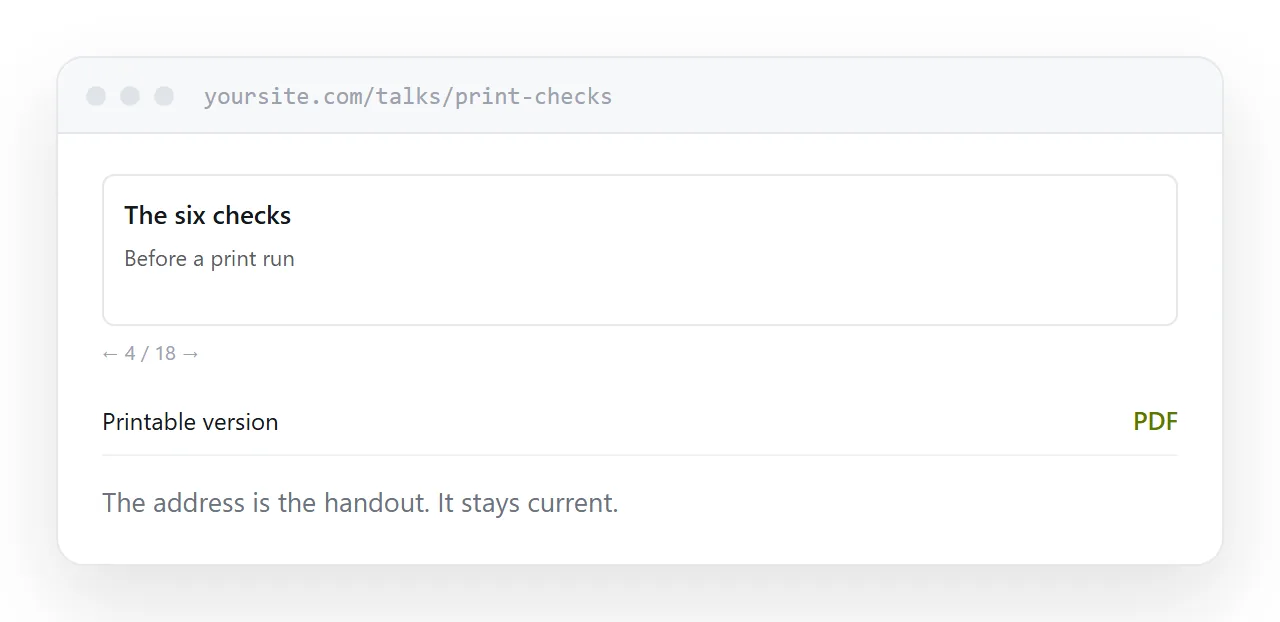
The handout
This is where it is clearly better.
Send the address. It is current, it opens on anything, and you can see that it was opened.
For anyone who wants a document to annotate, print the deck to a fixed page format and link it from the same address. One extra step, and it covers the people who file things.
Speaker notes
Most browser-based deck tools have a presenter view with notes and a timer on your screen and the slides on the projector.
Check it works with your setup in advance, because the arrangement depends on how the browser handles two displays and it is the one part that varies.
For the surrounding ground, see How to share a digital presentation and How to share a presentation.
Put it at an address
Write the content before the layout, keep everything in one folder so it works offline, test on the presenting machine, publish the deck as the handout, and print a document version for anyone who asks.