A presentation file needs software that understands the format. When that software is absent, three options exist and each one changes the deck in a different way.
This guide covers the options, what breaks, and what to ask the sender for.
The three options
A browser-based office suite. Opens it, renders most of it, keeps it in an account you already have. Usually the best choice if you have one.
A free desktop office suite. Reads the format well, runs locally so nothing is uploaded, and takes time to install if you do not have it already.
An online viewer. Fastest, requires nothing, and involves uploading the deck to a service you know nothing about.
The choice is mostly about the third point rather than about rendering quality.
| Browser suite | Desktop suite | Online viewer | |
|---|---|---|---|
| Install needed | No | Yes | No |
| Deck leaves your machine | To your account | No | To a stranger |
| Fonts | Substituted | Substituted | Substituted |
| Animations | Partial | Mostly | Poor |
| Speaker notes | Usually | Yes | Often not |
Fonts are the visible failure
A deck built with a specific typeface renders correctly only where that typeface exists.
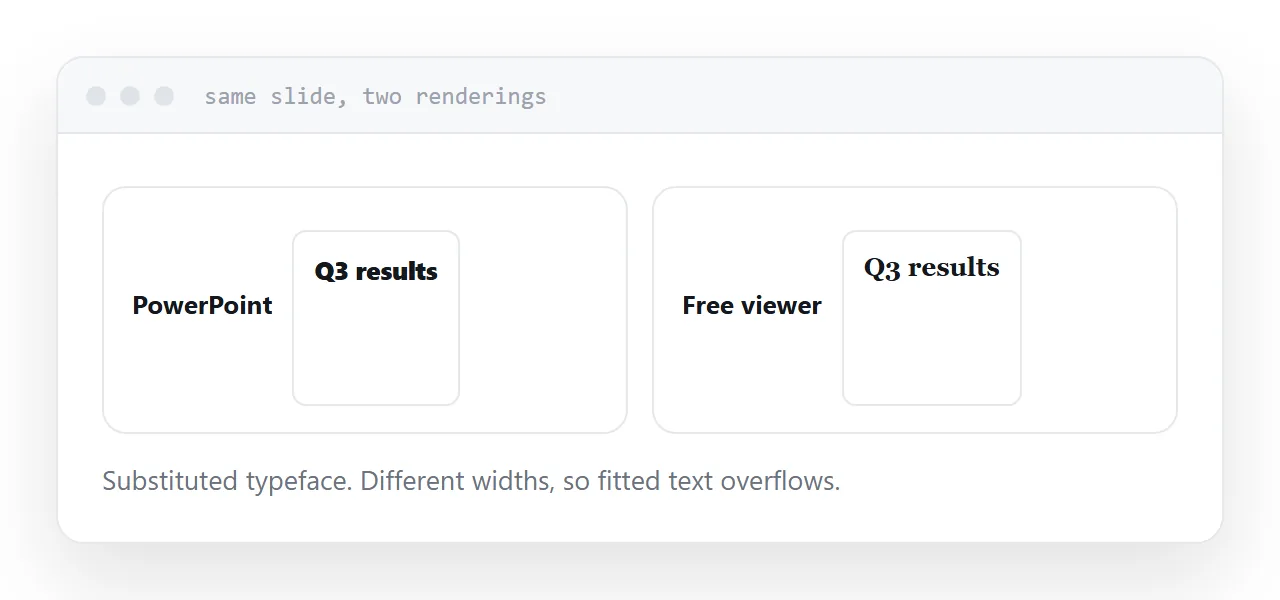
Everywhere else, something is substituted. The replacement has different widths, so lines rewrap, headings run onto two lines, and text carefully fitted into a box now overflows it.
This is the cause of almost every "the deck looks wrong" message, and there is nothing the viewer can do about it. The fix belongs to whoever built the deck, by embedding the fonts or using ones that exist everywhere.
If you are going to present from a deck on unfamiliar software, open it well before you are in the room. Text pushed off a slide is discovered at the worst possible moment.
Animations mostly do not survive
Simple appear-on-click builds usually work. Sequenced timing, motion paths, morph transitions and embedded video frequently do not.
For reading a deck that is irrelevant. For presenting one, it matters, and it is worth knowing which slides depend on a build before you are standing up.
The upload question
An online viewer receives a full copy of the deck.
For a conference talk or published material, that is nothing. For a board deck, a client proposal, unreleased figures or anything about people, it is a copy of confidential material in the hands of a company you have not evaluated.
If you have any office account at all, use it. It is the same convenience with one fewer party involved.
Ask the sender for something else
If you only need to read the deck, the format is wrong for the job.
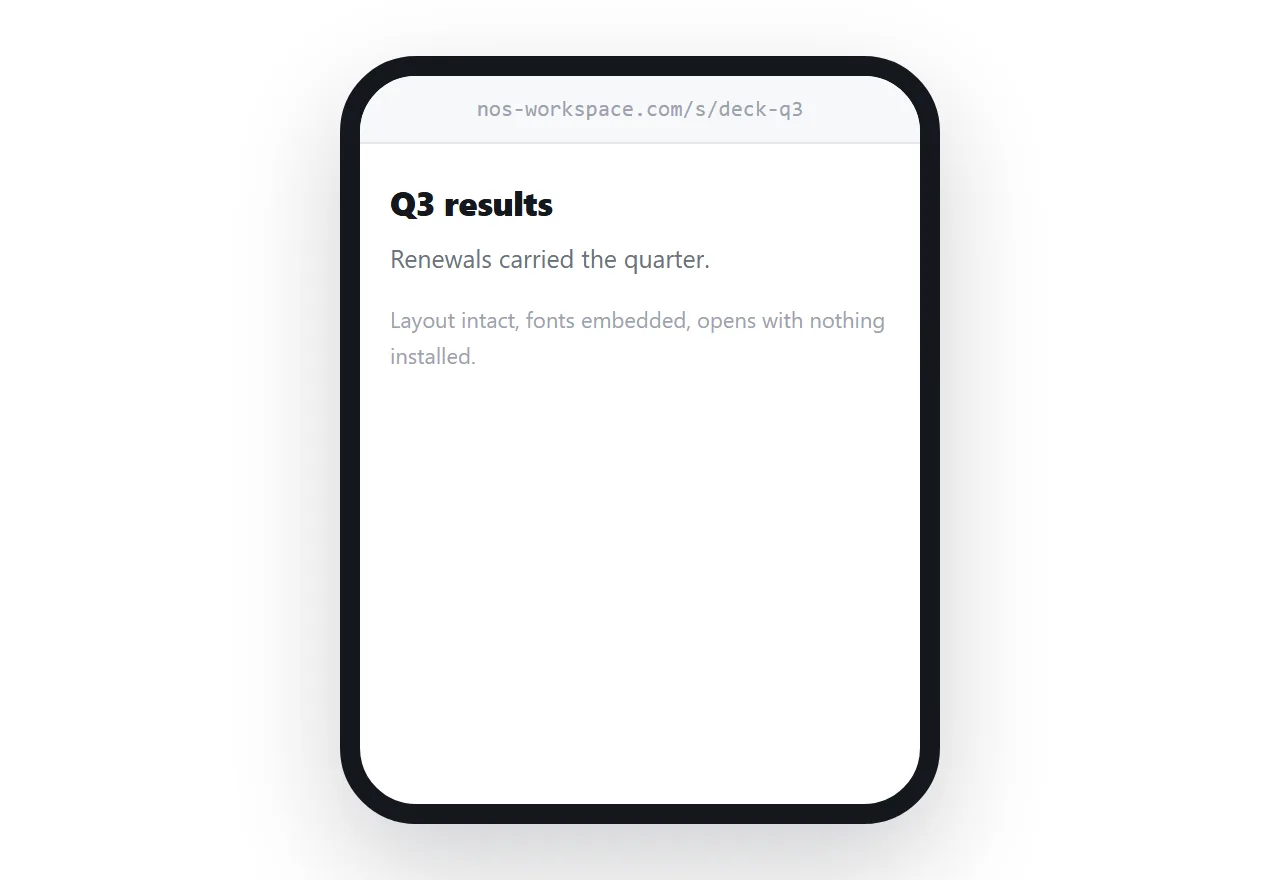
A PDF keeps the fonts and the layout, opens almost everywhere, and needs no office software at all. A page is better still on a phone.
Ask for one. Most senders attach the editable file out of habit rather than because they want you editing it, and they will send the PDF happily.
If this is near what you are doing, How to share a presentation and How to share a digital presentation cover the cases on either side. How to open a DOCX in Google Docs is also close.
Put it at an address
Check what the deck contains before uploading it anywhere, prefer an account you already have, expect fonts and animations to change, and ask for a PDF or a link when you are only reading.
Then opening a deck stops depending on which software you happen to own.