Sharing a PDF as a link means the reader taps an address and the document appears, with nothing downloaded and nothing installed.
The attachment still works for a small file going to one person. Everything past that, a link is the better shape.
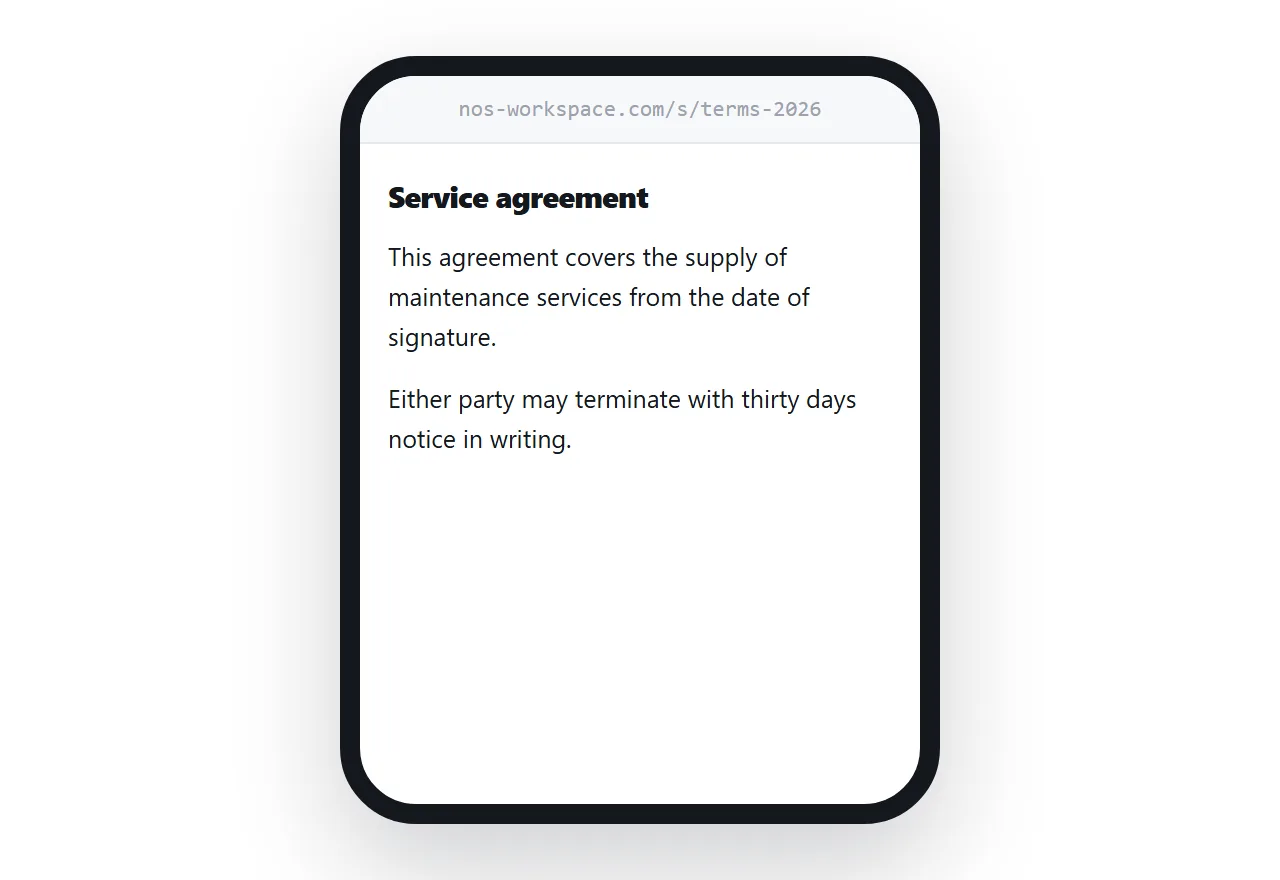
This guide covers why the copy is the problem, displaying instead of downloading, and what to do about privacy.
The problem with an attachment is that it is a copy
The moment an attachment leaves your outbox it stops being your document. It is now an unknown number of copies sitting in inboxes, on desktops and in forwarded threads, and every one of them is frozen at the moment you sent it.
That is fine for something finished and small. It is bad for anything that changes.
A price list goes out of date. A proposal gets revised mid-negotiation. A schedule moves. With attachments, the correction means a second email, a second file, and a reader who is not certain which one to trust. With a link, you replace what sits behind the address and the correction reaches everyone, including the person who forwarded it to someone you have never met.
Displaying beats downloading, especially on a phone
There are two ways to put a PDF behind an address and they behave very differently.
Served as a download, tapping the link starts a file transfer. On a phone that means a progress bar, then a downloads folder, then whichever reader app happens to be installed. Several taps, and a reasonable share of readers stop at the first one.
Displayed inside a page, the document renders on screen immediately. The reader scrolls. No app, no folder, no decision.
For anything a client reads on a phone, and that is most things now, display it. Keep a download button underneath for the people who want the file.
What a link gives you that an attachment cannot
| Attachment | Link | |
|---|---|---|
| What the reader gets | A copy, frozen when sent | The current version |
| On a phone | Downloads to a folder | Opens in the browser |
| A correction | Resend to everyone | Edit once |
| Forwarded onwards | Another stale copy | Same address, still current |
| Whether it was opened | Unknown | Visible |
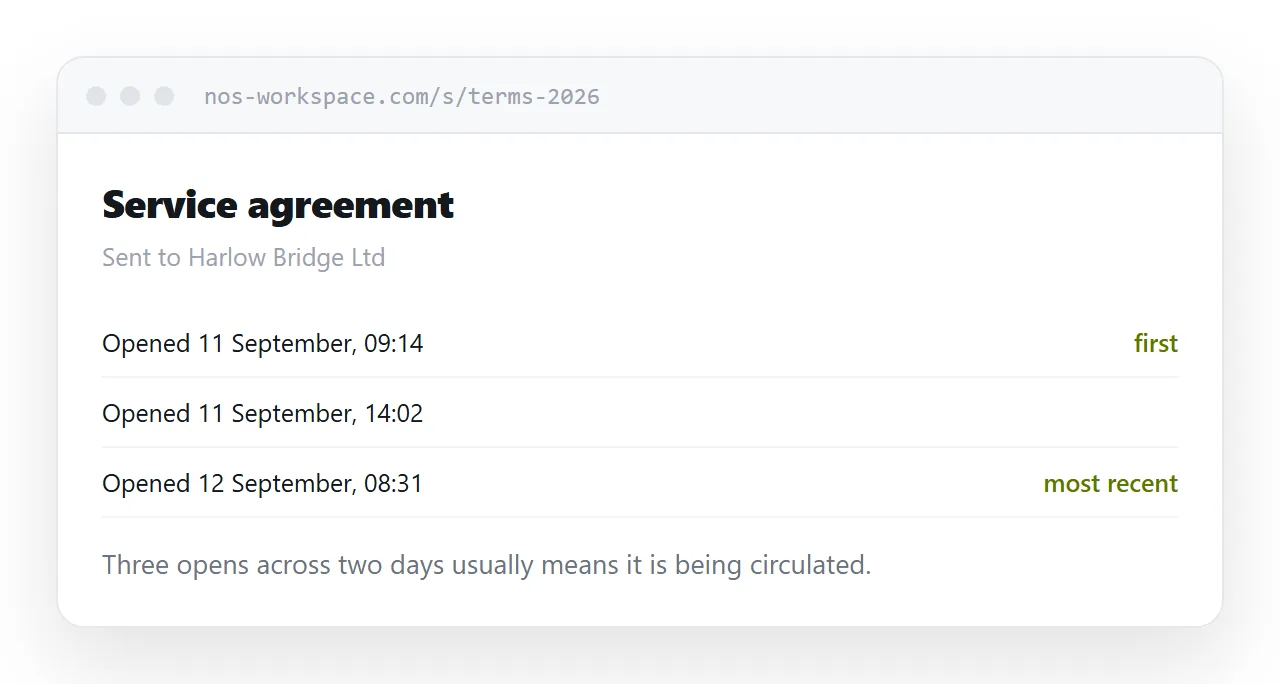
An open count. You know whether the proposal was read before the meeting. With an attachment you know only that you sent it.
No size limit. A scanned contract that bounces off a mail server sits at an address without complaint.
One address for everyone. Send the same link to twelve people rather than twelve copies.
A way to withdraw it. Take the page down when the quote expires.
Privacy, honestly
A link is not automatically private, and neither is an attachment. The difference is what happens afterwards.
An attachment cannot be recalled. It is forwarded without your knowledge and remains readable for as long as the inbox exists.
A link can be revoked, expired, or put behind a password. None of that stops a reader from saving a copy while it is open, so for anything genuinely sensitive add a password and accept that the real protection is choosing who gets the address.
Unguessable addresses matter here. A page at a long random path is not findable; a page at a predictable one is.
If this is near what you are doing, How to send a PDF and How to create a URL for a PDF cover the cases on either side. Using a resume review tool is also close.
Put it at an address
Decide whether the document should display or download, put it at one address, and send that address in the body of your message.
Then the reader taps once, and the document is still yours.