Creating a URL for a PDF means the document sits at one web address that anyone can open, link to, print or encode as a QR code.
The file stops being something you carry around and becomes something you point at.
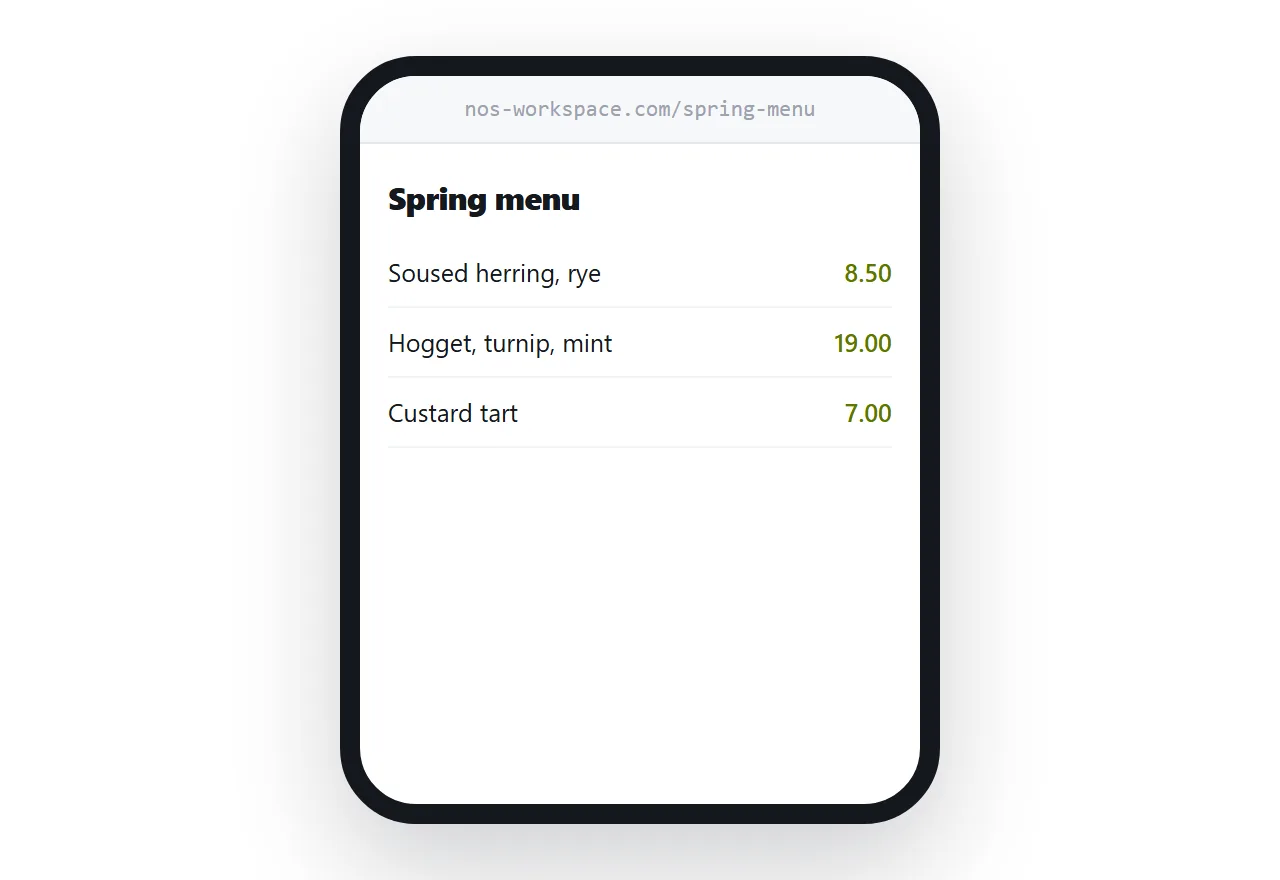
This guide covers what makes an address last, the mistake that kills printed links, and where an address beats a folder.
An address is worth more than a copy
A file can only be given to someone. An address can be put places a file cannot go.
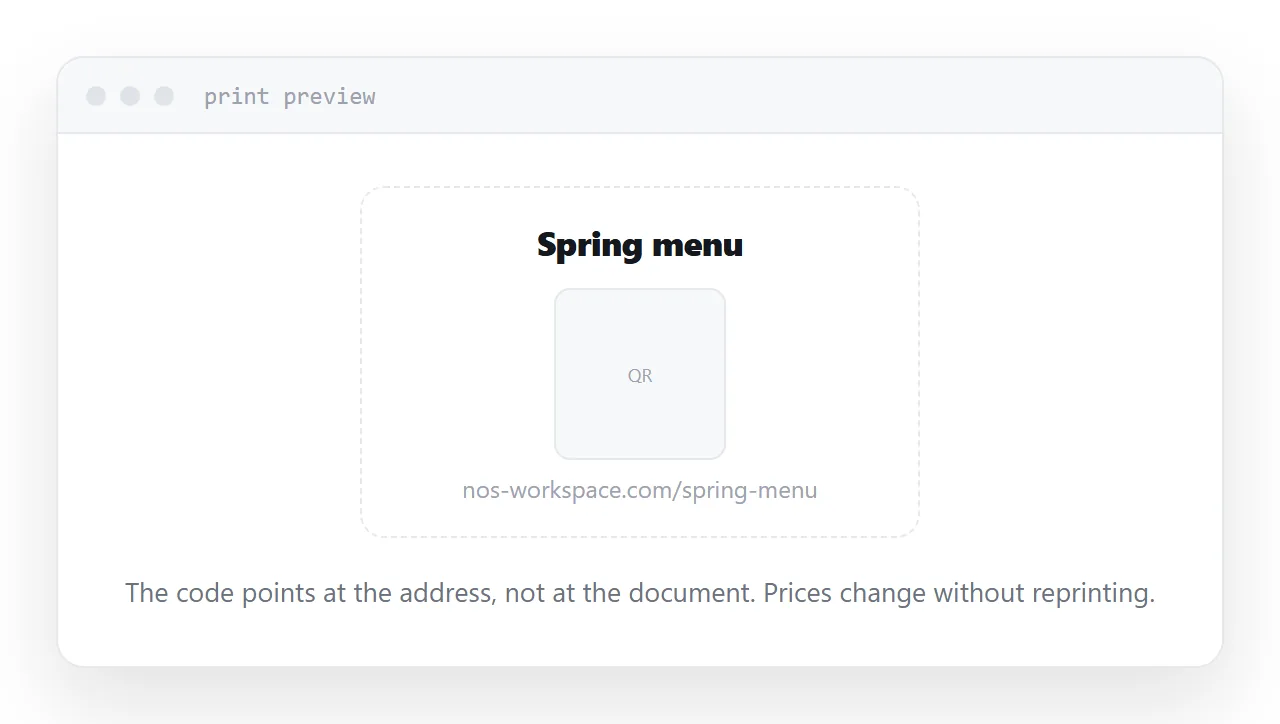
Into a message, where it costs nothing and never bounces. Onto a business card or a poster. Inside a QR code on a table. Into a signature block. Into a page that someone else maintains.
Each of those is a way for the document to reach a reader without you having to send anything. That is the whole difference, and it is a large one for anything you hand out more than once.
The mistake that kills printed links
Here is what goes wrong, and it goes wrong constantly.
Someone puts a menu, a price list or a brochure at an address, prints the address on a card, and hands out a few hundred cards. Three months later the document changes. They upload the new version, which lands at a new address, and every card in the building now points at a document that is out of date or gone.
The fix is a rule: one document, one address, forever. When the content changes you replace what sits behind the address, and you never make a second address for a second version.
That rule has to be decided before you print anything, because it cannot be applied retroactively.
| New address per version | One permanent address | |
|---|---|---|
| Correcting a typo | Everyone holding the old link is wrong | Everyone gets the fix |
| Printed cards | Reprint | Nothing to do |
| QR codes | Regenerate | Nothing to do |
| Someone forwarded it | They keep the old copy | They get the current one |
Naming it
The address is visible. The reader sees it in the message, on the card, in the browser bar.
Name it after the document. A spring menu is a spring menu, not a file with a date and a version suffix. If it will be read out loud, keep it short enough to say in one breath.
Avoid dates in the address unless the document is genuinely tied to a date. A price list called after this year becomes an argument for making a new address next year, and you are back to the printed-card problem.
Where an address beats a cloud folder
Both give you a link. They are not the same thing.
A folder link often carries your folder structure in it, tells the reader something about how your files are organised, and may put a permission screen in front of them. On a phone it usually downloads rather than displaying.
A page address carries only what you named it, opens on screen, and can be edited behind the scenes without changing.
For internal work the folder is fine. For anything a client sees, the page is the better shape.
For the surrounding ground, see How to share a PDF as a link and How to send a PDF. How to create an interactive PDF is also close.
Put it at an address
Compress it, name it after the document, decide now that the address is permanent, and replace the file behind it when the content changes.
Then the address goes everywhere and the document stays current.