A hyperlink to a document is one line of markup. Whether the document opens on screen or lands in a downloads folder is decided somewhere else, and that is the part worth getting right.
This guide covers the display-or-download decision, the link text that prevents a bad surprise, and what to do about new tabs.
The markup is the easy part
<a href="/docs/price-list.pdf" target="_blank" rel="noopener">
  Price list (PDF, 2MB)
</a>
Three things are doing work here.
The new-tab attribute keeps the reader on the page they were on. The noopener attribute goes with it for safety, and should be habit rather than a decision.
And the link text names the document and its size. That single detail prevents the most common complaint about document links, which is a reader on a phone connection suddenly pulling down something large without warning.
Display or download is a server decision
This is the part that surprises people.
Whether tapping a link shows the document or saves it is not chosen by the browser and cannot be chosen by the reader. The server sends a header with the file that says, in effect, show this or save this.
If your document always downloads and you want it to display, the fix is on the server, not in the markup. If you are putting the document at an address through a hosting tool, this is usually a setting on the page rather than something you configure by hand.
Which one should you pick?
| Display | Download | |
|---|---|---|
| Reader wants to read it now | Correct | Wrong |
| Reader wants to keep it | Extra step | Correct |
| On a phone | Opens on screen | Lands in a folder |
| Menu, brochure, price list | Display | |
| Contract, form to print | Download |
For most documents, display, with a download link underneath for the people who want the file.
Linking to a page inside the document
Adding a page reference to the end of the address jumps the reader to that page.
/docs/handbook.pdf#page=14
It works in most desktop browsers and inconsistently on phones, so use it to be helpful rather than to be precise. If a reader absolutely must see page fourteen, say so in the surrounding text as well.
What good link text does
The reader decides whether to tap based on the text. Four words do most of the work.
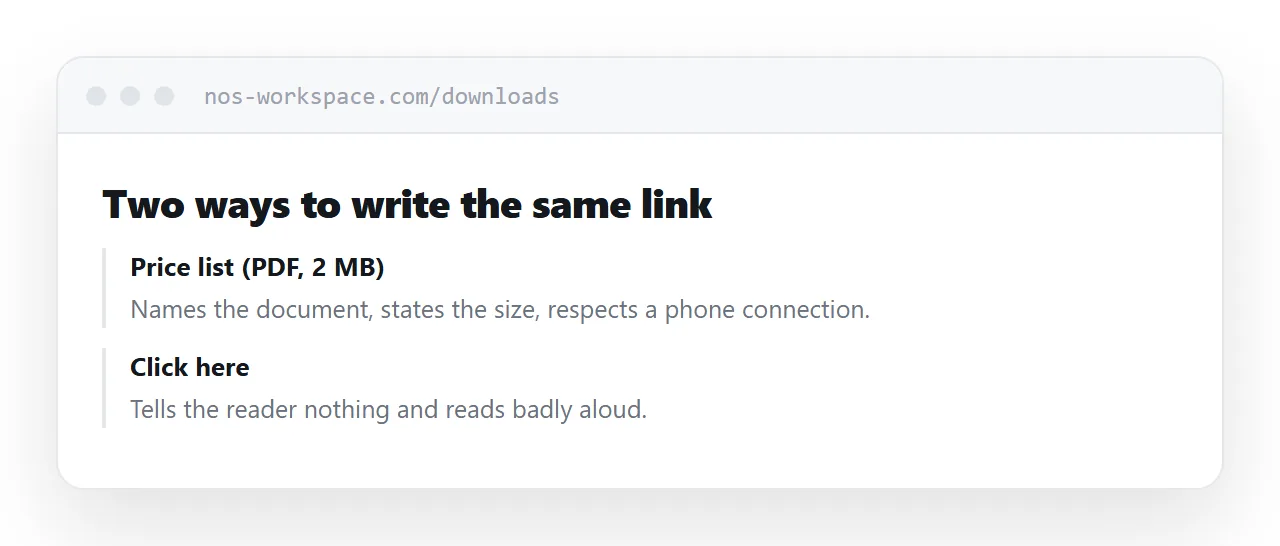
Name the document. Price list, not "this file".
Say it is a document. The reader is choosing whether to leave the page.
Give the size. Anything over a couple of megabytes deserves a warning on a phone.
Skip "click here". It tells the reader nothing and reads badly aloud, which matters for anyone using a screen reader.
Closely related: How to share a PDF as a link, and How to create a URL for a PDF for the adjacent problem. Creating course materials as documents and pages is also close.
Put it at an address
Decide display or download, open it in a new tab, name the document and its size in the link text, and test it on a phone.
Then the link does what the reader expected.