Embedding a document means it appears inside your page rather than opening somewhere else. On a desktop this works well. On a phone it fails often enough that the fallback is the important part of the code.
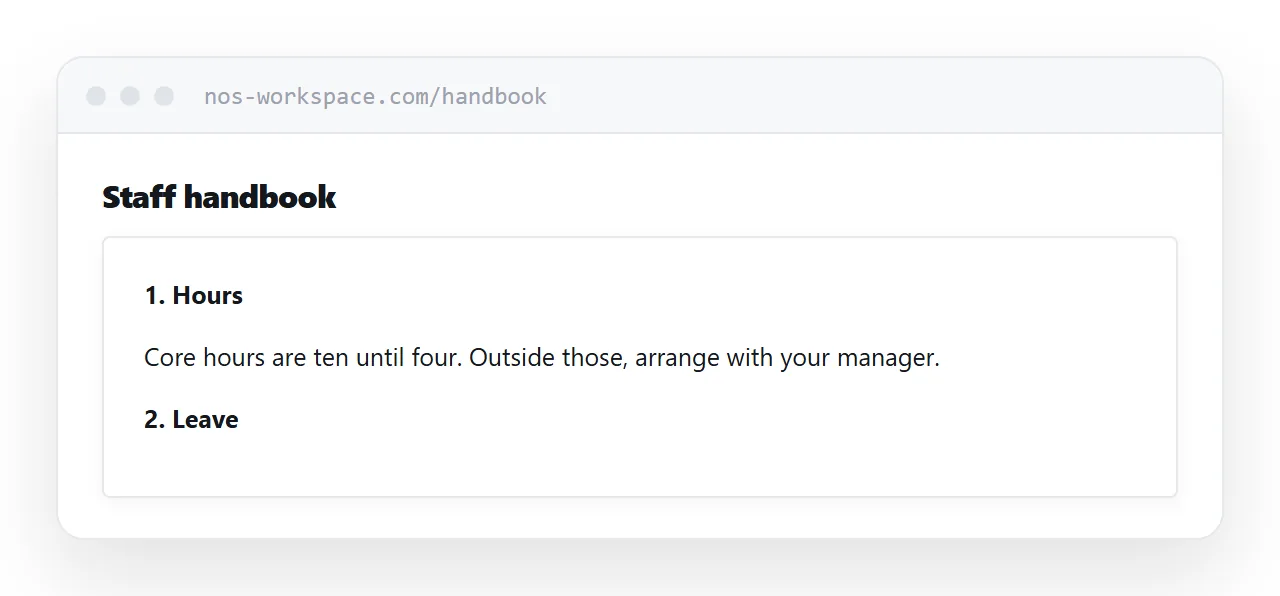
This guide covers the markup, the mobile problem, and when to convert the document to a page instead.
The markup, with the fallback that matters
<object data="/docs/handbook.pdf" type="application/pdf"
        width="100%" height="700">
  <p>
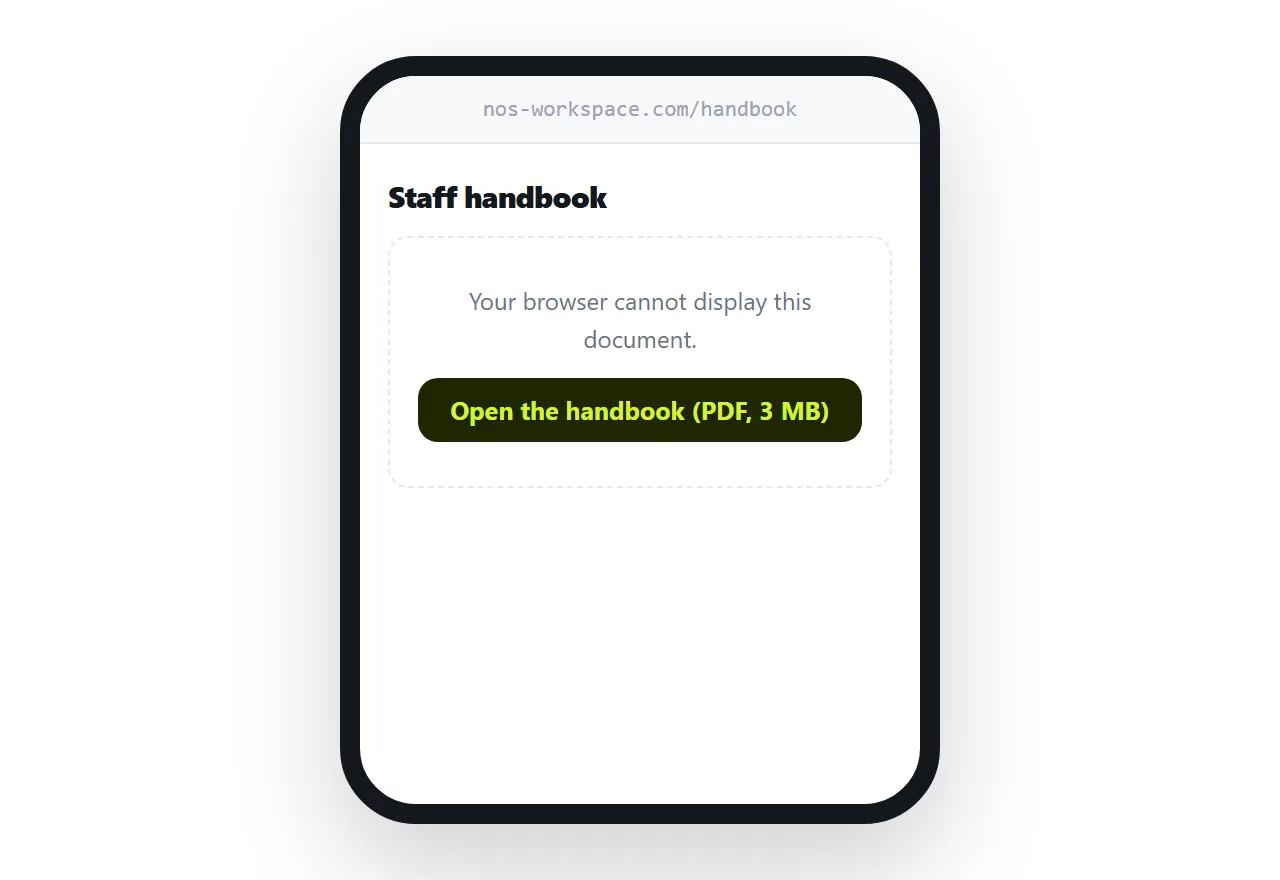
    Your browser cannot display this document.
    <a href="/docs/handbook.pdf">Open the handbook (PDF, 3MB)</a>
  </p>
</object>
Everything inside the object element shows only when the embed fails. That is the whole design, and it is why this element is the better choice than a bare iframe: the fallback is built into it.
Write that fallback properly. It is what a meaningful share of your readers will actually see.
An iframe does the same job with no built-in fallback, so use it only when you need the document isolated from the rest of the page.
The mobile problem
Mobile browsers commonly decline to render a document inside a frame. Not an error, not a warning. The container loads at whatever height you set and stays empty.
The reader sees a blank rectangle on your page. Some will scroll past it. Almost none will work out that there was supposed to be a document there.
This is not something you can fix with markup. The decision belongs to the browser and it varies by phone, operating system and version. Plan around it rather than trying to defeat it.
That is why the fallback is not a nicety. It is the version of the page that a large group of your readers get.
| Desktop | Phone | |
|---|---|---|
| Renders inline | Usually | Often not |
| Shows a blank box on failure | Rarely | Commonly |
| Text readable at page width | Yes | Scaled down |
| Reader can zoom comfortably | Yes | Awkward |
Height, and why it is awkward
You control the height of the container. You do not control the shape of the document.
A document page is a fixed rectangle designed for paper. On a narrow screen it either scales down until the body text is too small to read, or it scrolls inside a small box while the page scrolls around it. Readers regularly get stuck in that nested scroll and give up.
There is no arrangement of heights that solves this. It is a consequence of putting a paper-shaped thing inside a screen-shaped thing.
When to convert instead
If the content matters and people read it on a phone, put the content on a page and offer the document alongside.
A page reflows to whatever width it is given. Text stays readable, links stay tappable, and search engines read it properly. The document stays available for anyone who wants to print or file it.
This is more work than an embed and it is the difference between content people read and content people scroll past. For a menu, a brochure, a price list or a handbook, it is worth it.
For the surrounding ground, see How to embed a PDF in HTML and How to hyperlink to a PDF. Publishing a page quickly is also close.
Put it at an address
Use an object element with a real link inside as the fallback, set a height, test it on a phone, and keep a visible download link as well.
For anything that matters on a phone, make the page the document and let the file be the copy.