A document is a series of fixed rectangles designed for paper. A page is text that reflows to whatever it is given. Converting between them is a content job, not a file conversion.
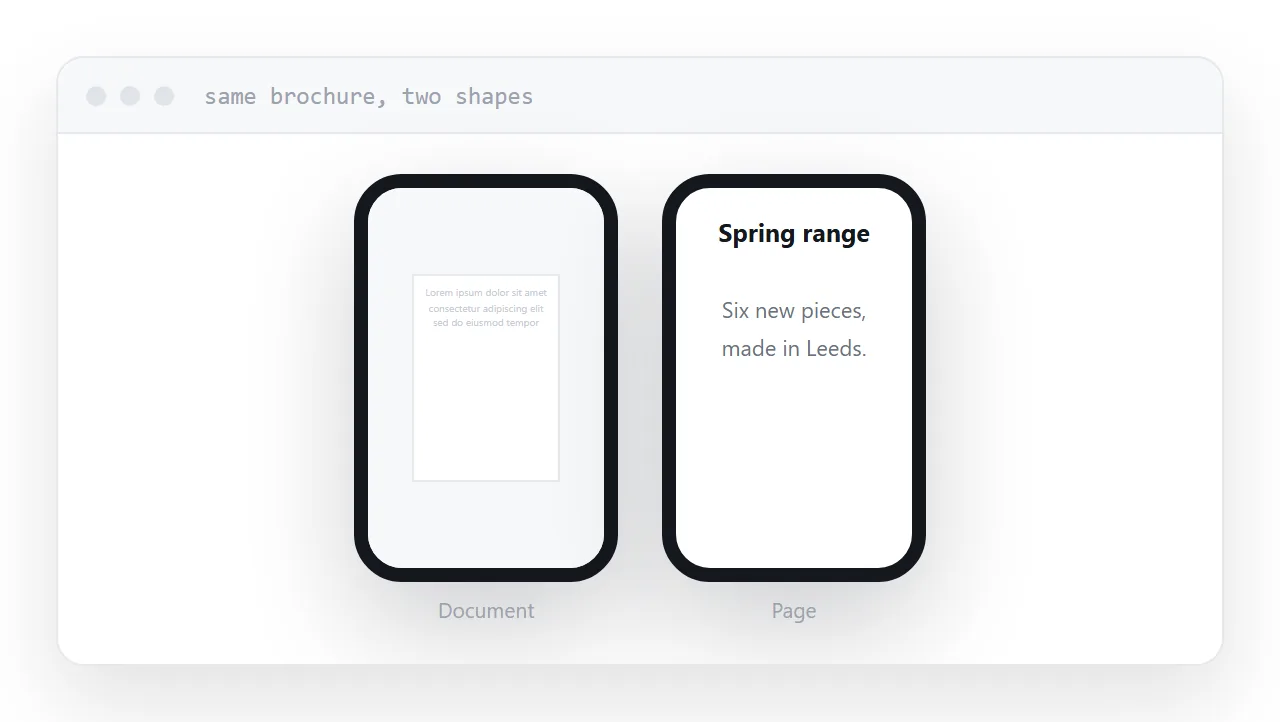
This guide covers what actually changes, what to drop, and when to leave the document alone.
Why the document loses on a phone
Open a brochure on a phone and the whole A4 page is scaled down to fit a screen five centimetres wide. Body text lands somewhere around four points. The reader zooms, and now they are panning left and right to read a single line.
That is not a flaw in any particular document. It is what happens when a fixed layout meets a screen it was not designed for.
A page has no fixed layout. Give it a narrow screen and the text reflows into one column. Give it a wide one and it uses the width. The reader never zooms and never pans.
Opening an HTML file on a phone covers the same step on a handset.
What to carry across and what to leave behind
Carry across: the headings, the body text, the tables, the images that carry meaning, the contact details.
Leave behind: page numbers, page breaks, the cover page, the table of contents with page references, the decorative full-bleed images, the "continued overleaf" notes. All of those are answers to problems that only exist on paper.
Change form: printed addresses become links. Phone numbers become tappable. A form becomes a form rather than a picture of one. A gallery becomes something you swipe.
| Document | Page | |
|---|---|---|
| Layout | Fixed to paper size | Reflows to the screen |
| Reading on a phone | Zoom and pan | Scroll |
| Links | Sometimes clickable | Always |
| Update it | New file | Edit in place |
| Search engines | Read it awkwardly | Read it properly |
Why automatic conversion disappoints
Converters preserve the layout. That is what they are for, and it is exactly the wrong goal here.
The output is a page that looks like the document: fixed-width, absolutely positioned text, images placed at coordinates. It carries the paper shape into the browser, so the reader on a phone is back to zooming and panning, now with worse typography.
For a one-off internal document that is fine. For anything a customer reads, take the content out and rebuild it as a page. It is more work and it is the entire benefit.
Make it skimmable
A document is read from the top. A page is scanned.
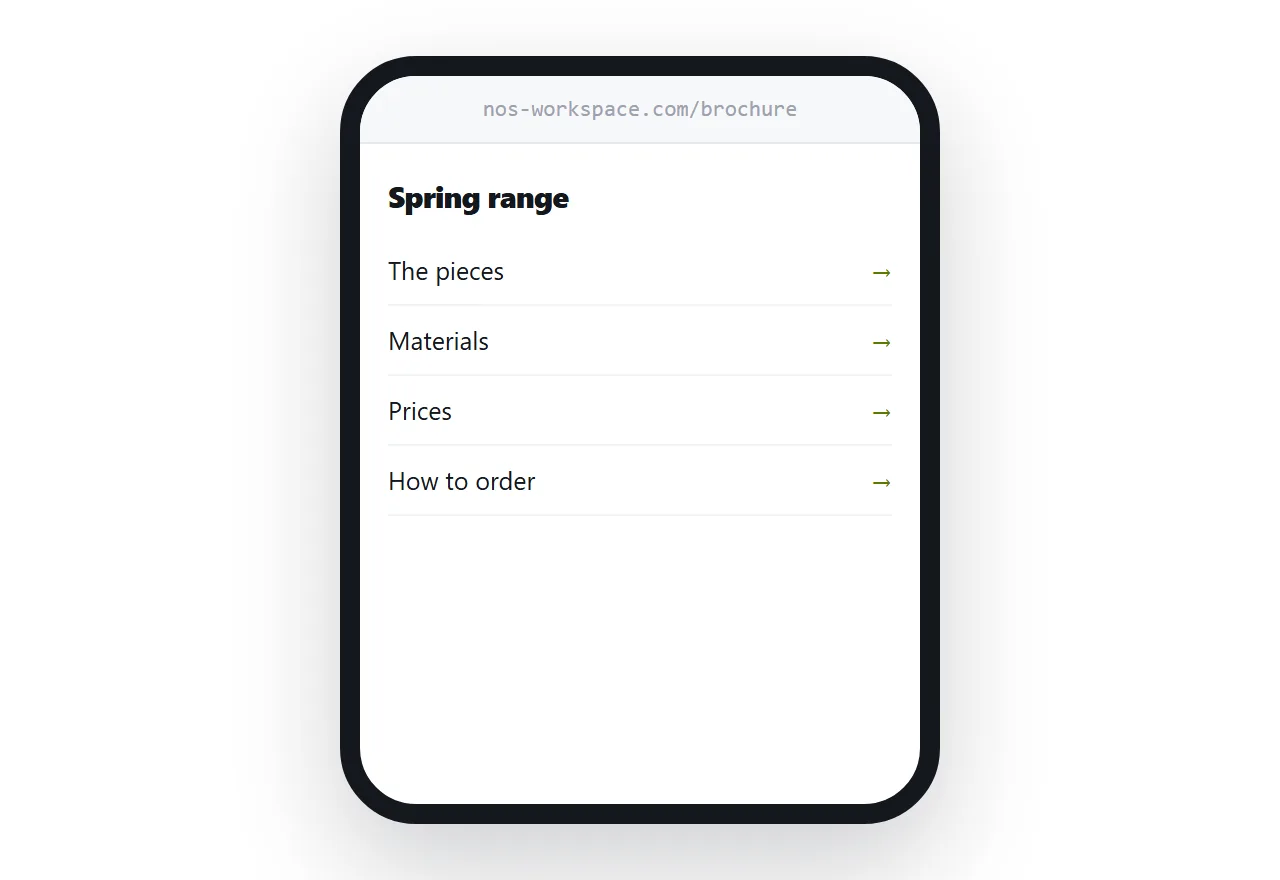
Real headings let the reader jump. Short paragraphs let them skim. A short list of what is on the page, at the top, does the job the table of contents used to do without the page numbers.
The reader who wanted one number should find it in ten seconds. In the document version they were scrolling through eleven pages to get there.
When to leave the document alone
Some documents should stay documents.
Contracts and anything signed. The layout is part of the record.
Forms meant to be printed. They are shaped for a printer on purpose.
Anything regulated, where the exact presentation is specified.
Anything read once and filed. Converting it is effort with no reader on the other end.
For those, put the document at an address and link to it. The address still gives you updates and open counts; the content simply stays in document form.
Closely related: How to embed a PDF in HTML, and How to share a PDF as a link for the adjacent problem. Testing whether anybody will pay is also close.
Put it at an address
Decide whether the layout matters. If it does not, take the content out, make real headings, turn printed details into links, and put the page at an address with the document available underneath.
Then it gets read on the device people actually hold.