A digital brochure is the company's story at one address, opened in a tap, correctable after it has been sent.
That is a different object from a printed brochure saved as a file, which is what most digital brochures actually are.
This guide covers the page-flip question, prices going stale, and what to do about photography.
The page-flip effect is a costume
Flipbook tools take a document and add a page-turn animation with a paper sound.
It is a straightforward mistake: dressing a digital thing as a physical one because the physical one is familiar. The cost is real. The flip is slow, it fails on a phone, it hides content behind an animation, and search engines cannot read any of it.
Nobody has ever chosen a supplier because the brochure turned pages nicely. They have abandoned brochures that took four seconds to open.
Scroll. It is what every reader already does without being taught.
Prices are the reason to use an address
Printed brochures go out of date and everyone accepts that, because reprinting is expensive and visible.
A file emailed as an attachment goes out of date in exactly the same way and nobody notices. It sits in inboxes at whatever prices were current when you sent it, being forwarded to people you have never met, quoting figures you no longer honour.
An address does not have that problem. Prices change, you edit the page, and every copy of the link is correct. Including the one a customer saved eight months ago.
| Emailed file | Address | |
|---|---|---|
| Correcting a price | New file to everyone | Edit the page |
| Someone forwarded it | They keep the old prices | They get the current ones |
| You can tell it was opened | No | Yes |
| Size limit | About 10MB | None |
| Works on a phone | Downloads | Opens |
Photography, which is where the weight is
A brochure is mostly pictures, and pictures at print resolution are enormous.
A photograph prepared for print can be several megabytes. Put eight of them on a page and the reader on a phone connection waits a long time for something they have not yet decided to care about. Most do not wait.
Size images for the screen they will be seen on. Load the ones further down the page only as the reader scrolls to them. Those two changes typically take a brochure from several seconds to under one.
Put the next step on every screen
A printed brochure ends with contact details on the back because that is where the back is.
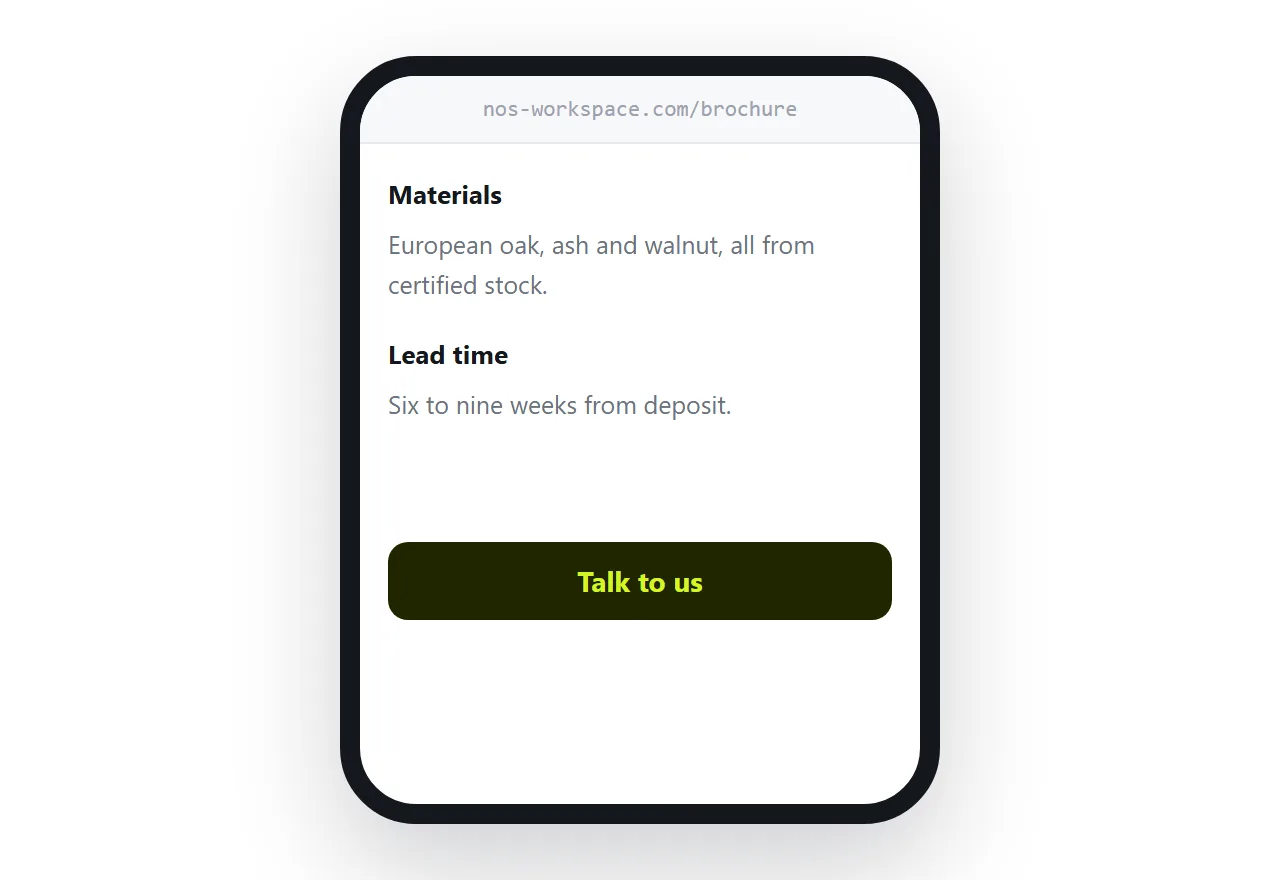
On a page there is no back. The reader decides at an unpredictable point, and if the way to respond is only at the bottom, they have to scroll to find it after they have already decided.
Keep the action visible: a button fixed at the bottom on a phone, or repeated between sections. Talk to us, see prices, book a call. Whichever single thing you want next.
Keep a printable version
The address is the version you send. It is not the version you hand to someone at a stand.
Keep a document laid out for print for the physical situations, and treat it as a different artefact with a different job. Do not let it become the source that the digital version is generated from, or you are back to a fixed layout on a phone.
If this is near what you are doing, How to share a brochure as a link and How to turn a PDF into a website cover the cases on either side. Measuring a small freelance site is also close.
Put it at an address
Drop the flip, put it at one permanent address, size the images for a screen, and keep the next step visible.
Then the brochure is current, readable on a phone, and you know whether it was opened.