A catalogue link is a product range published at an address, so buyers browse it on a phone, search it by name, and never order a line you withdrew last month.
Catalogues are the worst case for attachments. They are large, they date quickly, and they are exactly the document a buyer wants to search rather than page through.
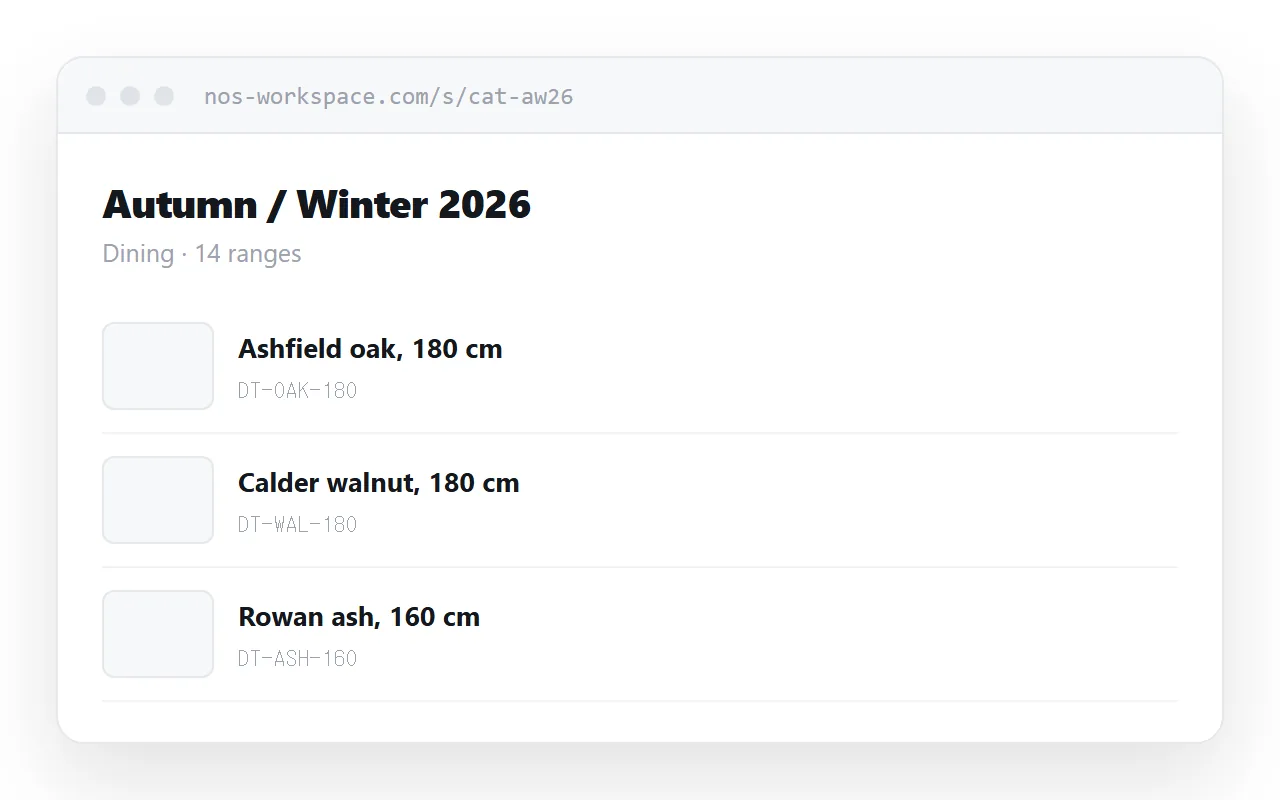
This guide covers structure that matches how buyers look, keeping the page fast when it is full of photographs, why prices belong elsewhere, and what happens when the range changes.
Why the PDF is the wrong container
The problems compound rather than sitting side by side.
| Catalogue as PDF | Catalogue as a page | |
|---|---|---|
| Typical size | 20-60 MB | A few hundred KB to start |
| Mail attachment limits | Often blocked | Not an attachment |
| First screen appears | After the whole file | Immediately |
| Finding a product | Scroll, or a viewer search | Search the text |
| Discontinued line | Still in every saved copy | Gone for everyone |
| New season | New file, new email | Same address |
The size problem is what sends businesses to file transfer services, which adds an expiry date to the whole thing. A buyer who comes back in March to a download that has lapsed does not chase it. They ring a competitor.
Structure the way buyers arrive
Buyers come with a job, not a page number. They want a family of products, then a variant within it.
<section id="tables">
  <h2>Dining tables</h2>
  <article class="item">
    <img src="/img/dt-oak-180.webp" alt="Oak dining table, 180 cm" width="320" height="240" loading="lazy">
    <div>
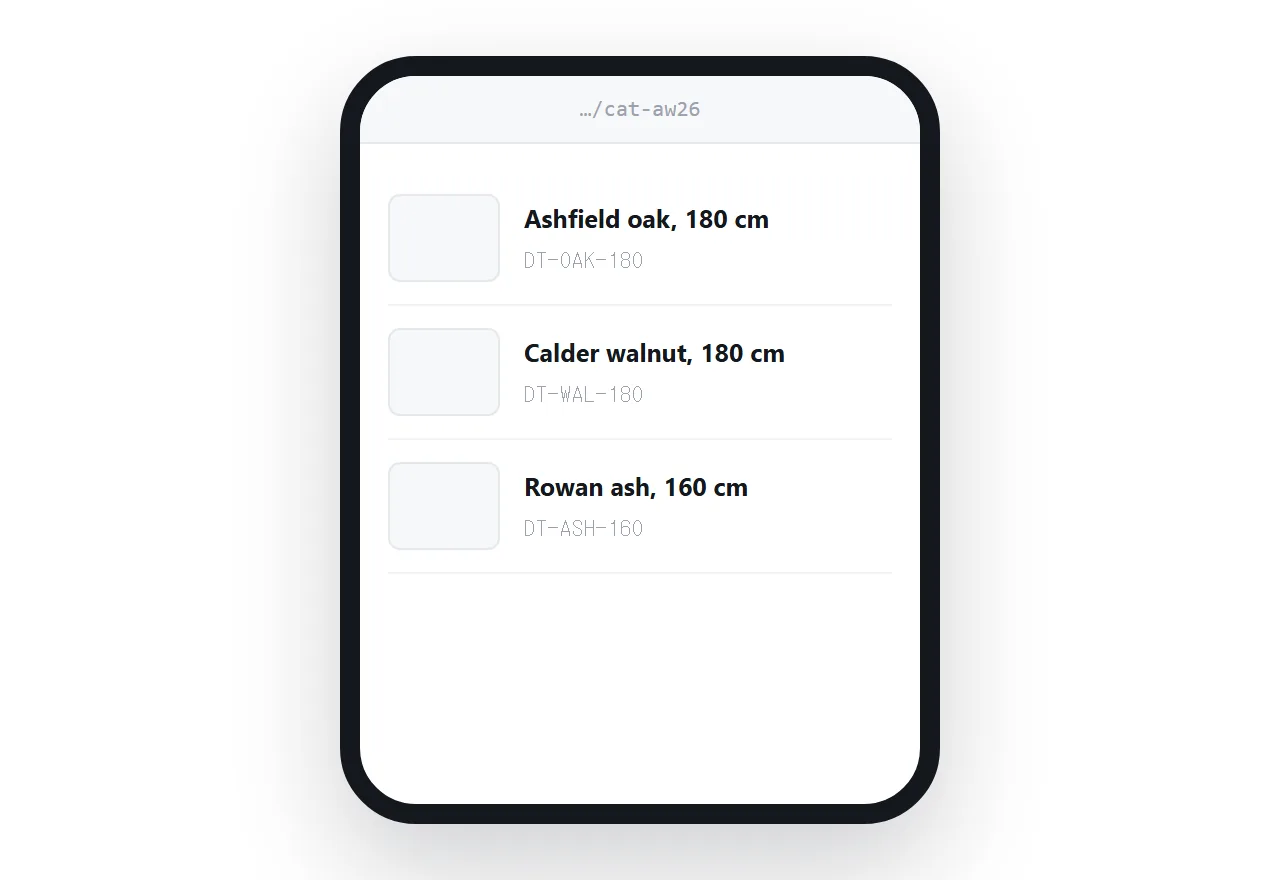
      <h3>Ashfield oak, 180 cm</h3>
      <p class="code">DT-OAK-180</p>
      <p class="desc">Solid oak, oiled finish. Seats six.</p>
    </div>
  </article>
</section>
Keep the product code visible but secondary. It is what goes on the order, so it has to be there. It is not how anyone searches, so it should not lead.
Give each range an id so you can send a buyer straight to it. "Have a look at the dining tables" becomes a link that lands on them.
Keeping it fast with photographs
This is where catalogue pages fail when they fail.
Shipping a camera original and letting the browser scale it means the buyer downloads a print-resolution file to see a thumbnail. Do that forty times and the page is as slow as the PDF.
Serve images at the size they are displayed, add width and height so the layout does not jump while they load, and let everything below the first screen load lazily. The attributes above do all three.
Guidance on sizing is in making images responsive, and on why the dimensions matter in keeping image aspect ratio.
Prices belong on their own page
Ranges change seasonally. Prices change whenever a supplier moves. Putting them in the same document ties the two schedules together and means every price change is a catalogue republish.
Keep a price list at its own address and link to it from the catalogue. That also solves customer-specific pricing: one catalogue, several price sheets, each account gets the link to theirs.
Withdrawing a line
The hidden cost of catalogue PDFs is orders for products you no longer make. The file sits in a buyer's folder for a year and keeps being used.
With a page, you remove the item and the catalogue is current for everyone at once. For lines that customers will keep asking about, leave a short entry saying what replaced it rather than deleting silently. That turns a dead end into a sale.
Print, for the buyers who need it
Some buyers work from paper on a shop floor or at a trade counter. A print stylesheet lets the same page produce that sheet.
@media print {
  nav, .search { display: none; }
  @page { size: A4; margin: 15mm; }
  .item { break-inside: avoid; }
  img { max-width: 40mm; }
}
Constrain the images so a printed catalogue does not run to a hundred pages, and stop items breaking across page boundaries. More in export HTML to PDF.
Put it at an address
Write the catalogue as a page, paste it into a document, create a share link, and send that instead of the file.
Buyers open it on the phone in their hand, search it for the thing they came for, and come back to the same address next season to find a range that is actually current.